
23 reviewed pages · Checked
Enterprise page examples
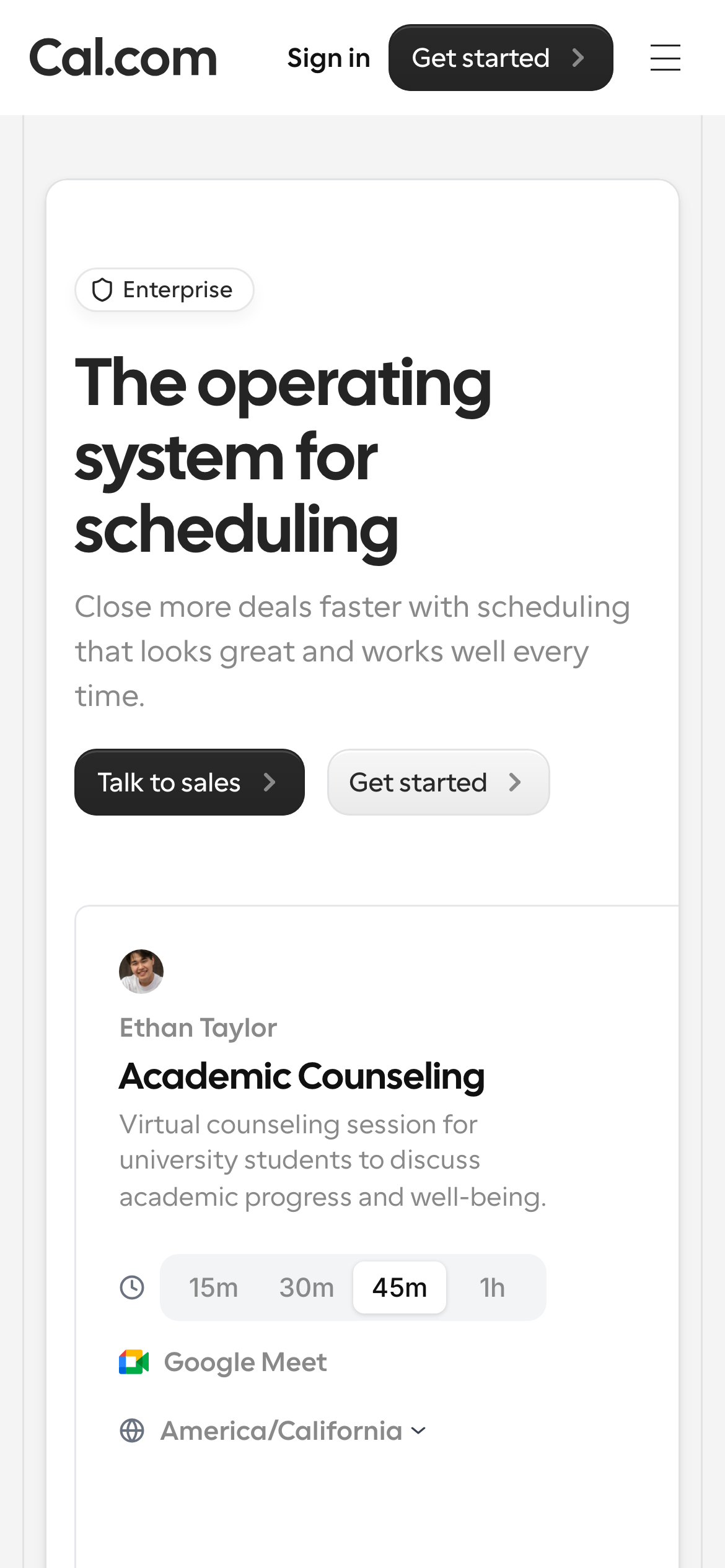
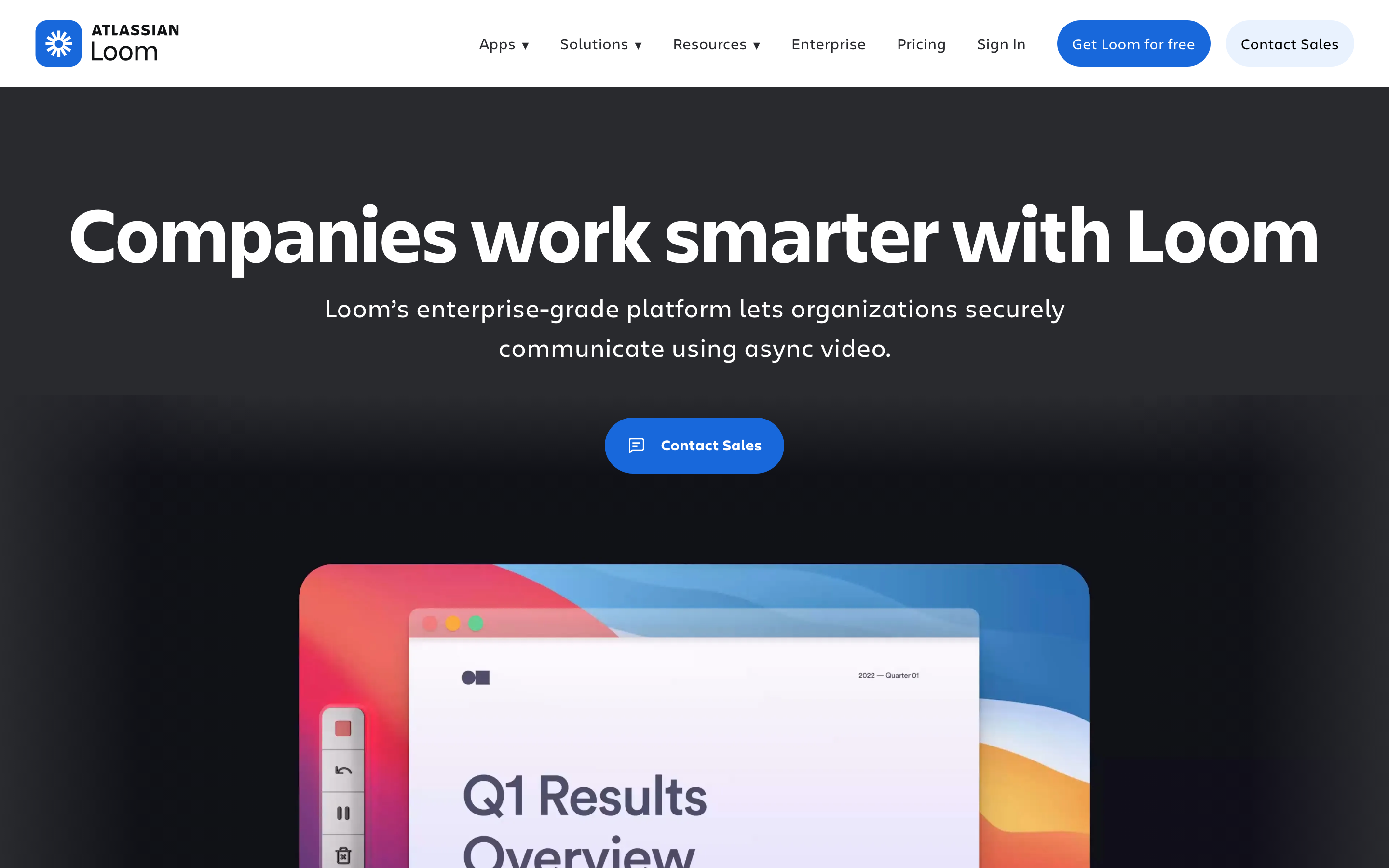
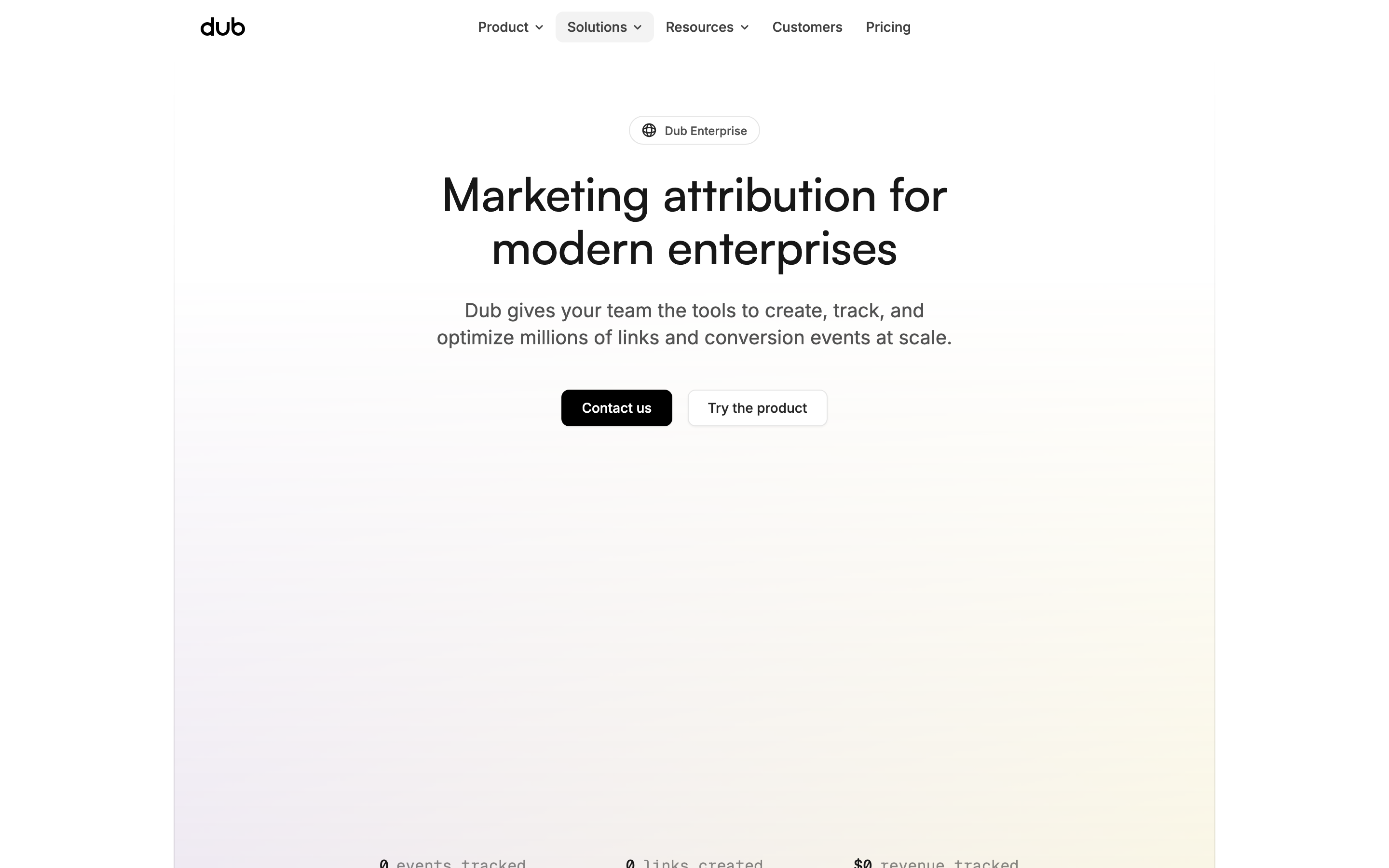
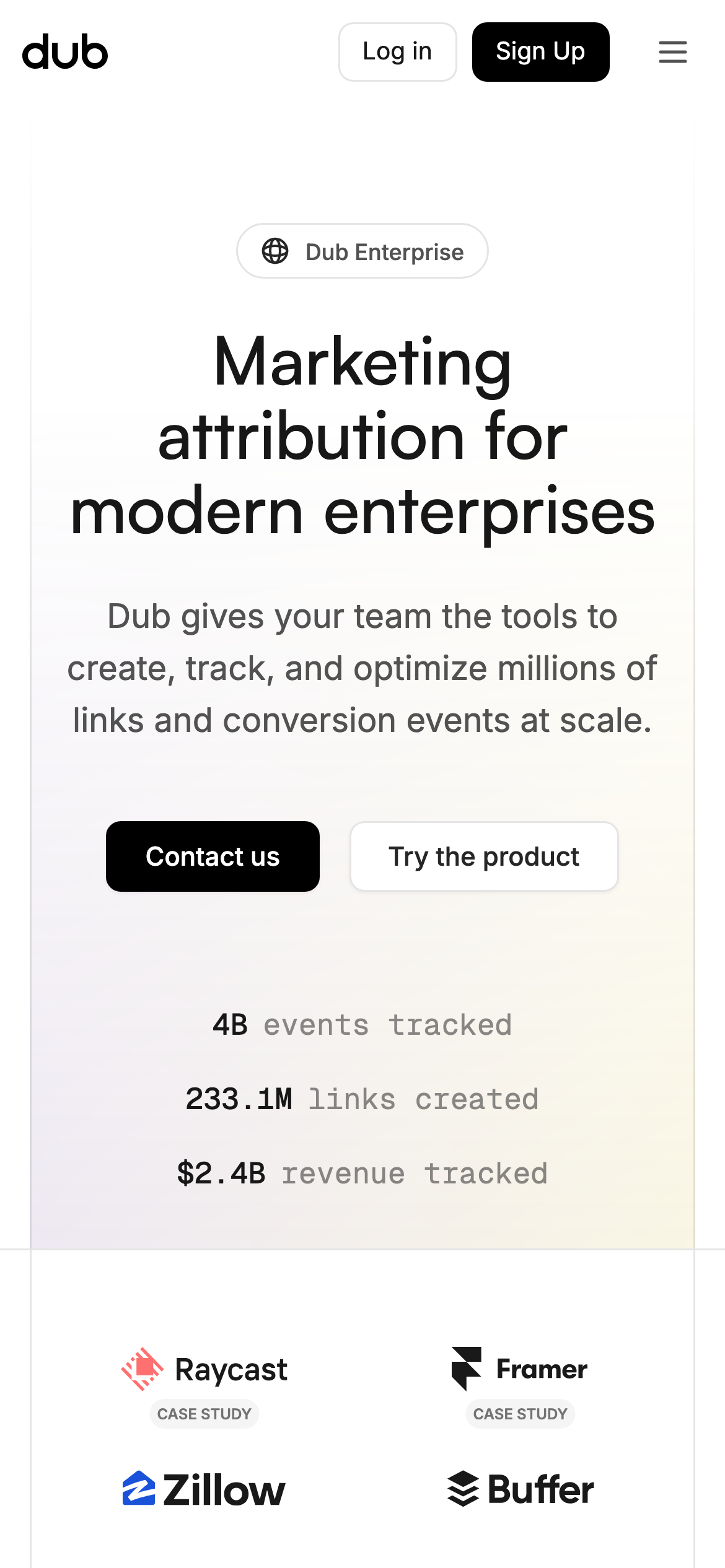
Explore enterprise pages from SaaS products and developer tools, captured at desktop size and reviewed by hand. Compare how each first screen introduces its enterprise offer, supports a sales conversation and shows customer proof.
What we saw
4 patterns across 23 pages
- Customer logos establish context
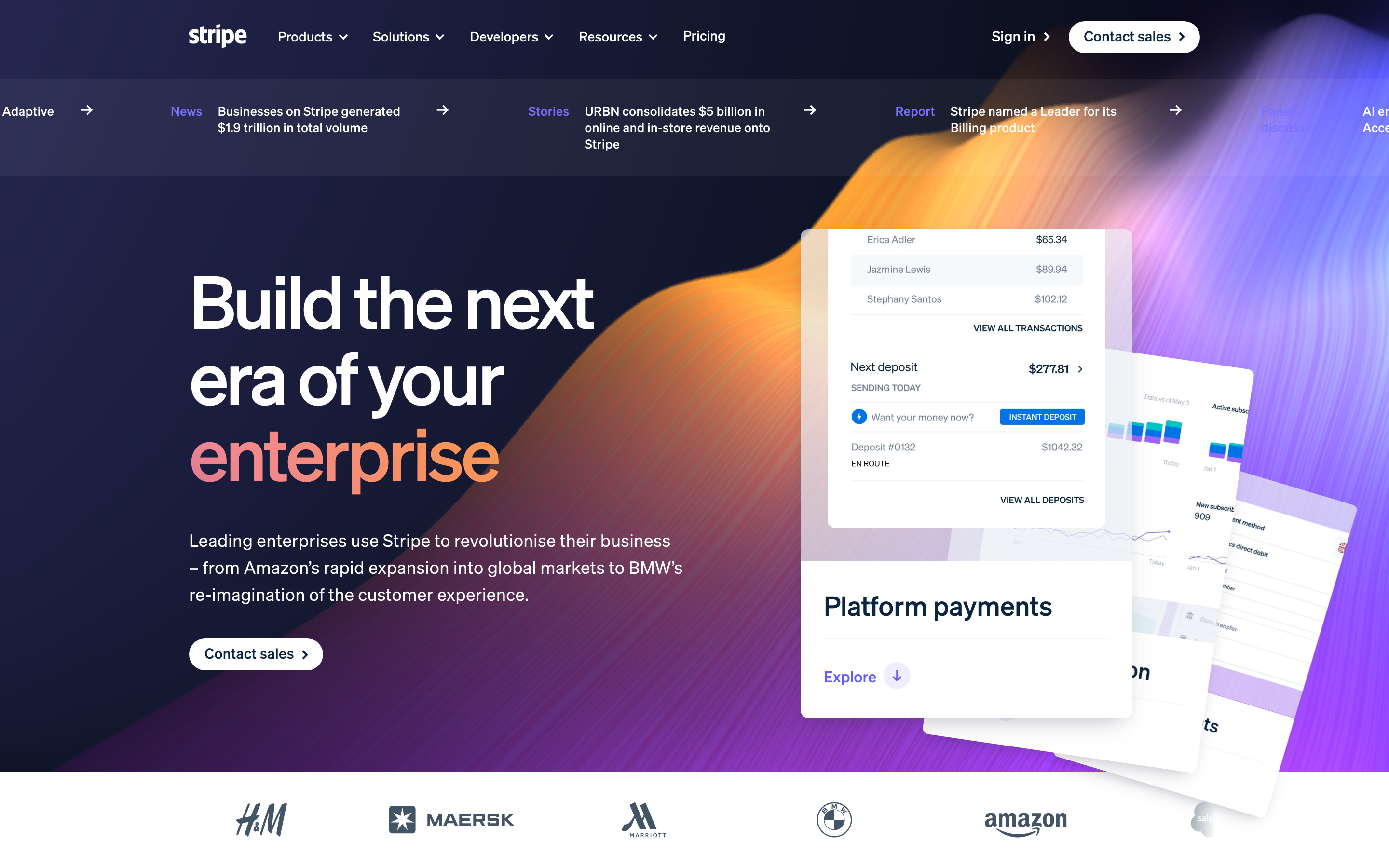
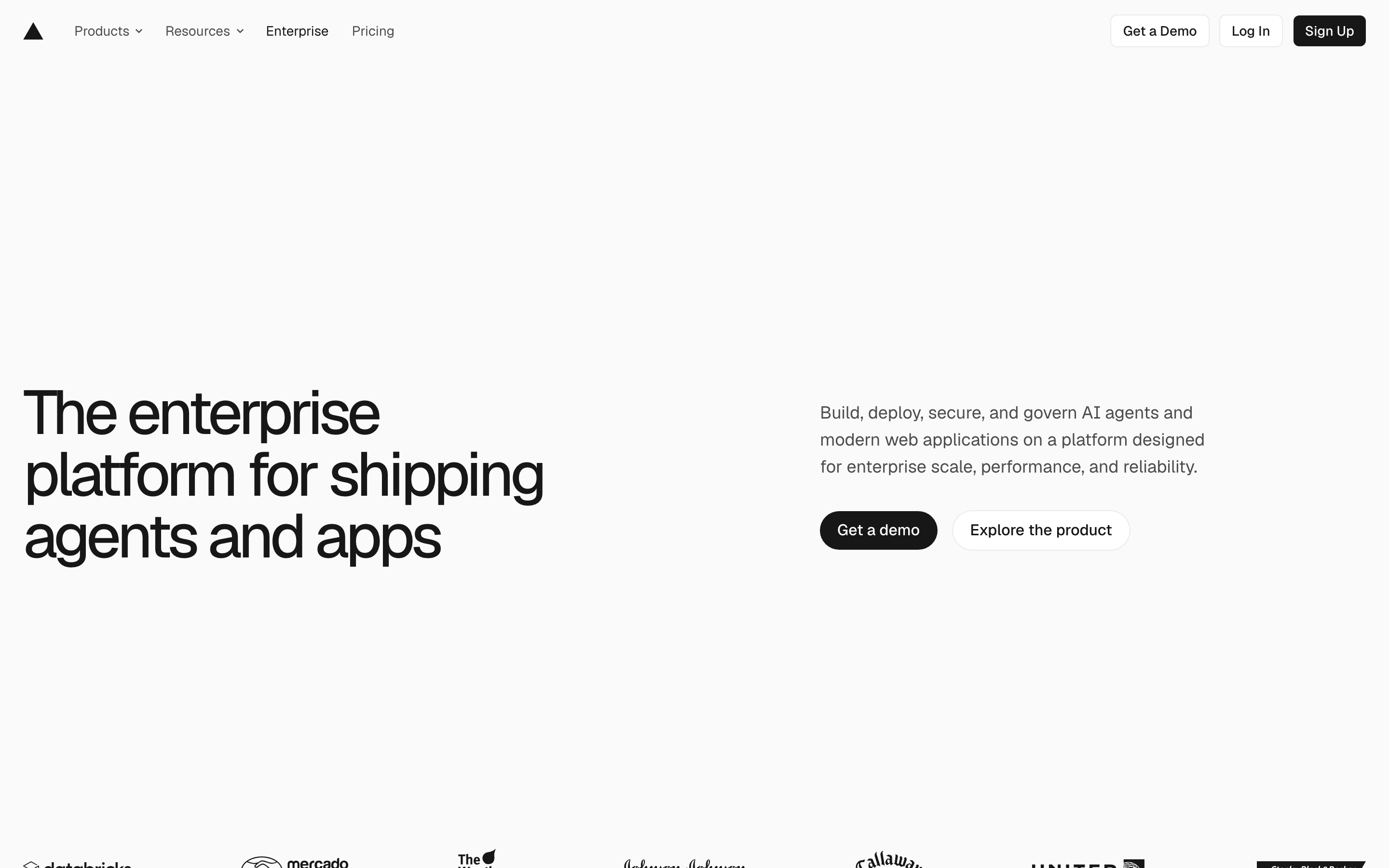
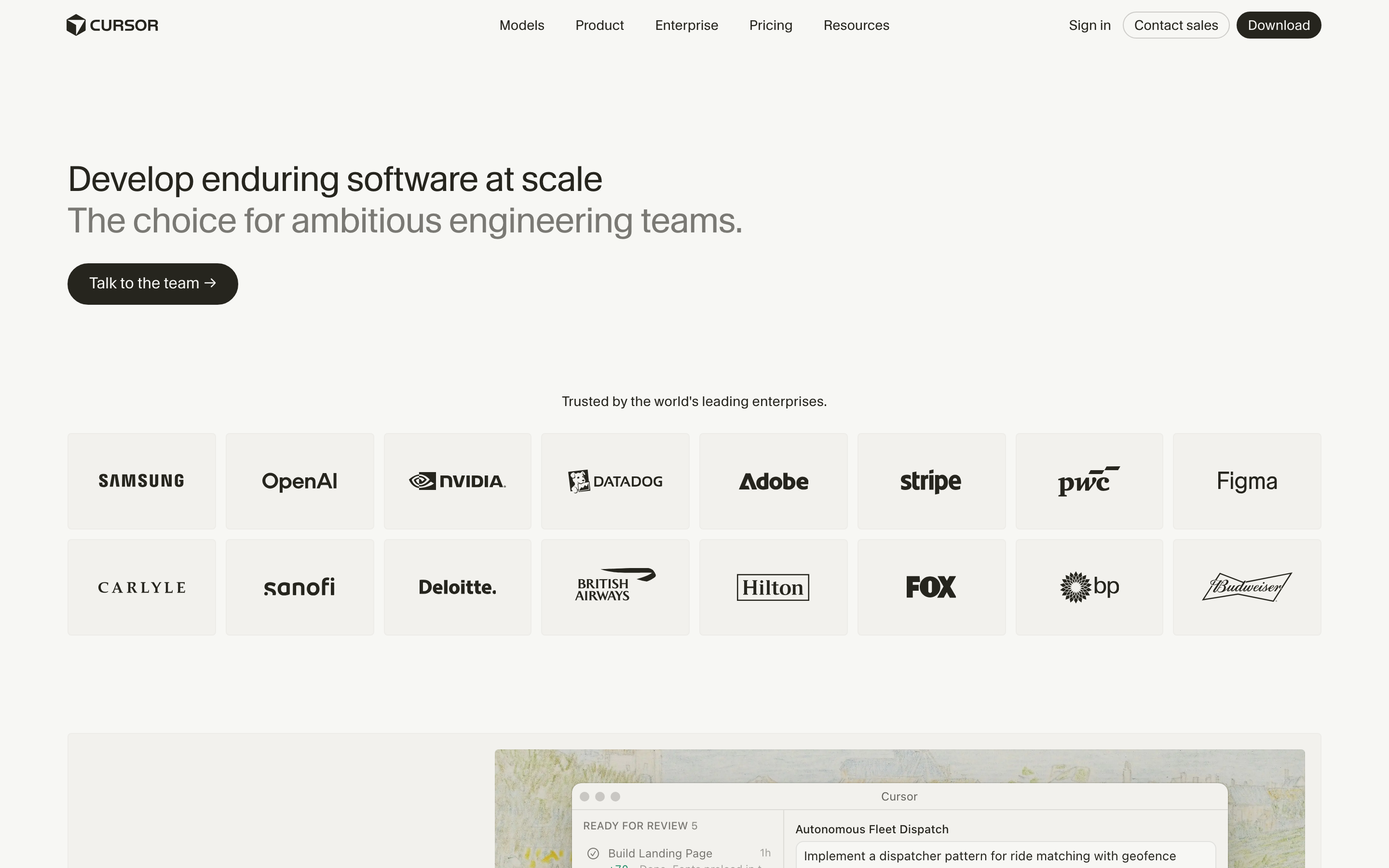
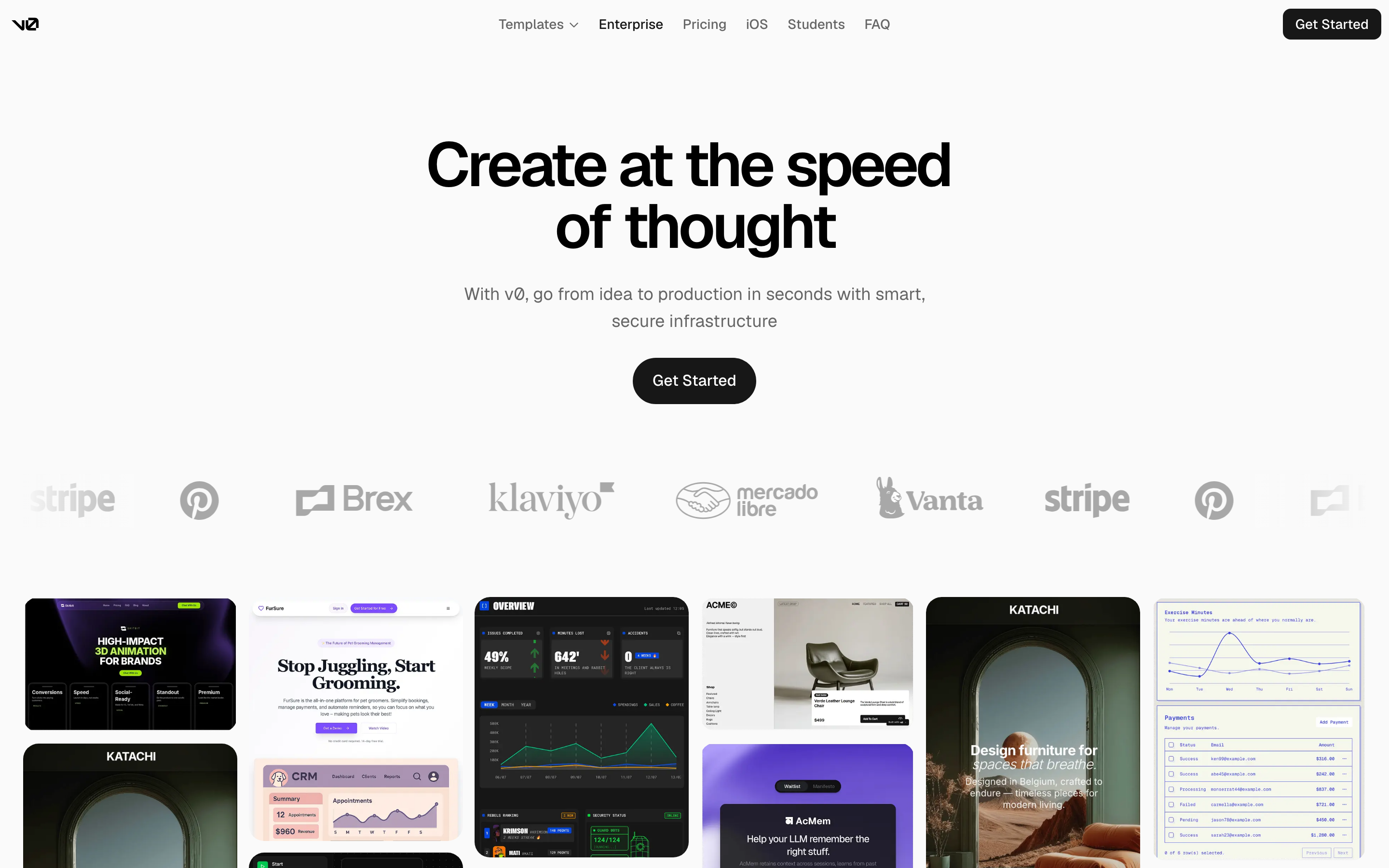
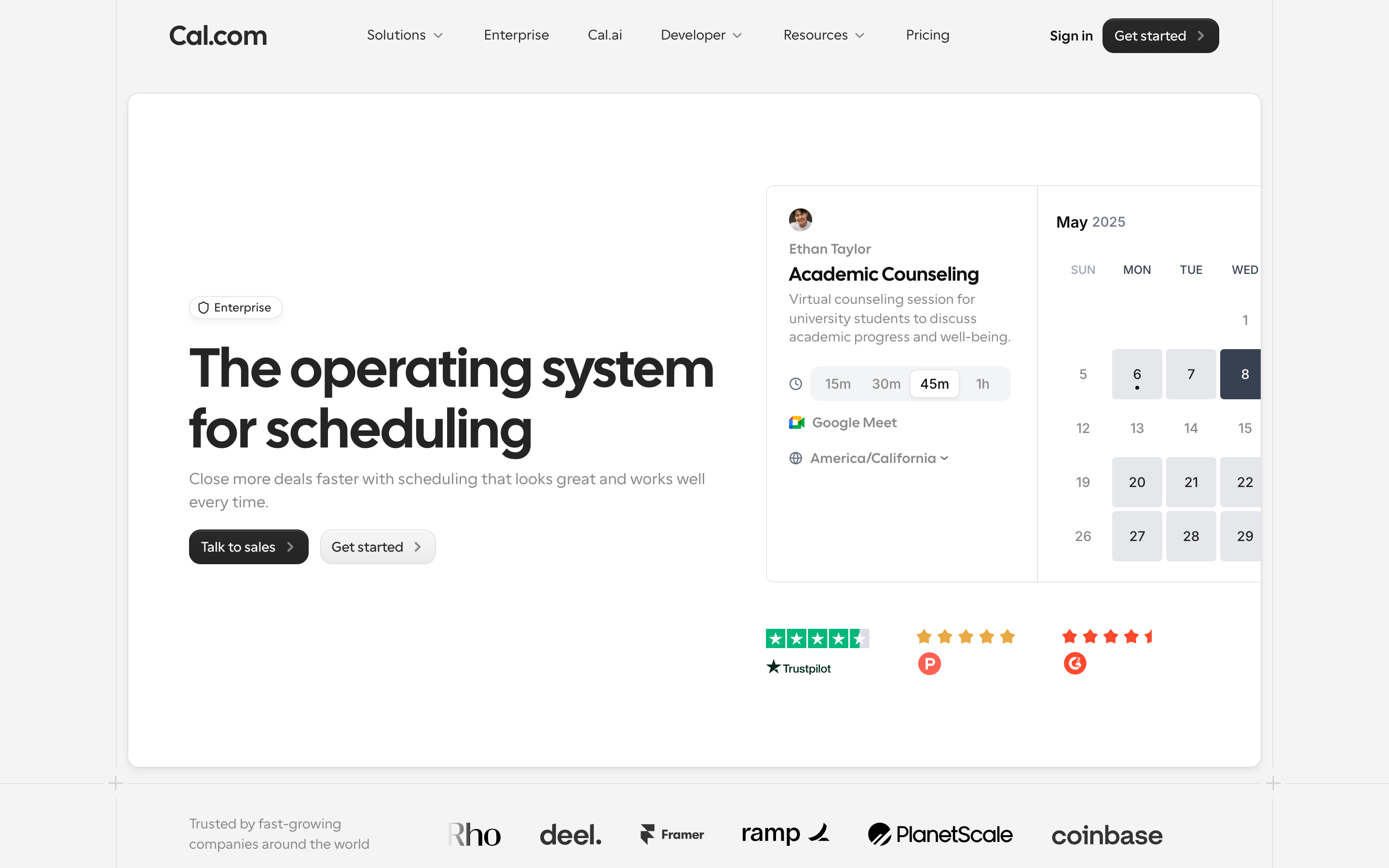
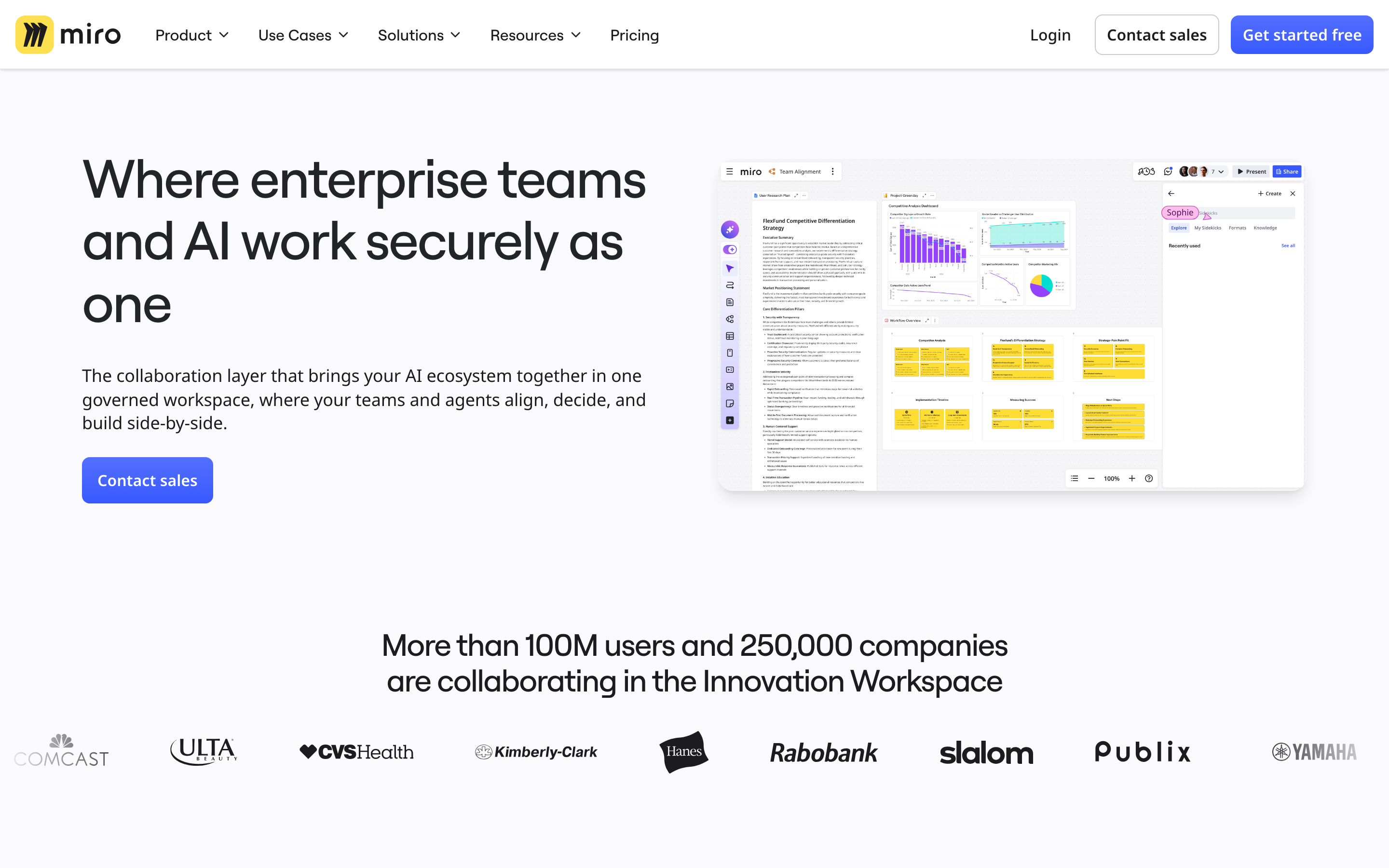
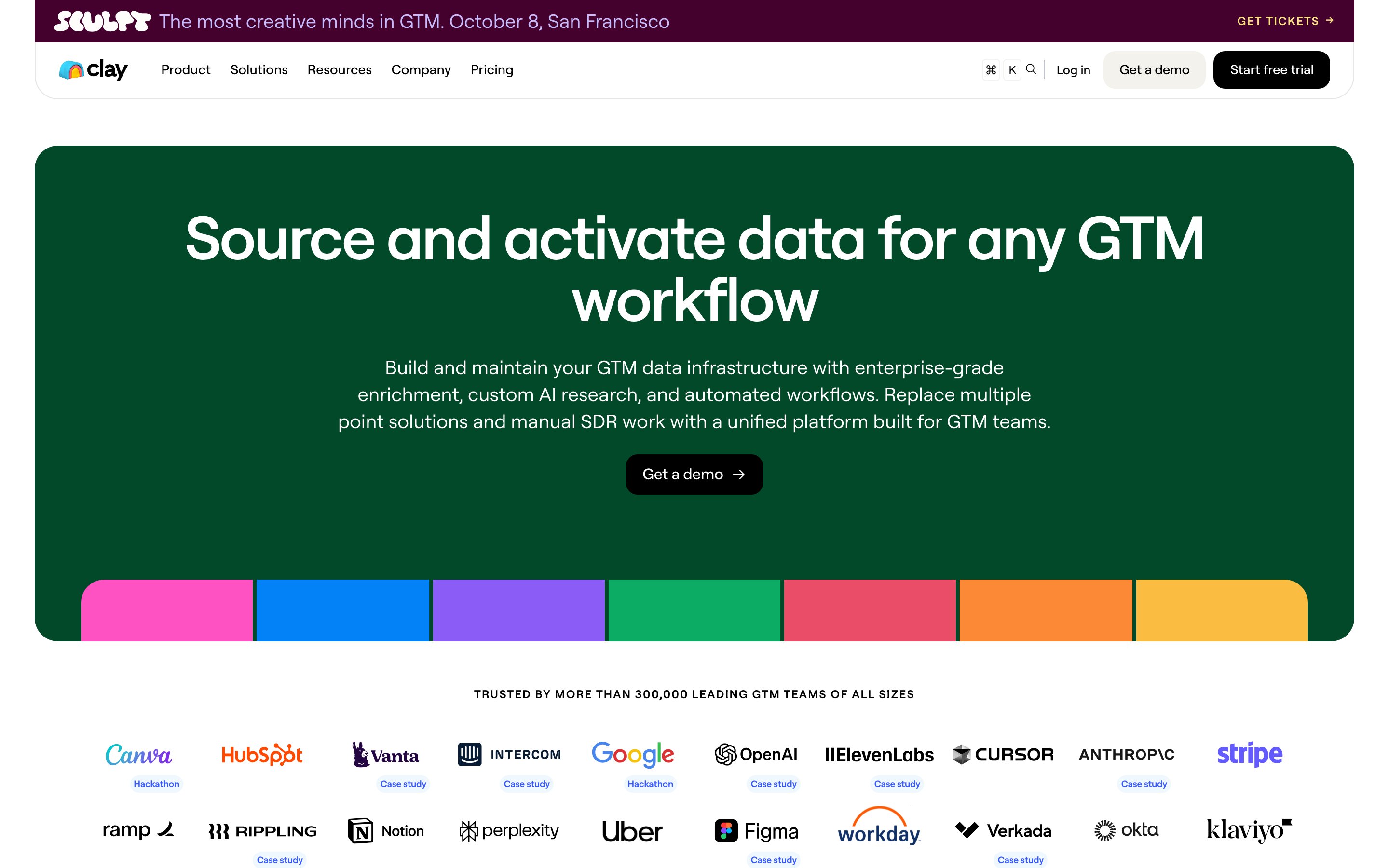
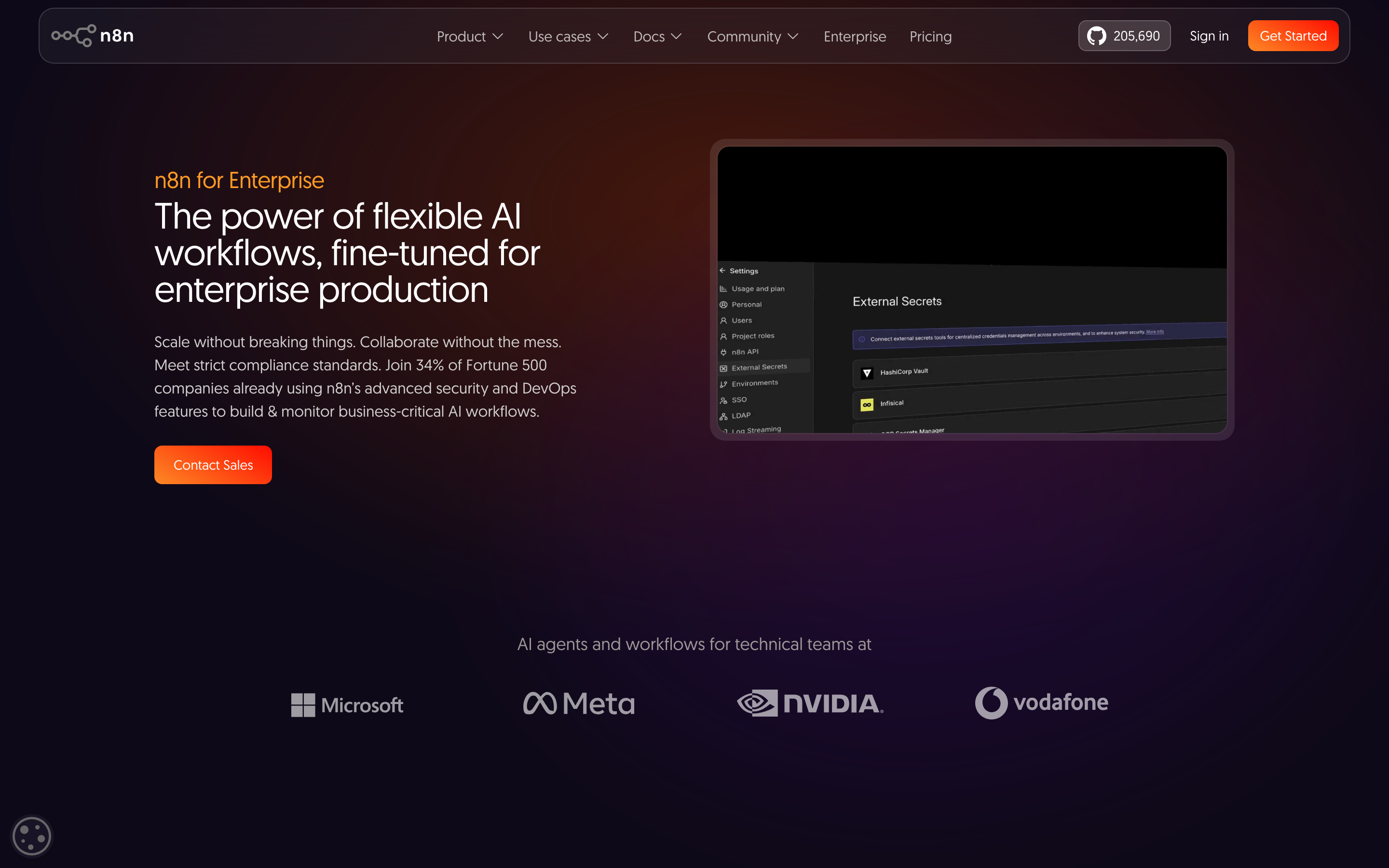
- Some first screens place customer logos close to the headline, letting buyers see which teams use the product before they scroll. Examples: Stripe, Cursor, v0, Miro, Clay GTM, n8n.
- Sales conversations take the lead
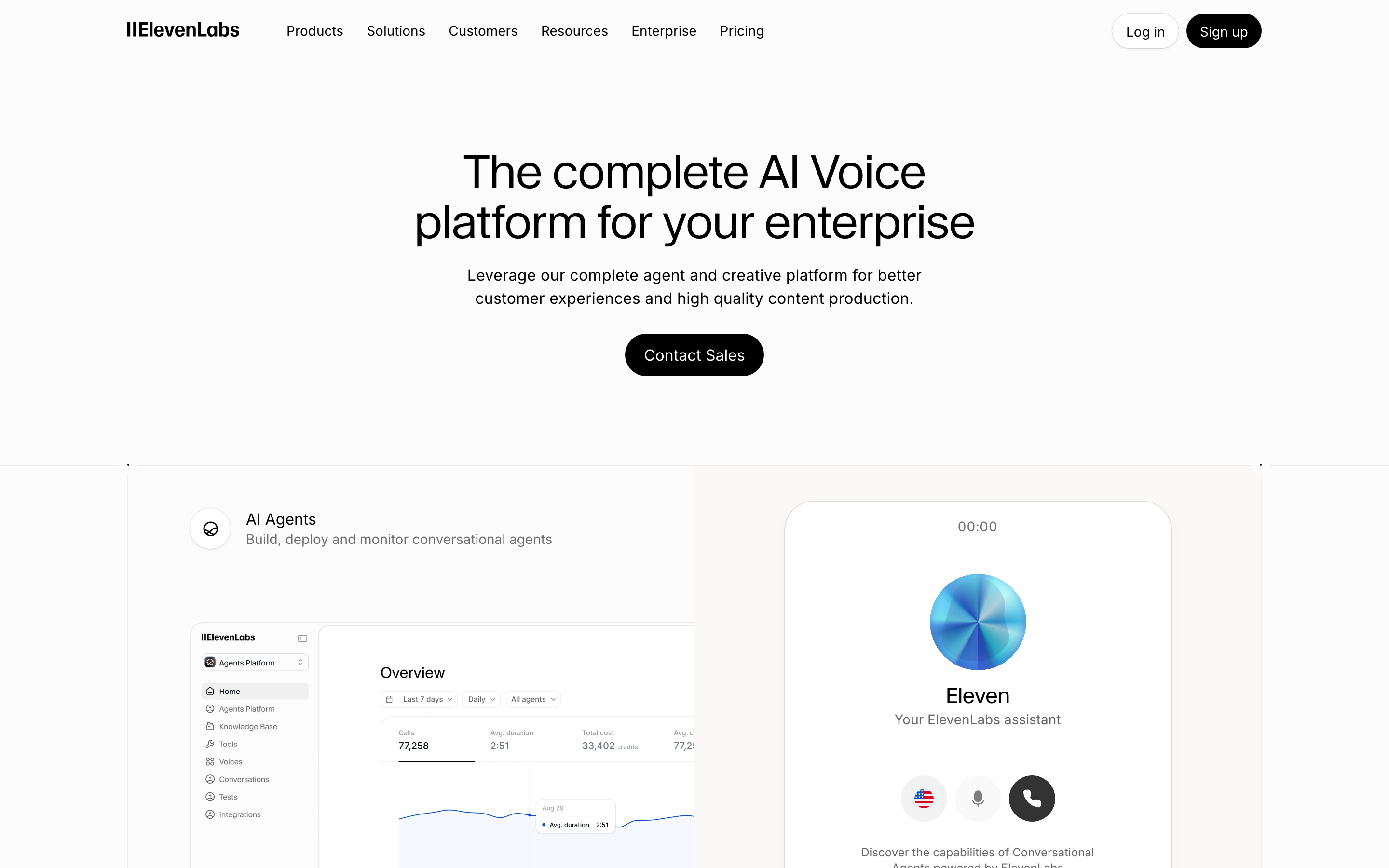
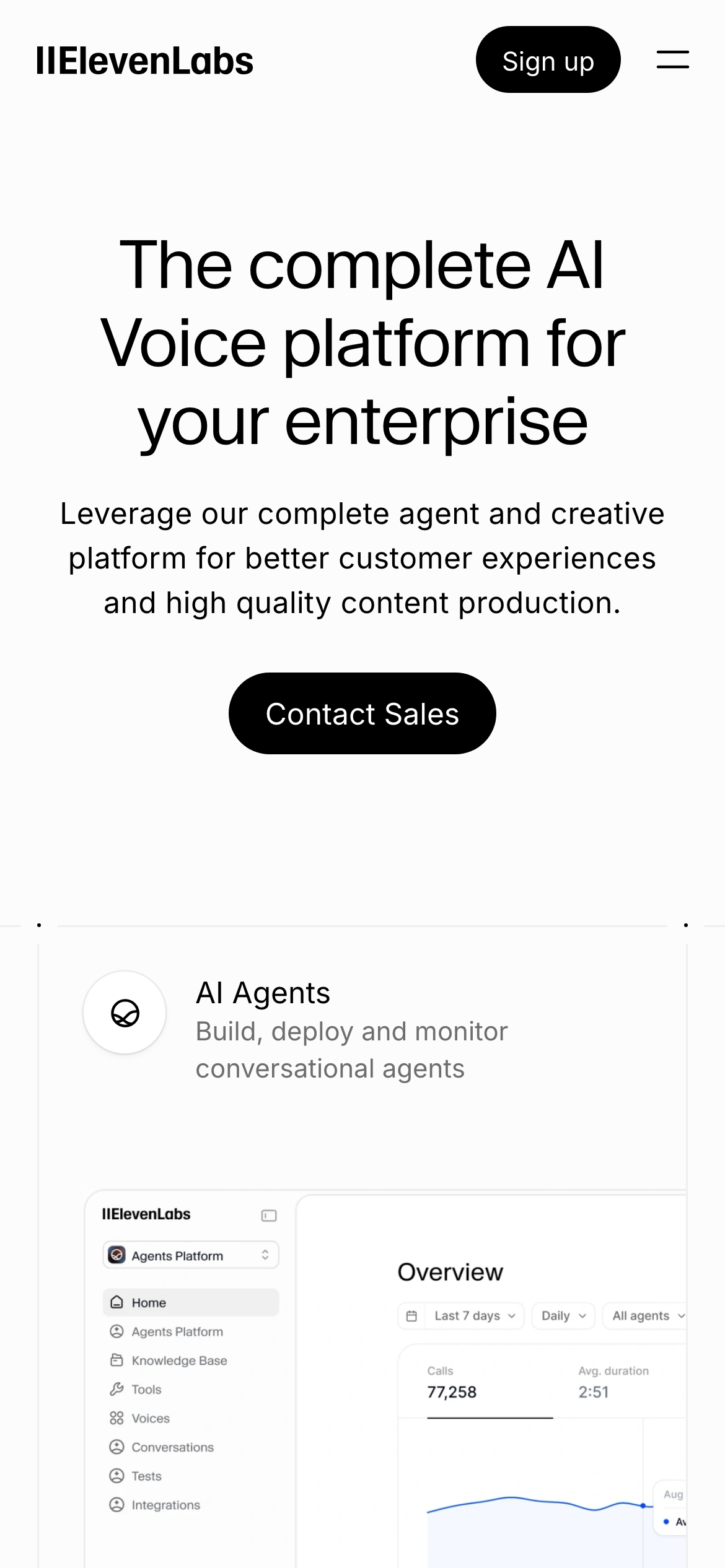
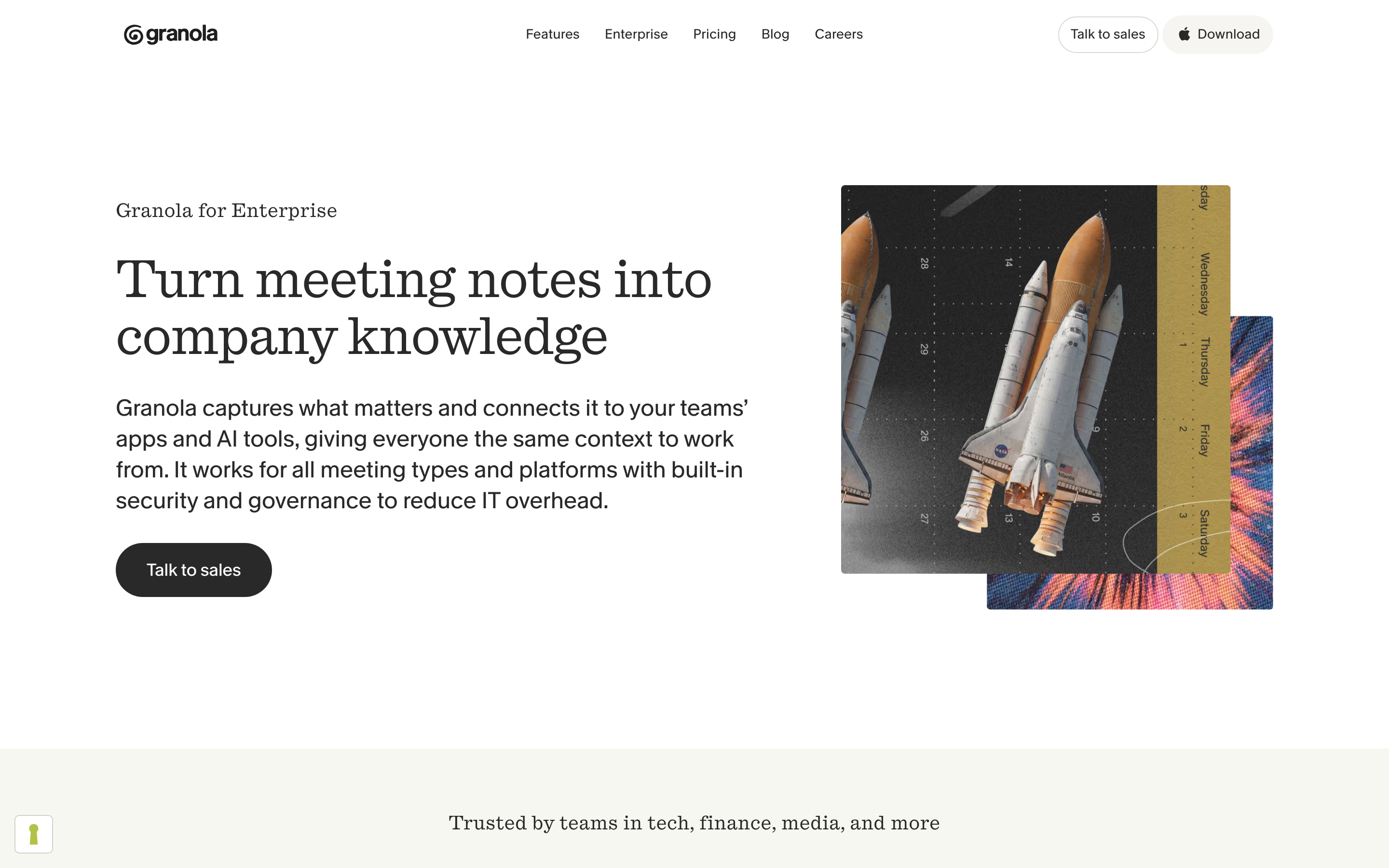
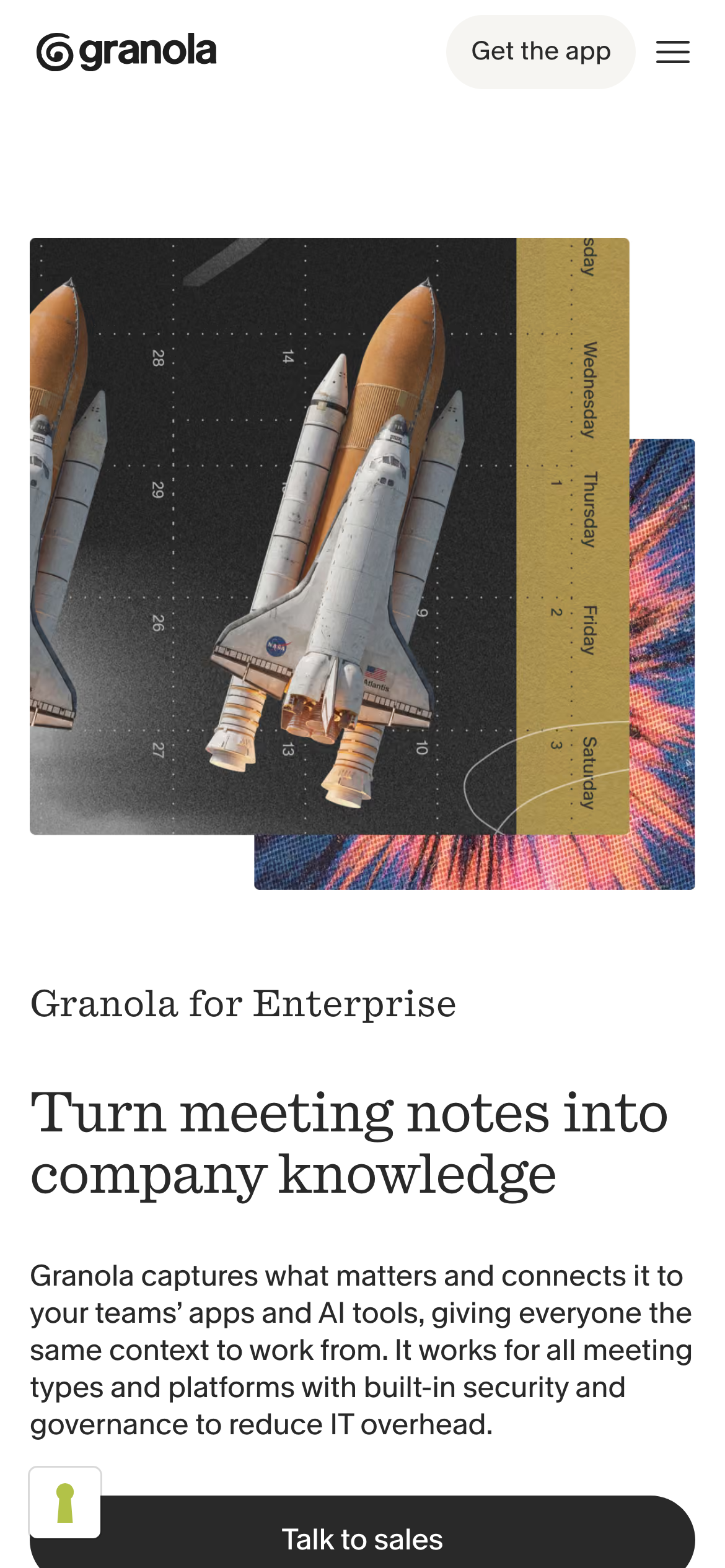
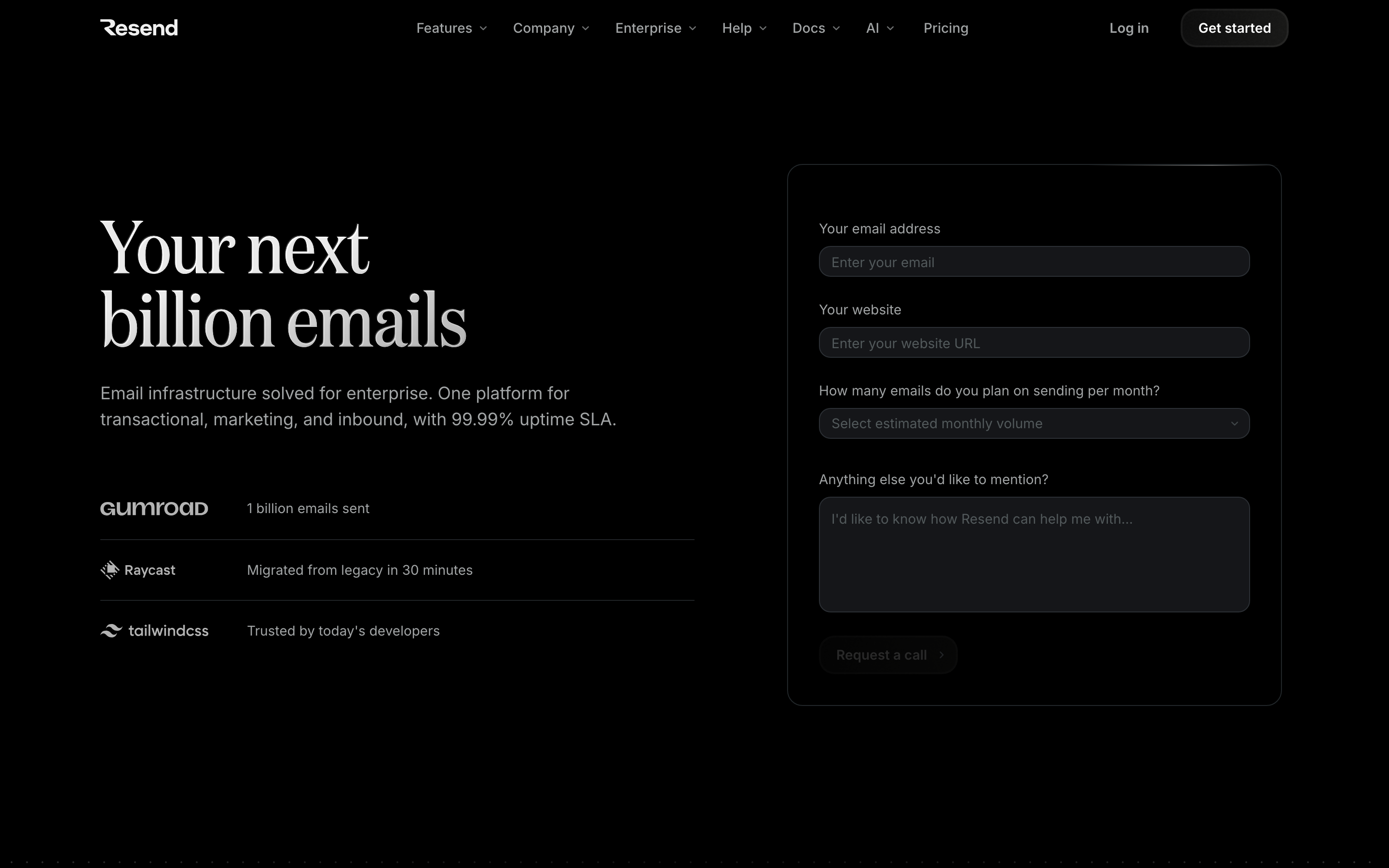
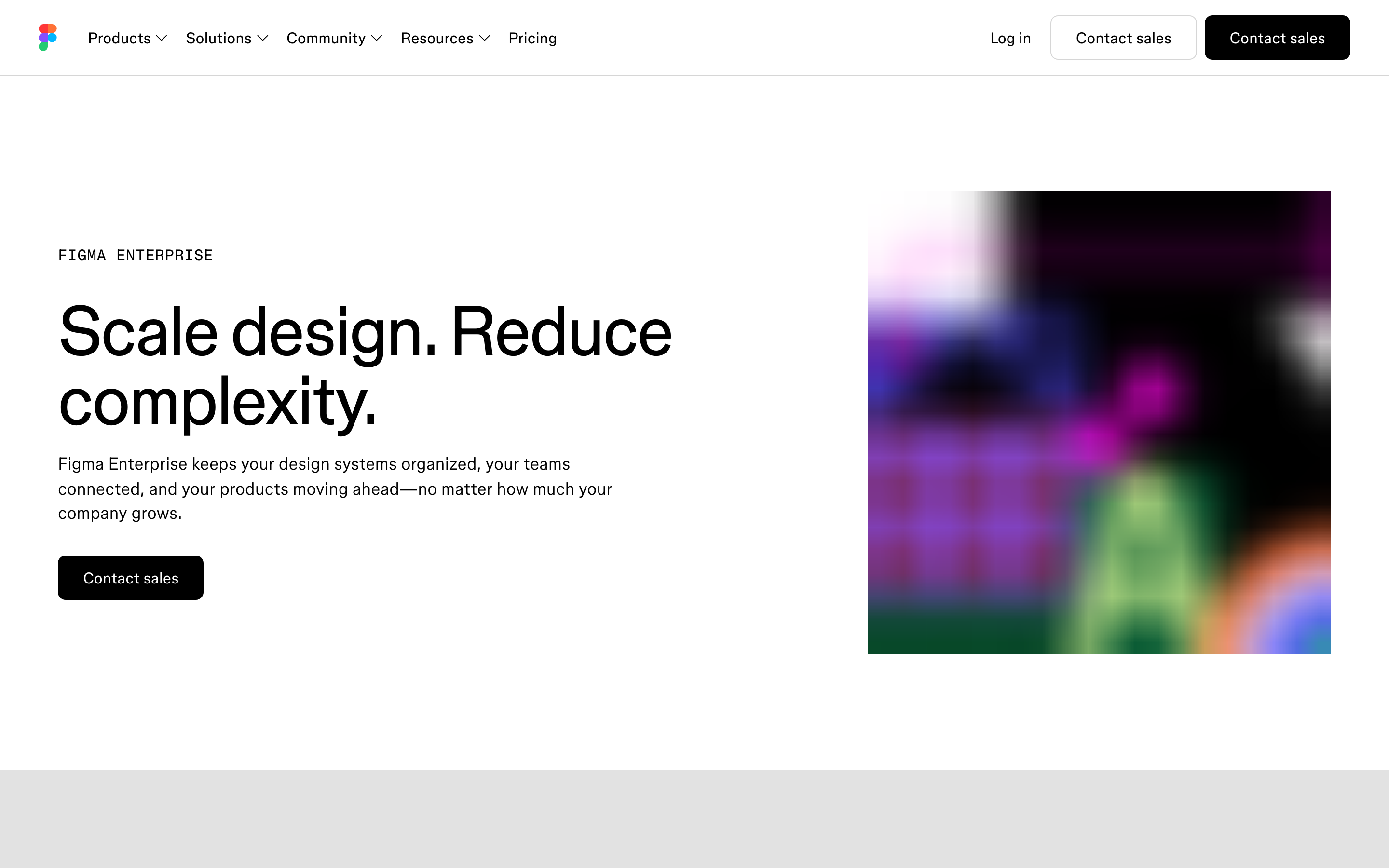
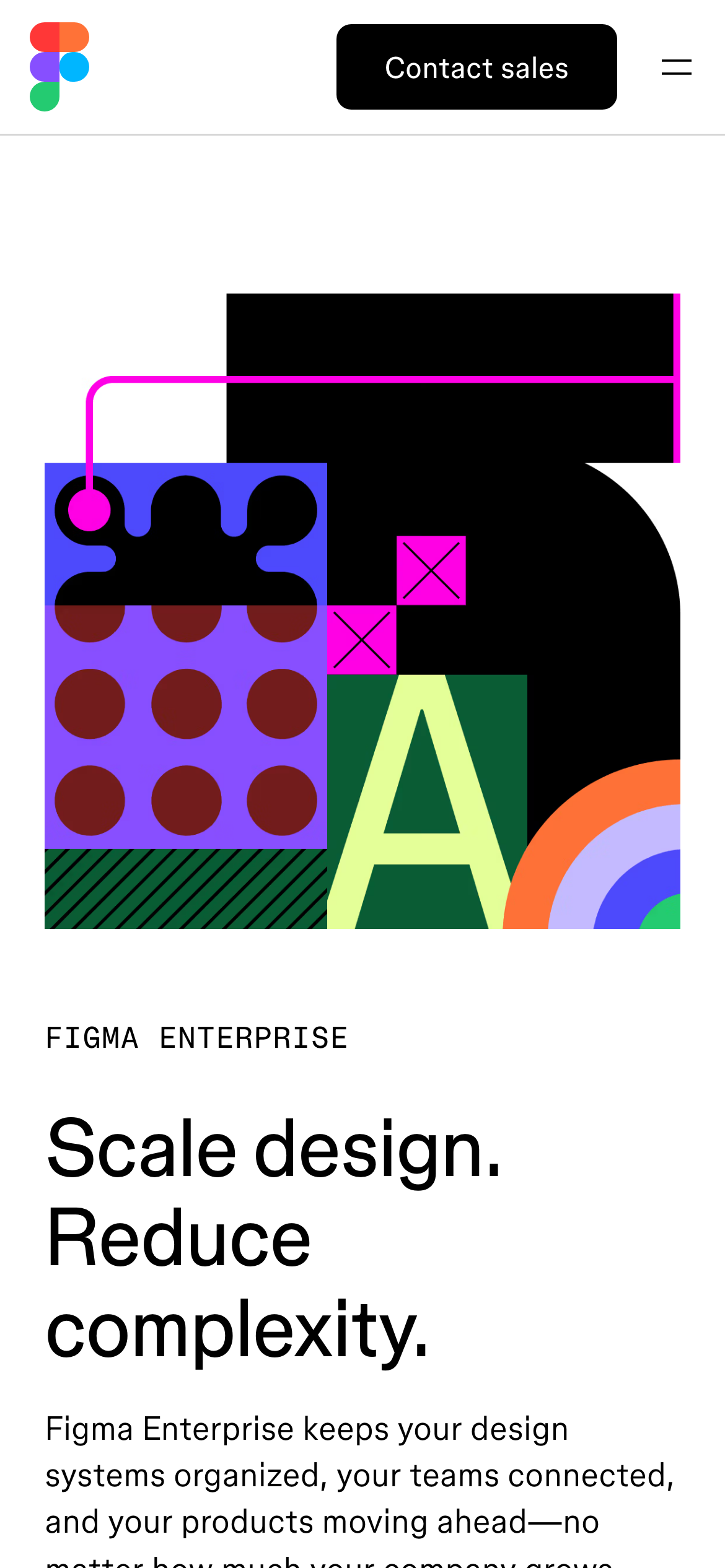
- Several pages make contacting sales or booking a demo the main action in the hero, giving enterprise buyers a direct route to a conversation. Examples: Stripe, ElevenLabs, Granola, Figma, Loom, Miro.
- Show enterprise controls
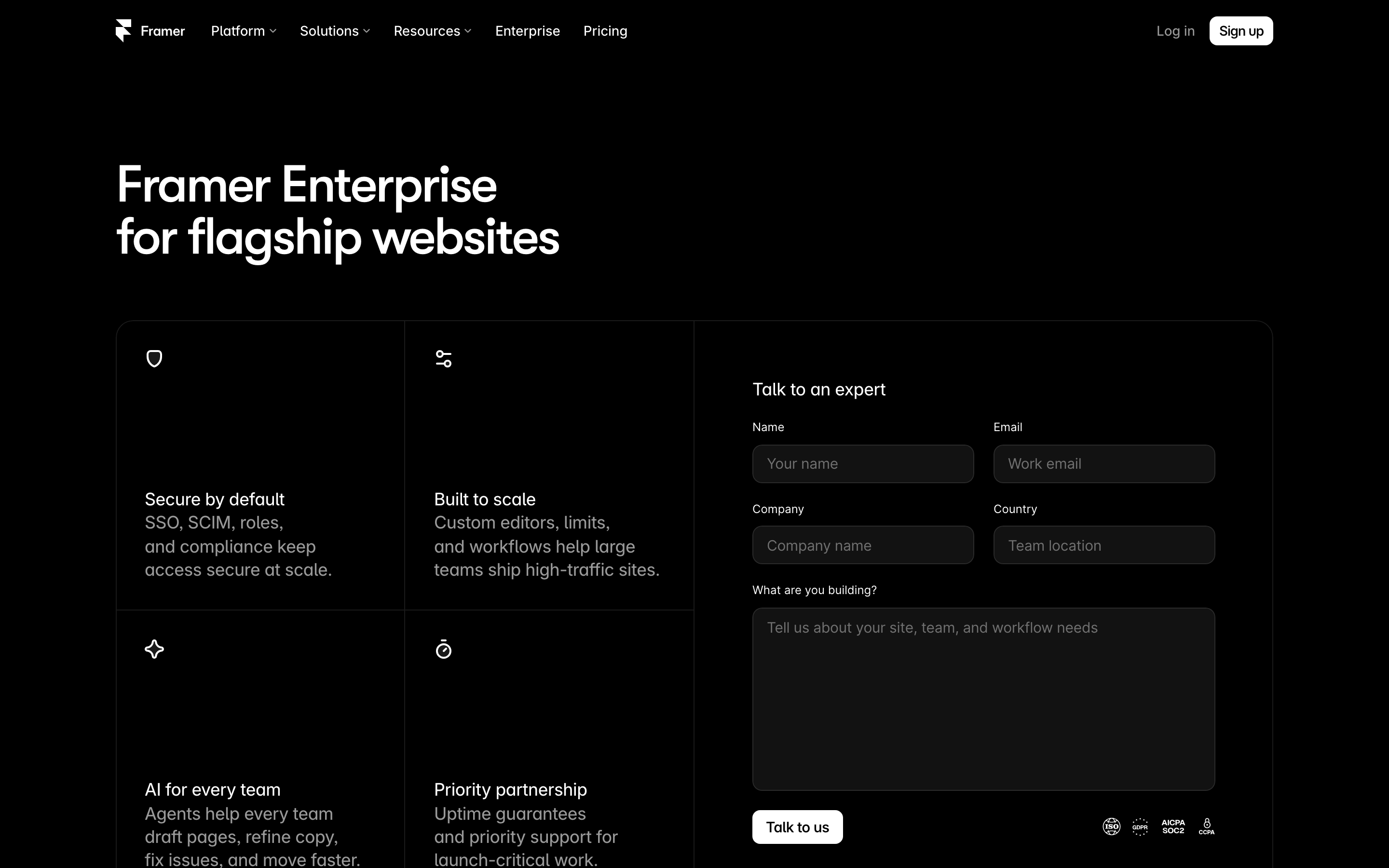
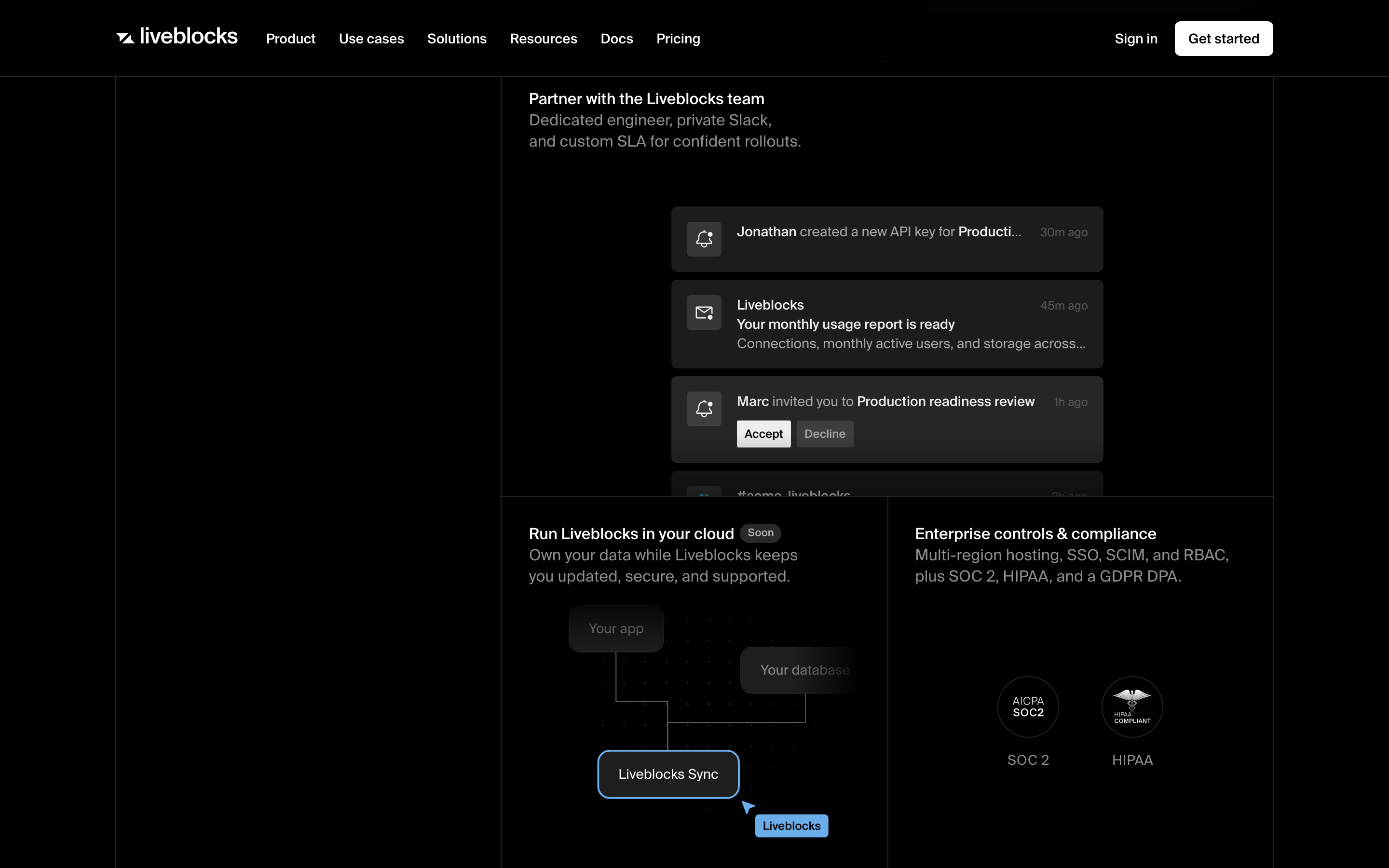
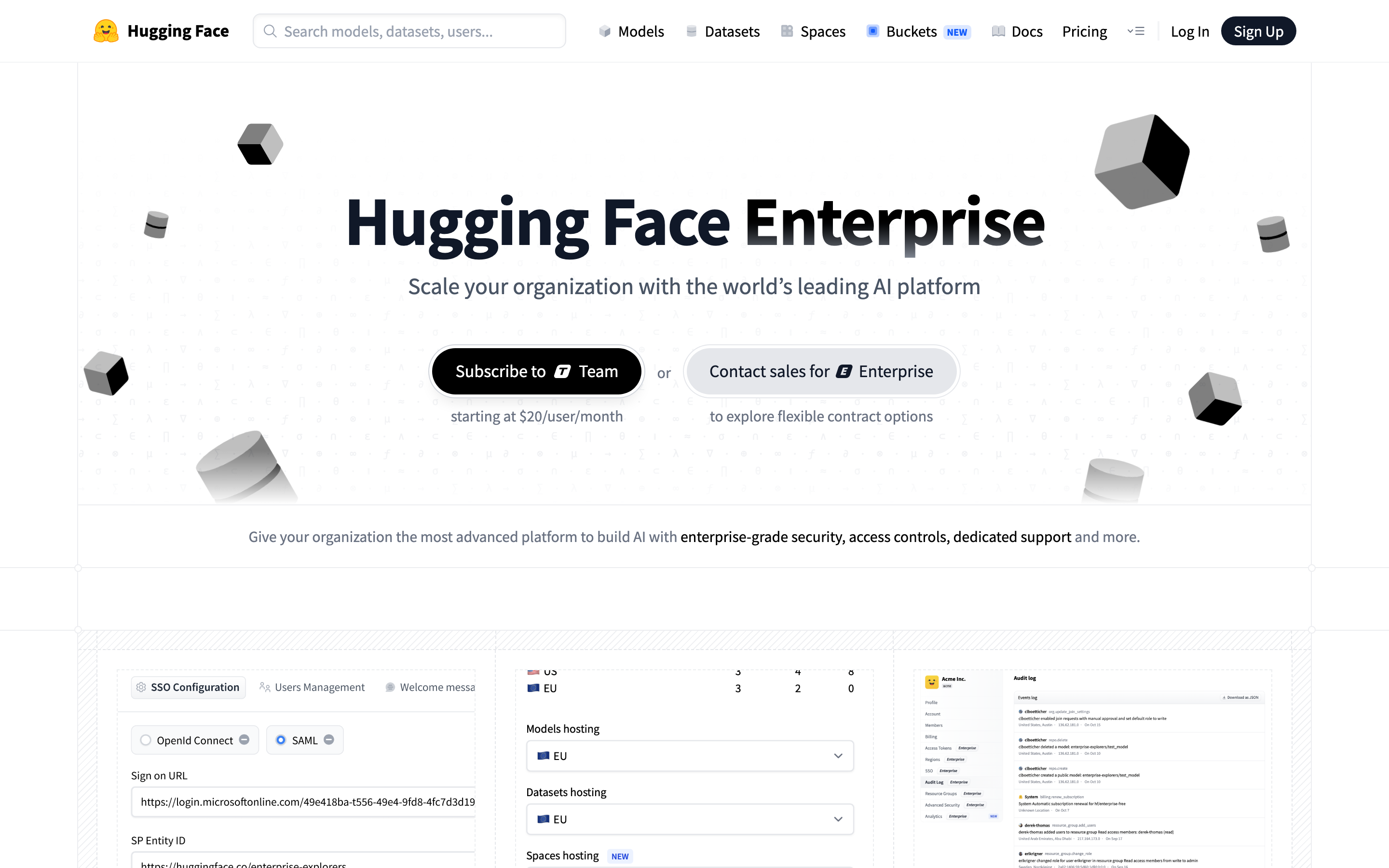
- Feature blocks bring security and enterprise controls into the opening view. Framer highlights security alongside its sales form, while Liveblocks shows enterprise controls and compliance. Examples: Framer, Liveblocks.
- Make support visible
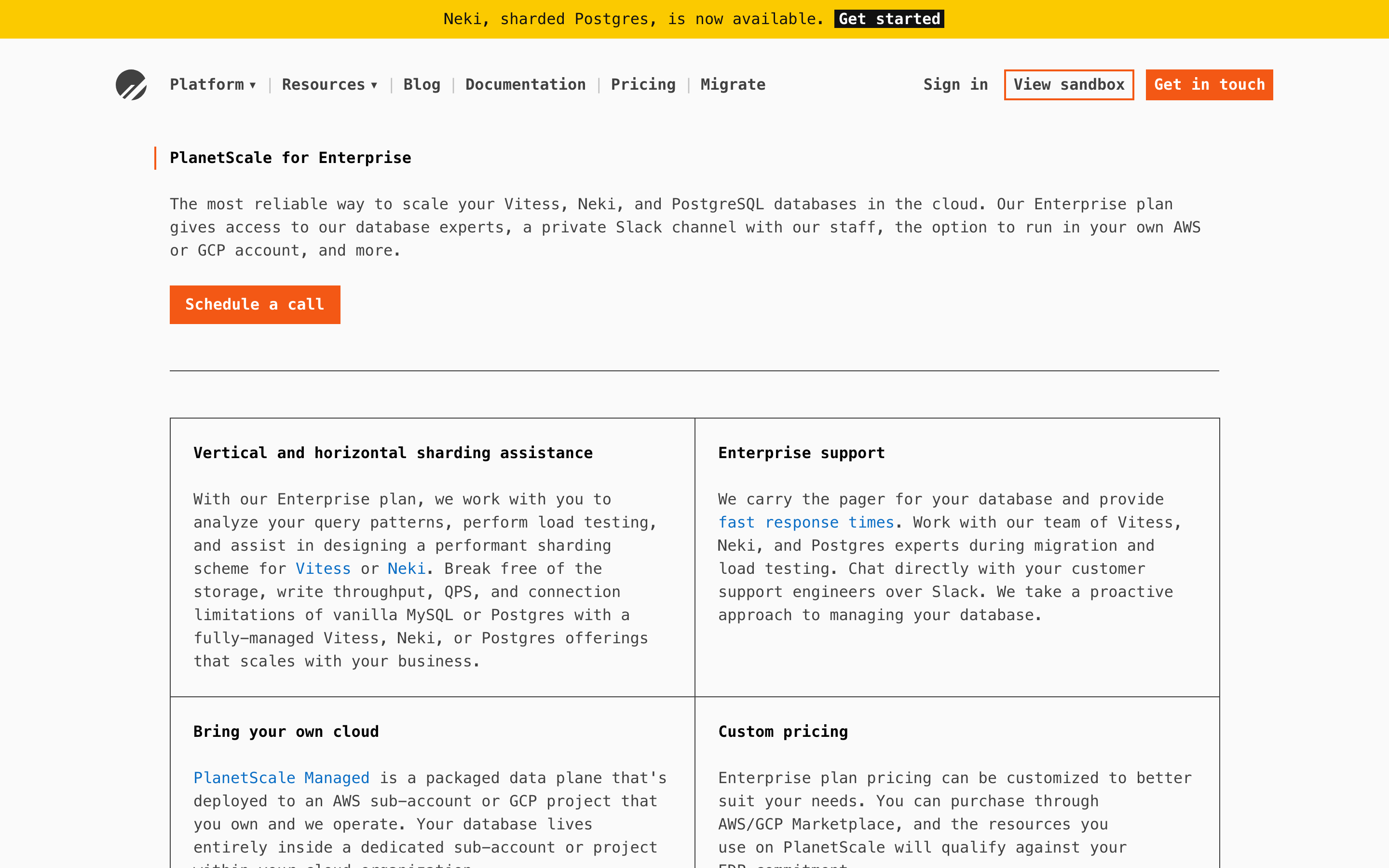
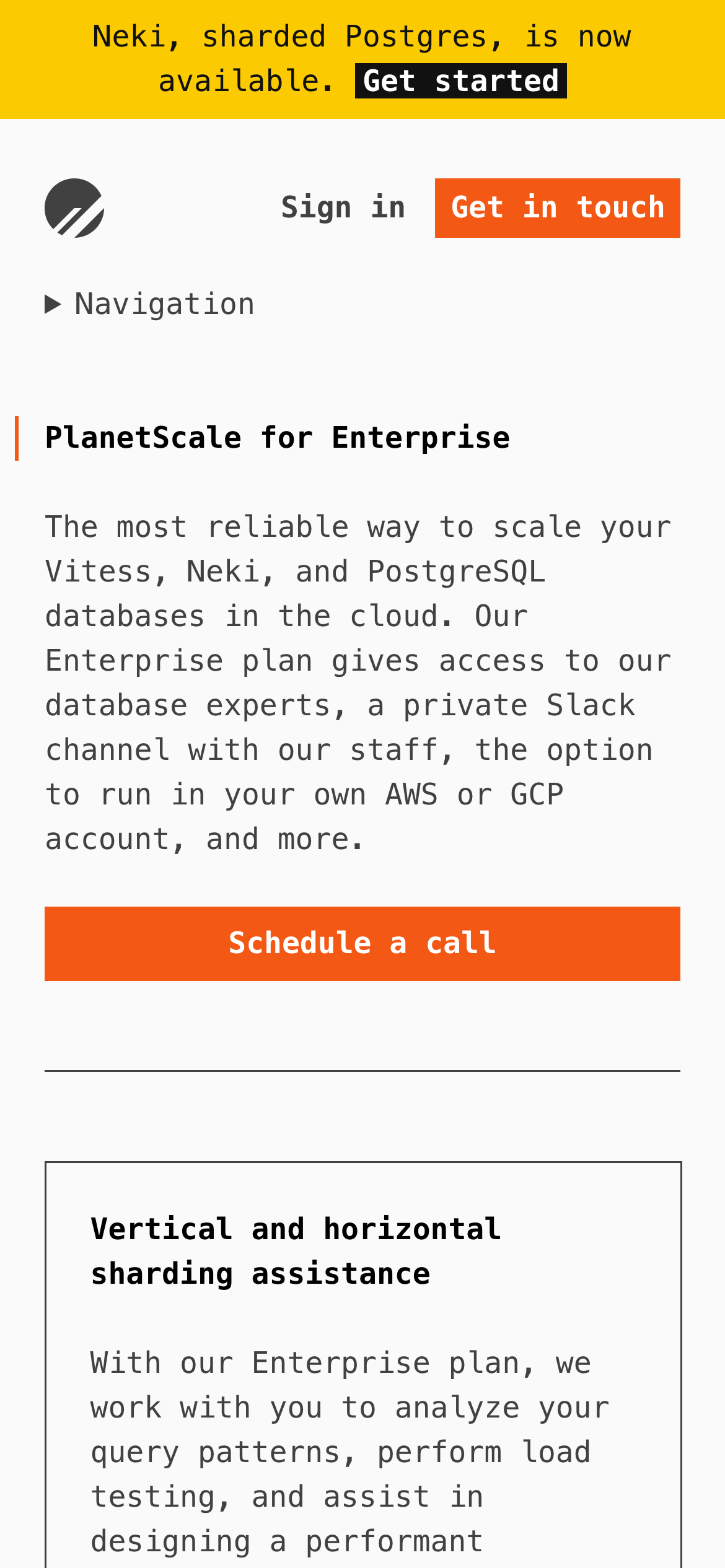
- Support and partnership appear alongside the enterprise offer: Framer includes priority partnership in its opening grid, and PlanetScale gives enterprise support a dedicated block. Examples: Framer, PlanetScale.
All 23 examples
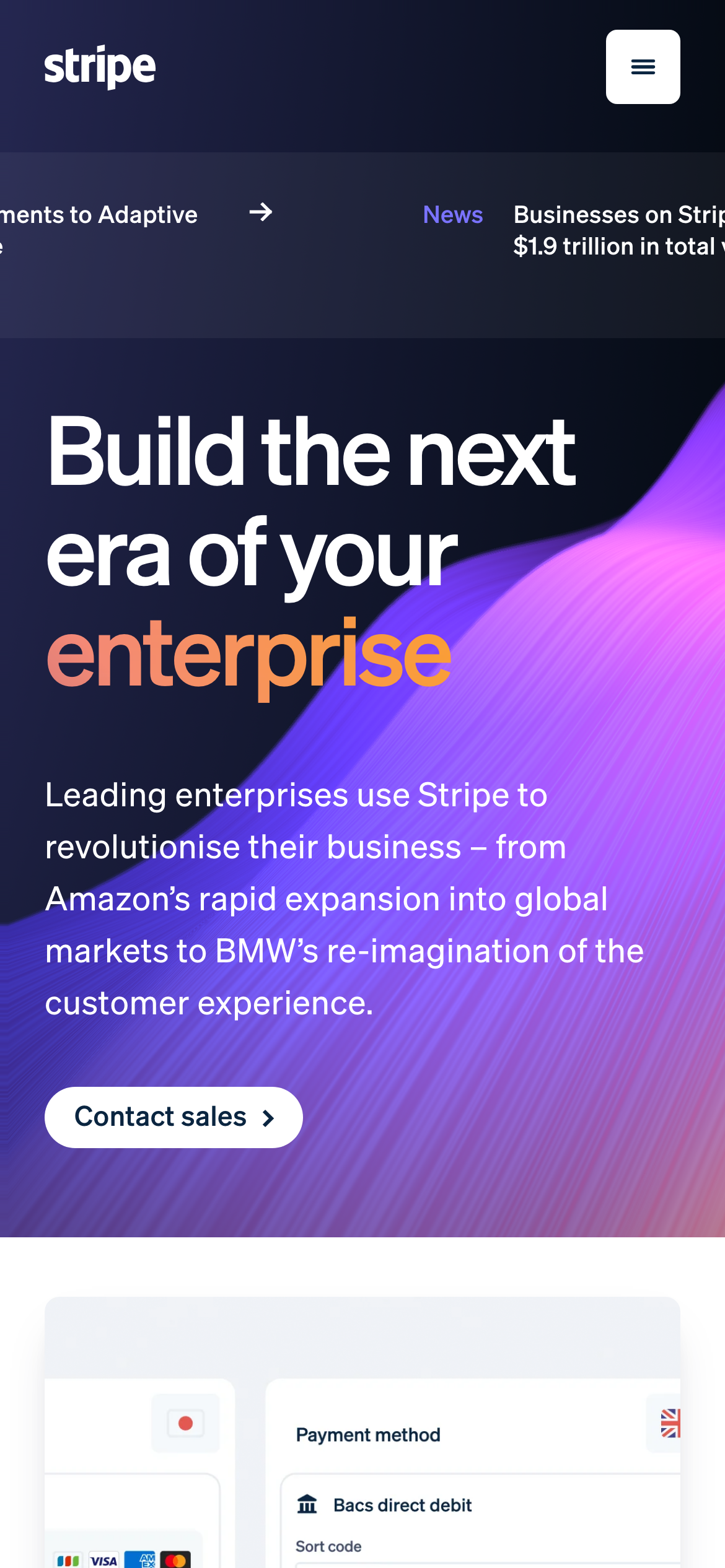
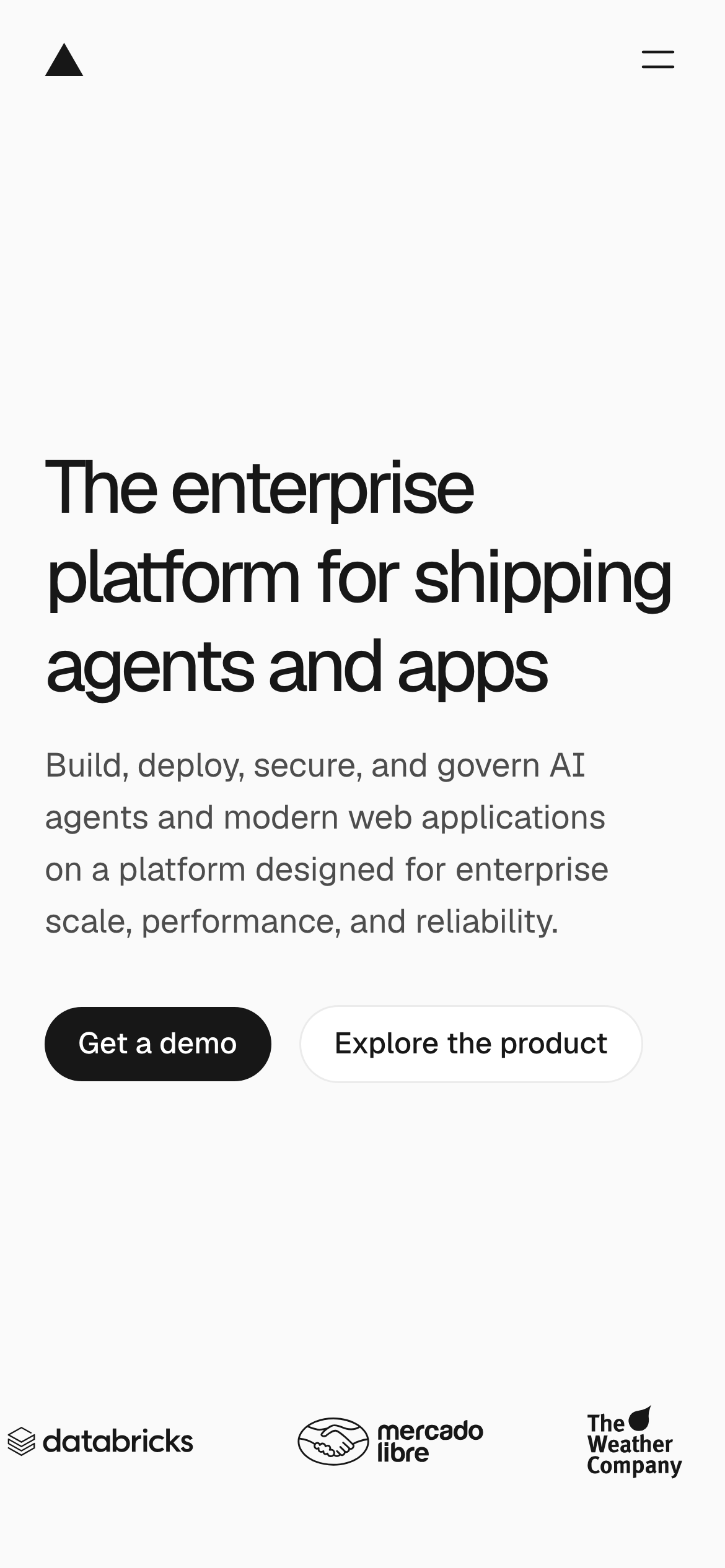
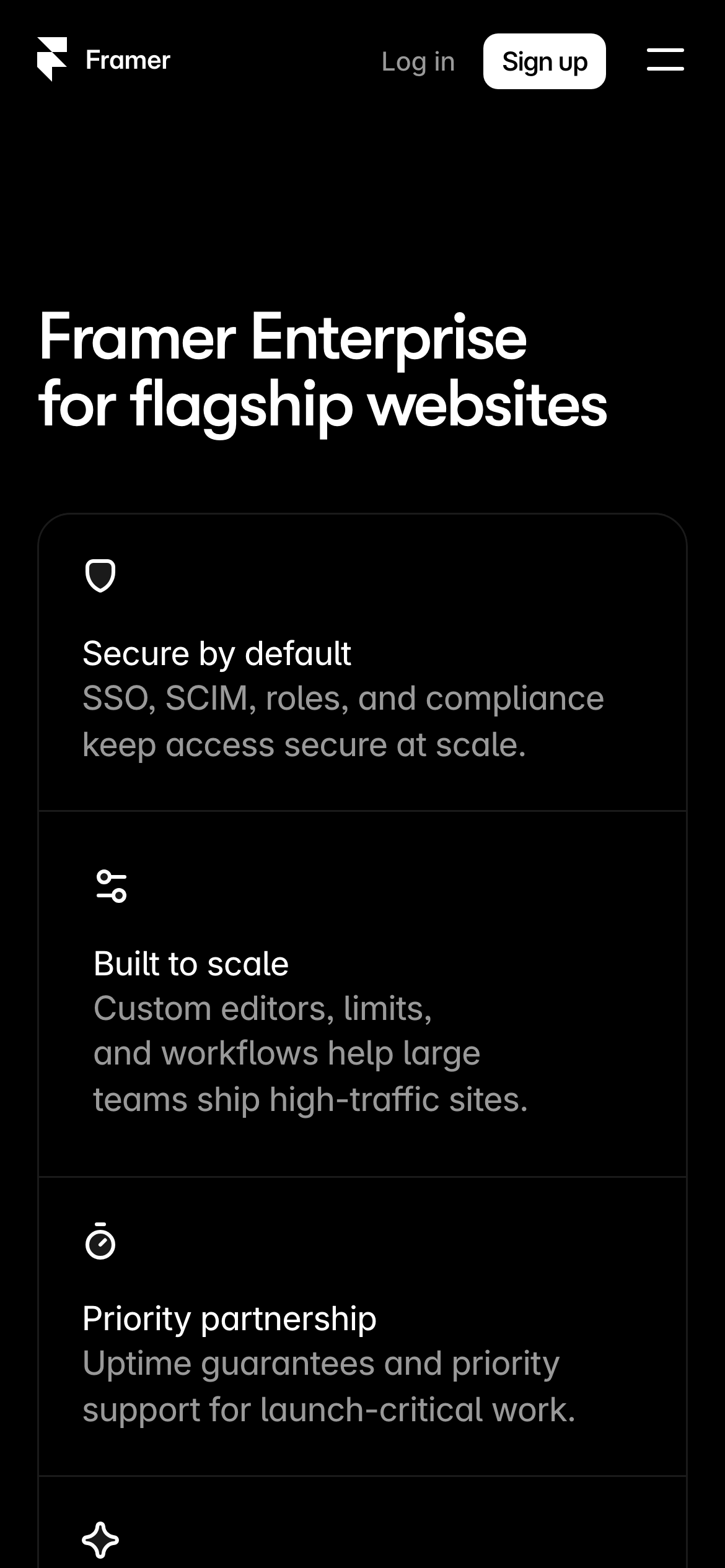
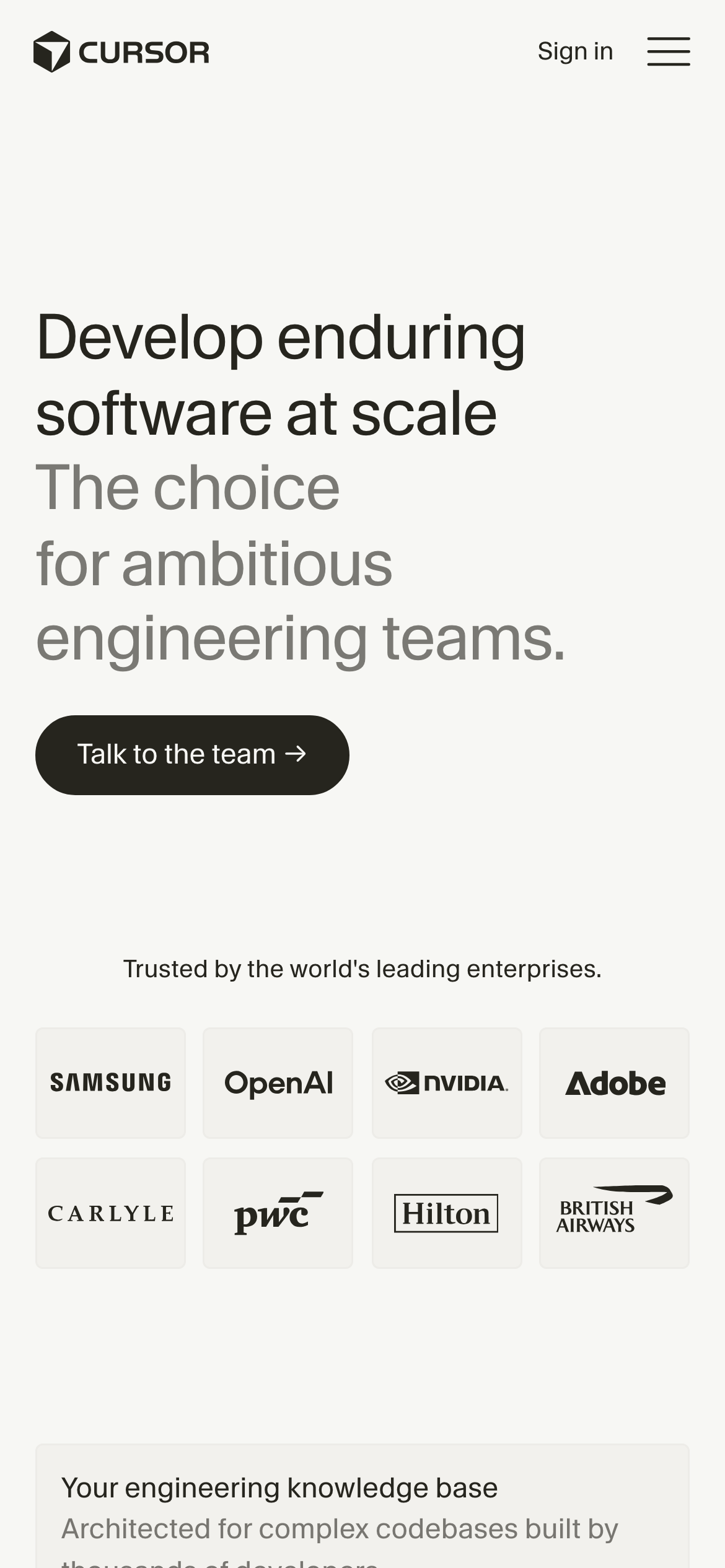
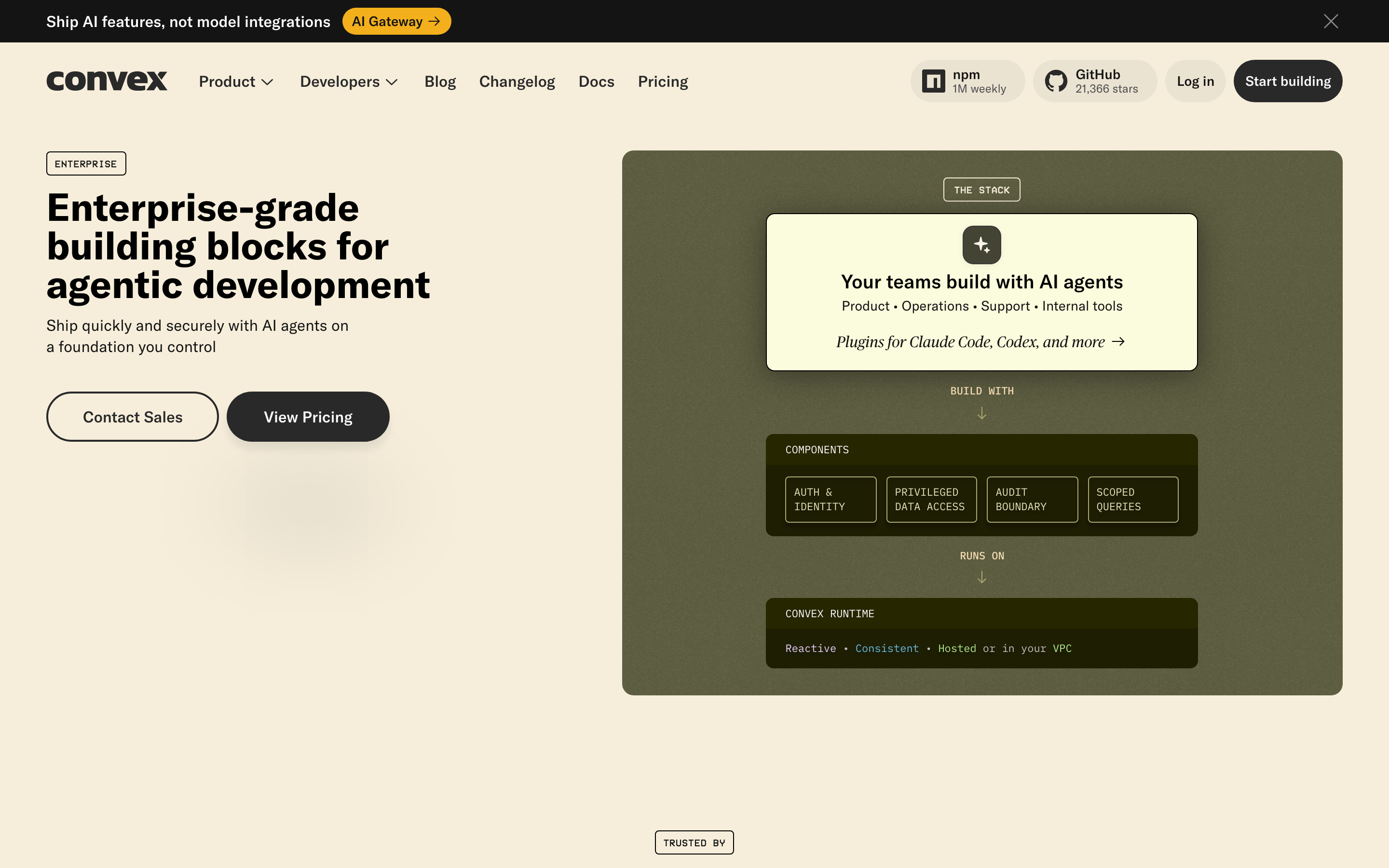
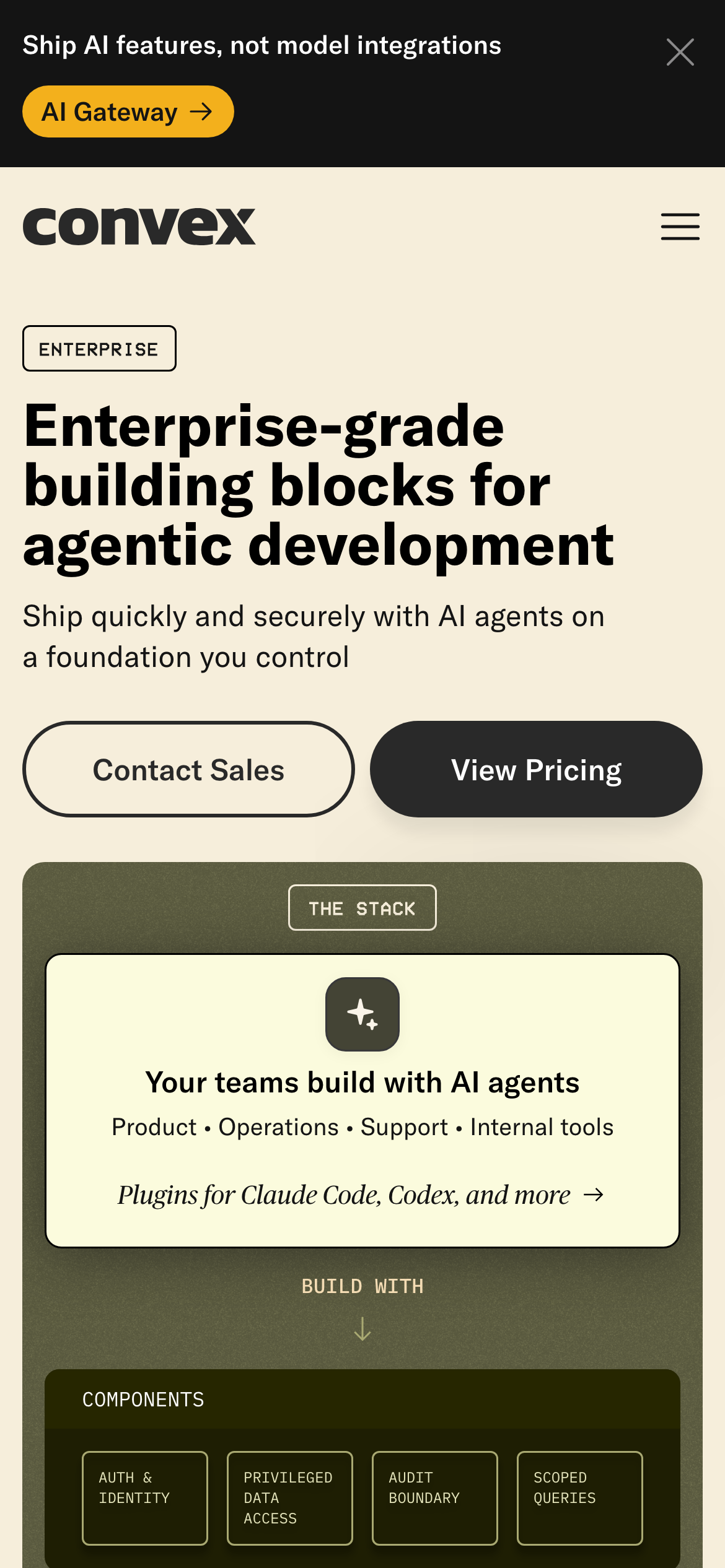
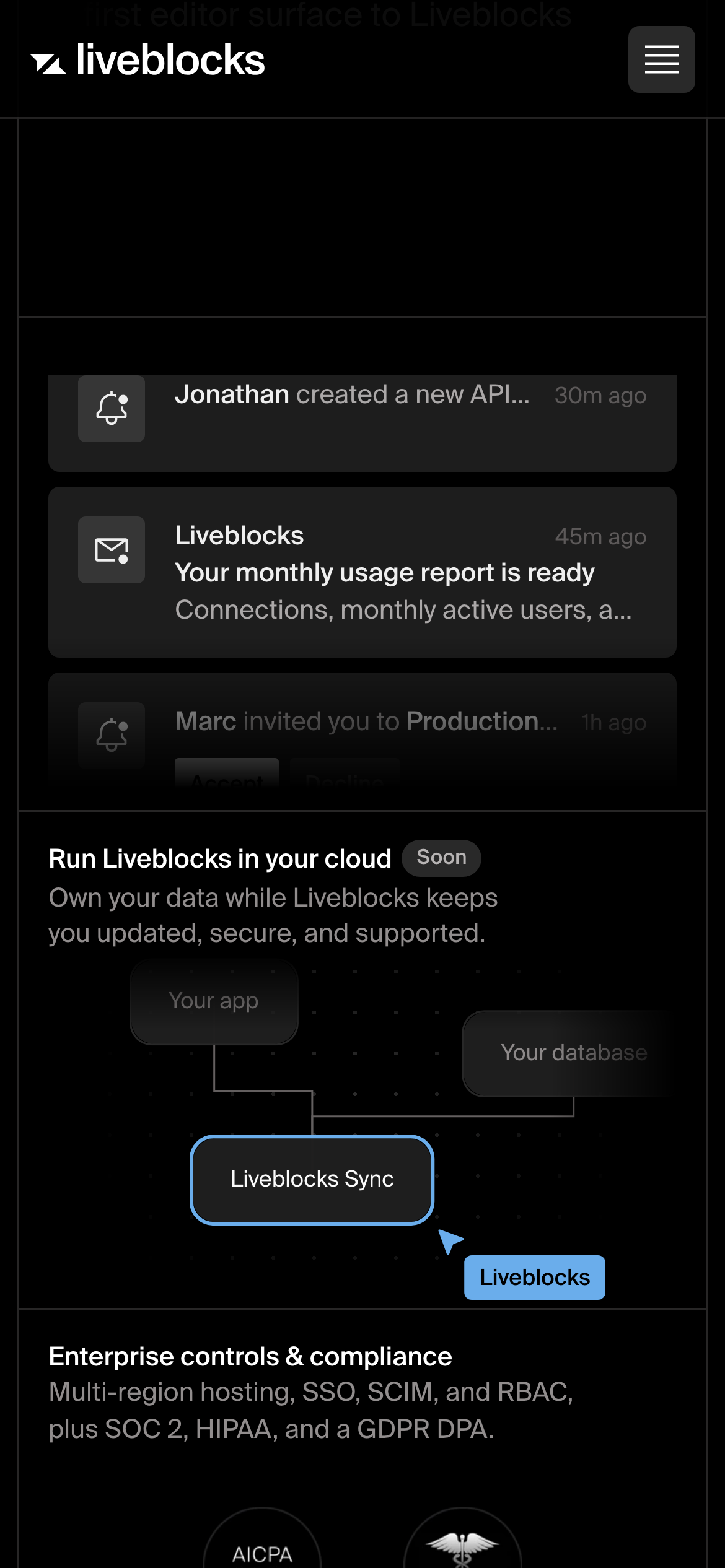
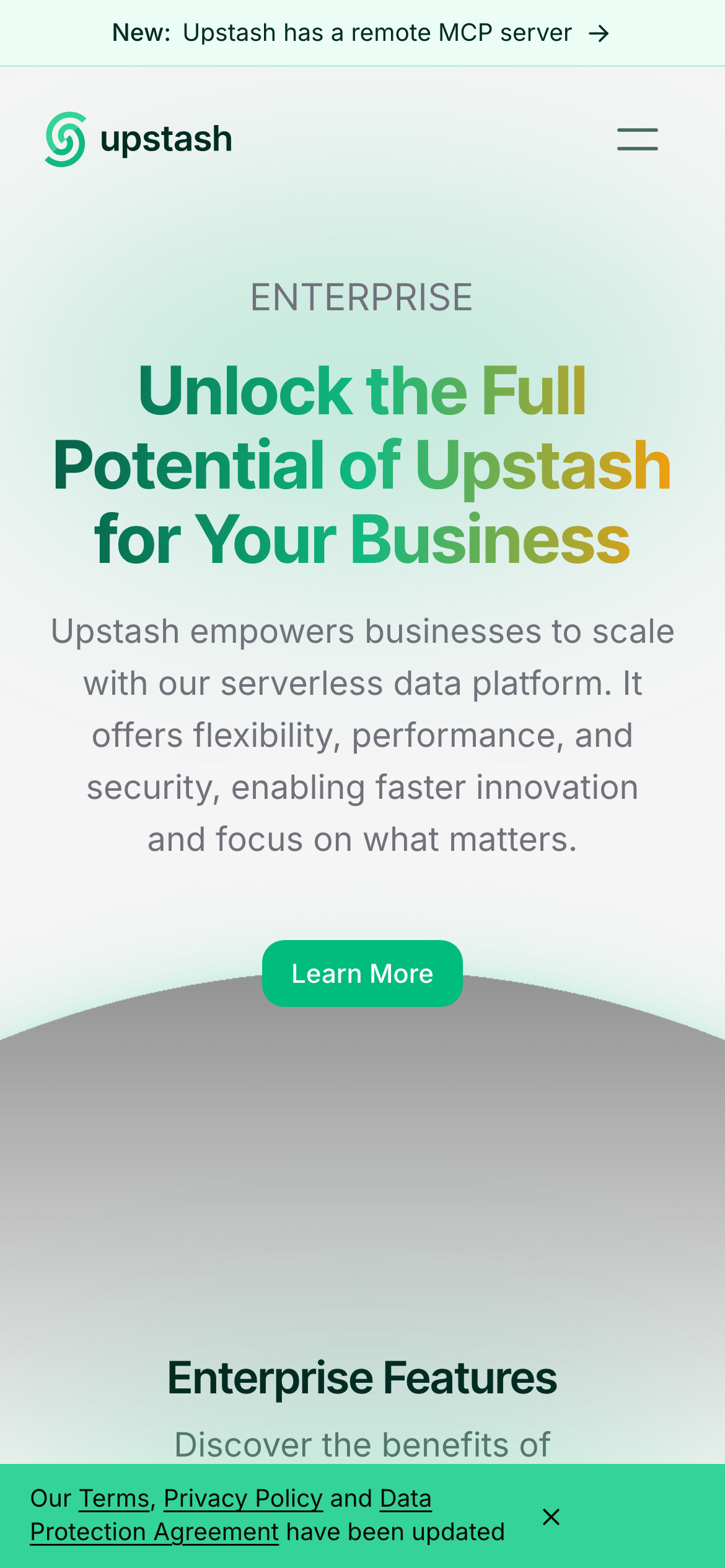
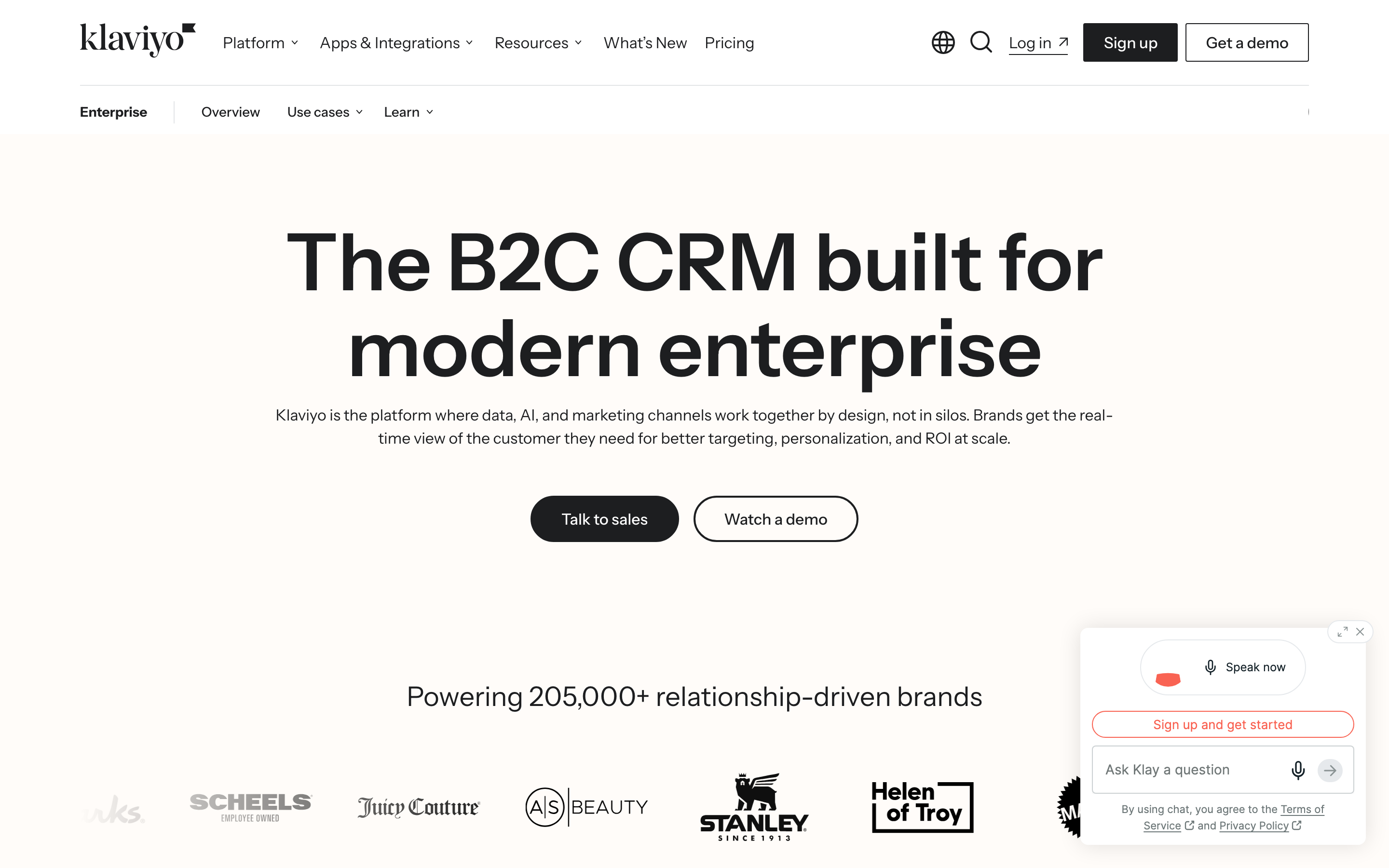
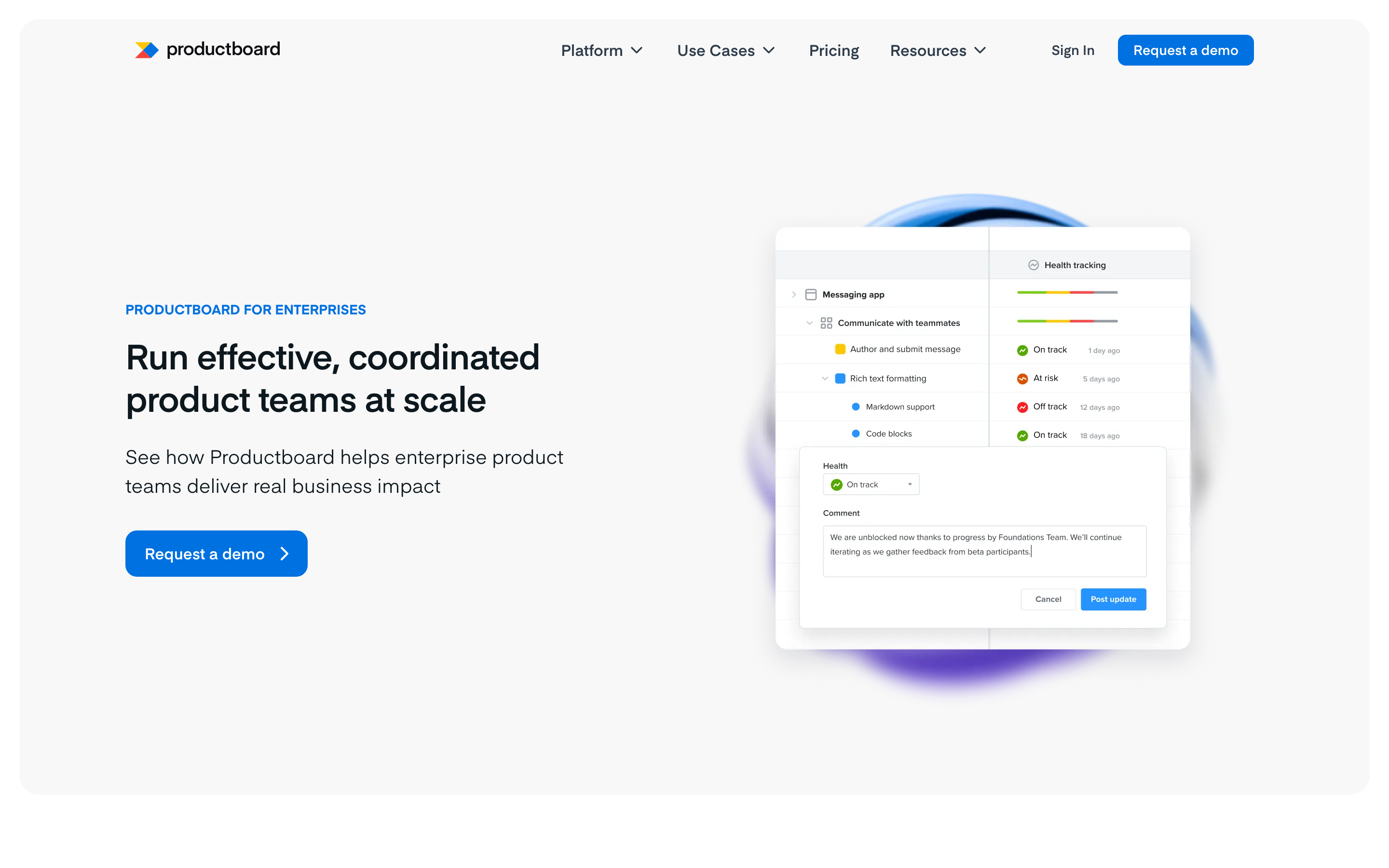
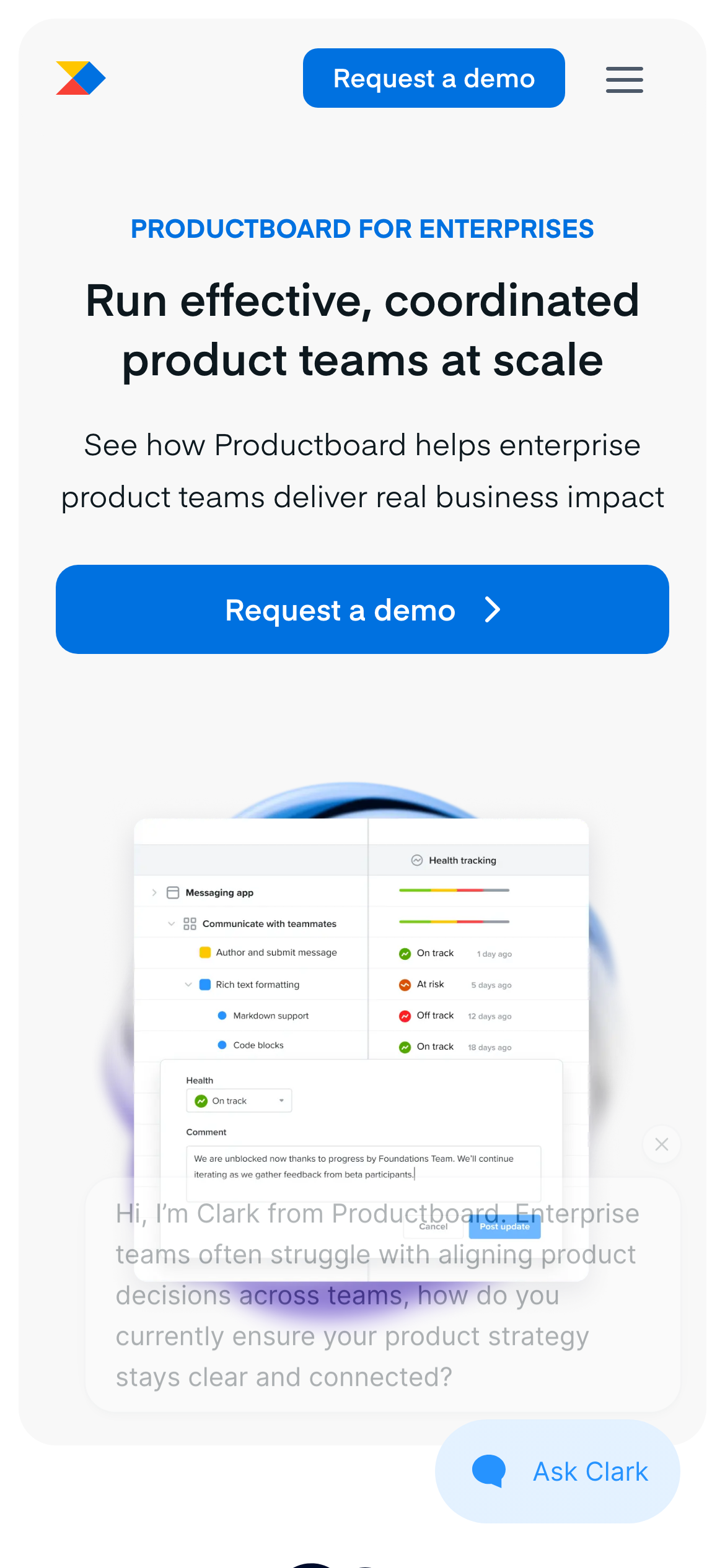
The first screen of each page at desktop size, with the phone view in the corner. Open one to see the whole site, its palette, fonts and sections.








Before you build
A checklist for your enterprise page
- State the enterprise offer and its audience in the first screen.
- Give buyers a clear route to contact sales or request a demo.
- Show relevant customer proof close to the offer.
- Explain the security, identity and administrative controls buyers need to evaluate.
- Describe support, service expectations and the next step in the buying process.
Enterprise page examples — FAQ
What should an enterprise page include?
Explain the enterprise offer, show relevant customer proof, describe security and administrative controls, and provide a clear route to sales. Support and service details help buyers assess the full offer.
Should an enterprise page lead with contact sales?
A sales action can help buyers with complex requirements start a conversation. Make the action specific and explain what happens next; keep self-serve paths available where they fit the offer.
How can an enterprise page show trust?
Use relevant customer logos and explain the security, access controls and support available to enterprise teams. Link to detailed documentation where buyers need to verify specifics.
Related
Screenshots show third-party pages for reference and remain their owners' work. Observations describe the captured first screens; they are editorial, not measured conversion results.