
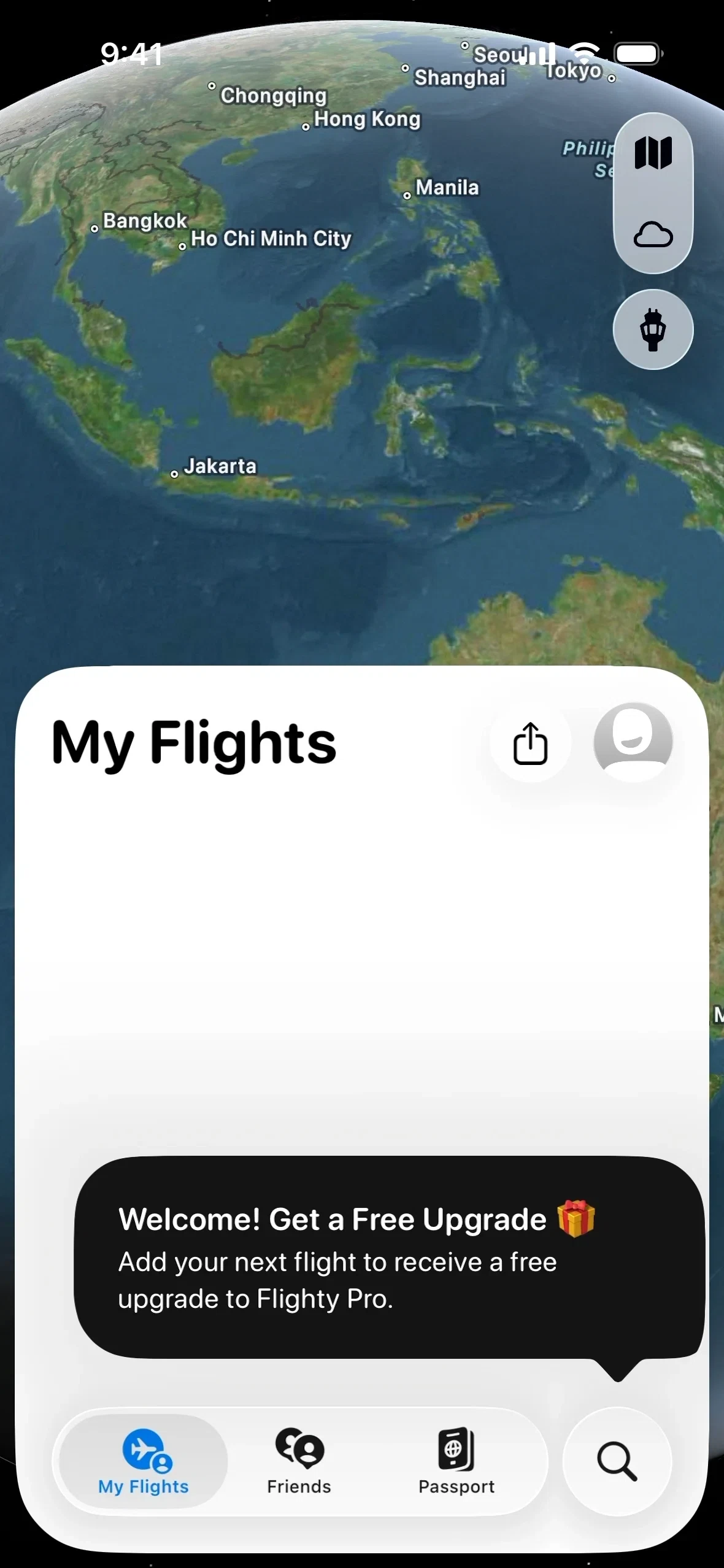
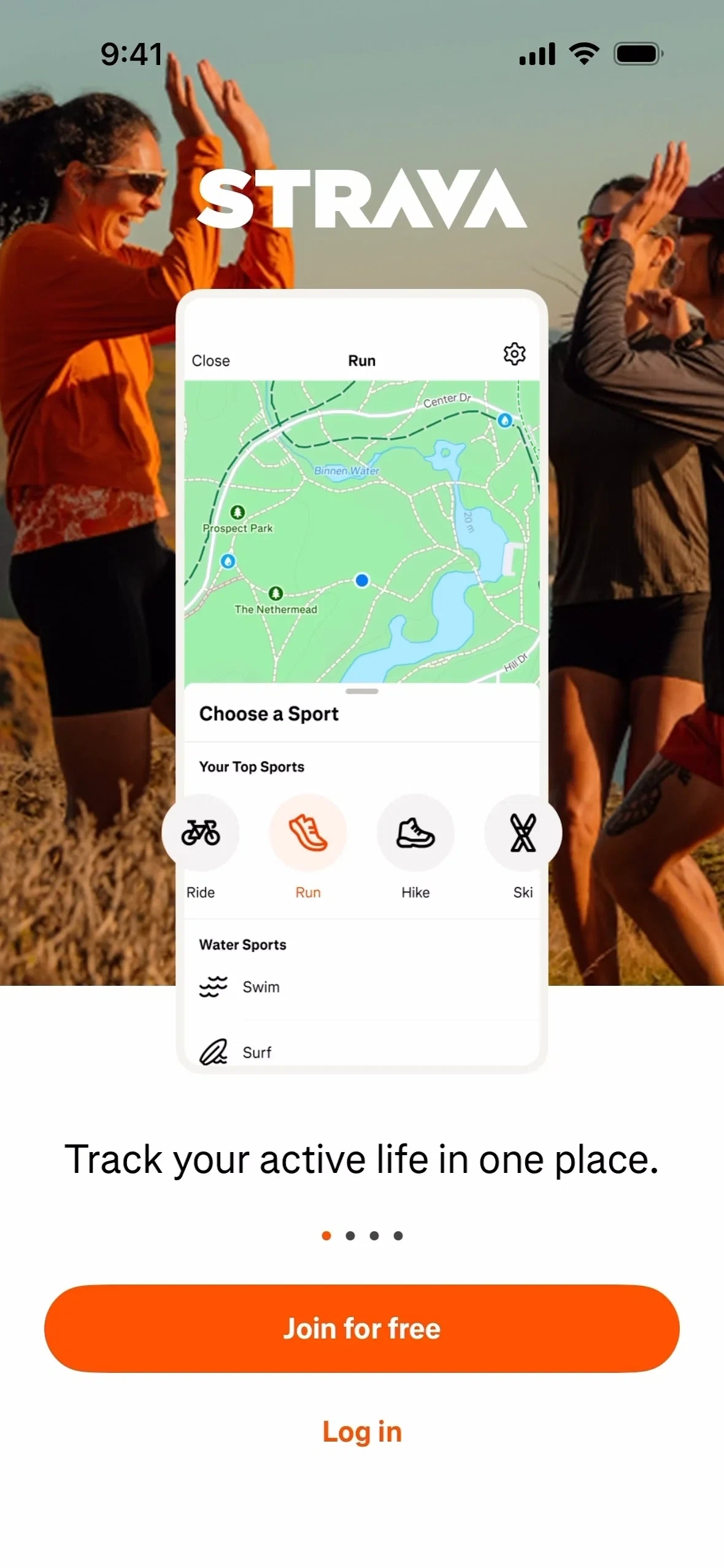


Discover real-world
design inspiration.
Featuring over 6,540 websites, mobile & web apps, and 110,736+ sections — new content weekly.
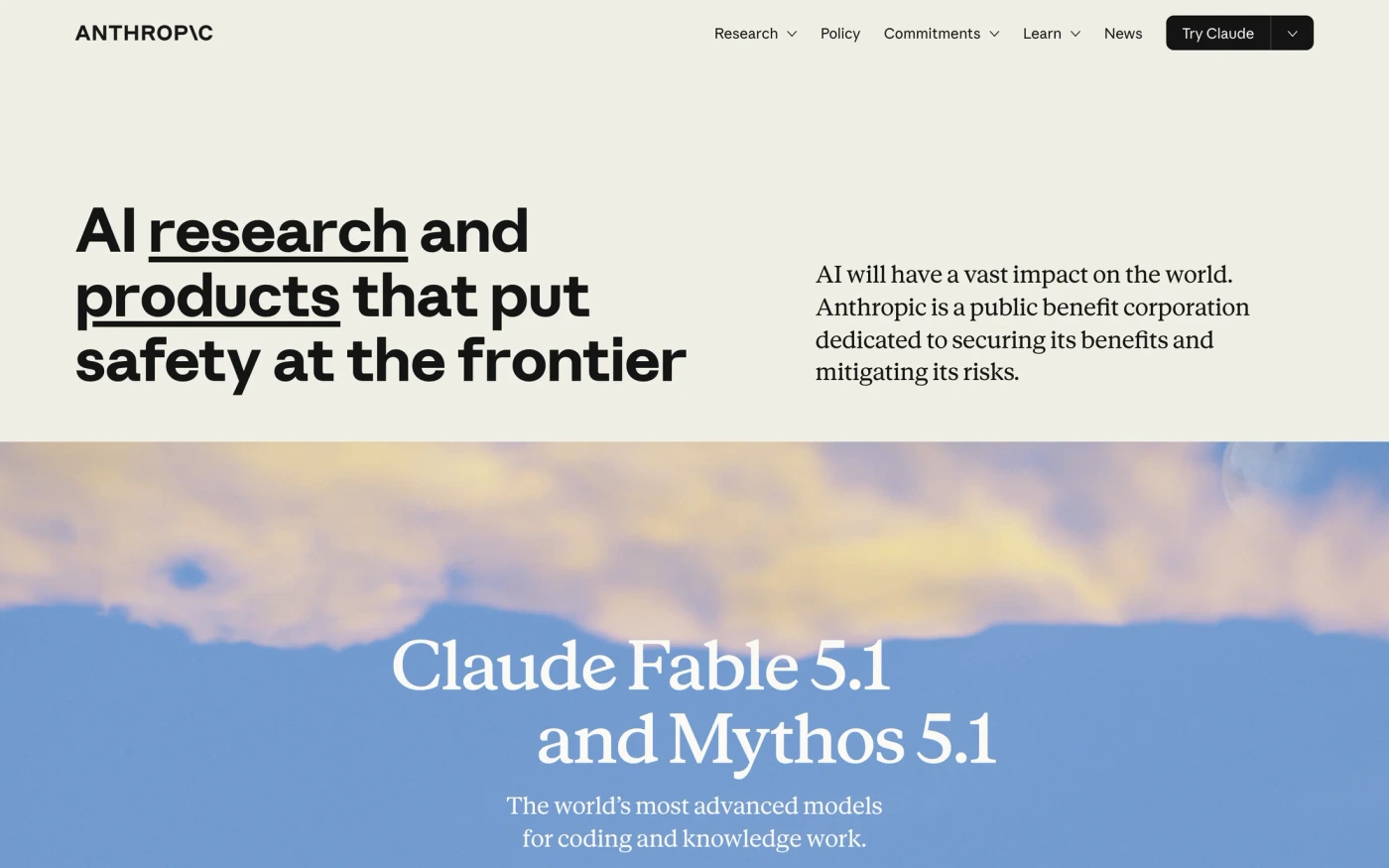
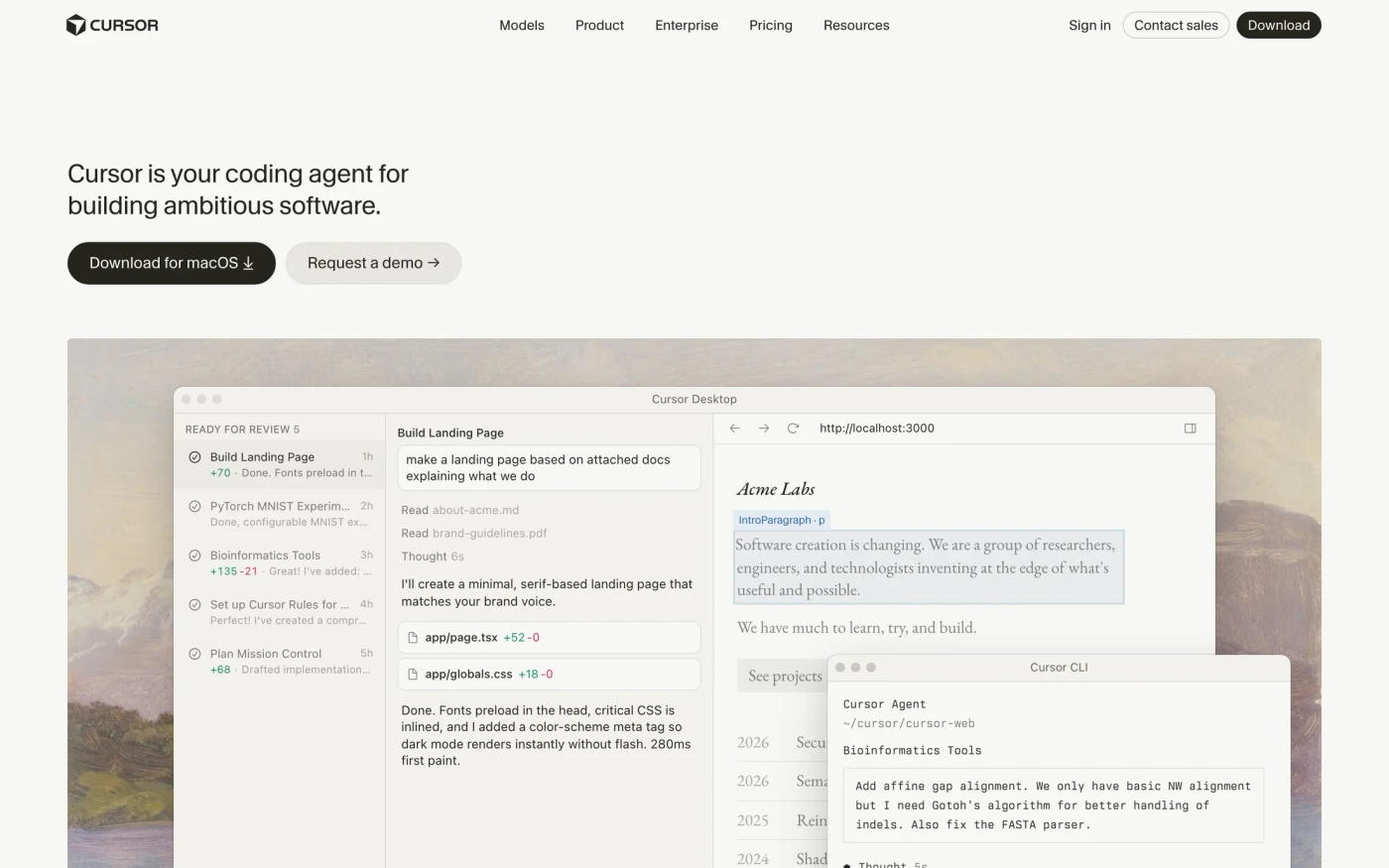
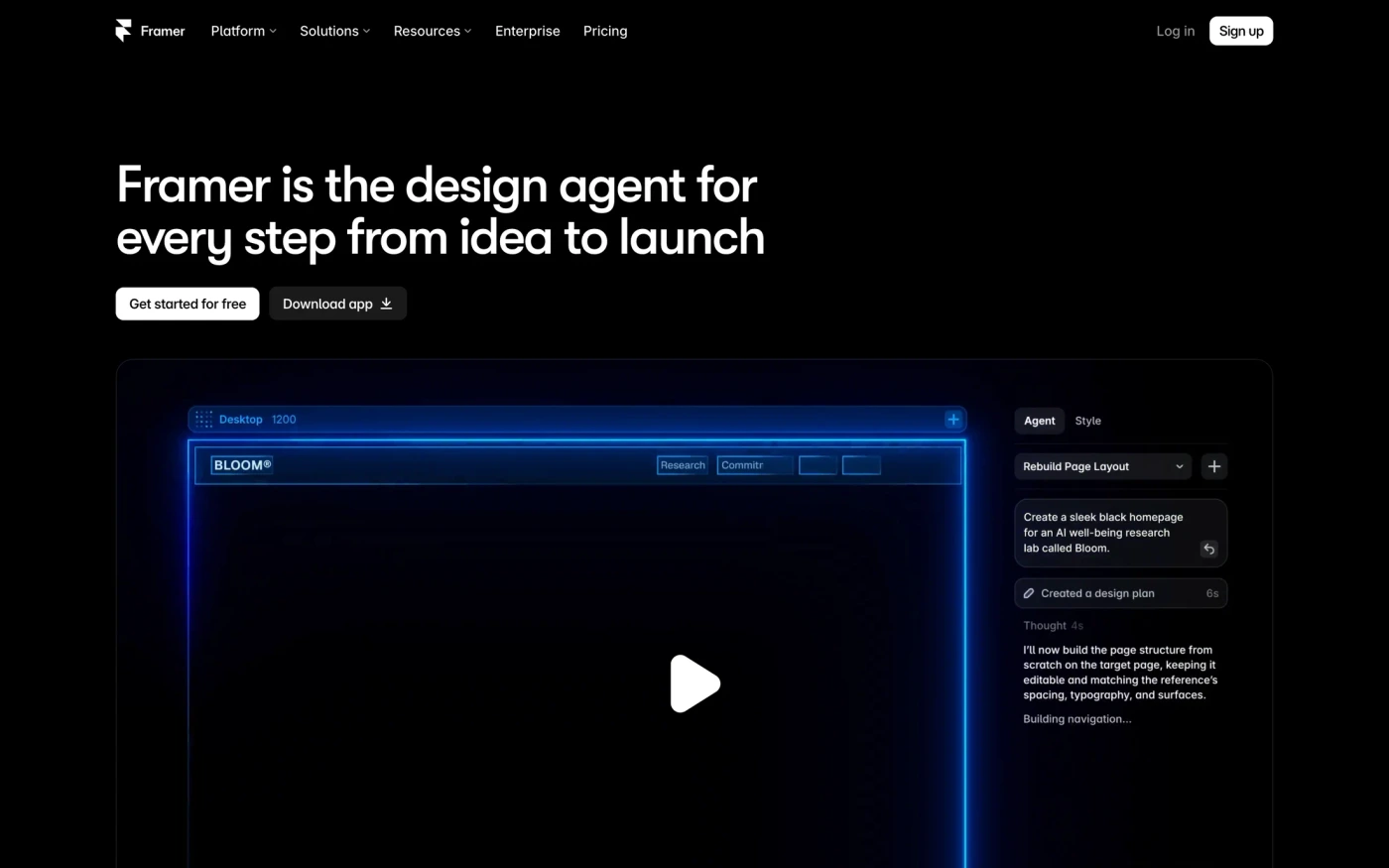
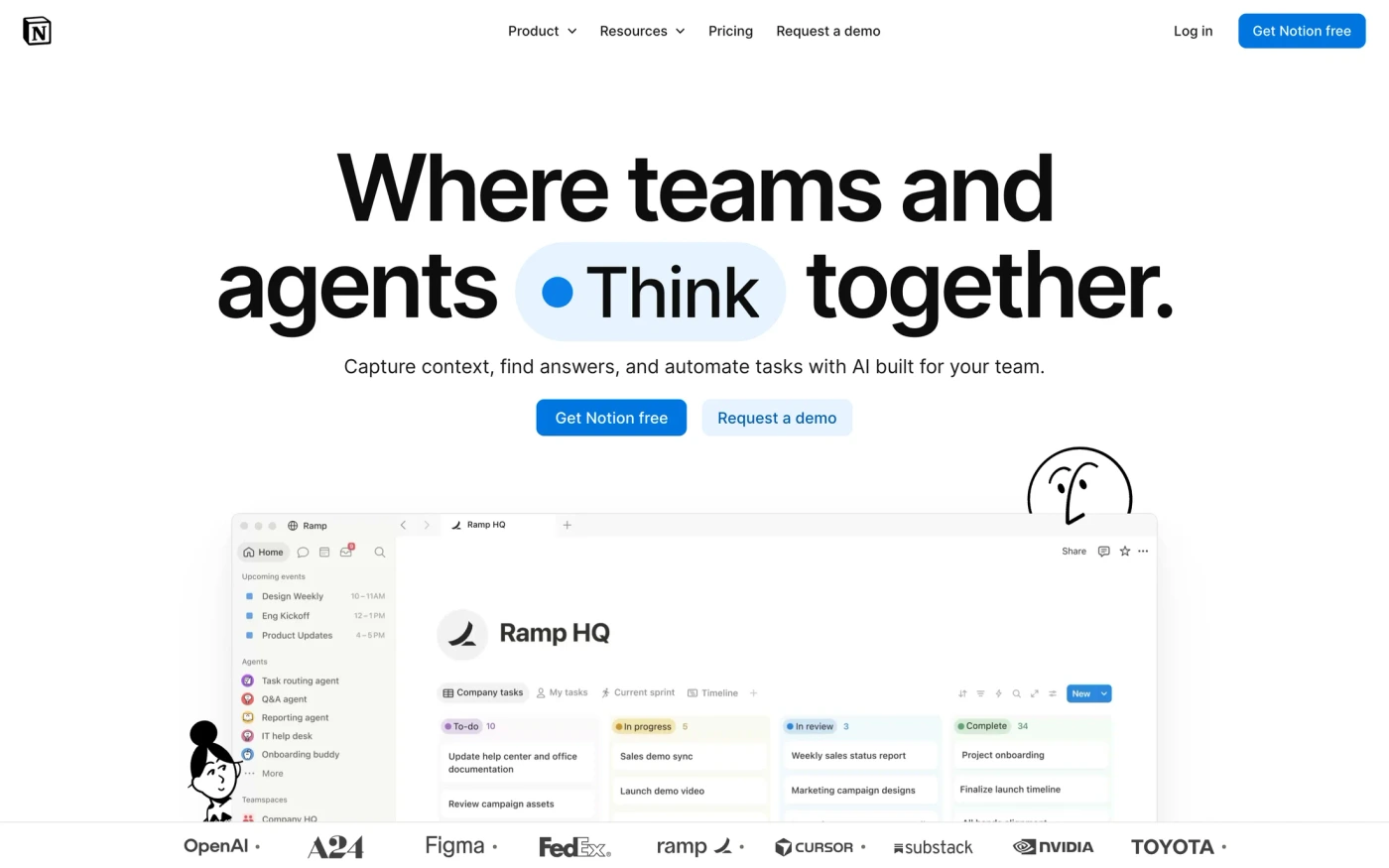
Featuring designs from


Browse by category
Everything you need to ship
Real captures from the best products — organized so you find the right reference in seconds.
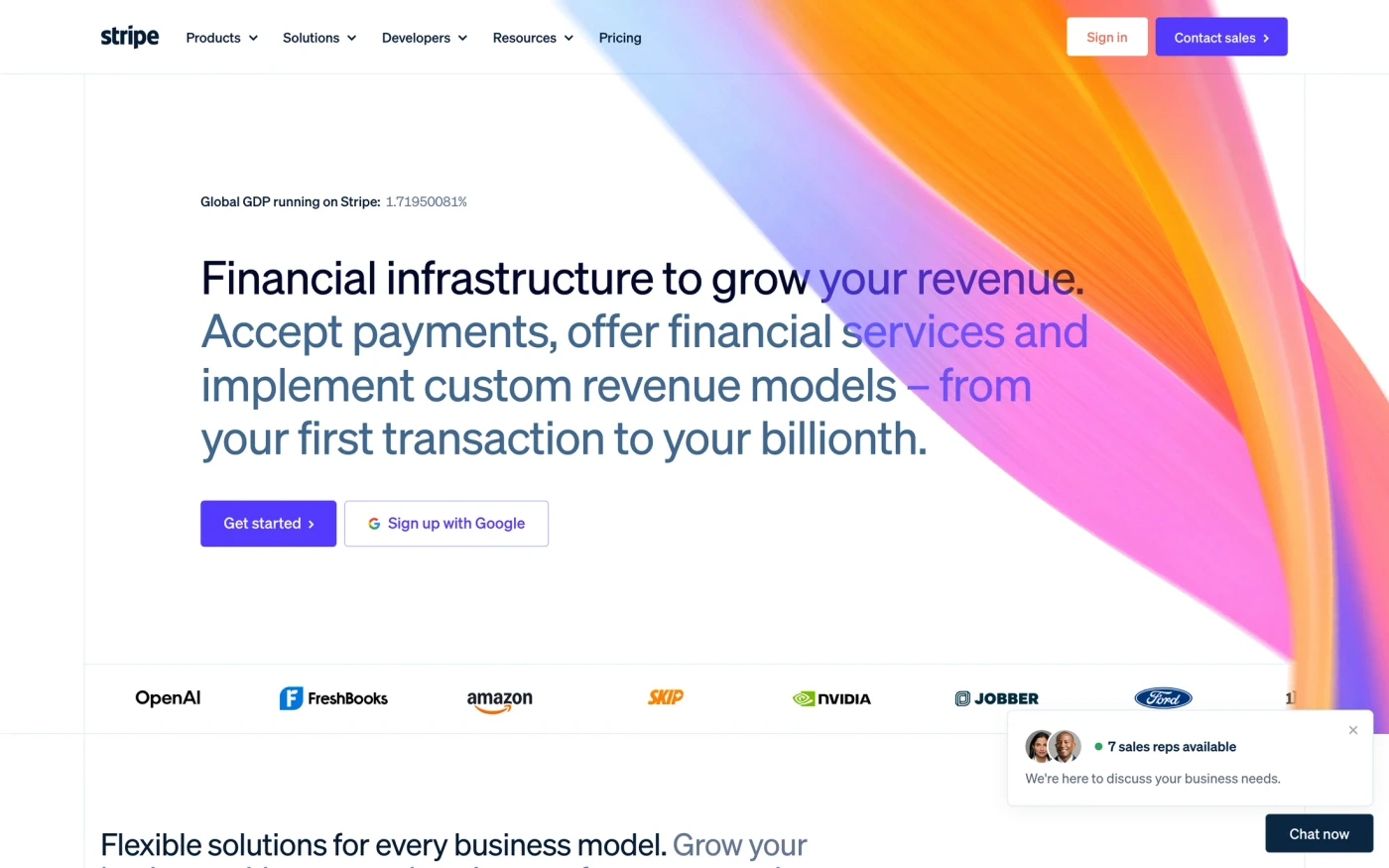
Websites
2,642 marketing sites & homepages
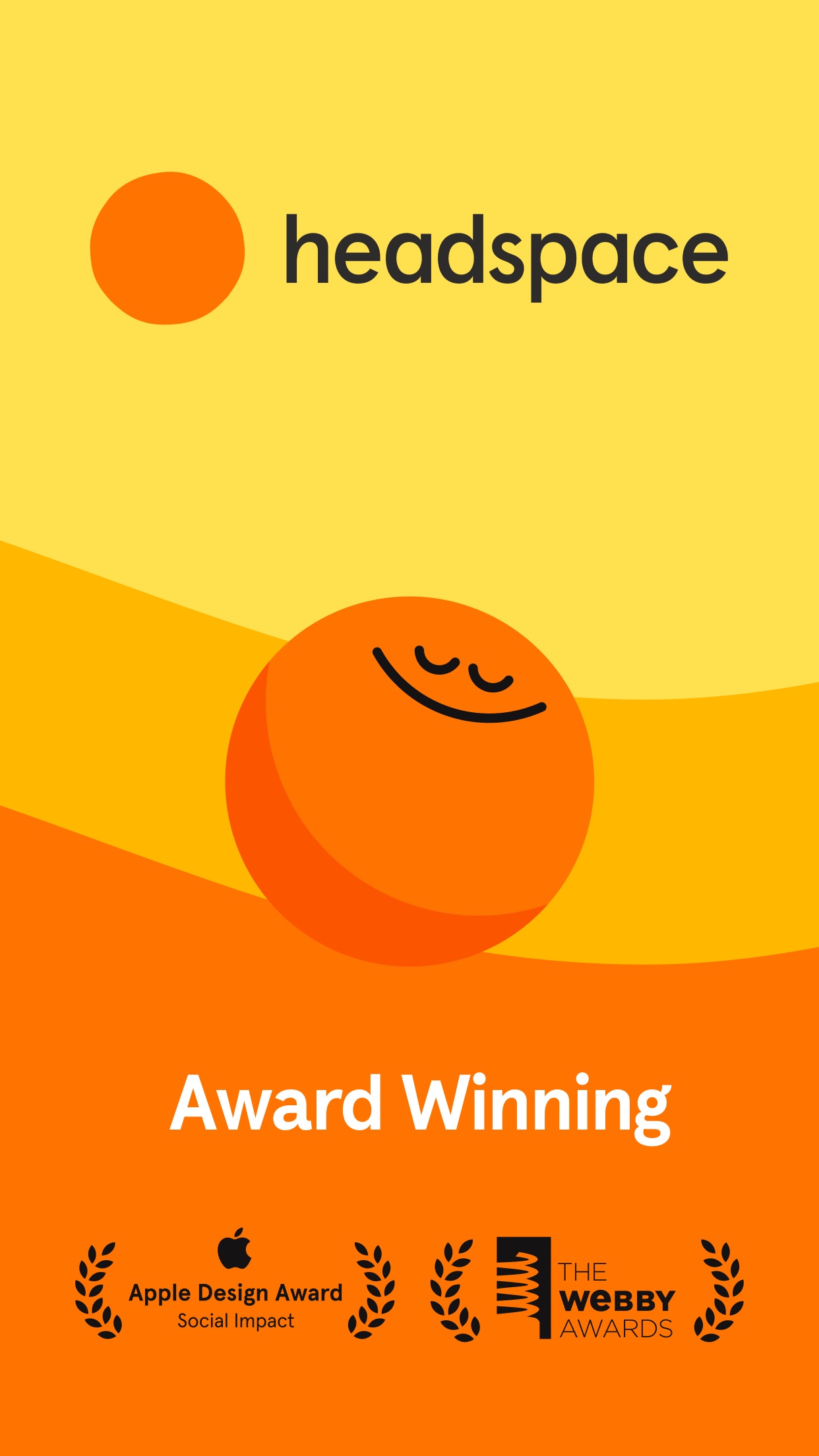
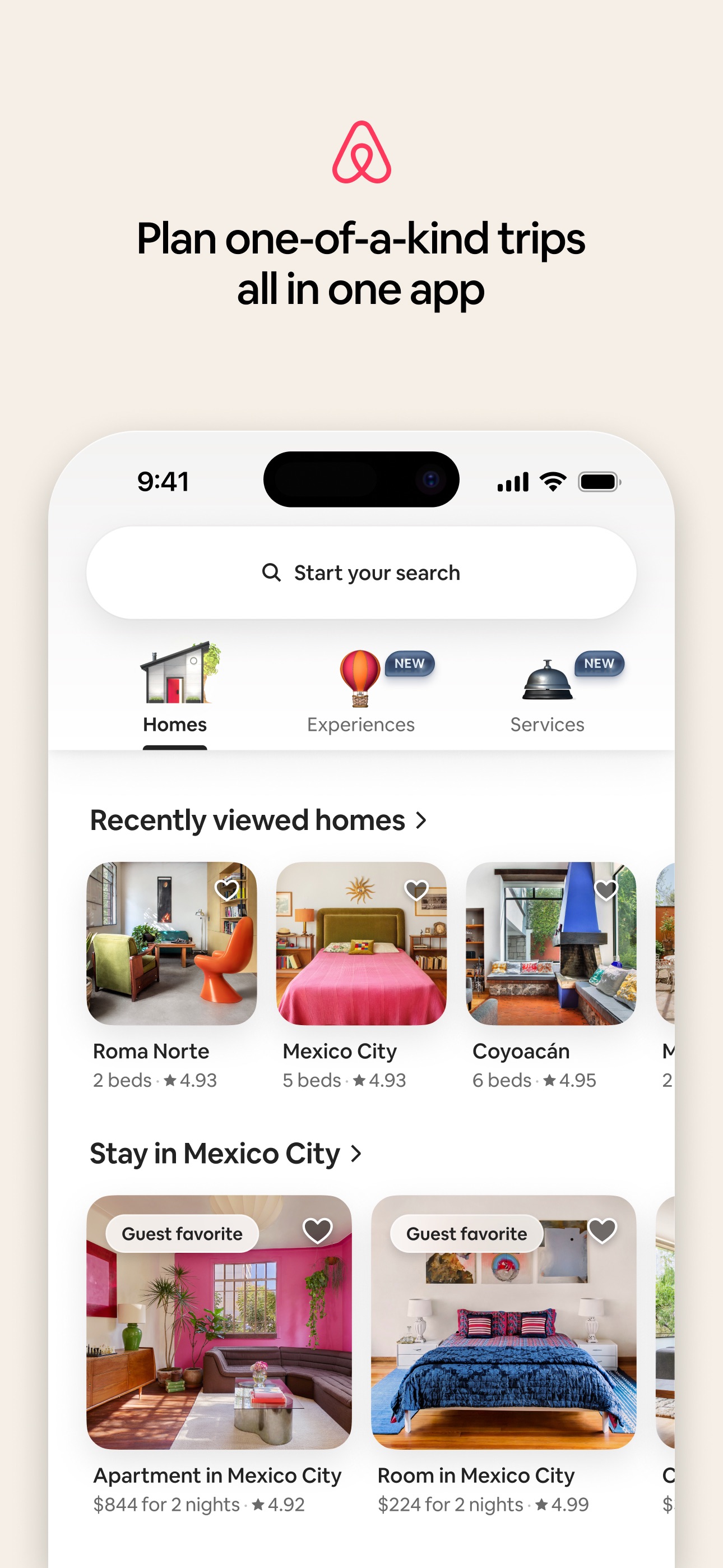
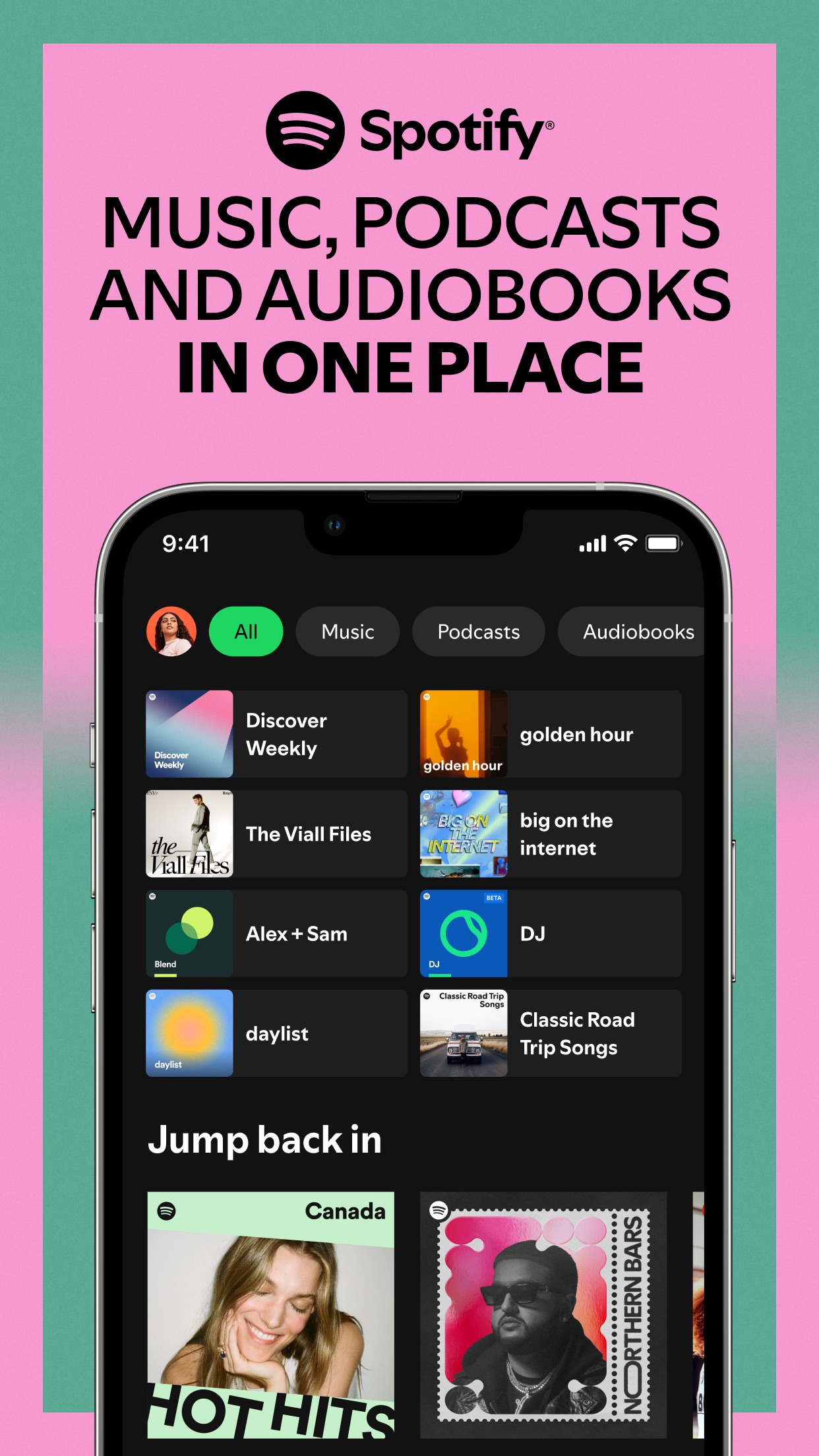
Mobile Apps
3,836 iOS apps from the App Store
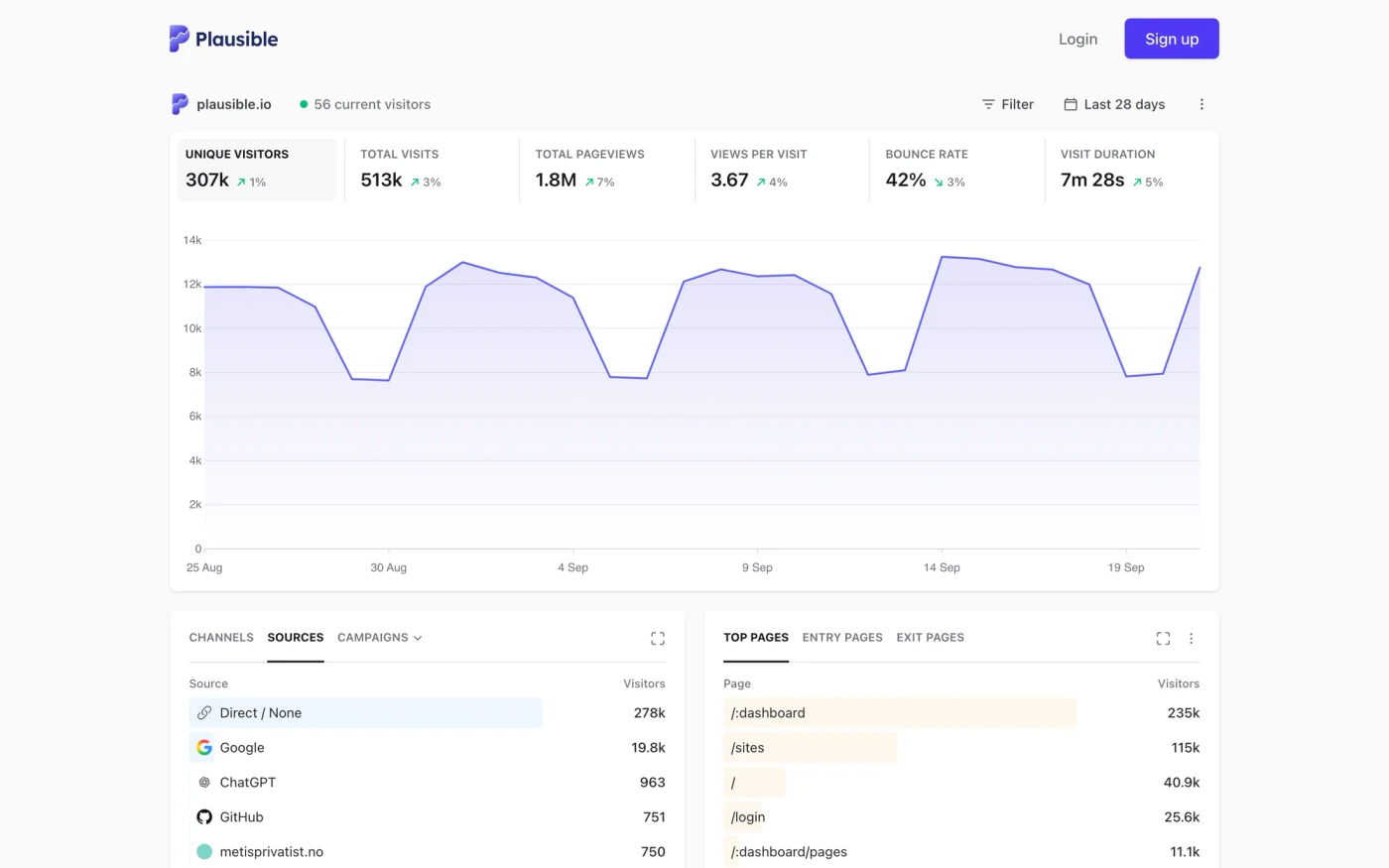
Web Apps
62 product UIs in the browser
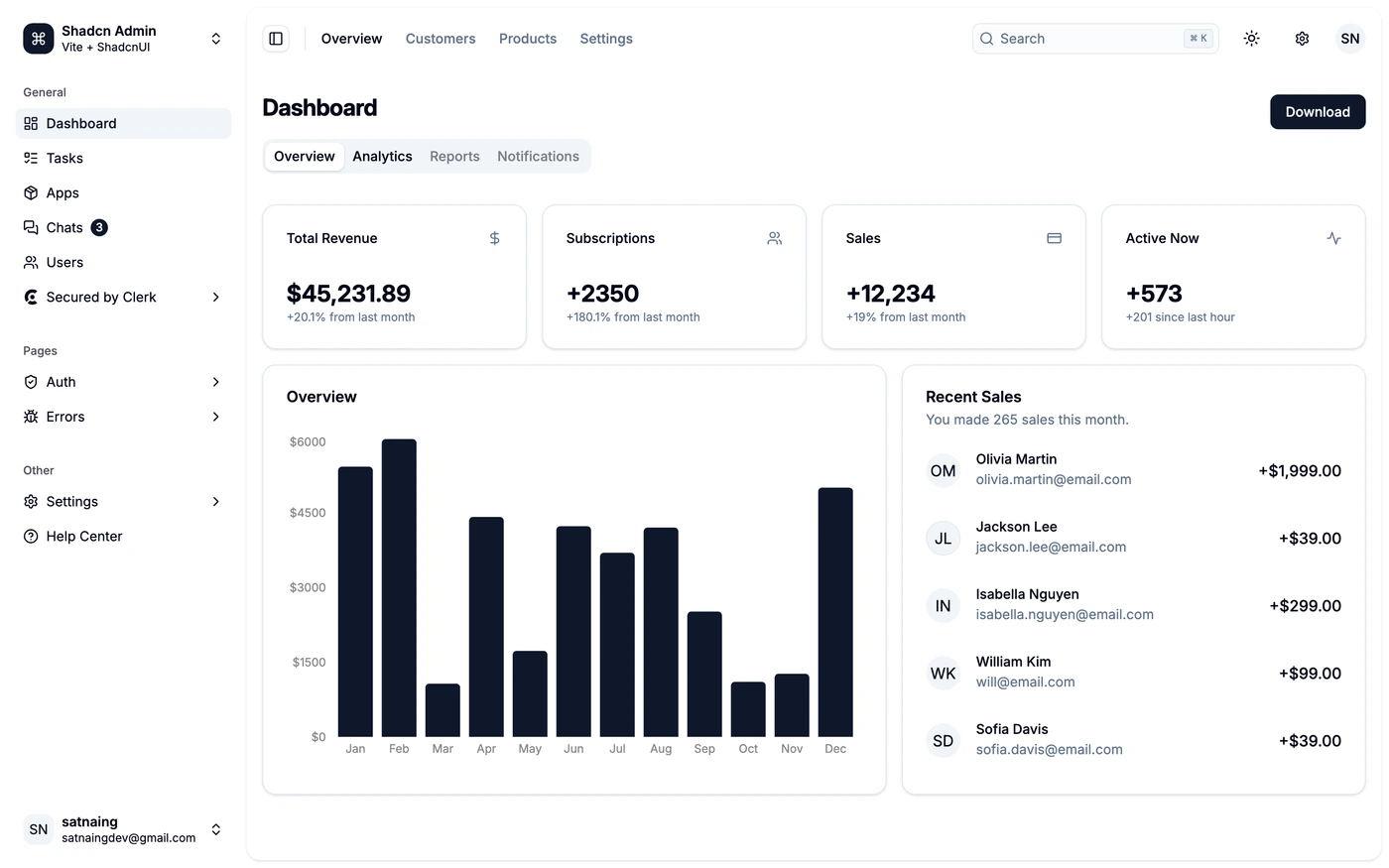
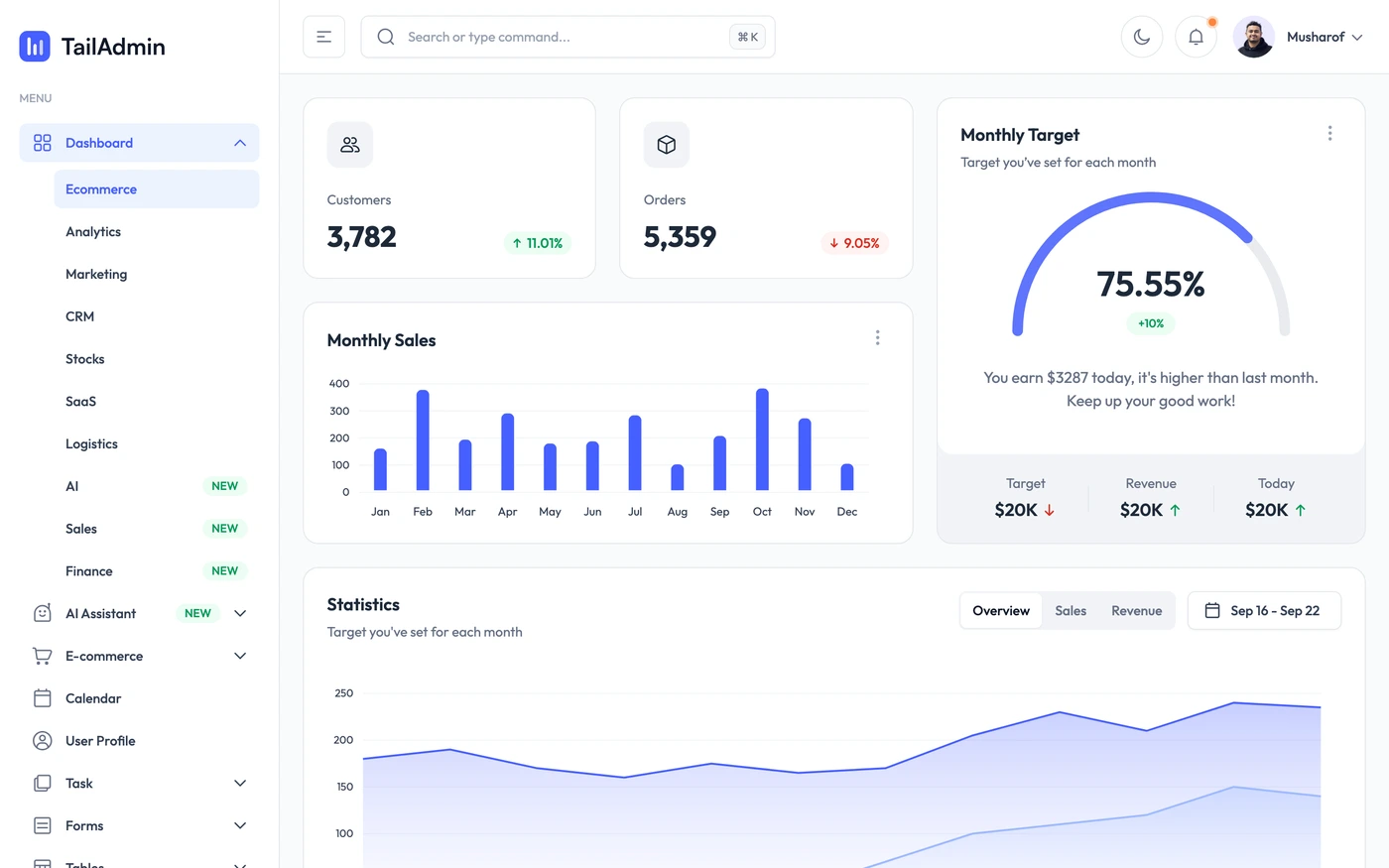
Admin Dashboards
42 admin panels & analytics UIs
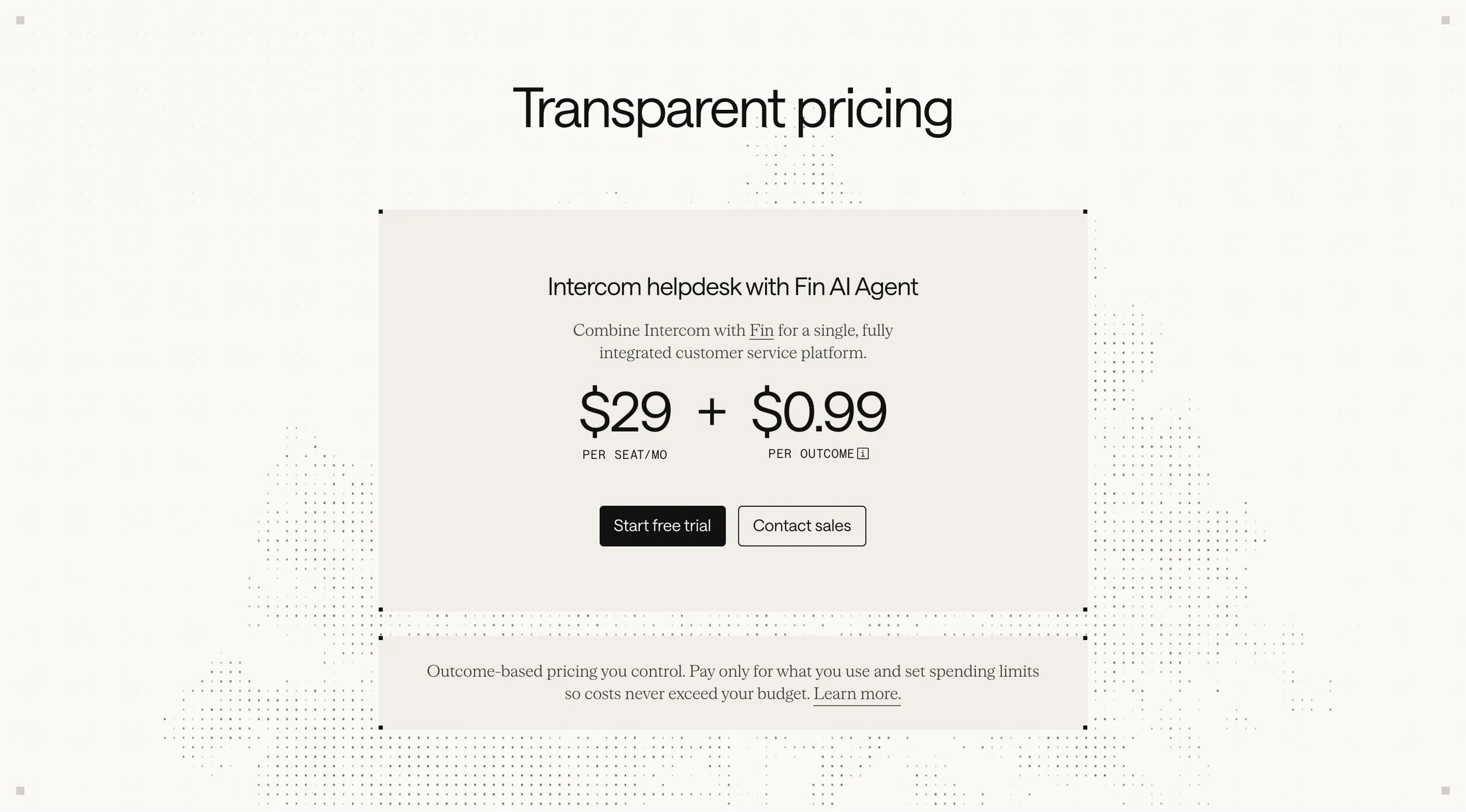
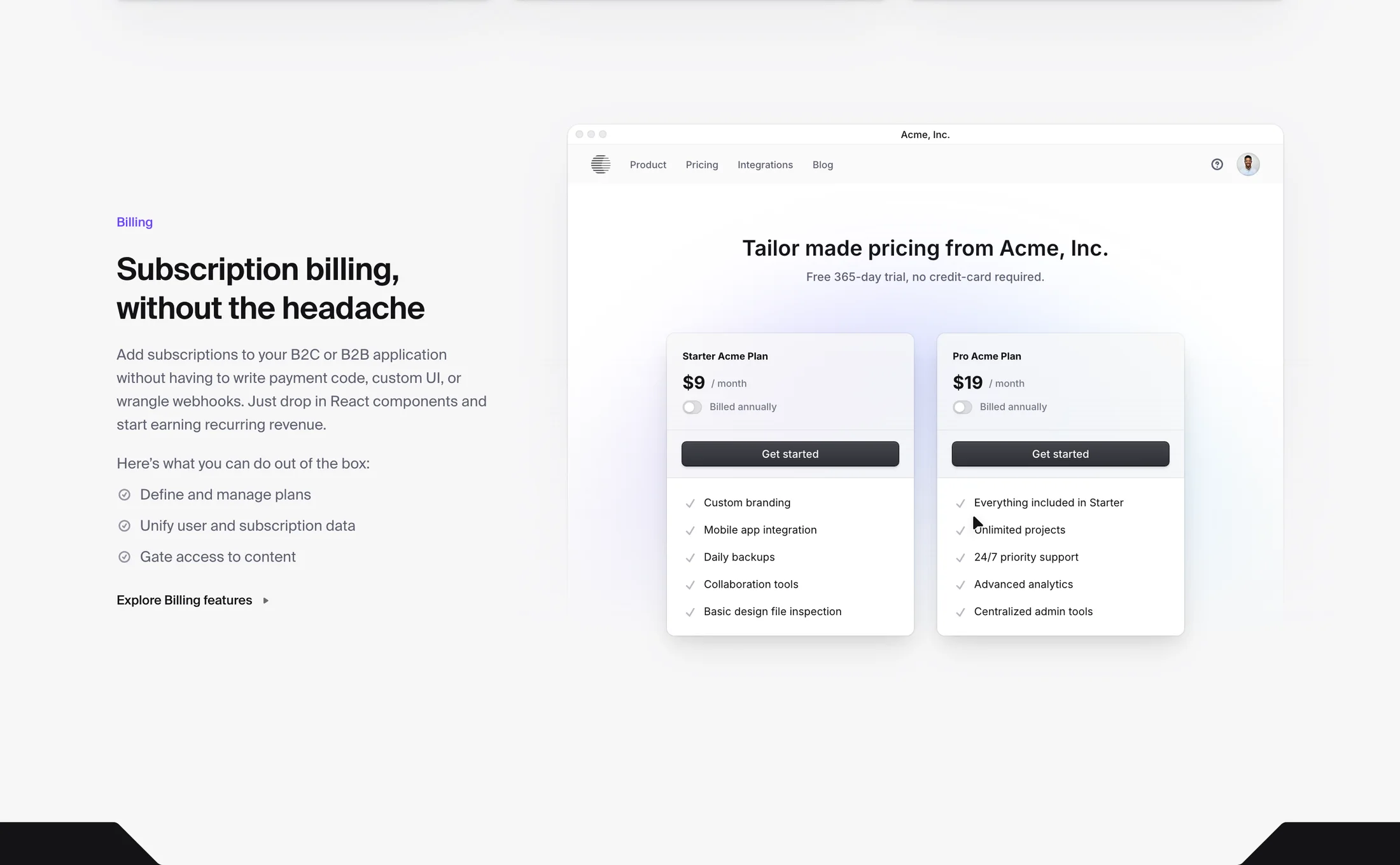
Sections
110,736 heroes, pricing tables, FAQs & more
Graphics
Social posts, banners & more
Templates
Email signatures & business cards

Motion
Intros, reveals & greetings
- 1Set the promise
- 2Ask only what unlocks value
- 3Land the first win
Flow Kits
Multi-step product journeys
The library
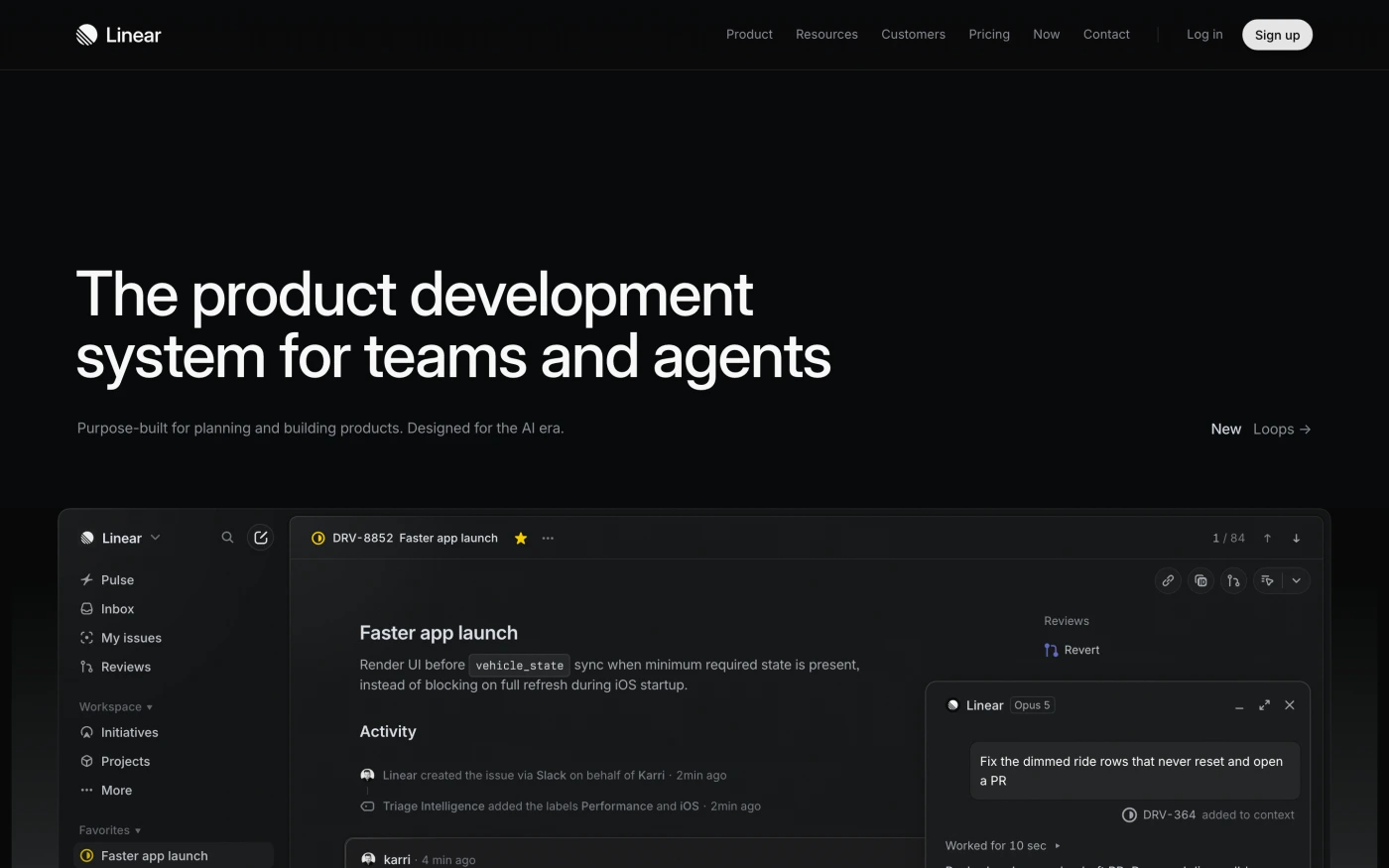
Browse all products
Filter
Industry
Exact colour
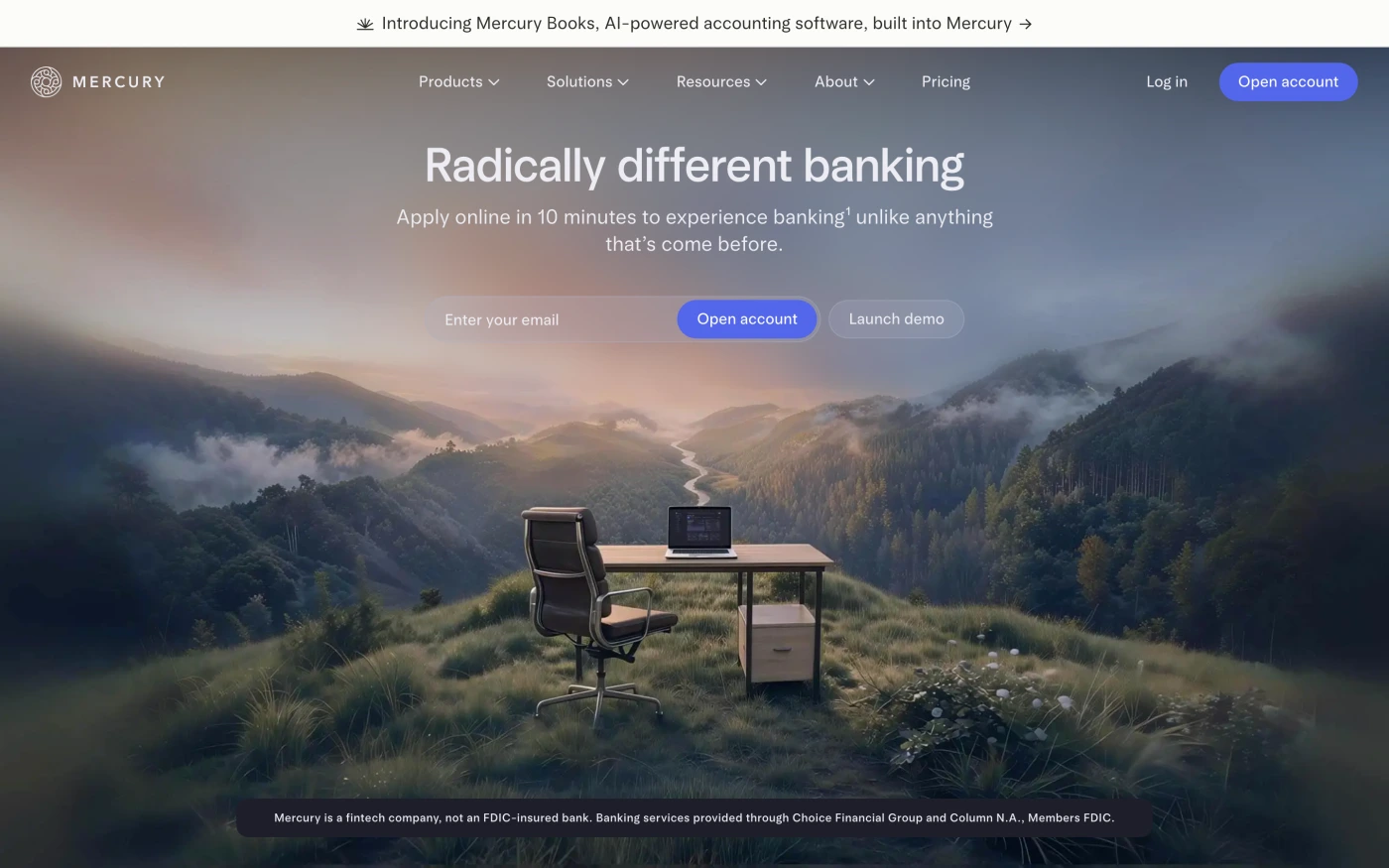
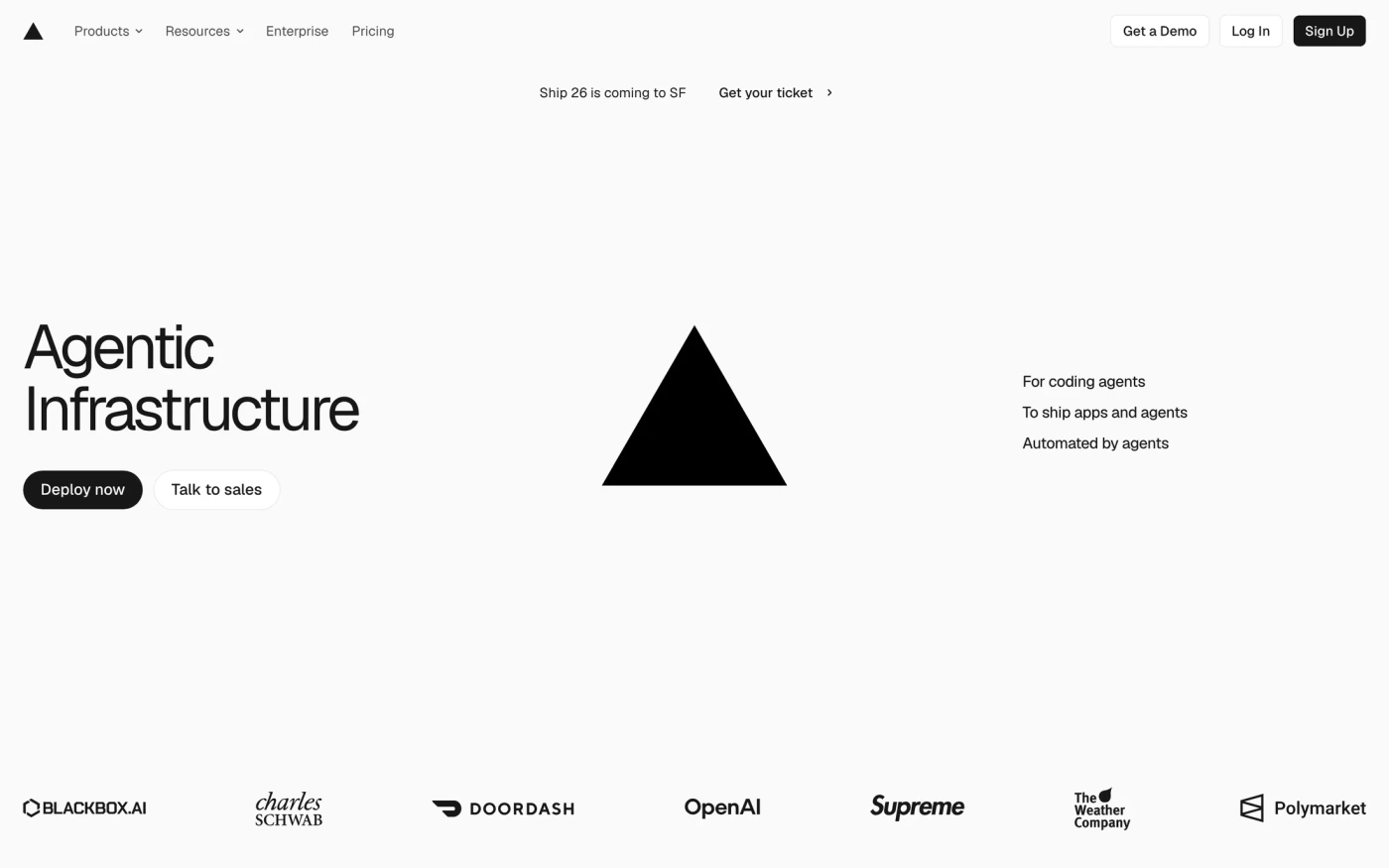
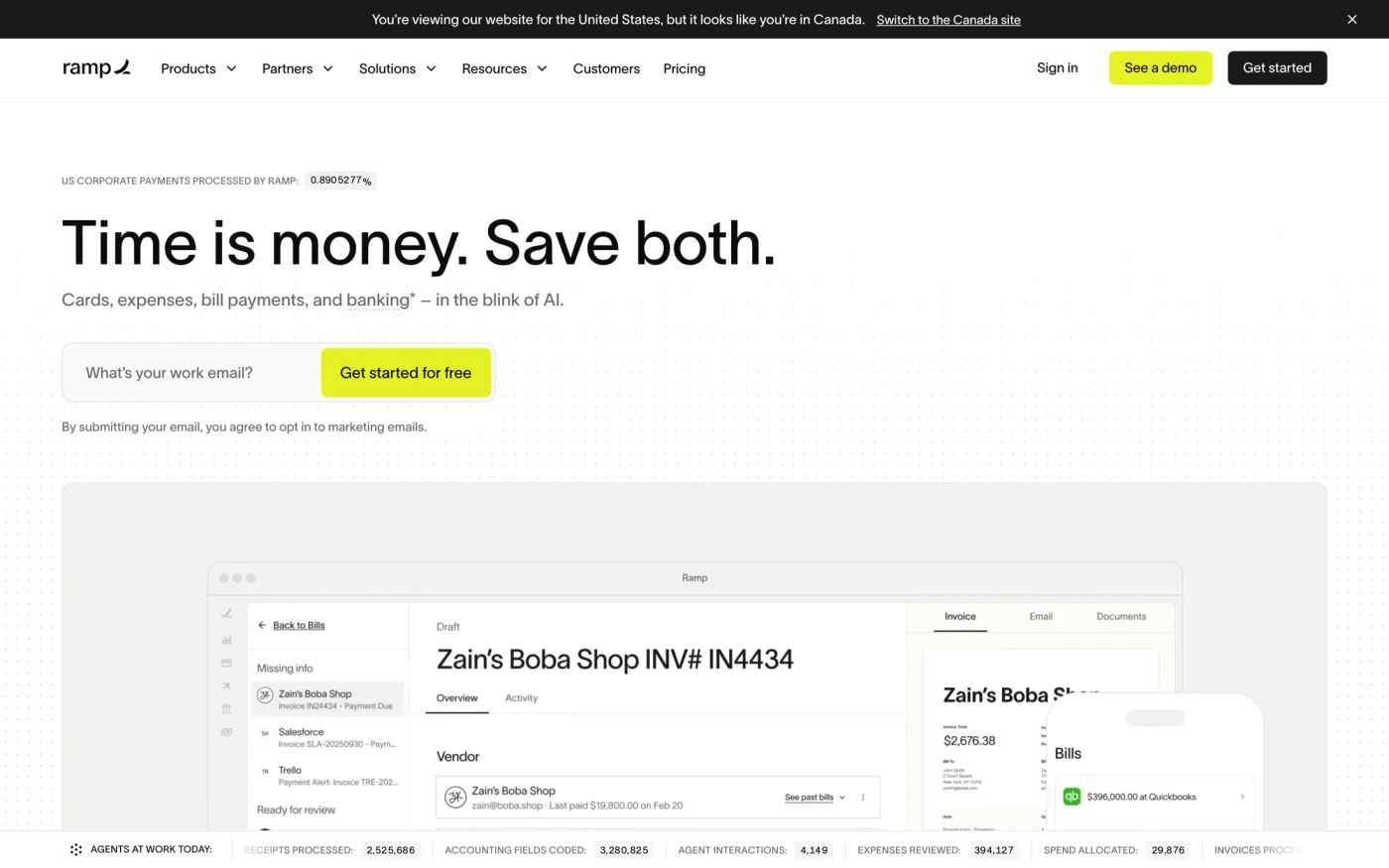
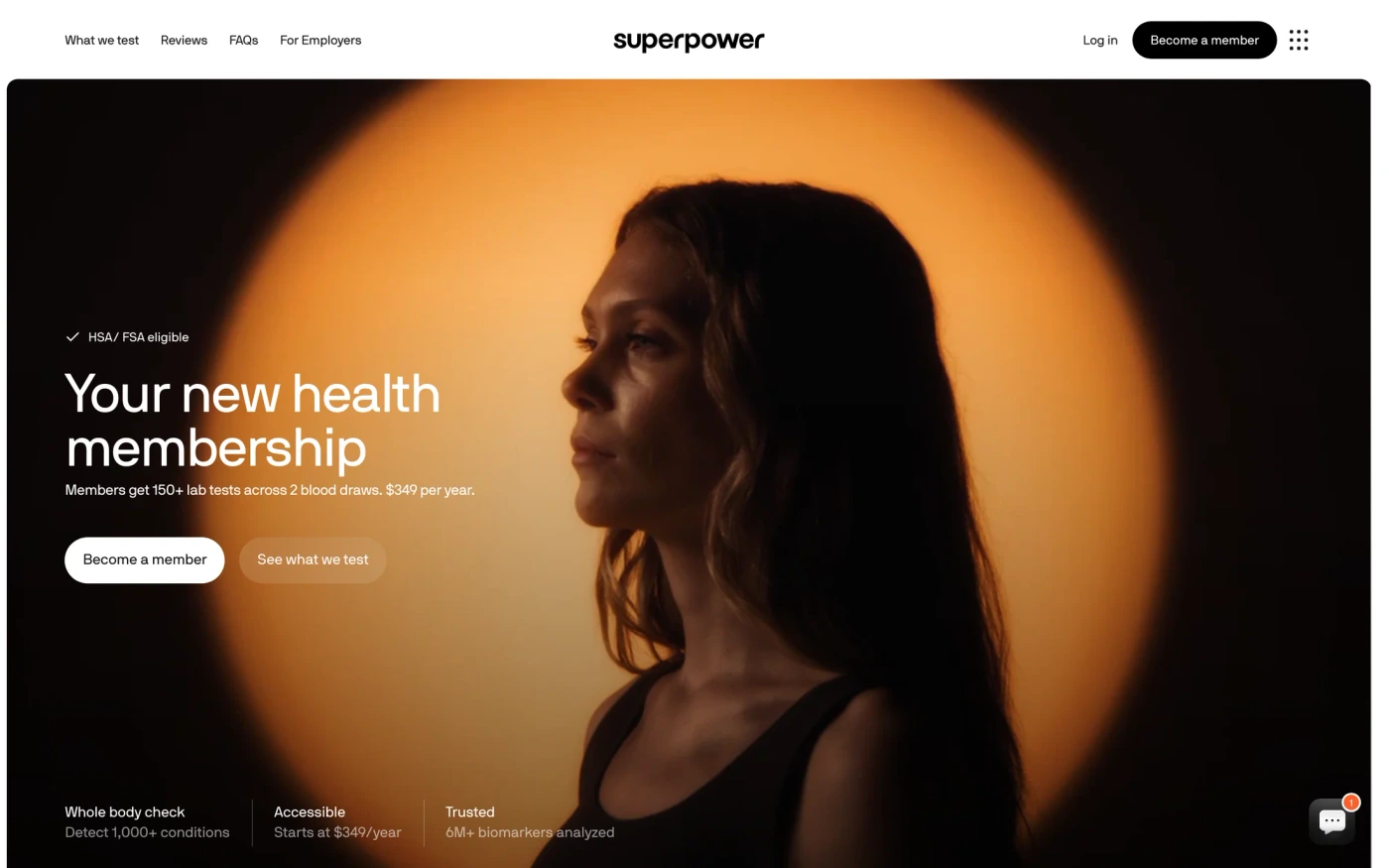

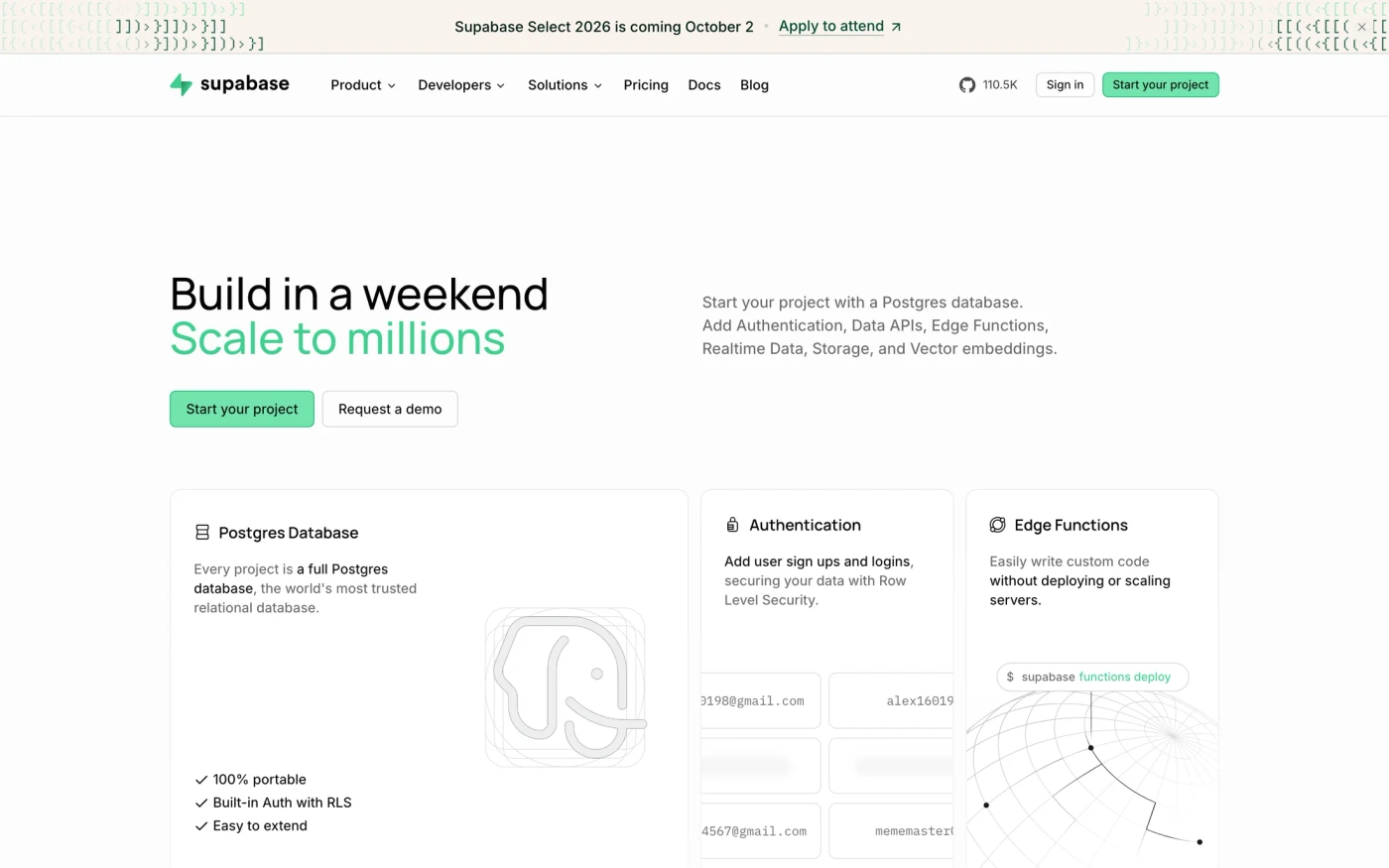
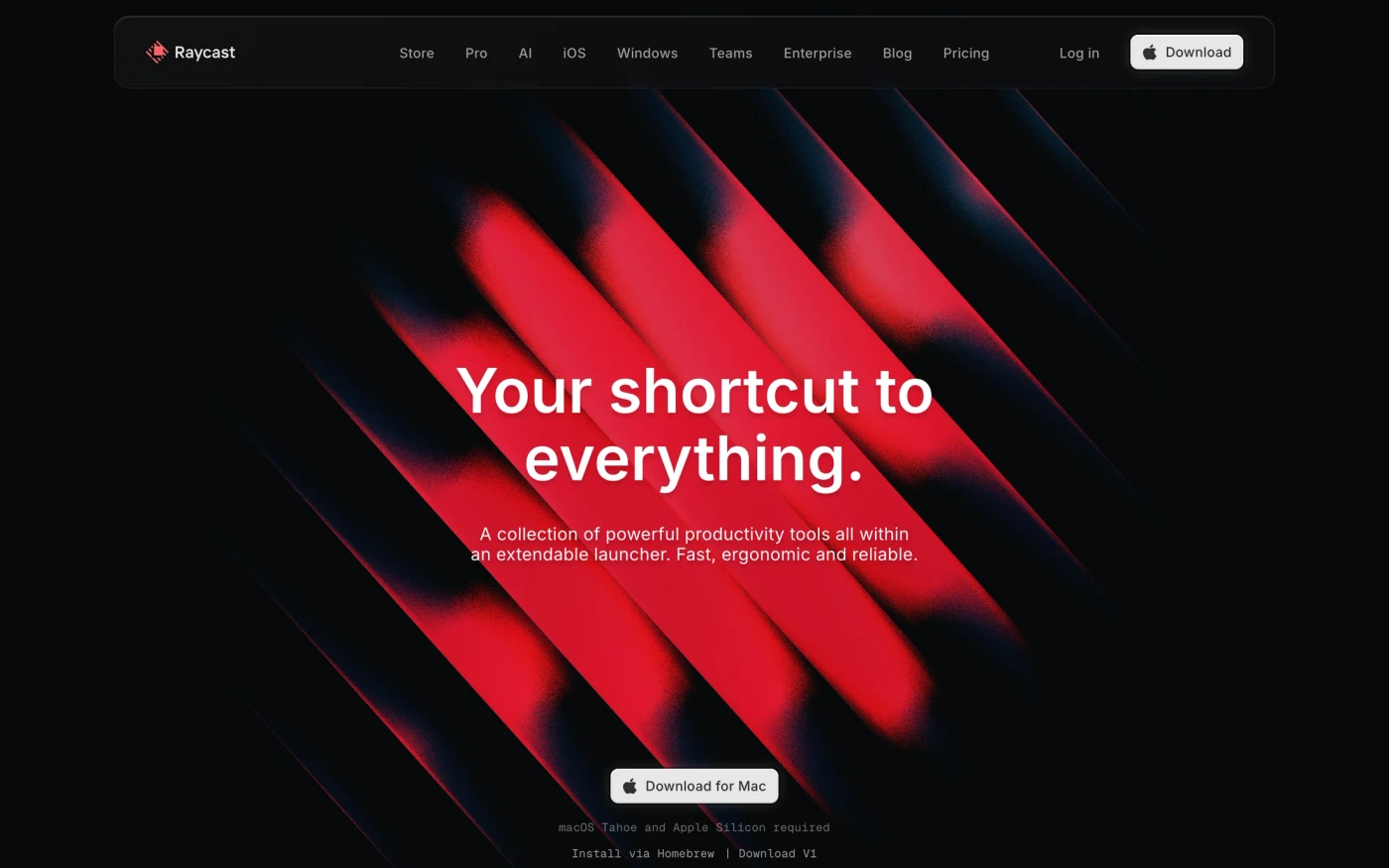
How it works
From blank canvas to shipped, in three steps.
UIDiscovery is built to be used, not just browsed. Here's one real reference from the library — Later's pricing page — going from search to a prompt your editor can run.
- pricing with annual billingPricingLightWeb
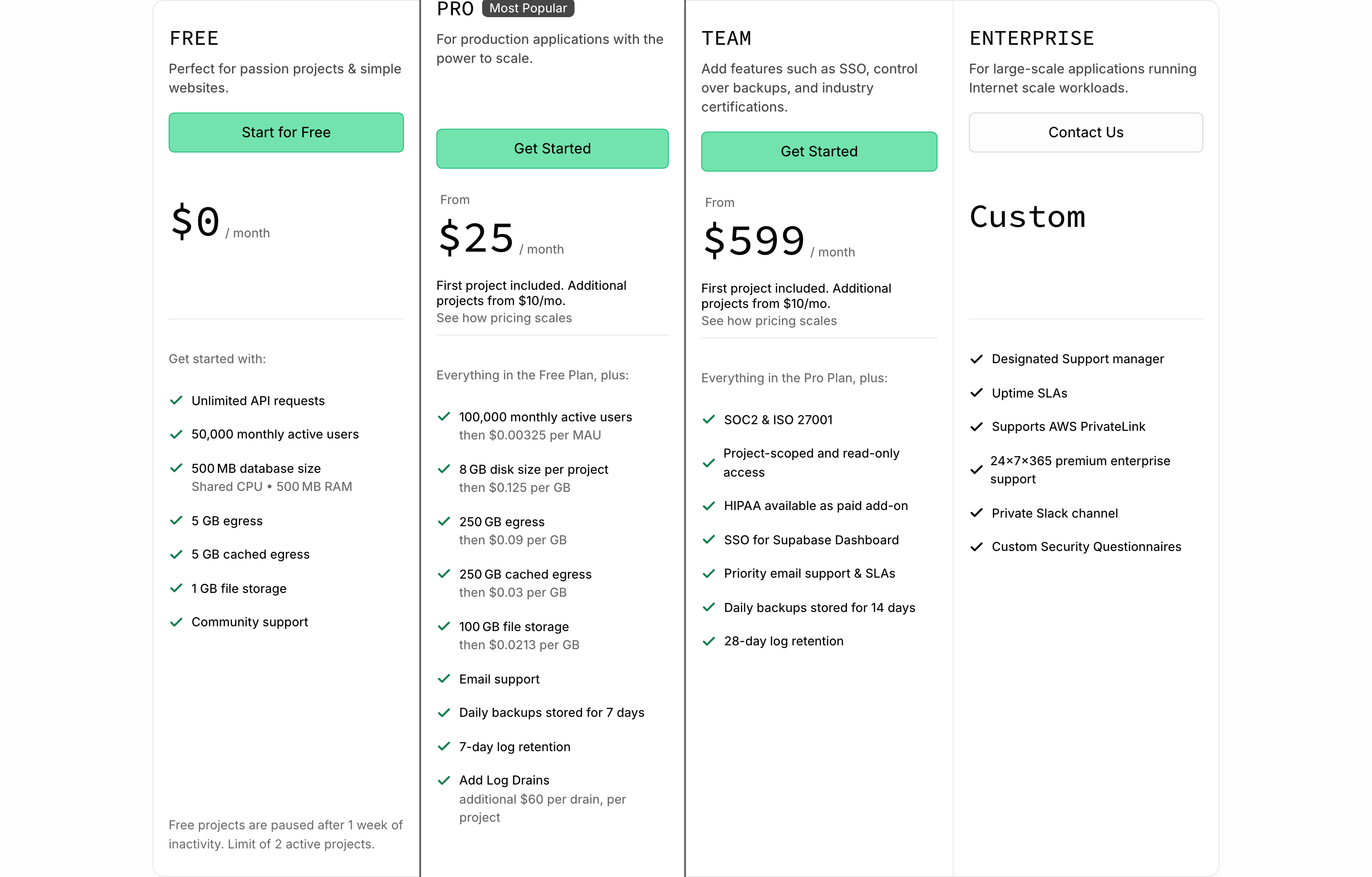
 Supabase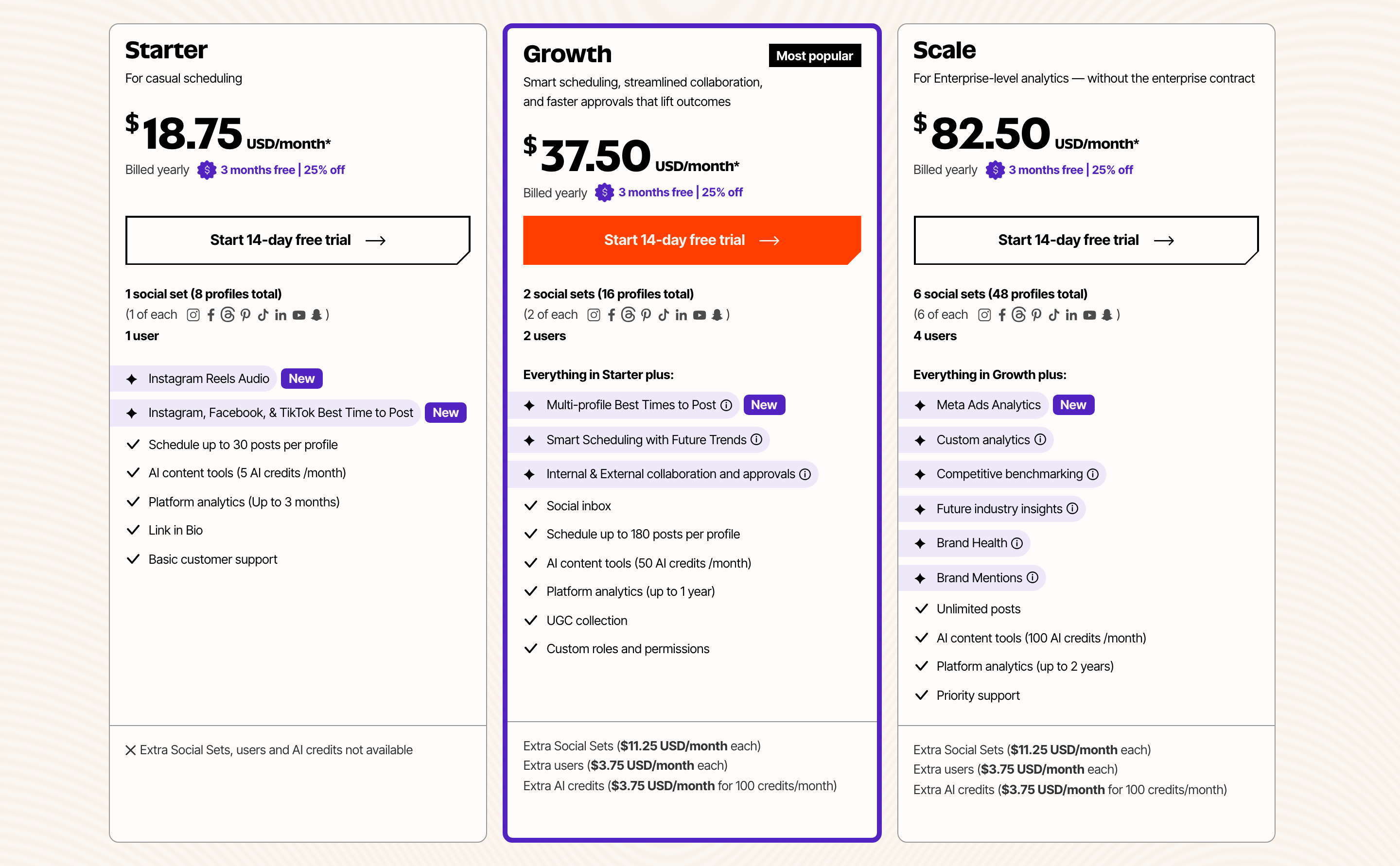
 Later
Later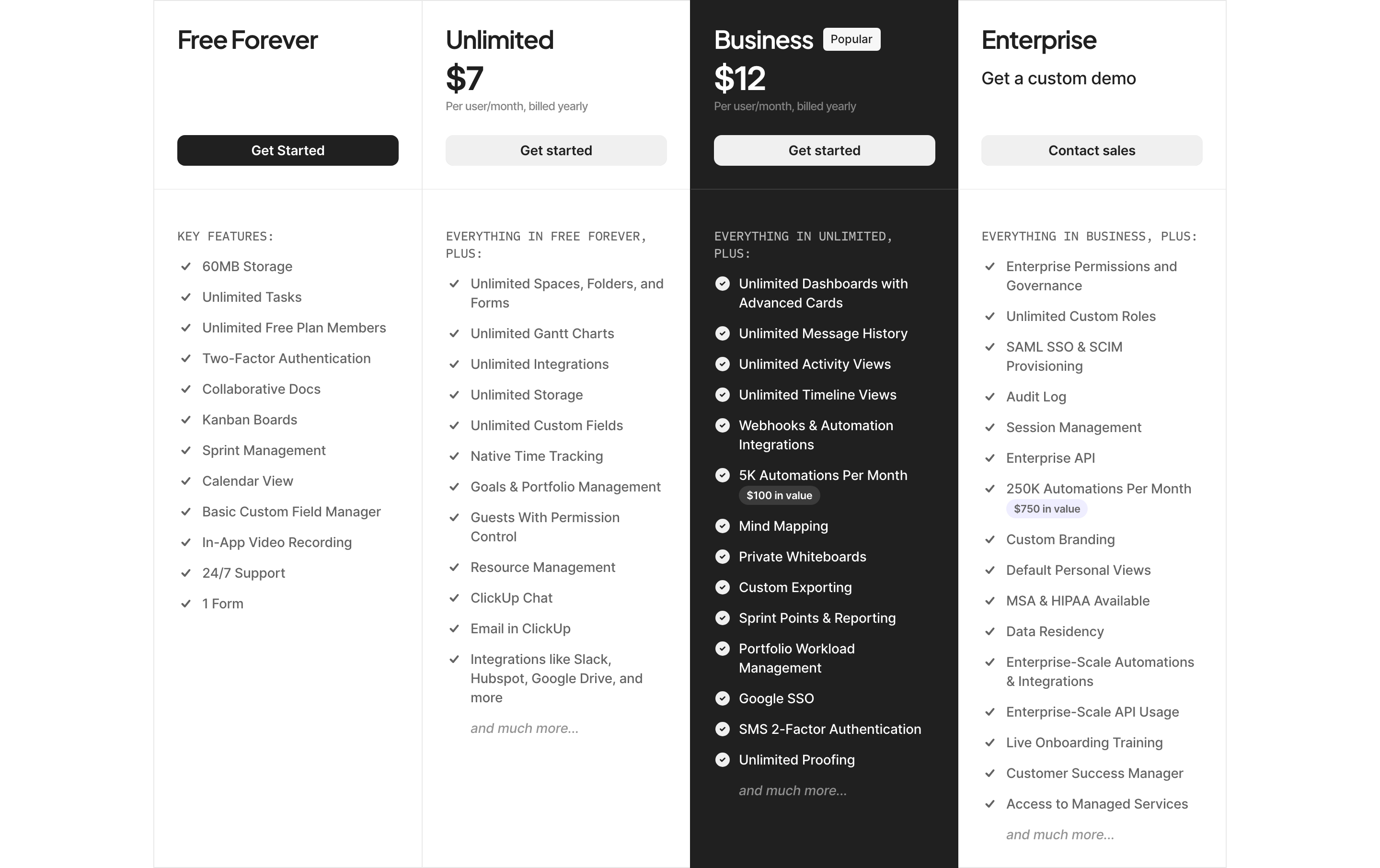
 ClickUp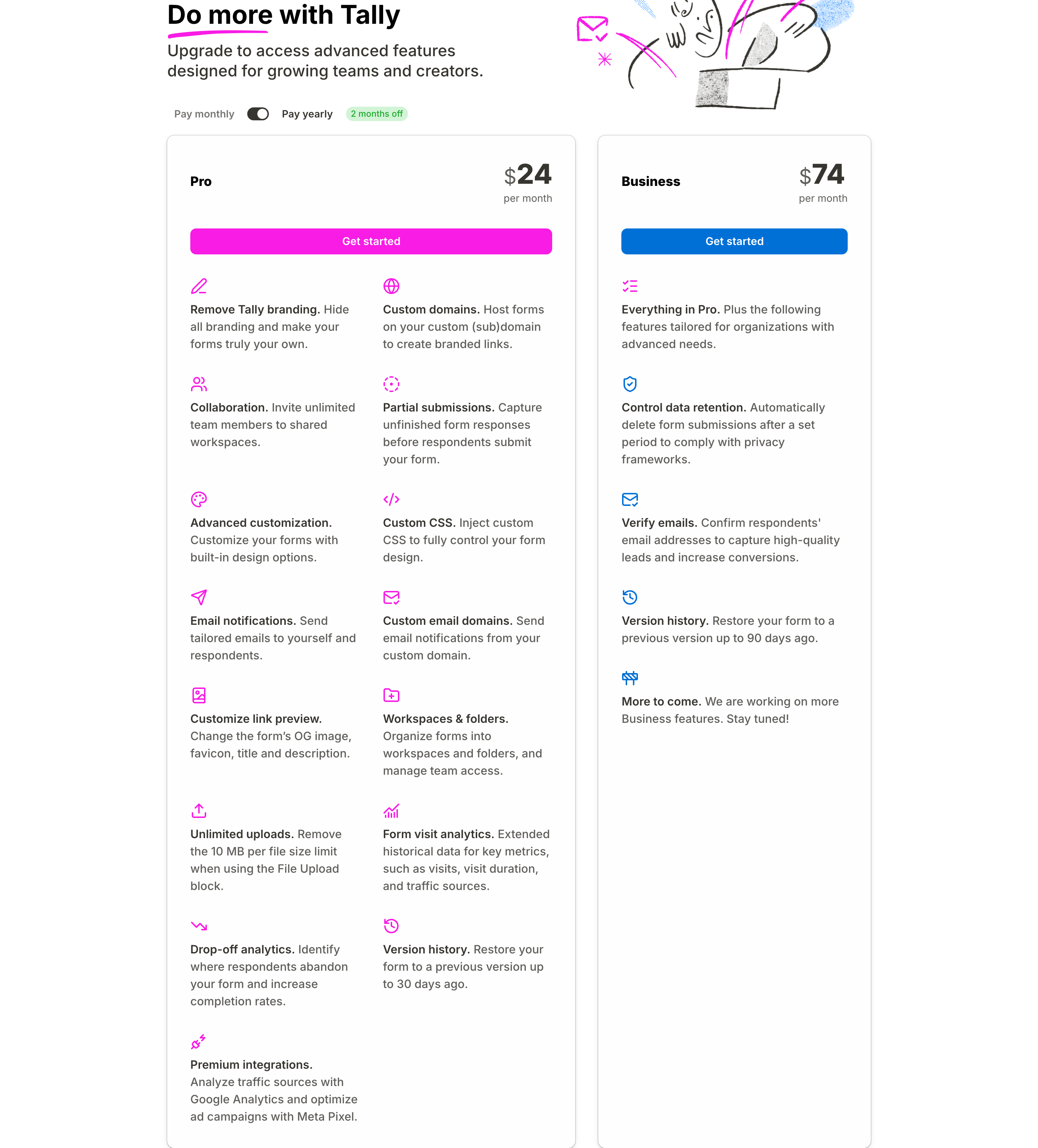
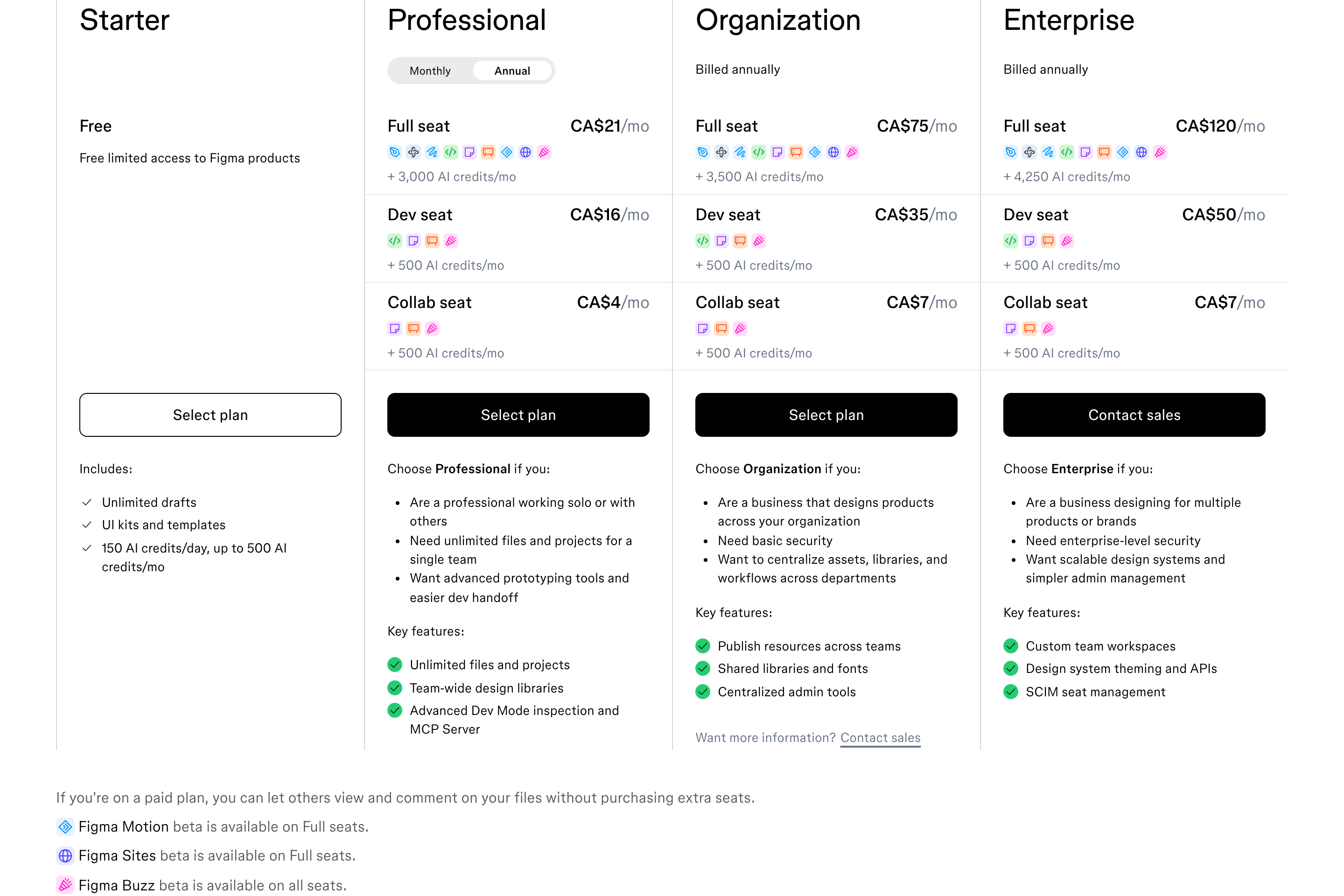
 Tally
Tally
01Find
Find the reference
Search by product, section type, style or industry. Real pages from real products — not mockups.
- Later·Content2880×1782
- 000000
- fe3f00
- f8f2ea
- fefefd
- 5124c1
- Headings
- Inter Tight
- Body
- Inter Tight
02Inspect
Open the details
Every website capture carries its palette, heading and body fonts, headings and copy — pulled from the live page.
- Build prompt
Build a responsive content section in React + Tailwind CSS, inspired by the Later website (https://later.com).
Headings on the original: "Starter", "Growth", "Scale".
Layout signals: 50 images/icons, 17 buttons, 0 form fields, 0 links.
Palette: #000000, #fe3f00, #f8f2ea, #fefefd, #5124c1 (section background #f8f2ea).
Typography: headings in Inter Tight, body in Inter Tight.
Style: Light, Colorful. Match the spacing rhythm and hierarchy in the attached screenshot, but write original copy and use placeholder brand assets.
Paste intoCursorClaude CodeCodex03Ship
Ship it your way
Copy the build prompt into your editor, or let your agent fetch references itself over MCP.
MCP server
Put the whole library inside your editor.
Connect UIDiscovery to Cursor, Claude Code or Codex. Before your agent writes a pricing table, an onboarding flow or a hero, it can look at how real products built theirs.
- search_screens
- iOS and web-app screens, with previews
- search_sections
- Website sections — heroes, pricing, FAQs…
- search_flows
- Multi-step journeys, in order
- search_sites
- Whole products by name, industry or style
- get_design_brief
- Full build brief: structure, tokens, fonts, checklist
- get_image_plan
- Stock searches + AI image prompts per image slot
- get_design_tokens
- Colours and font stacks as JSON tokens
.cursor/mcp.json
{
  "mcpServers": {
    "uidiscovery": {
      "command": "node",
      "args": ["/path/to/uidiscovery/mcp/server.mjs"],
      "env": { "UIDISCOVERY_URL": "https://uidiscovery.com" }
    }
  }
}
terminal
$ claude mcp add uidiscovery \
    --env UIDISCOVERY_URL=https://uidiscovery.com \
    -- node /path/to/uidiscovery/mcp/server.mjs
~/.codex/config.toml
[mcp_servers.uidiscovery]
command = "node"
args = ["/path/to/uidiscovery/mcp/server.mjs"]

[mcp_servers.uidiscovery.env]
UIDISCOVERY_URL = "https://uidiscovery.com"
› agent
search_sections({ query: "pricing table with monthly/yearly toggle", limit: 3 })
✓ 3 references with previews · palette · fonts · build brief
- Tally
 Figma
Figma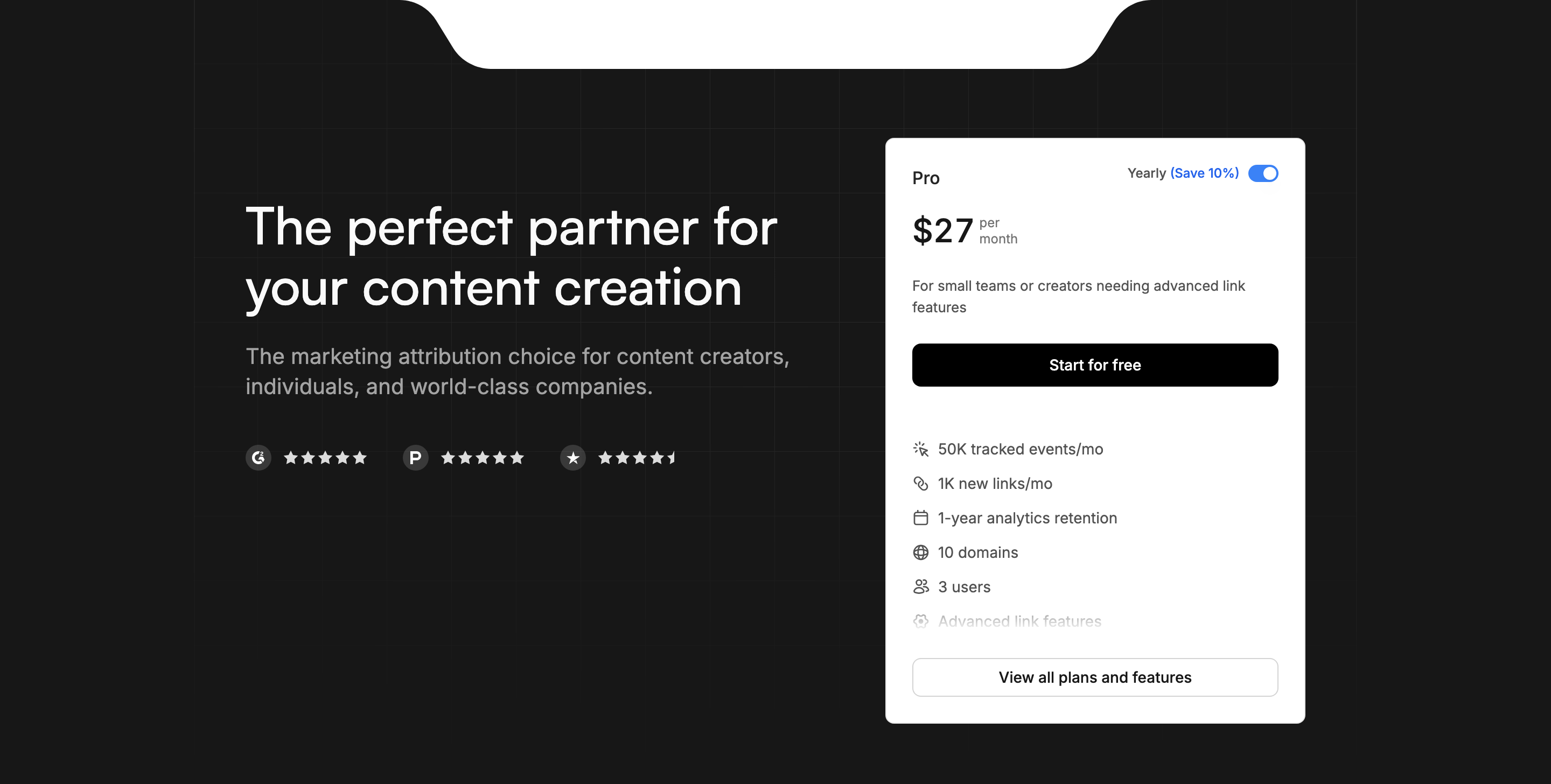
 Dub
Dub
FAQ
Questions, answered.
The library, the tools, and how to plug UIDiscovery into the way you already work.
Setting up MCP or the API?
Config snippets and endpoints.
01What is UIDiscovery?
A curated library of real-world product design — full websites, iOS apps, web apps and the individual sections inside them — captured at retina quality and organized so you can find the right reference in seconds.
02What comes with each reference?
Website and web-app captures come with the screenshot, the colour palette, heading and body fonts, the extracted headings and copy, and an original build prompt you can paste into your editor or AI tool. iOS screens come with the screenshot, any machine-read text and a build prompt.
03How do I connect it to Cursor, Claude Code or Codex?
Add the MCP server to your client's config — the setup guide has the snippet for each editor. Your agent then gets seven tools: search_screens, search_sections, search_flows, search_sites, get_design_brief, get_image_plan and get_design_tokens, so it can pull real references while it builds. The MCP server is included on paid plans.
04Is there an API?
Yes — a plain JSON REST API, with a free tier on every plan. Search sections, sites and screens, or fetch a reference's palette, fonts and build prompt.
05What about Graphics, Templates, Motion and Flow Kits?
They're coming soon. Today the library covers websites, iOS apps, web apps and dashboards, and the sections inside them — with search, compare and saved boards on top. Graphics, Templates, Motion and Flow Kits are in the works and will open in the nav when they're ready.
06Can I use the screenshots in my own work?
The captured designs belong to their respective owners and are provided as reference and inspiration. The build prompts are original and yours to use — they describe structure, palette and type, and ask for original copy and placeholder brand assets.
07How often is new content added?
Regularly. New sites, apps and sections are captured and added to the library as they're reviewed.