
Website color schemes
Browse 2,647 real website color palettes extracted from captured homepages. Compare hue, contrast, typography and the full page behind each palette.
Real homepage references
Neutral website color schemes

Linear
AI · Inter Variable
#08090a · #f7f8f8 · #d0d6e0 · #e5e5e6 · #0f1011
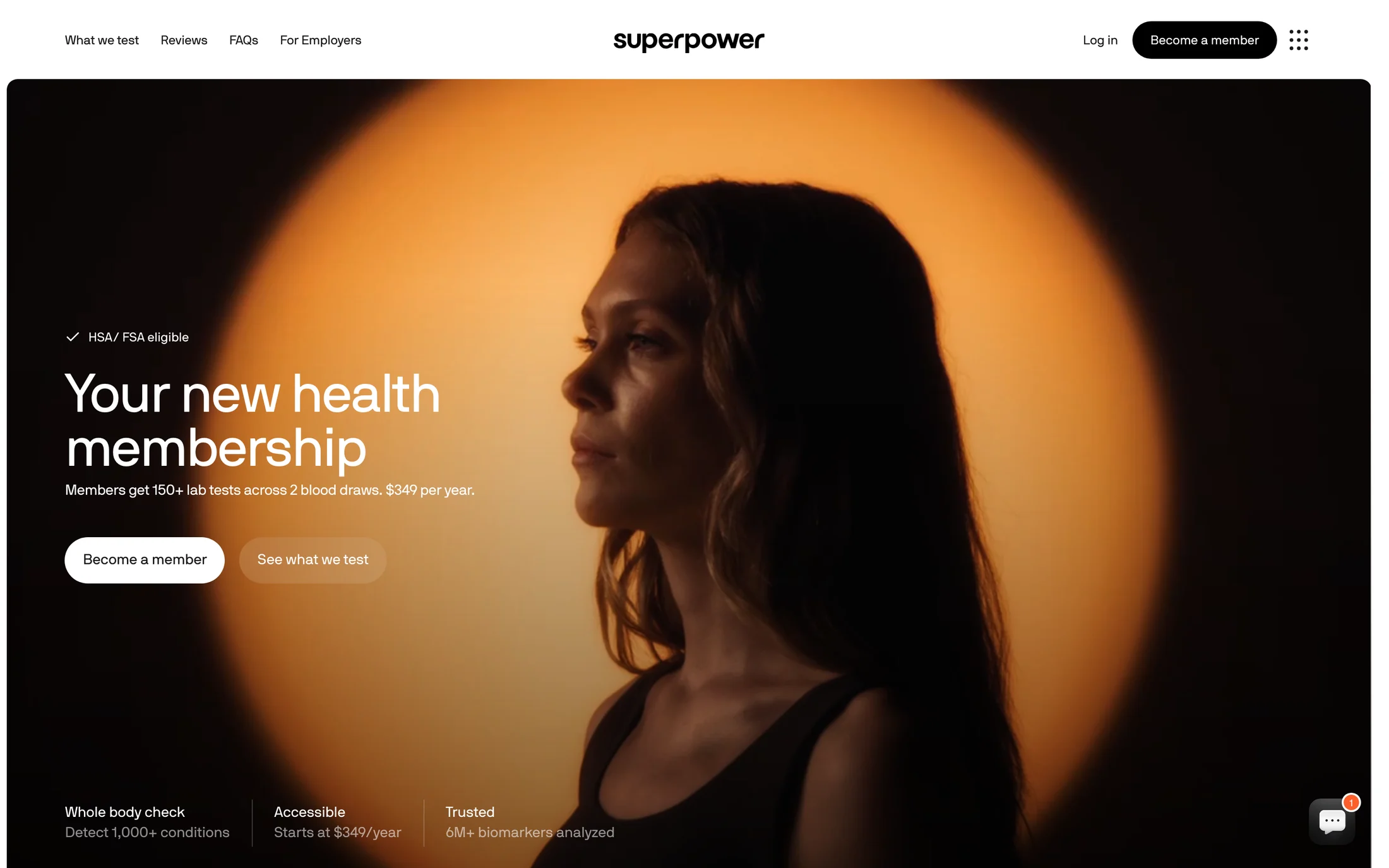
Superpower
Health & Fitness · Nb international pro webfont
#ffffff · #18181b · #71717a · #141414 · #111111
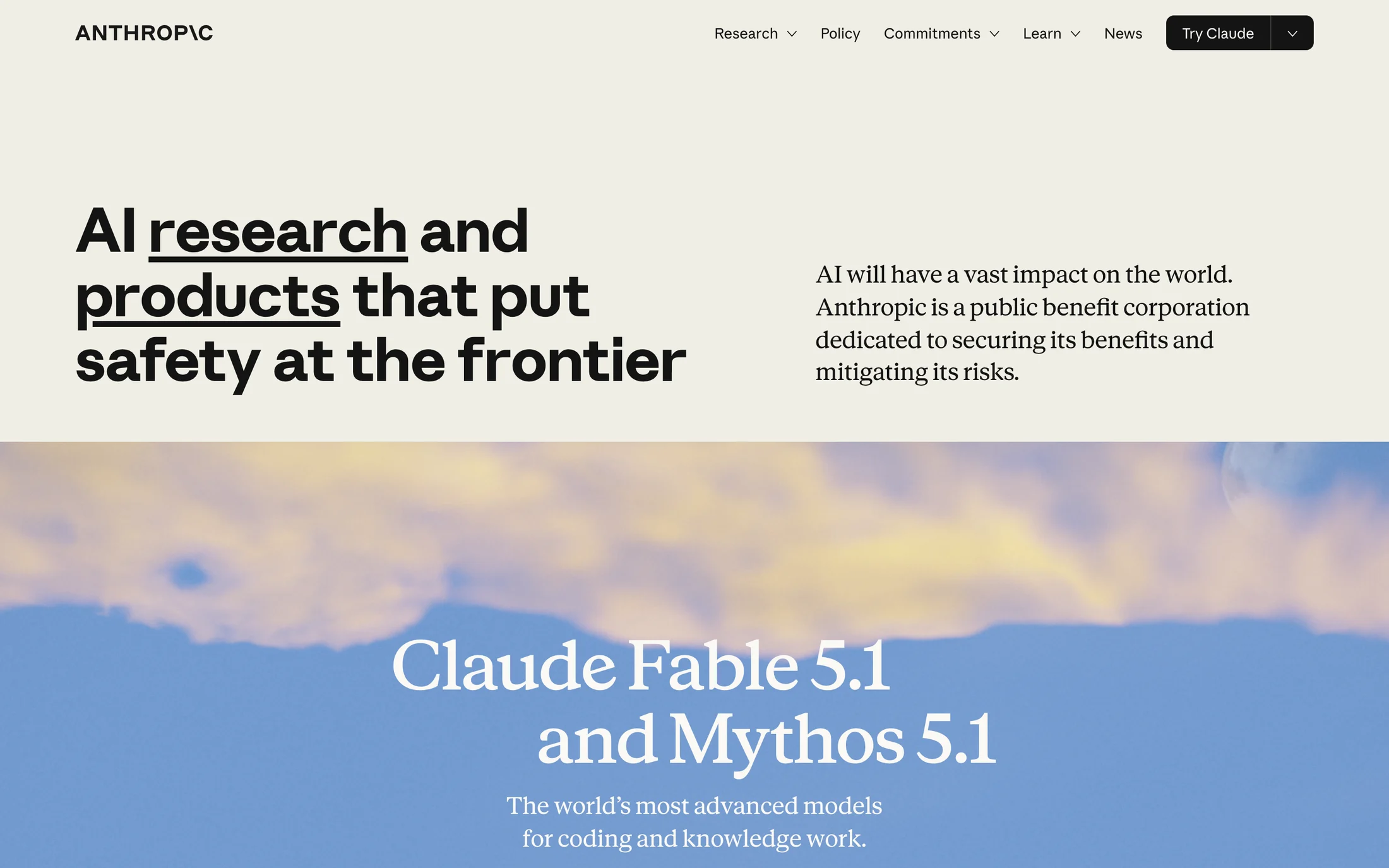
Anthropic
AI · Anthropic Sans
#faf9f5 · #141413
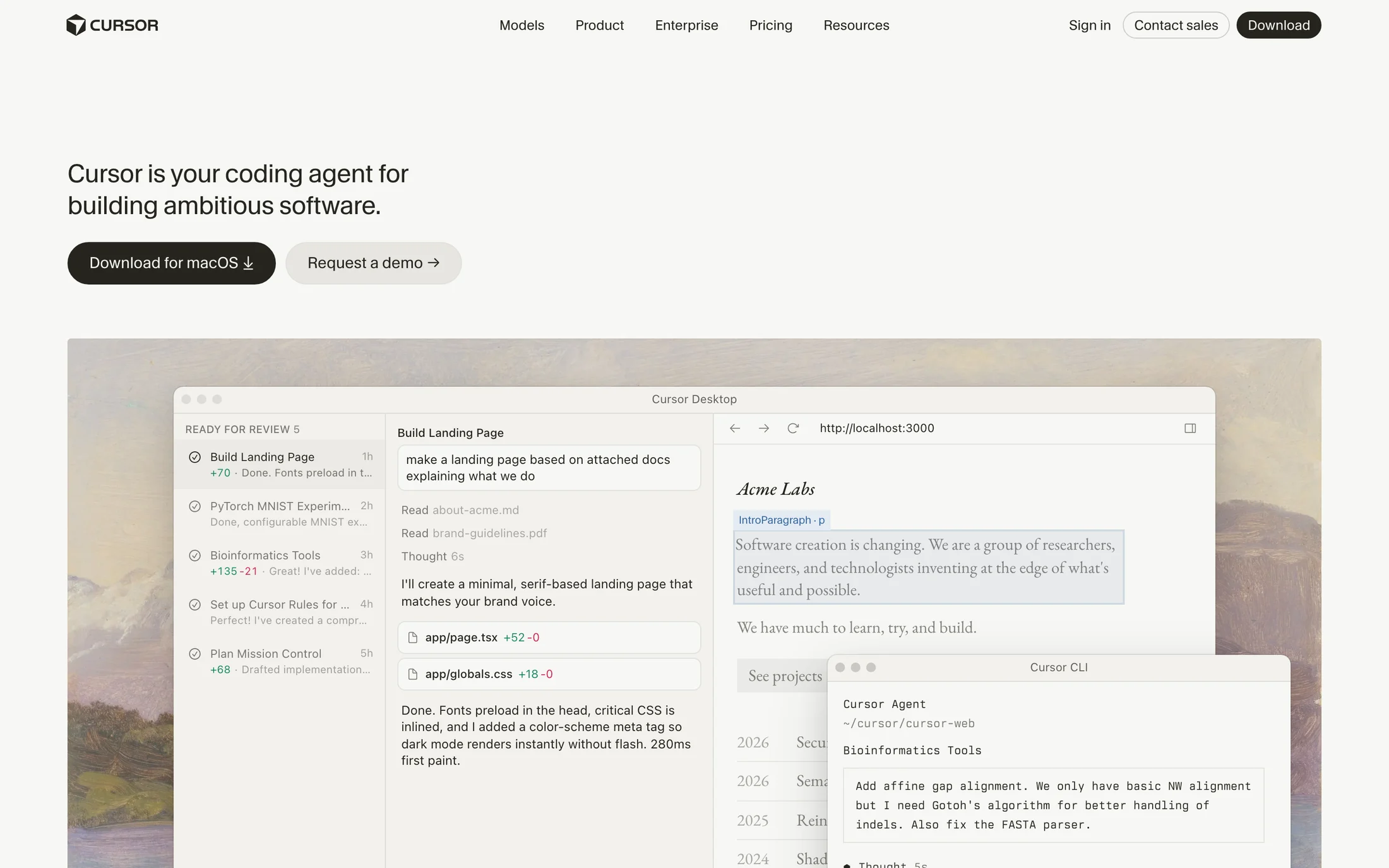
Cursor
AI · CursorGothic
#f7f7f4 · #26251e · #ebeae5 · #f2f1ed · #000000
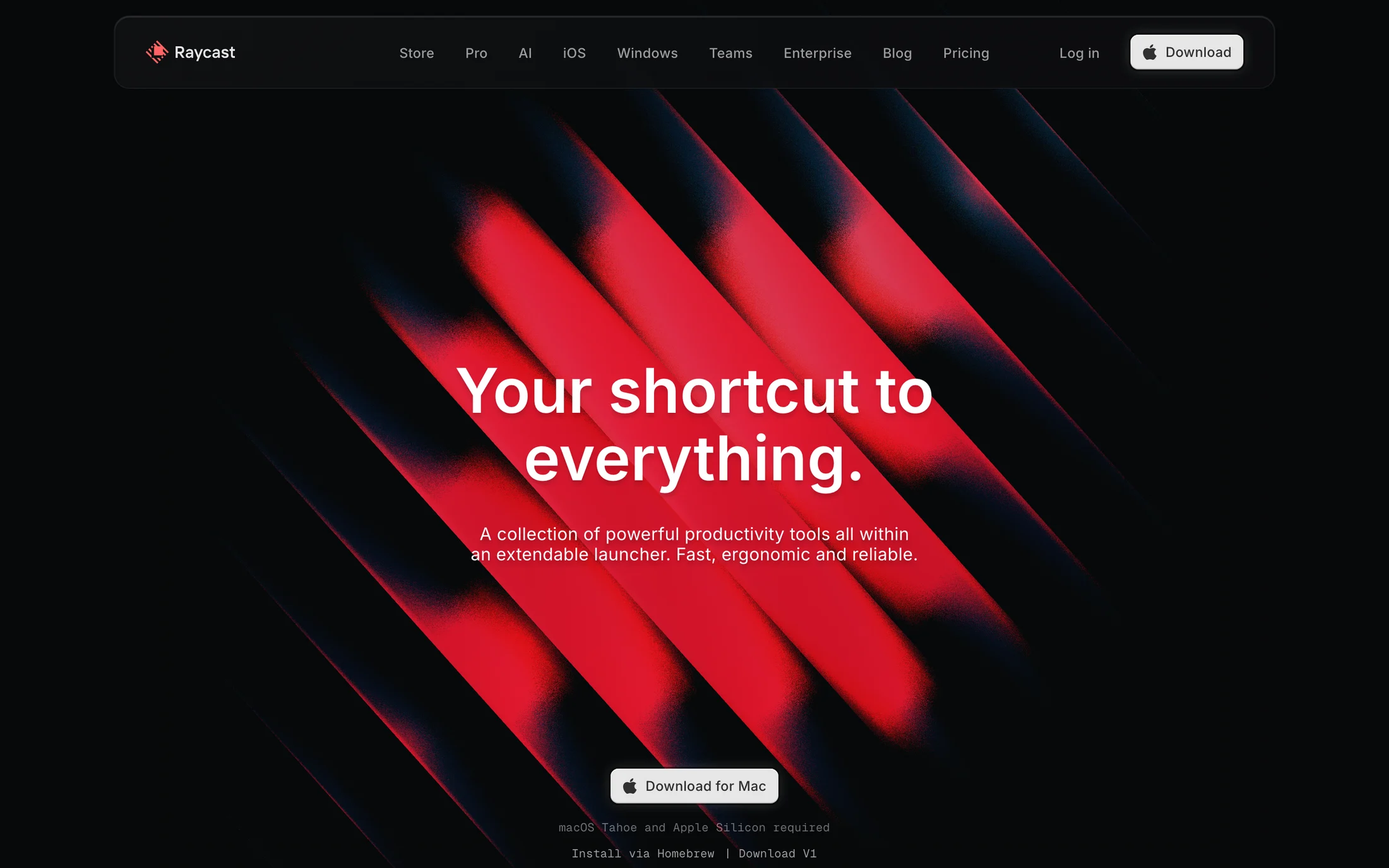
Raycast
Productivity · Inter
#ffffff · #07080a · #e6e6e6 · #6a6b6c · #9c9c9d
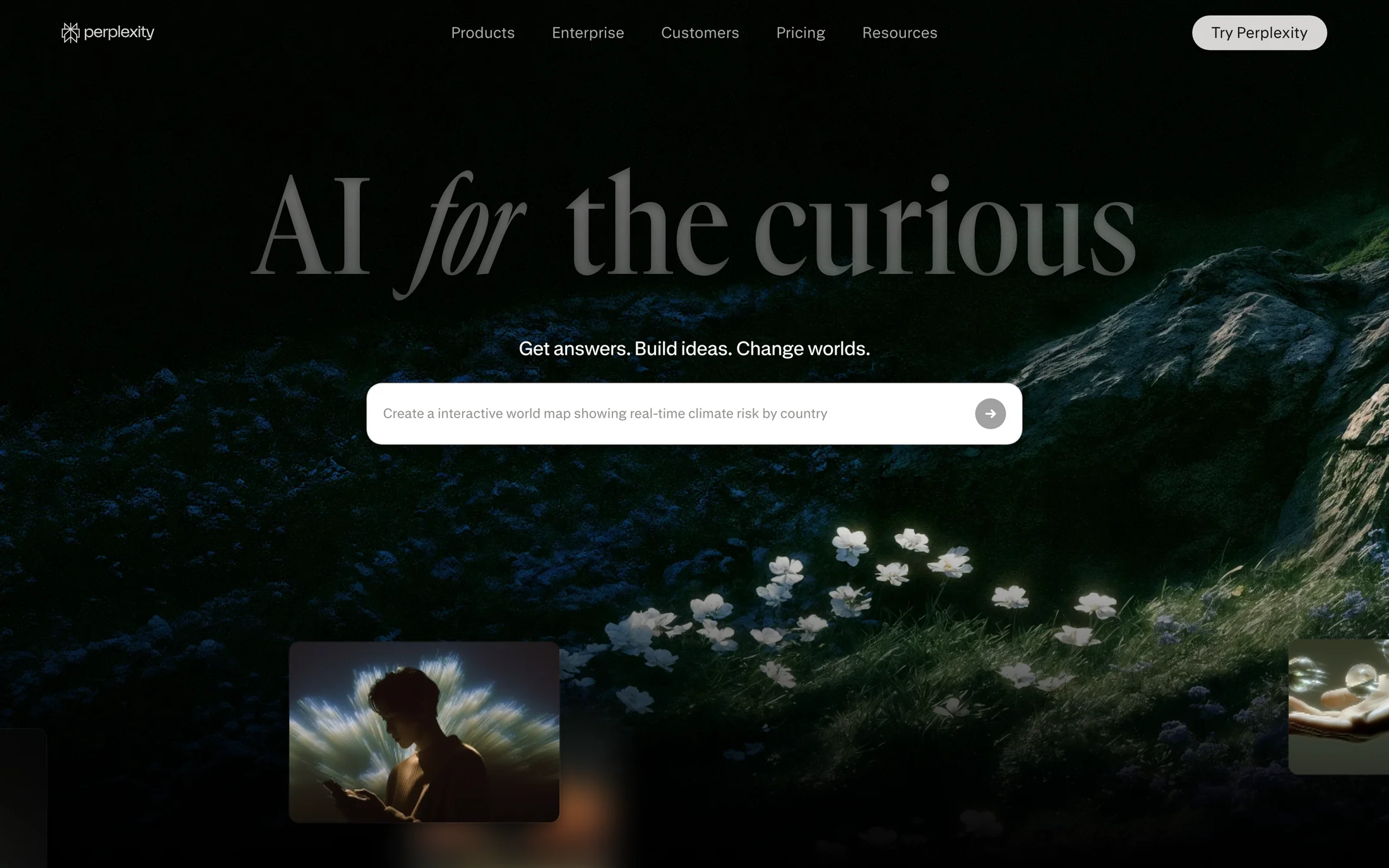
Perplexity
AI · GT Canon VF
#faf8f5 · #27251e · #ece9e4 · #010101 · #ffffff
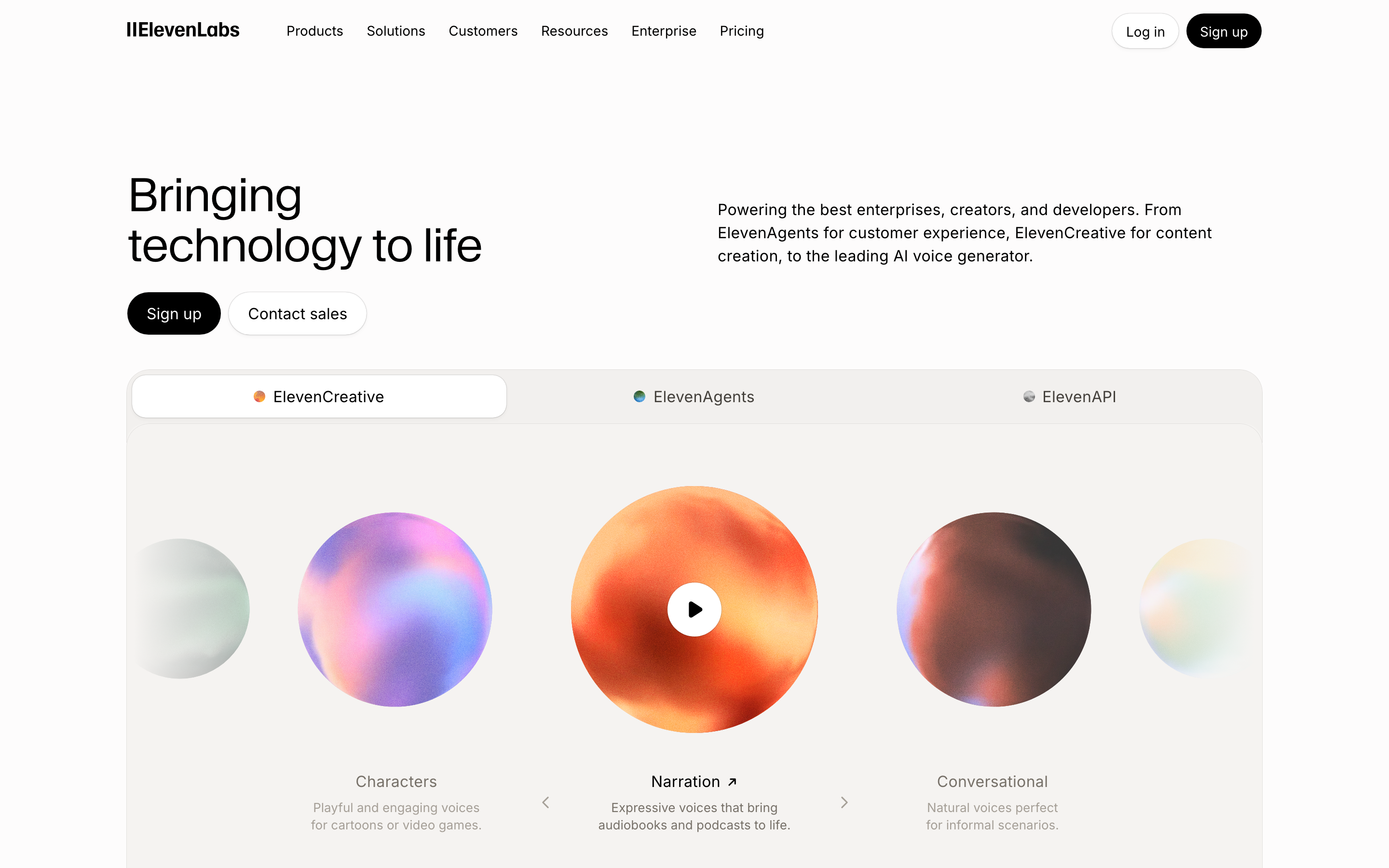
ElevenLabs
AI · Waldenburg
#000000 · #ffffff · #fdfcfc · #777169 · #a59f97
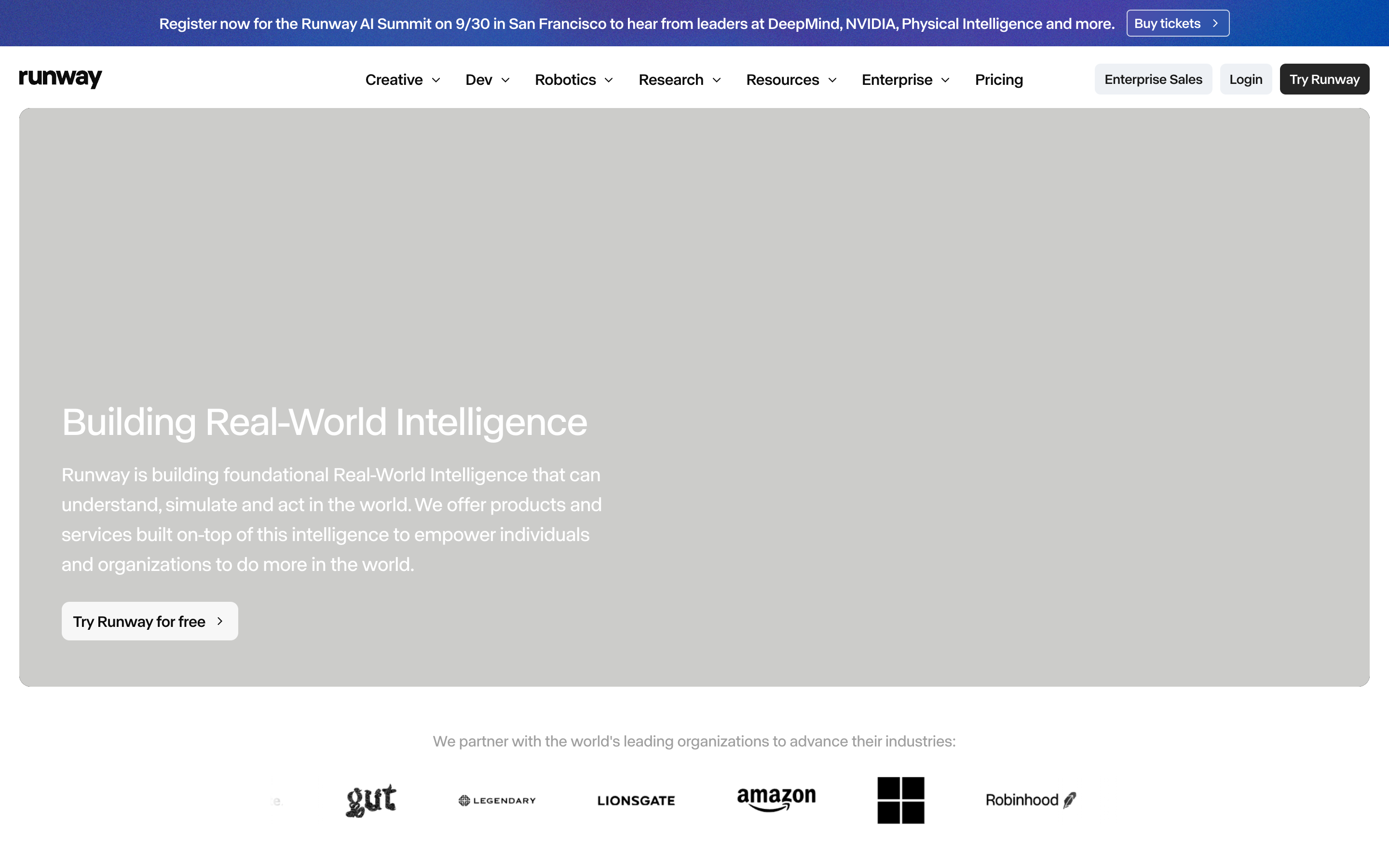
Runway
AI · abcNormal
#ffffff · #eef1f5 · #262626 · #404040 · #f7f7f7
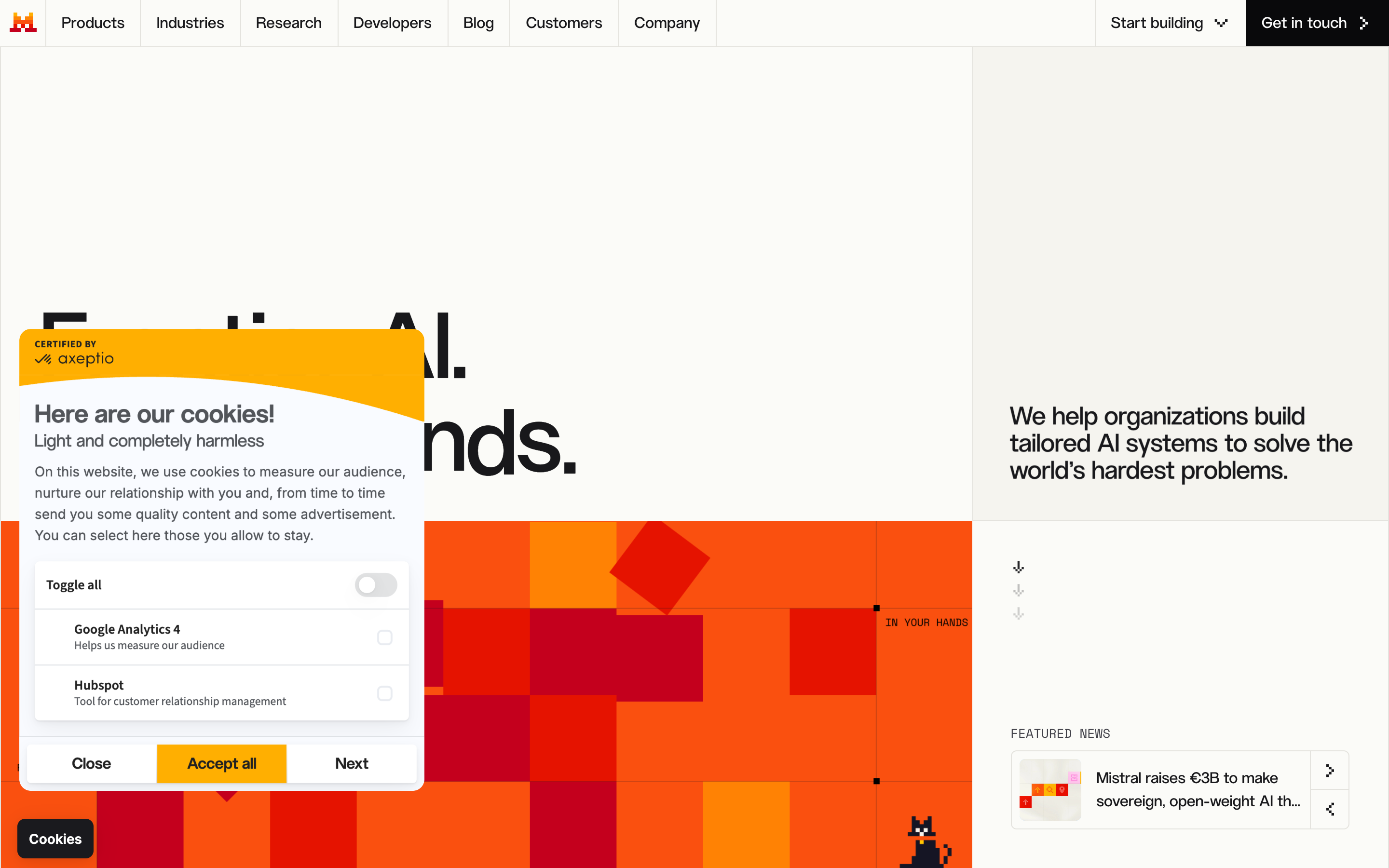
Mistral
AI · Inter
#000011e · #010011e · #fbfbf8 · #ffffff · #010000
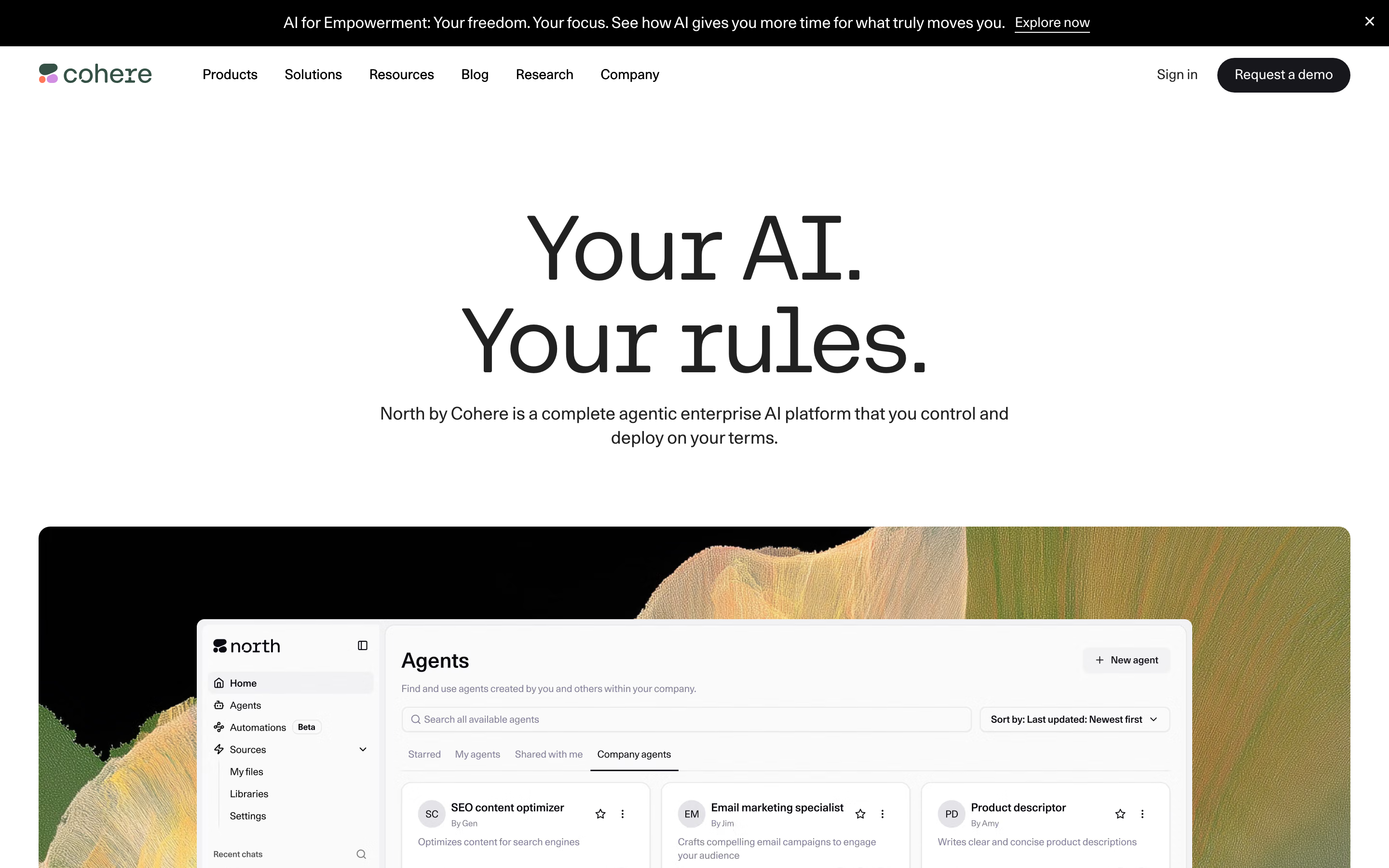
Cohere
AI · CohereText
#fafafa · #ffffff · #000000 · #73738a · #17171c
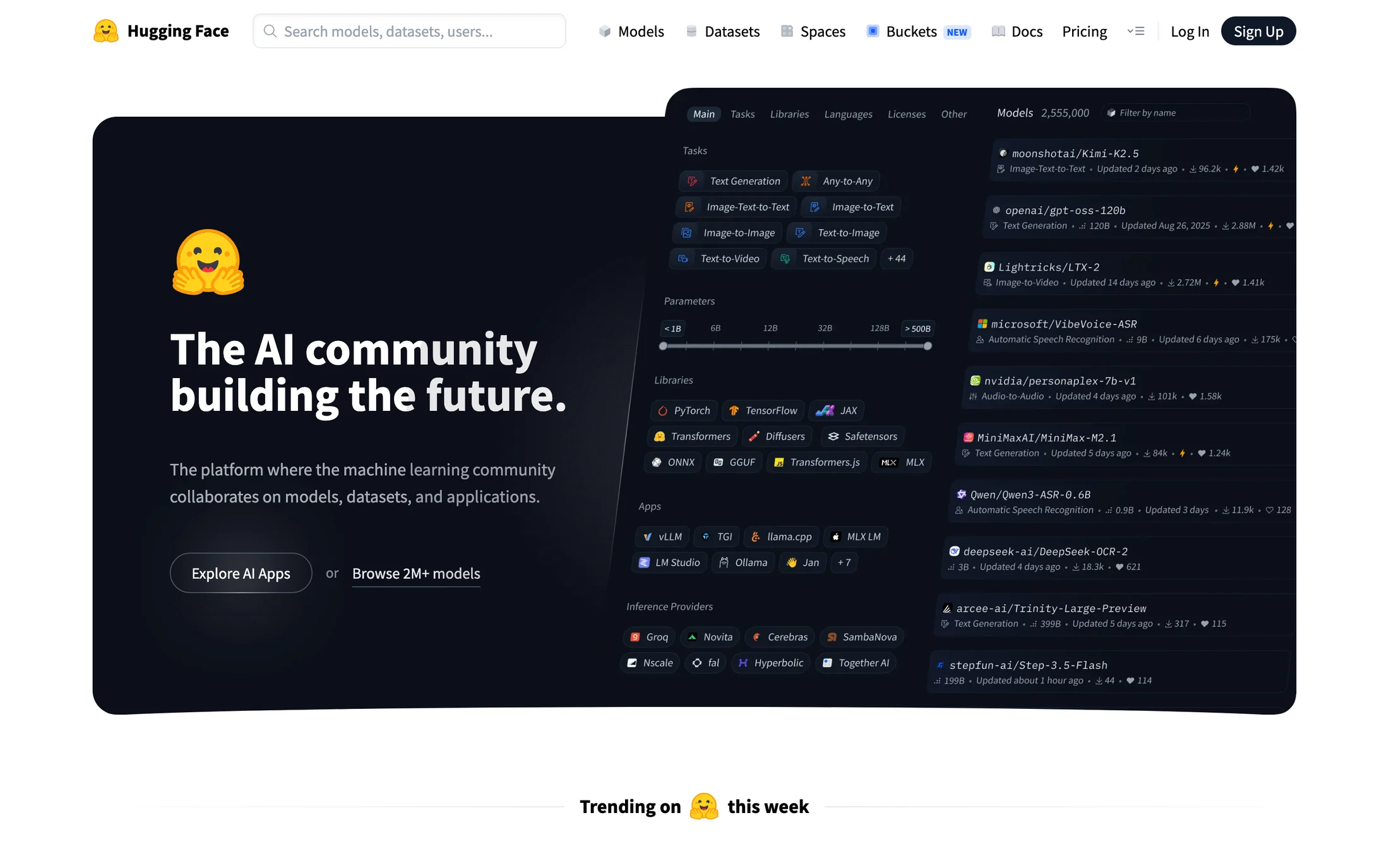
Hugging Face
AI · Source Sans Pro
#ffffff · #000000 · #0100108 · #0100109 · #0000109
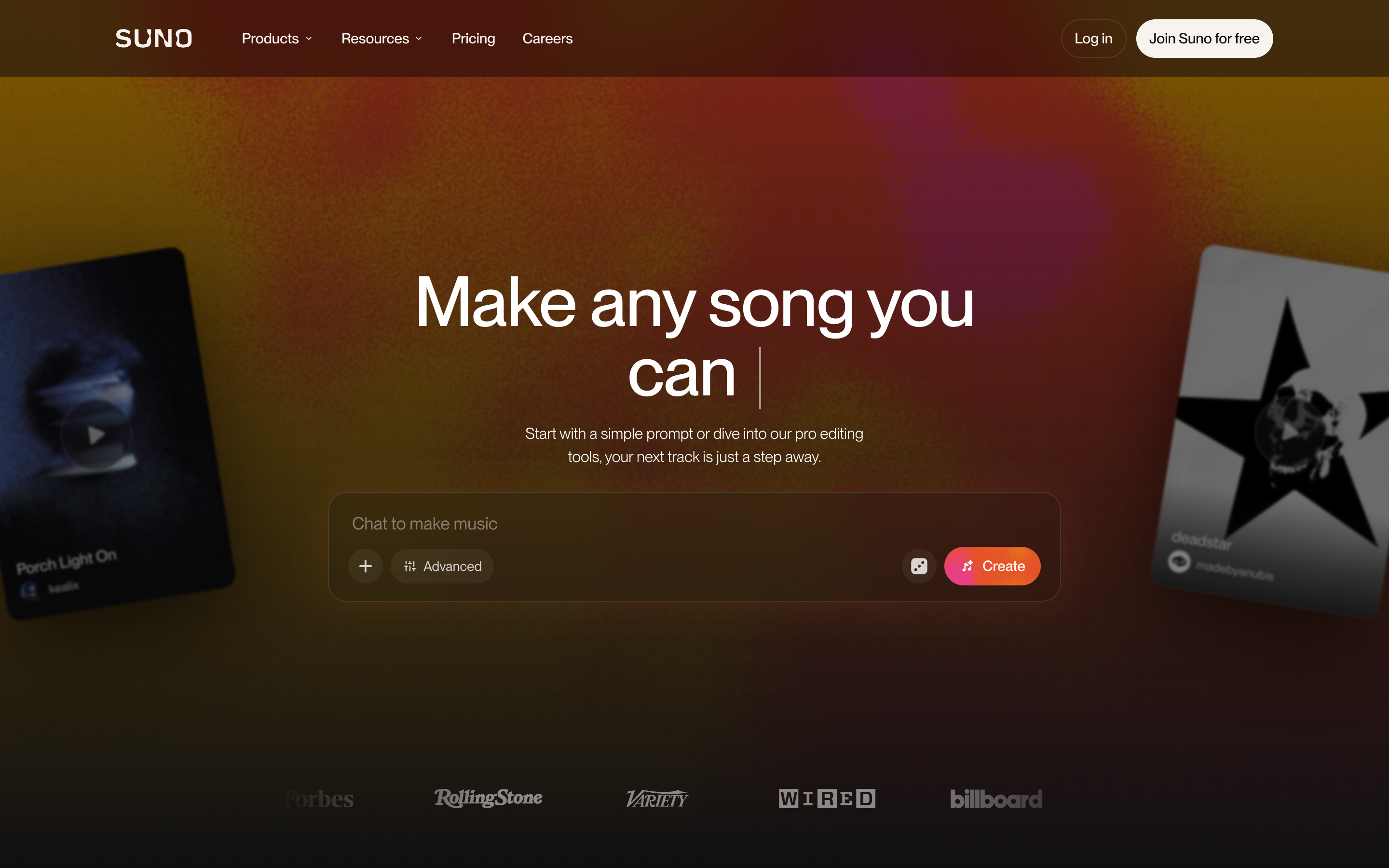
Suno
AI · Neue Montreal
#101012 · #ffffff · #f7f4ef · #000000 · #010000
Real homepage references
Red website color schemes
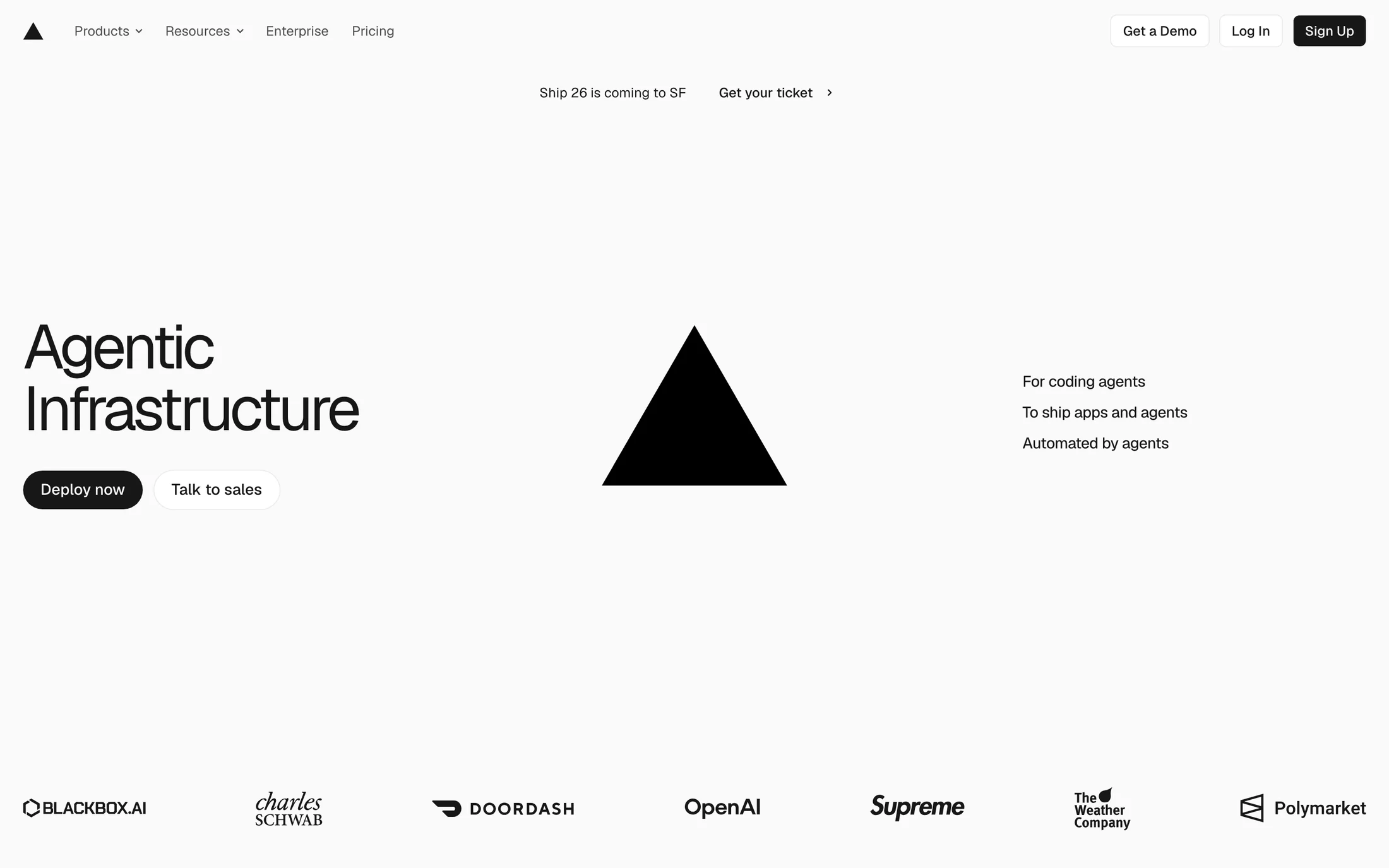
Vercel
Developer Tools · GeistSans
#fafafa · #171717 · #ffffff · #4d4d4d · #510000
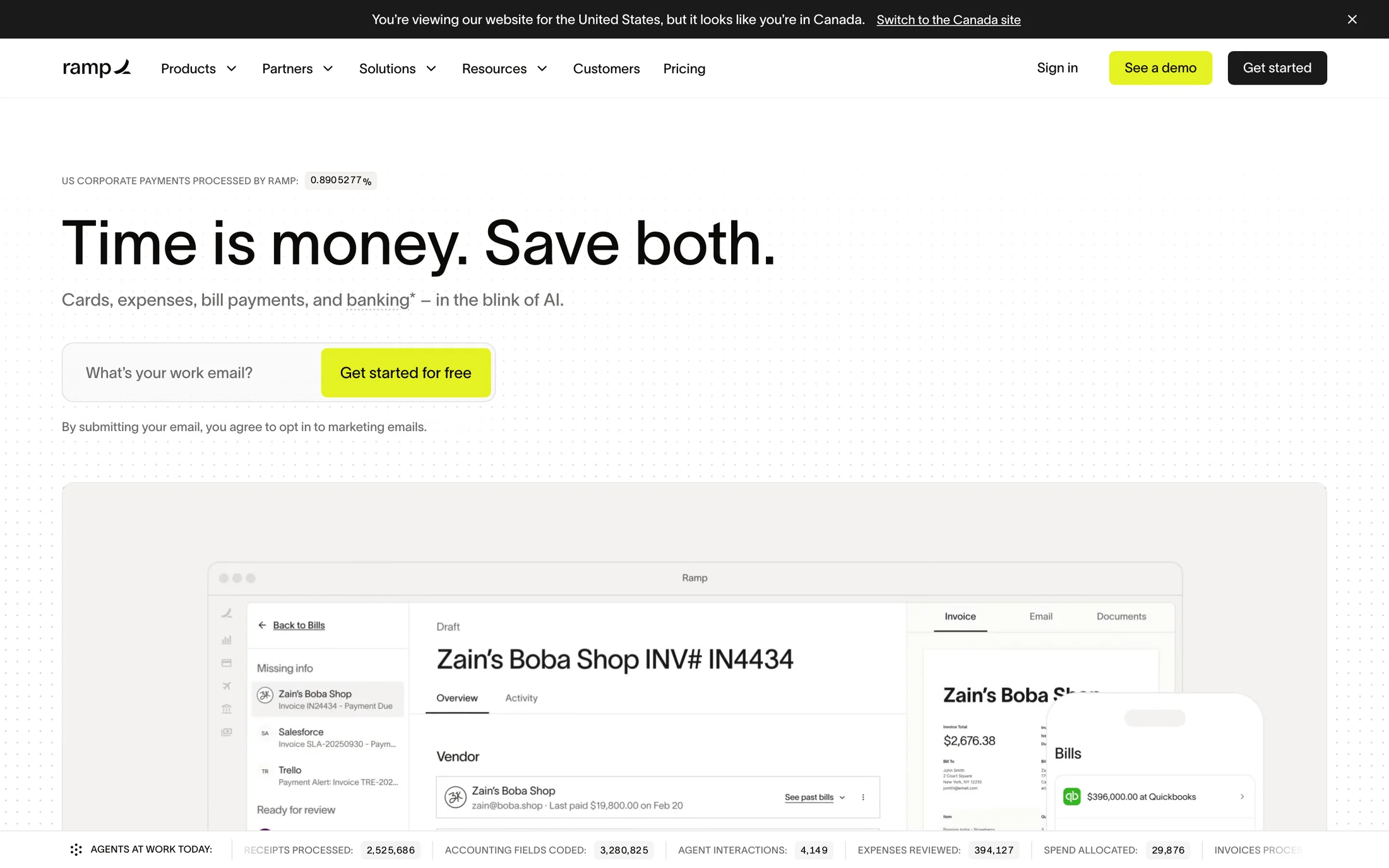
Ramp
Finance · lausanne
#030001 · #640000 · #5c1455 · #090100 · #600001
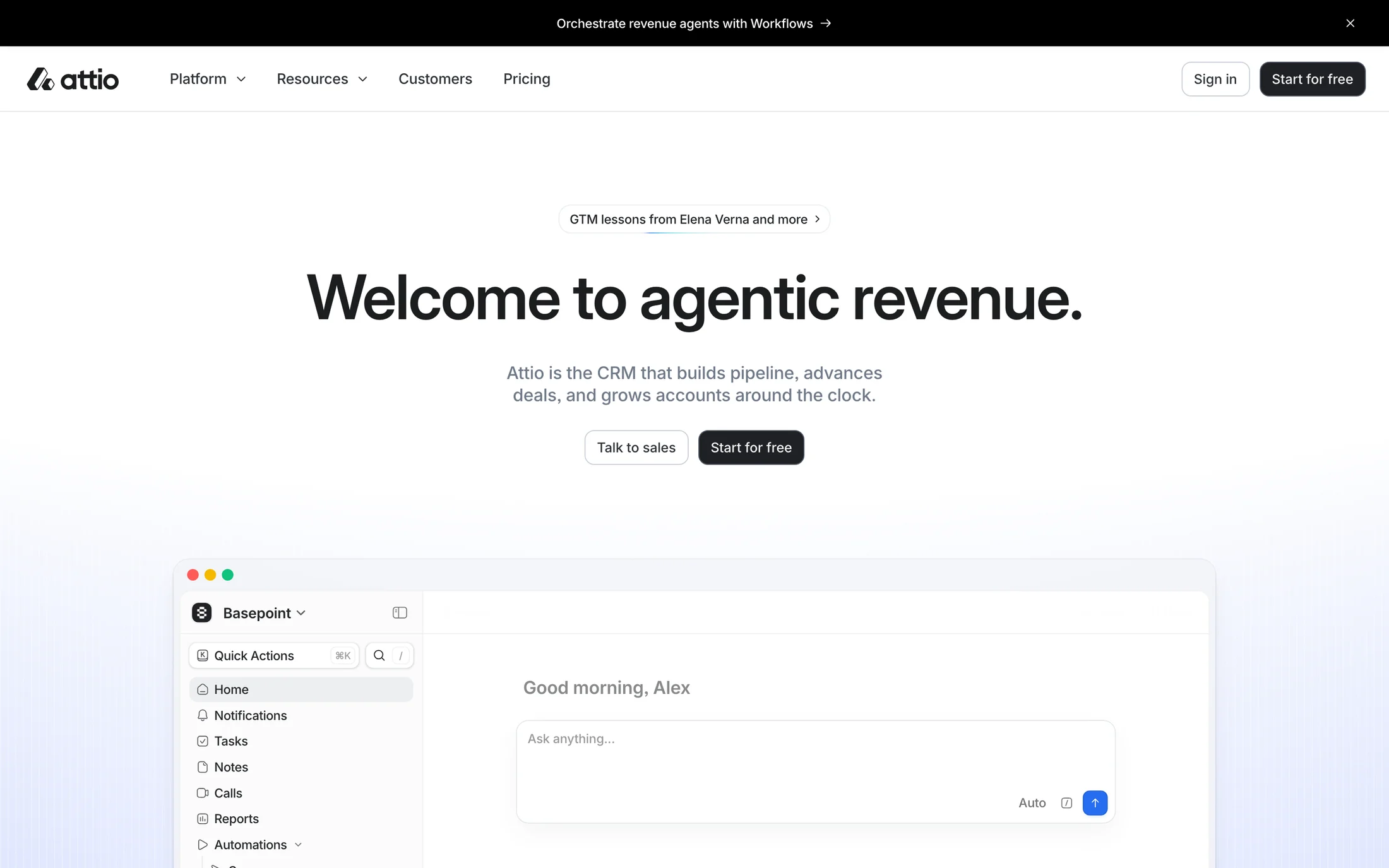
Attio
Productivity · interDisplay
#640000 · #050000 · #620001 · #0b0002 · #000000
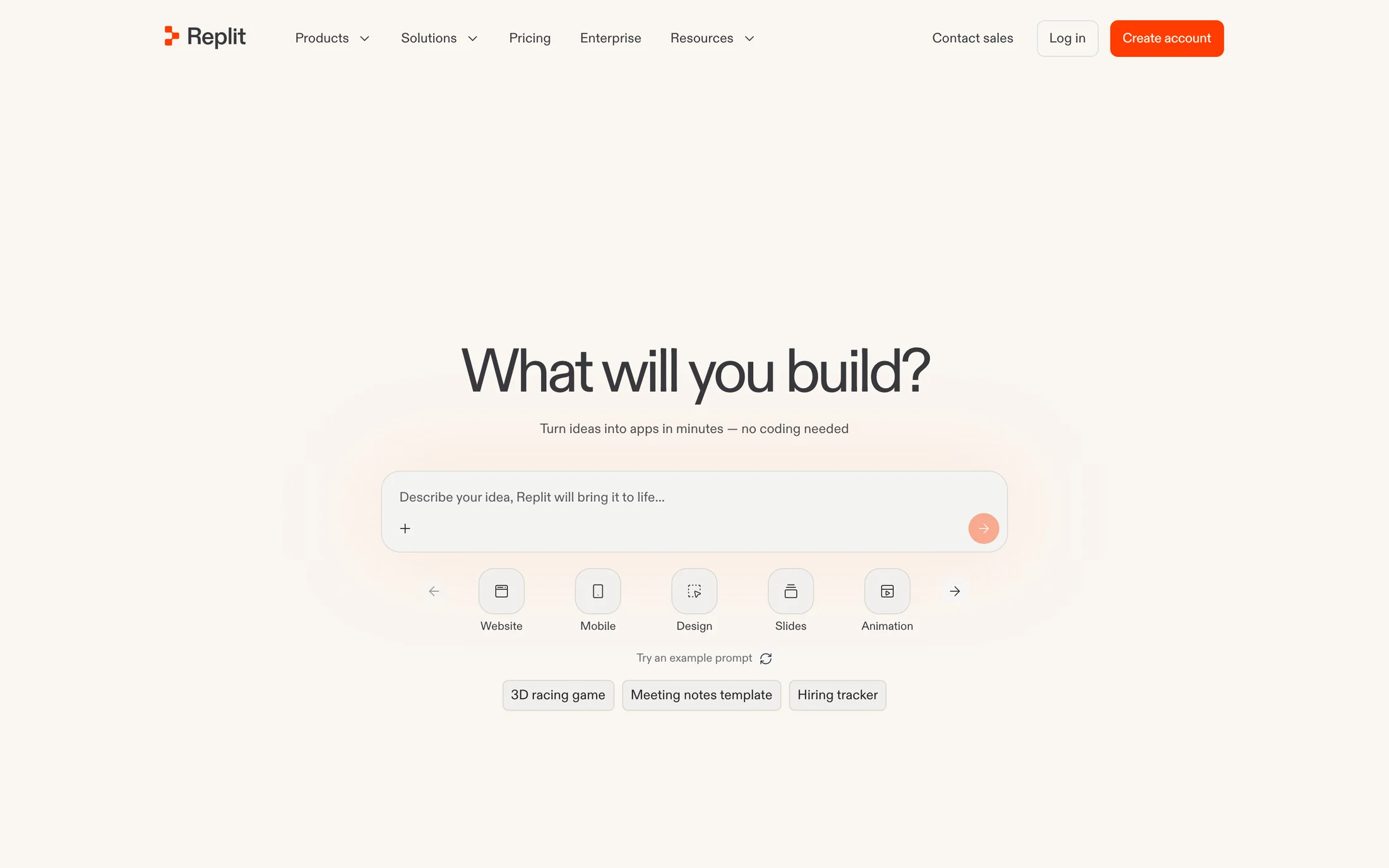
Replit
AI · ABC Diatype Plus Variable
#f6f5f4 · #312e2e · #faf6f1 · #ff3c00 · #efeeec
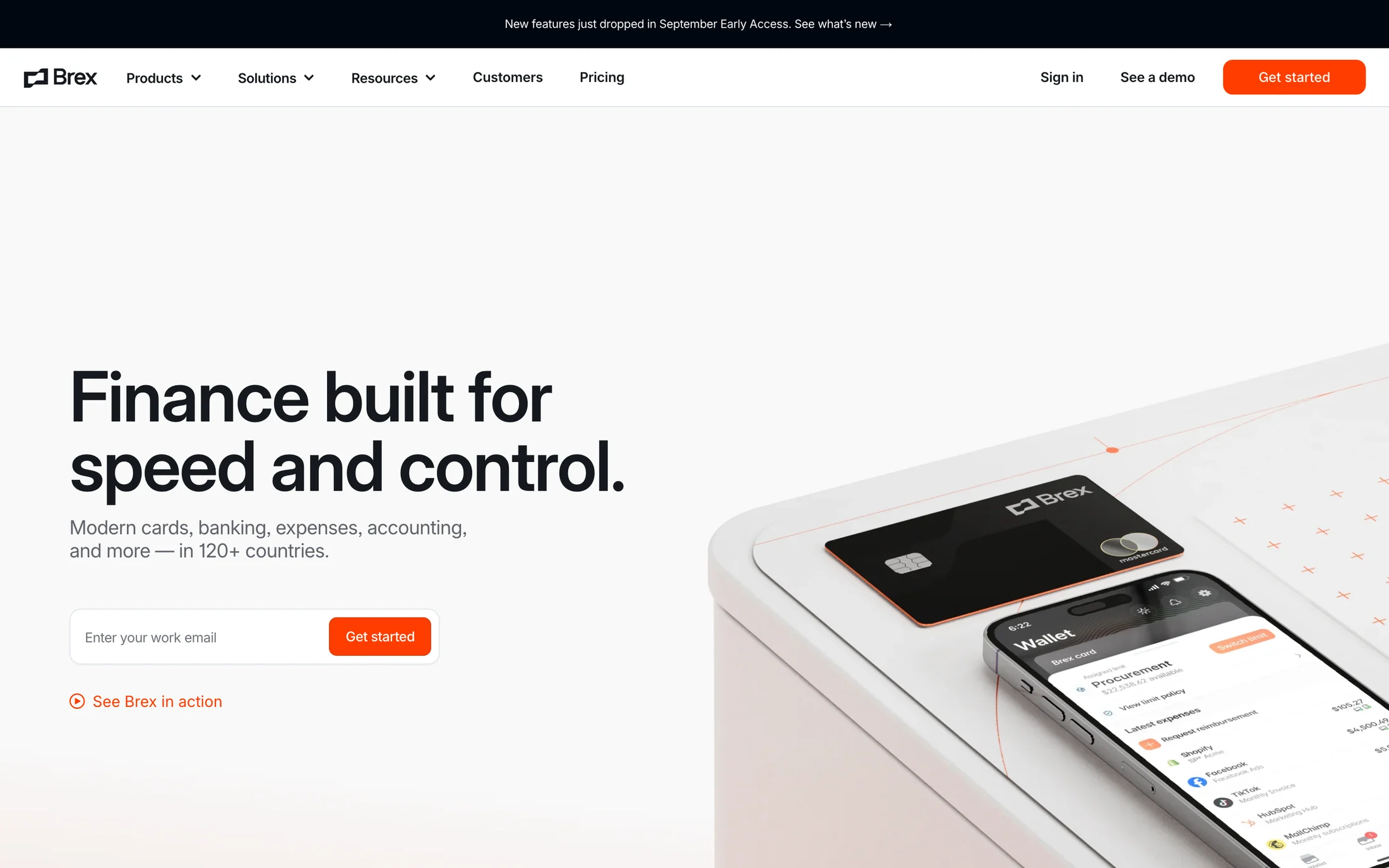
Brex
Finance · inter
#15191e · #ffffff · #60646c · #ff3d00 · #b9bbc6
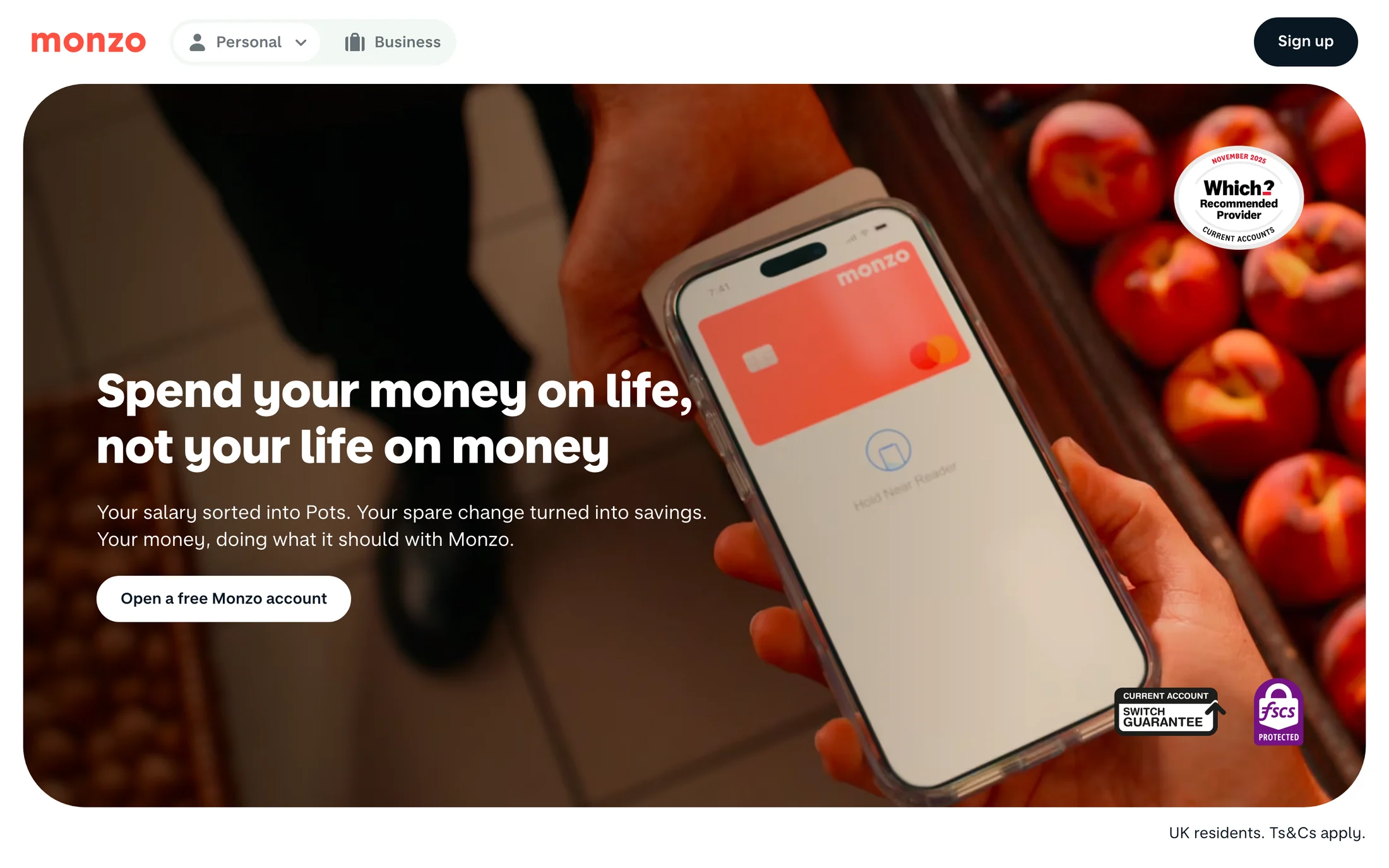
Monzo
Finance · MonzoSansDisplay
#ffffff · #091723 · #000000 · #ff4f40
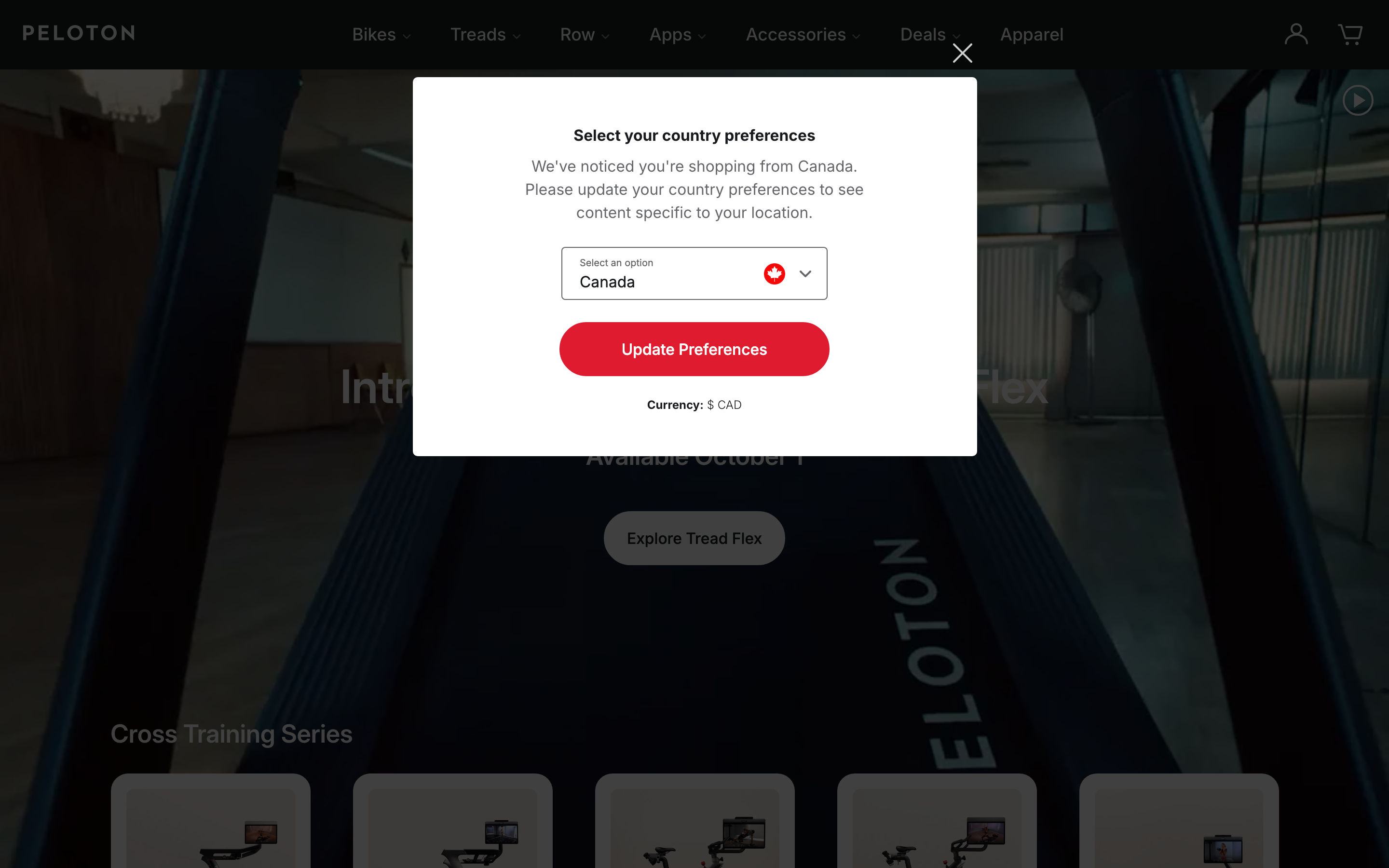
Peloton
Health & Fitness · Inter
#65666a · #181a1d · #ffffff · #df1c2f · #000000

MasterClass
Education · Sohne Schmal
#0d0d0e · #000000 · #222326 · #e32652 · #ffffff
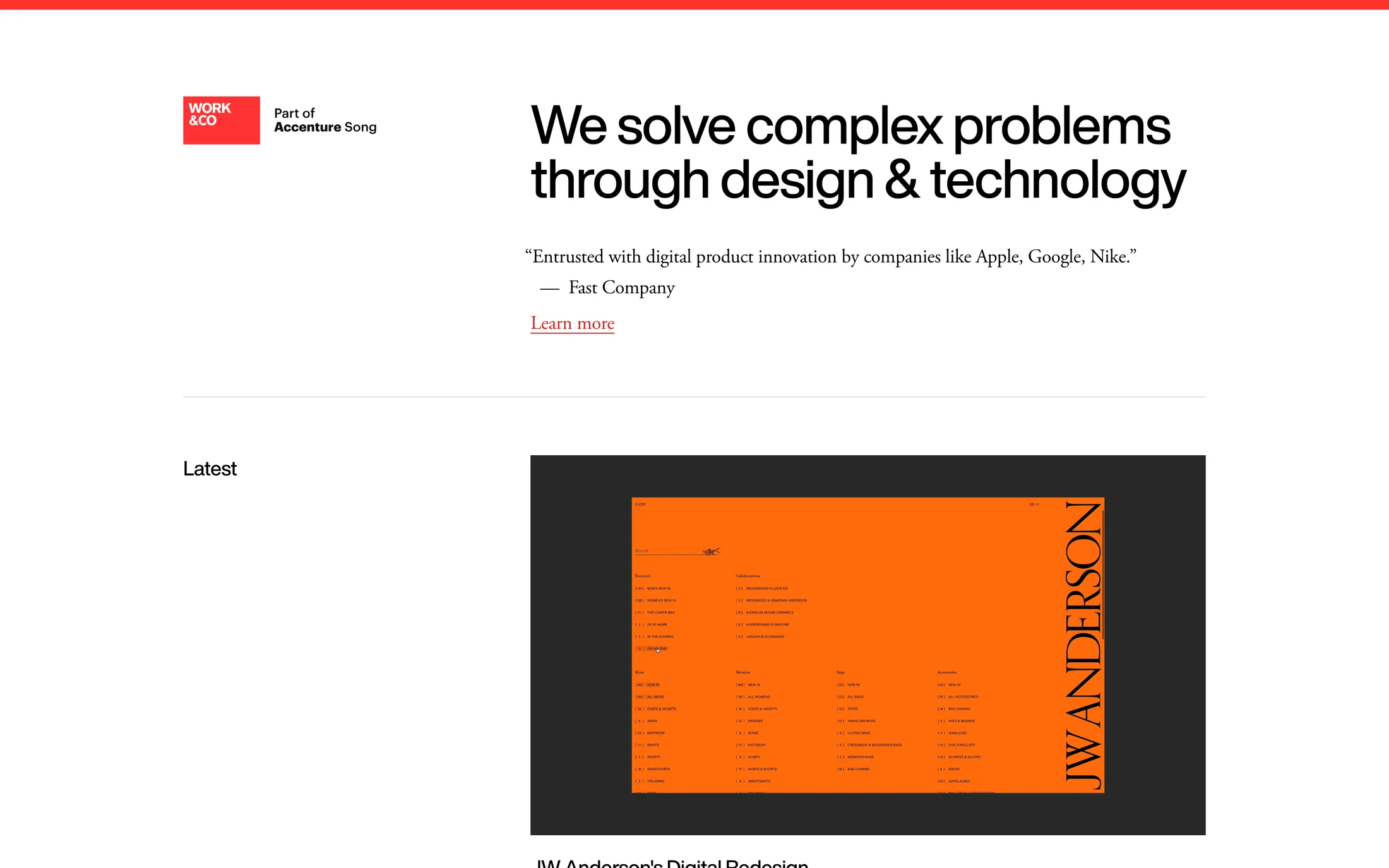
Work & Co
Portfolio · HelveticaNowDisplay
#ffffff · #000000 · #db2223 · #767676
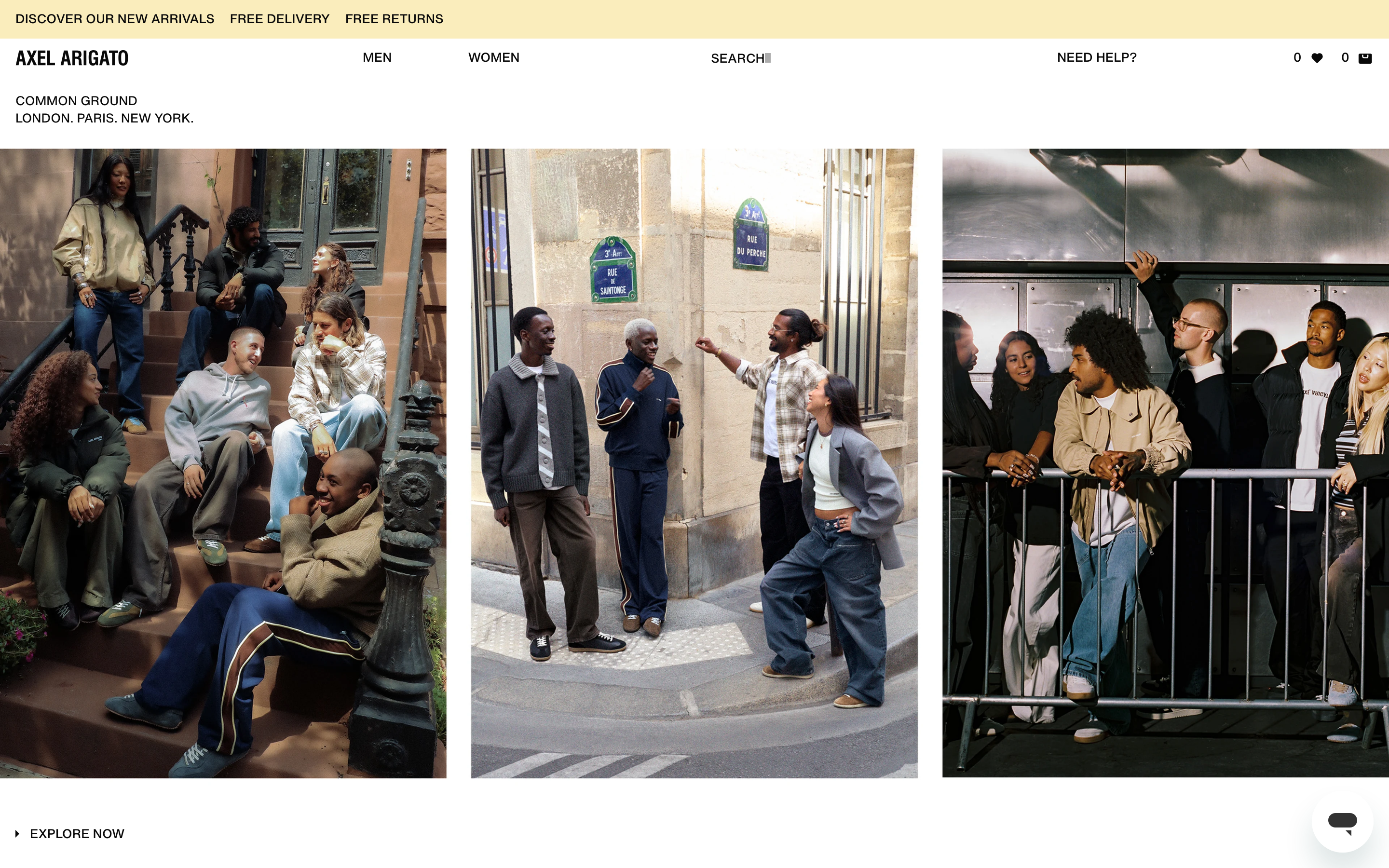
Axel Arigato
Fashion & Beauty · HelveticaNowVar
#000000 · #222222 · #ffffff · #090909 · #41090a

Mansur Gavriel
Fashion & Beauty · Supreme-LL
#000000 · #687874 · #cf112c · #171717
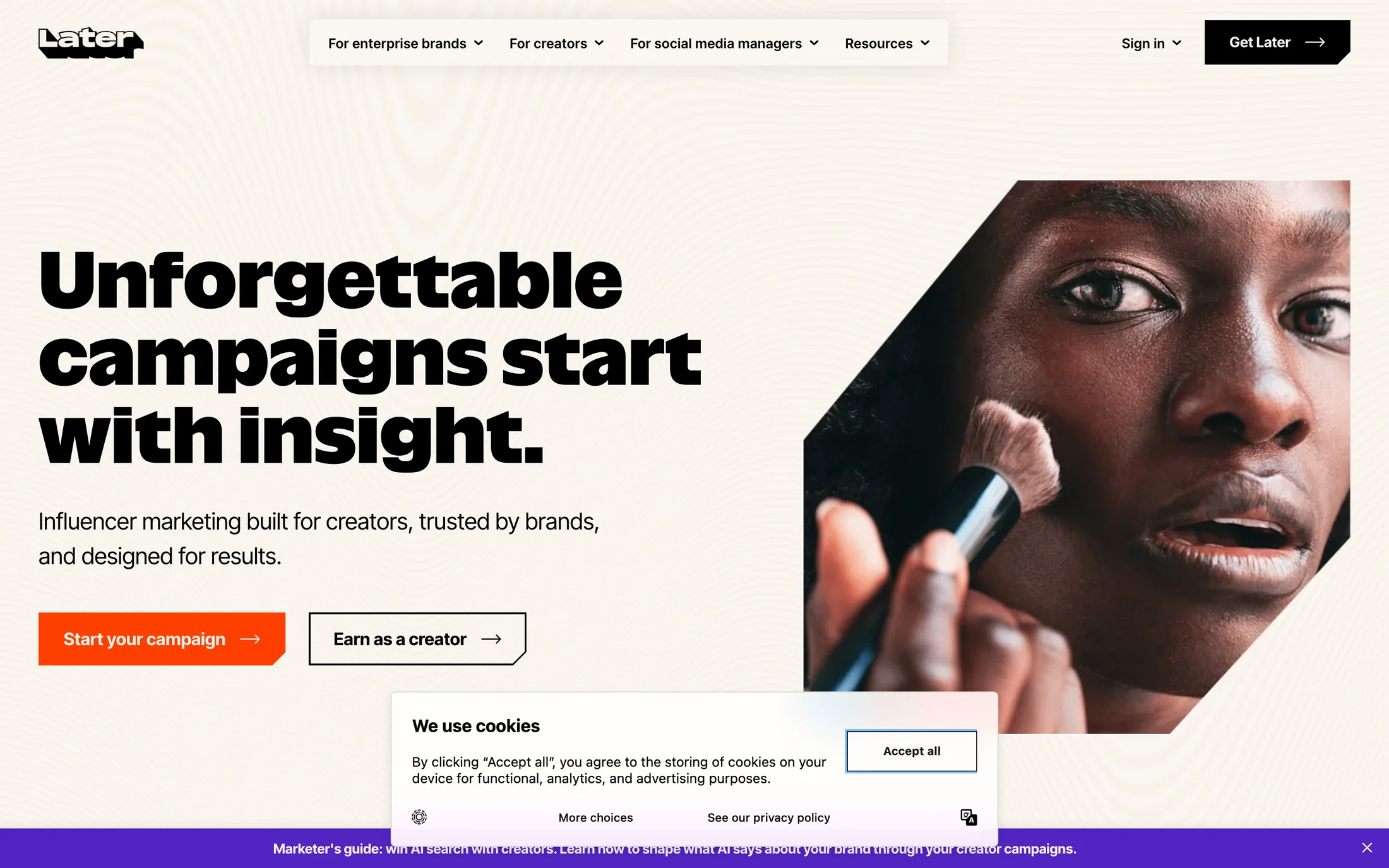
Later
Marketing · Inter Tight
#000000 · #fe3f00 · #f8f2ea · #fefefd · #5124c1
Real homepage references
Orange website color schemes
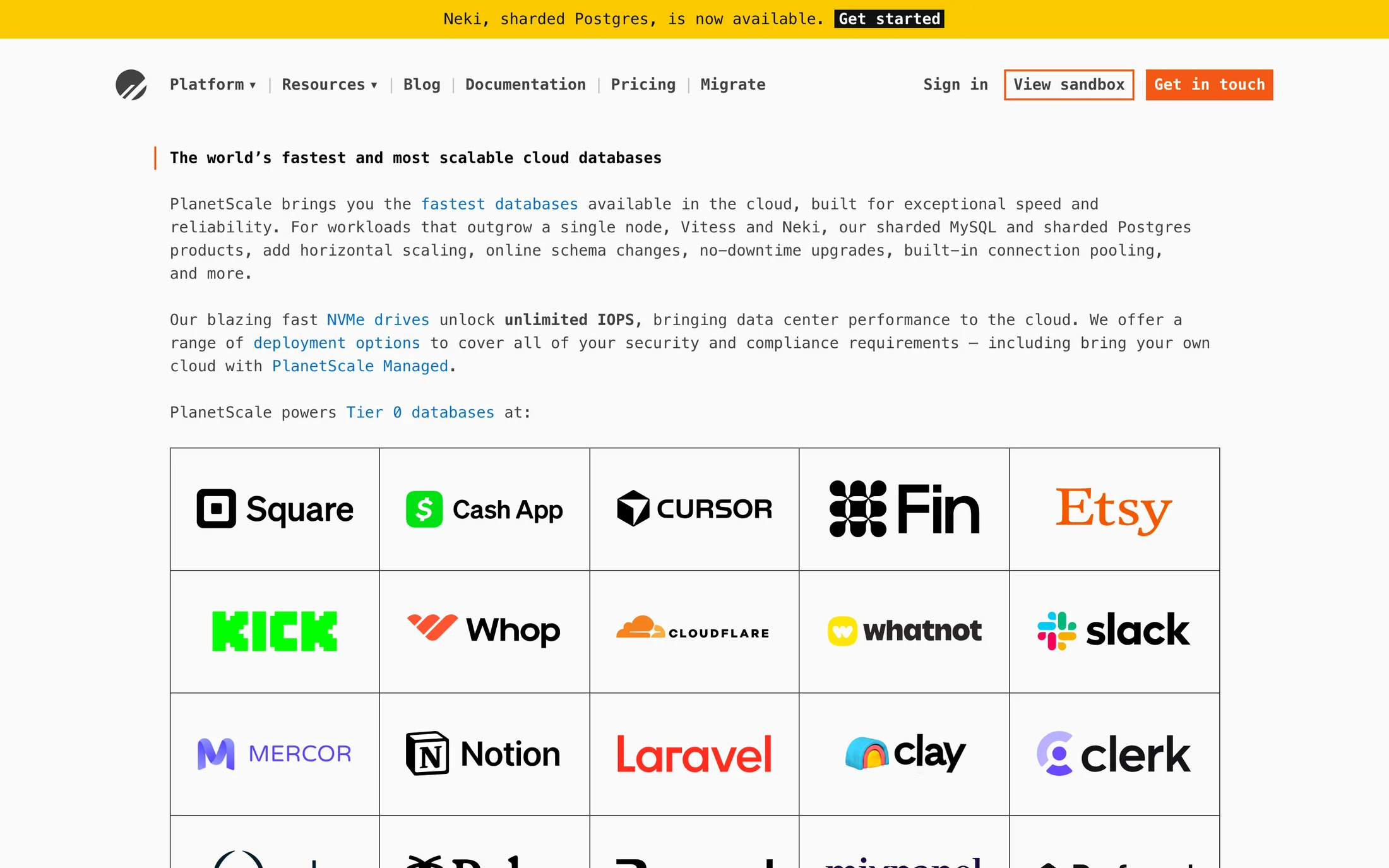
PlanetScale
Technology · ui-monospace
#414141 · #fafafa · #737373 · #f35815 · #111111
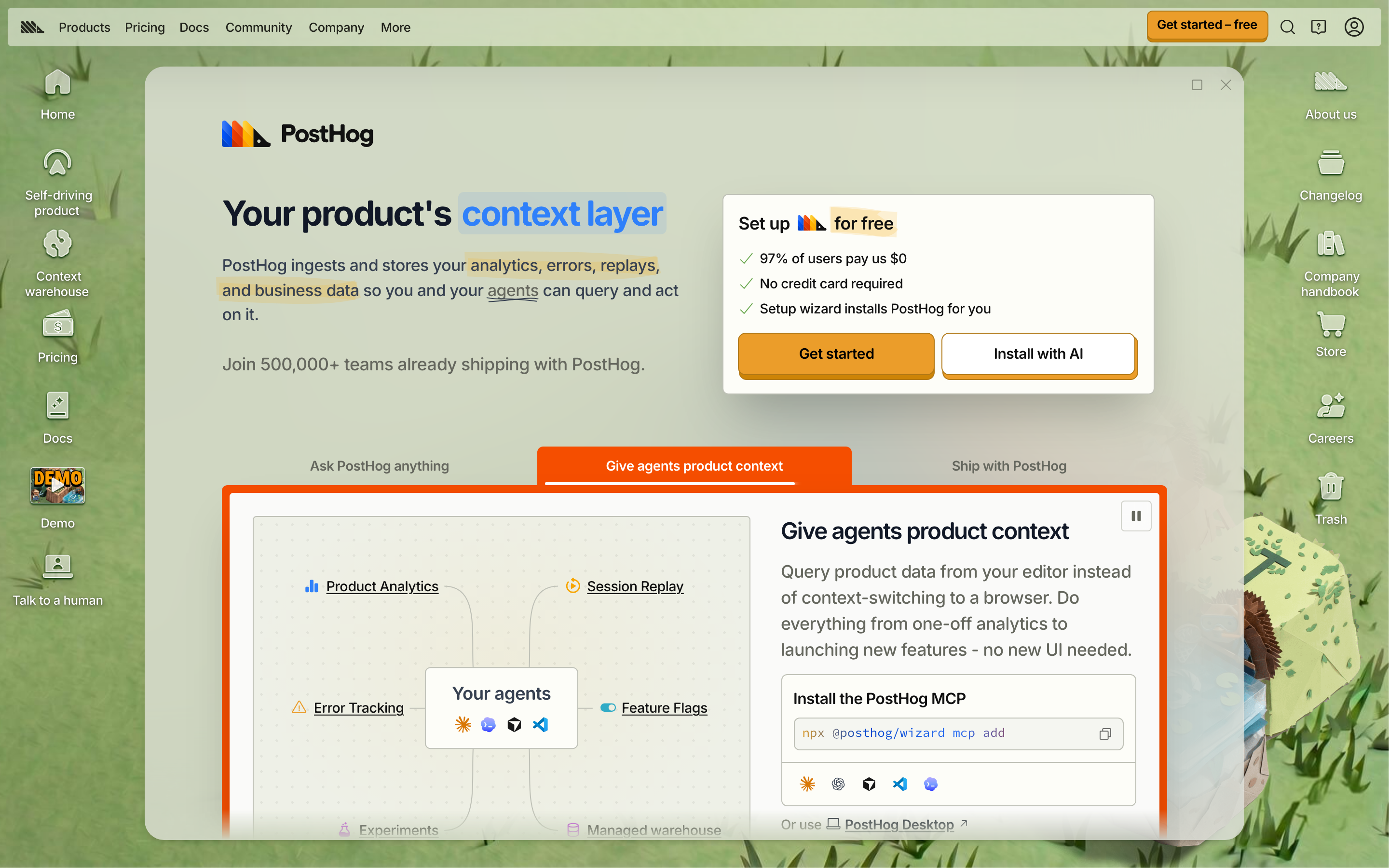
PostHog
Developer Tools · RoundHog
#eeefe9 · #cd8407 · #374151 · #65675e · #eb9d2a
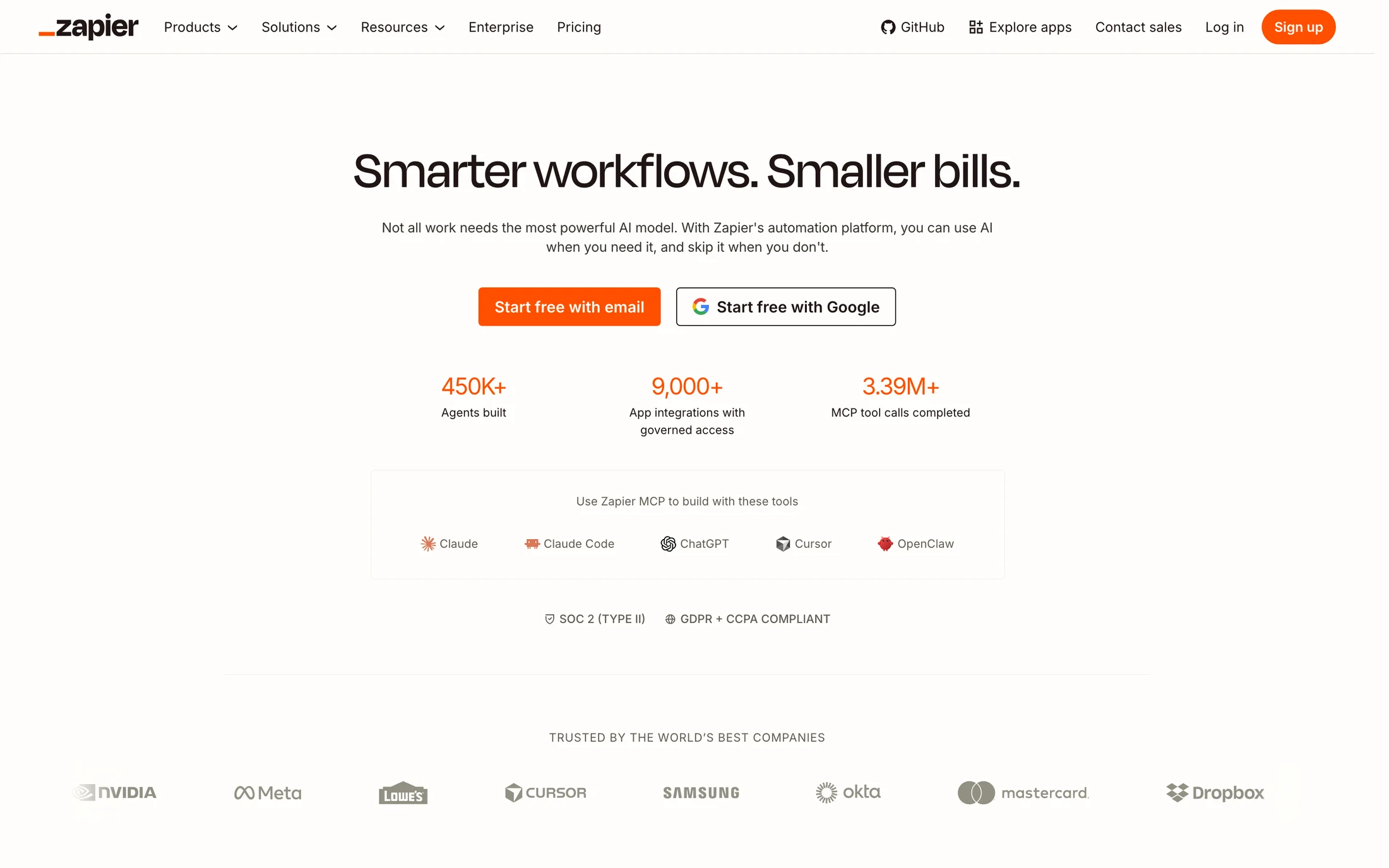
Zapier
AI · Degular Display
#201515 · #fffefb · #ff4f00 · #f8f4f0 · #eceae3
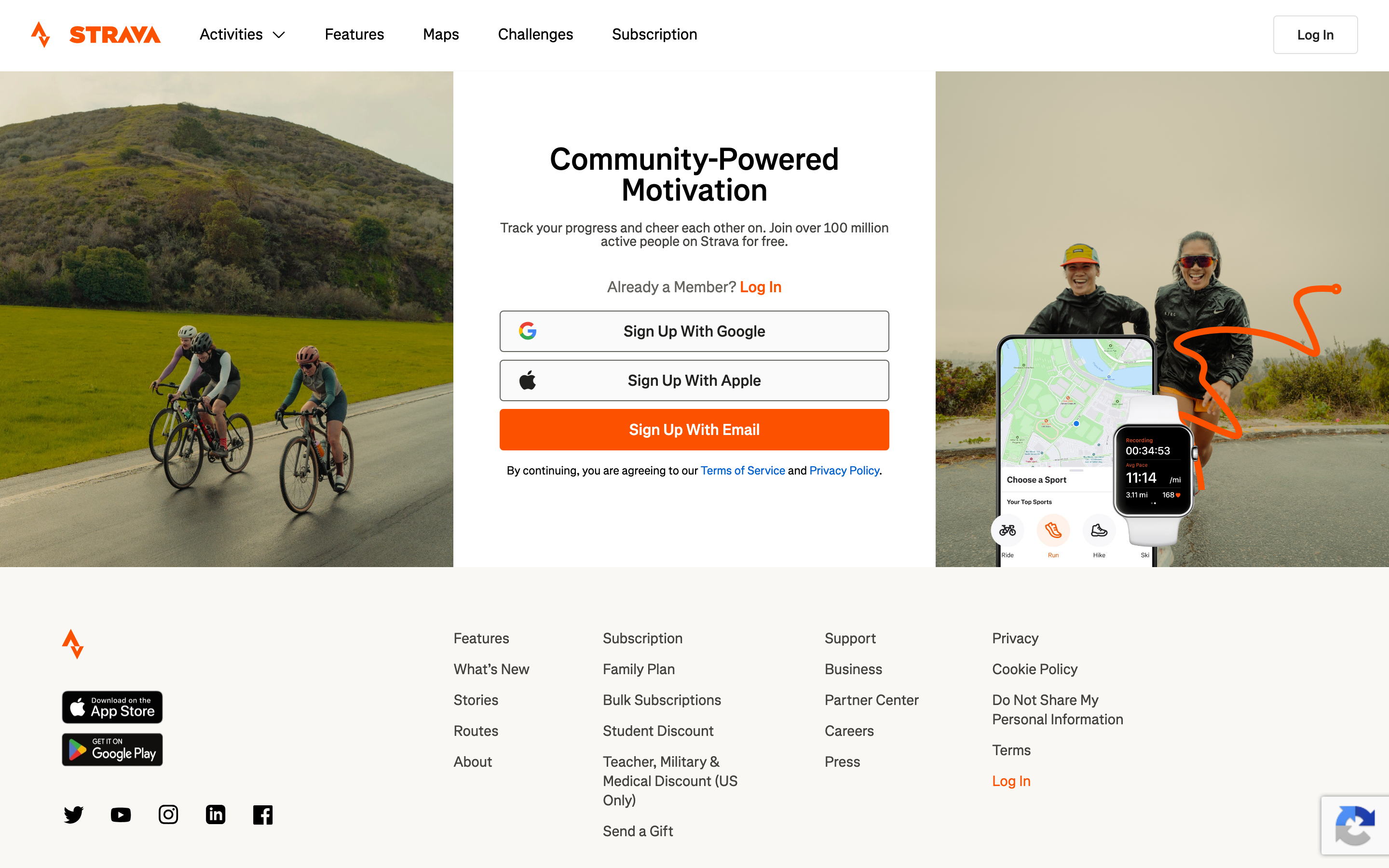
Strava
Health & Fitness · Boathouse
#ffffff · #000000 · #fafafa · #43423f · #f9f8f5
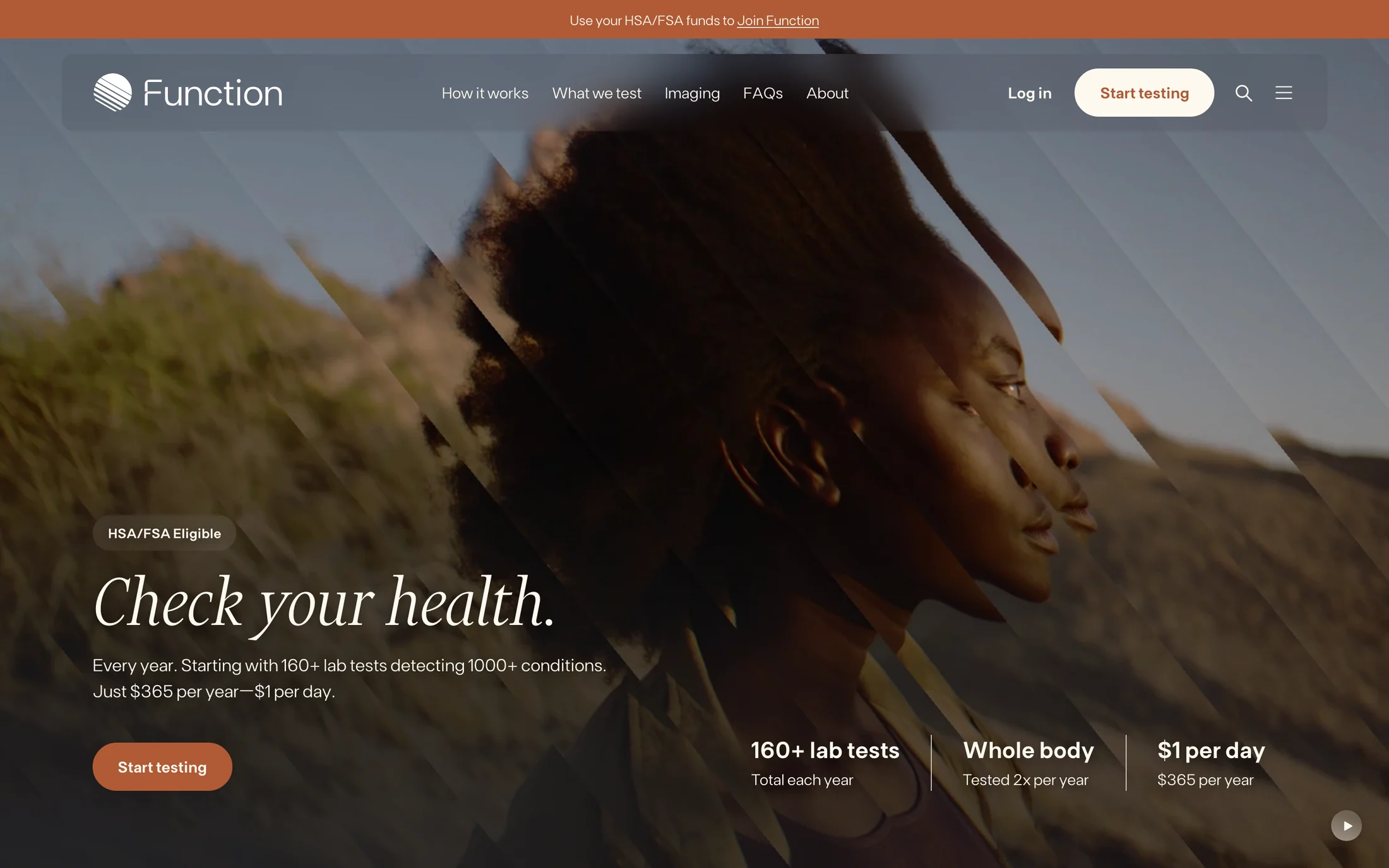
Function Health
Health & Fitness · Financier Display
#fef9ef · #2a2b2f · #b05a36 · #f5eee1 · #515151
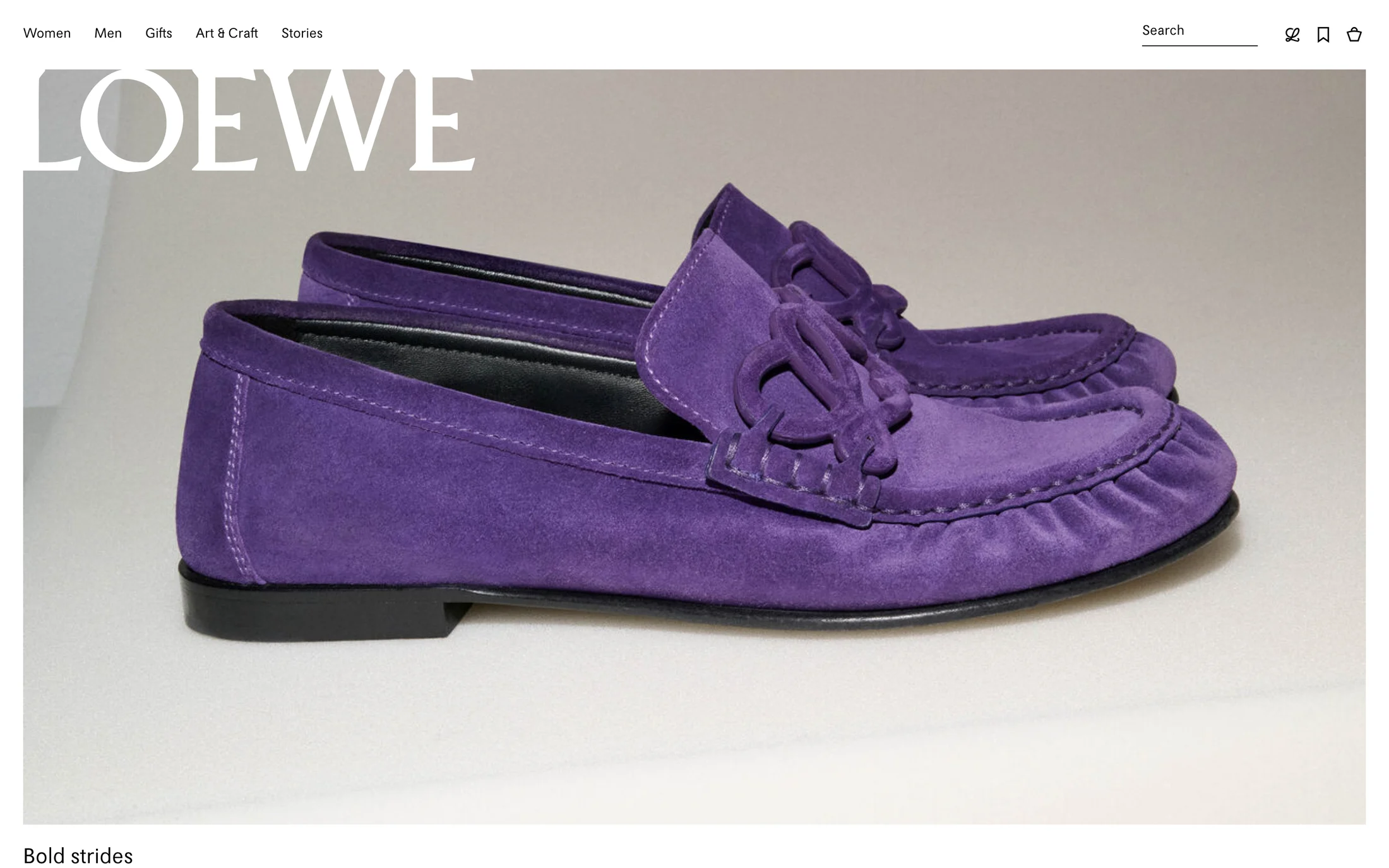
Loewe
Fashion & Beauty · Loewe
#000000 · #ffffff · #f2ca56

Ahrefs
Marketing · Ahrefs
#000000 · #ffffff · #3a57fc · #ff8d00 · #212121

Jellyfish
Marketing · DM Sans
#ffffff · #f8b133 · #000000

Semrush Agency
Marketing · Factor A
#ffffff · #ff642d · #191b23 · #8a8e9b · #f4f5f9
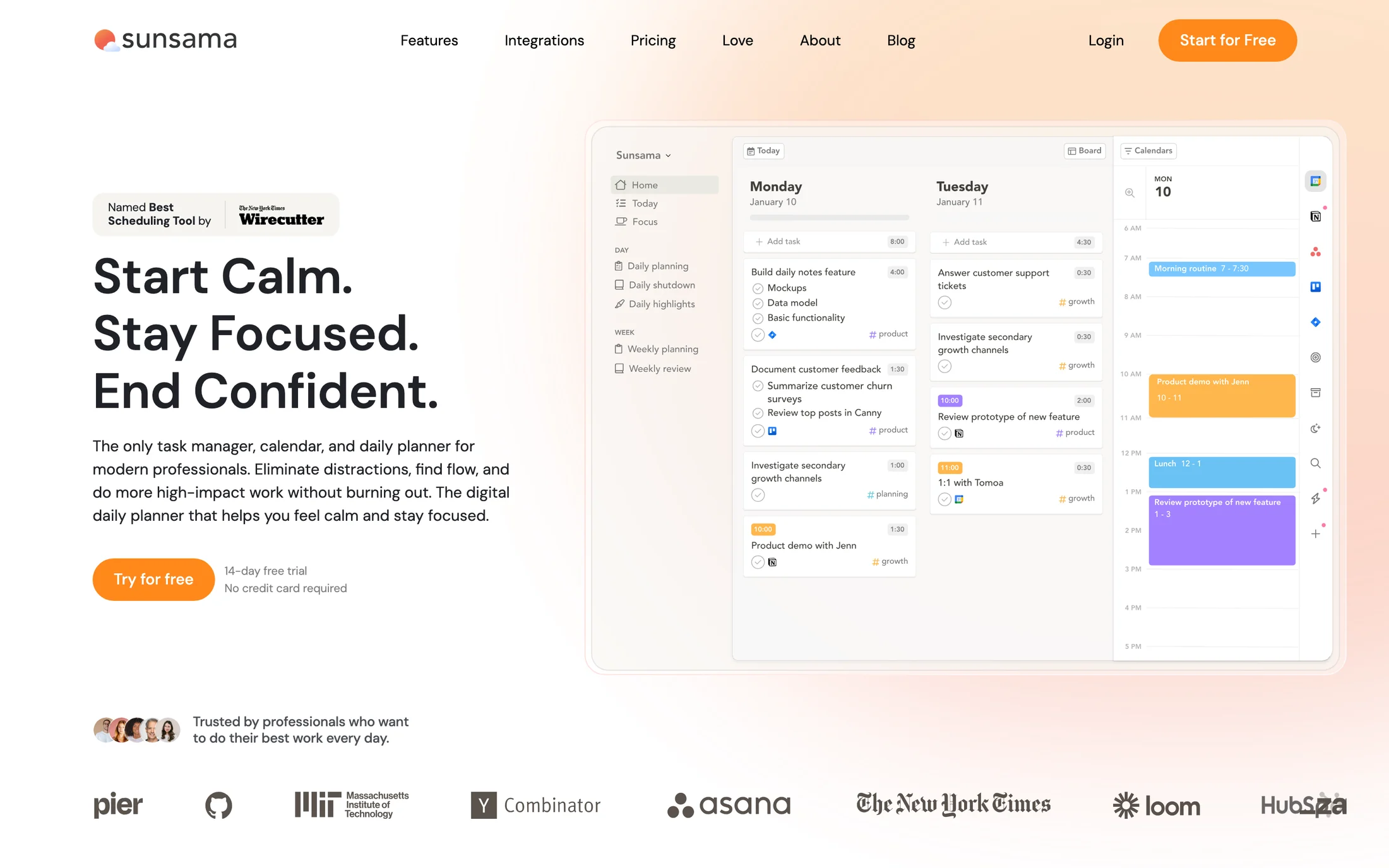
Sunsama
Productivity · Type extracted
#ffffff · #202228 · #fafafa · #ff891c · #4c4f56

LaunchDarkly
Developer Tools · headingFont3
#191919 · #f8f8f8 · #ddff46 · #d1d6d9 · #ff9d29
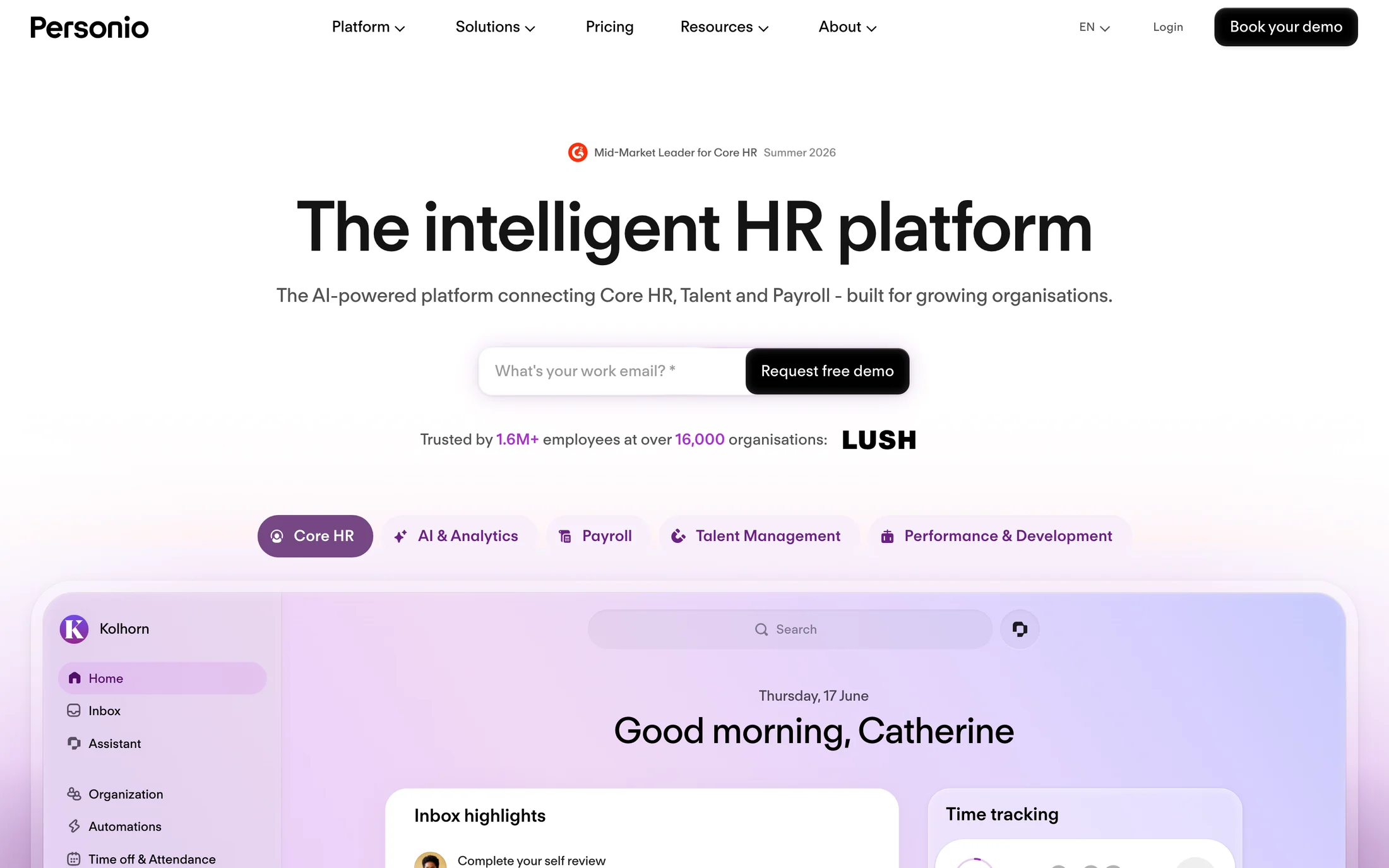
Personio
Productivity · regolaNeue
#000000 · #525252 · #ffffff · #141414 · #f8effb
Real homepage references
Yellow website color schemes
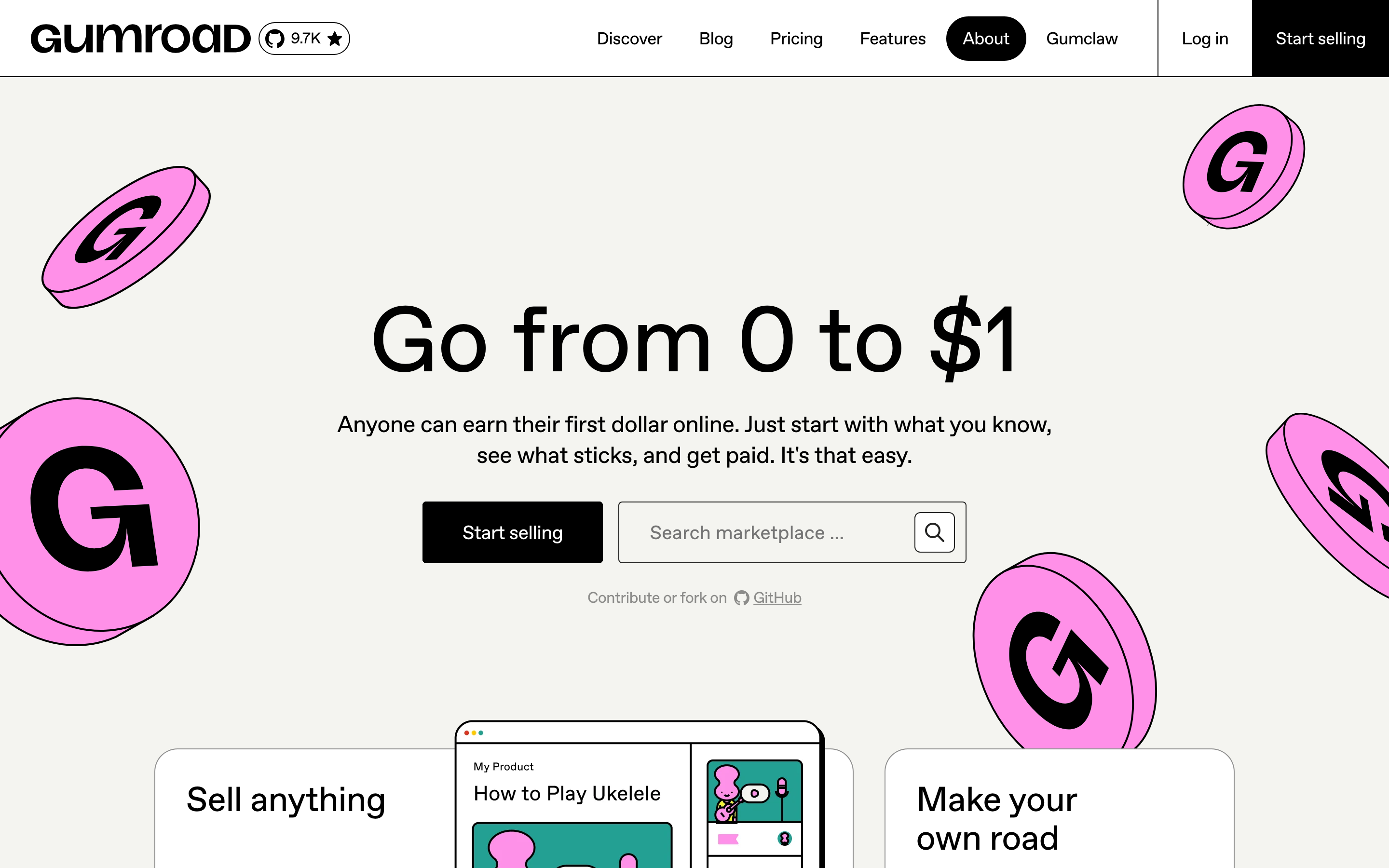
Gumroad
Shopping · ABC Favorit
#ffffff · #f4f4f0 · #000000 · #ffc900 · #ff90e8
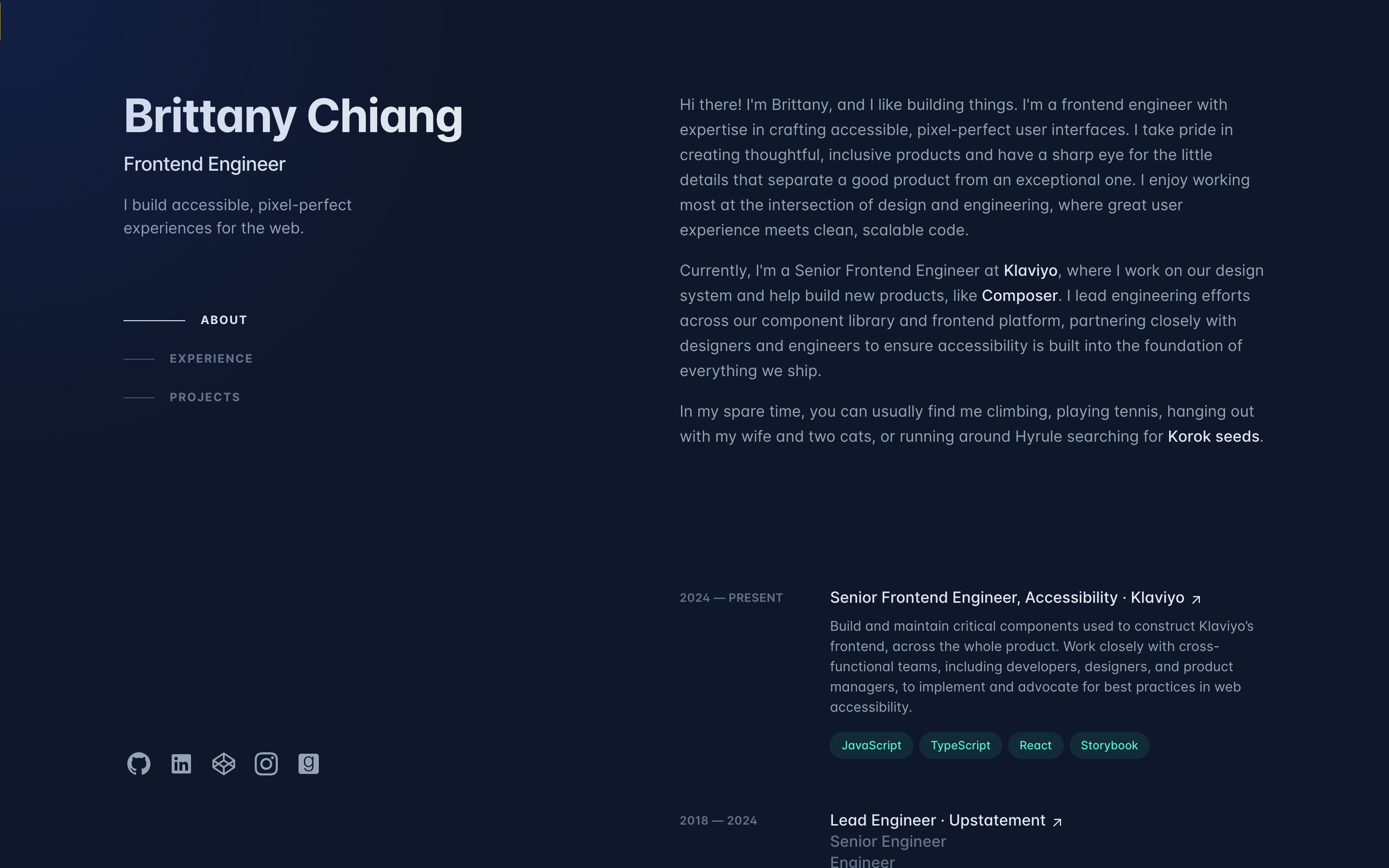
Brittany Chiang
Portfolio · __inter_20b187
#0f172a · #94a3b8 · #e2e8f0 · #eab308 · #64748b
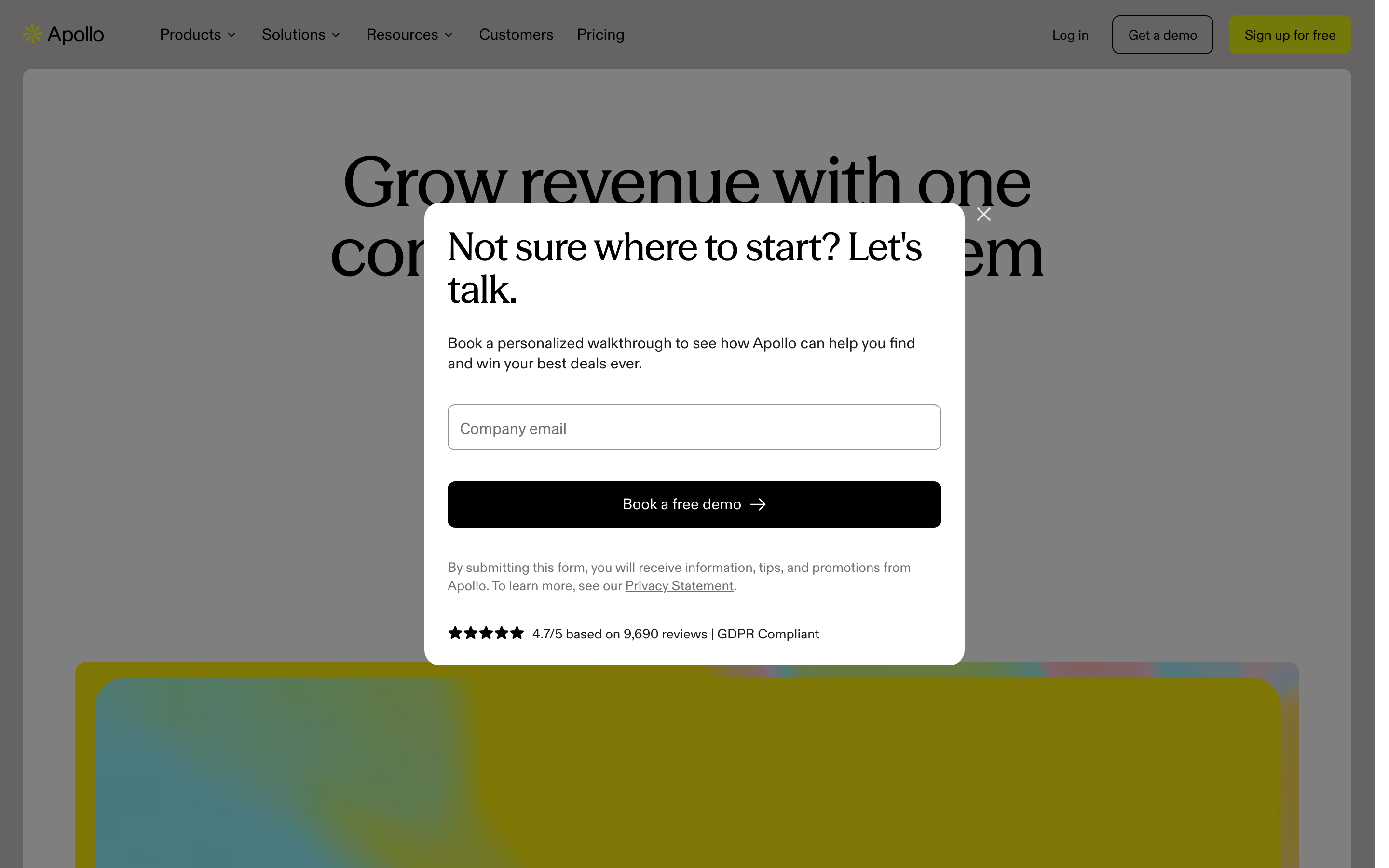
Apollo
Marketing · seasonMix
#47423d · #000000 · #ffffff · #736f6c · #1a1a1a
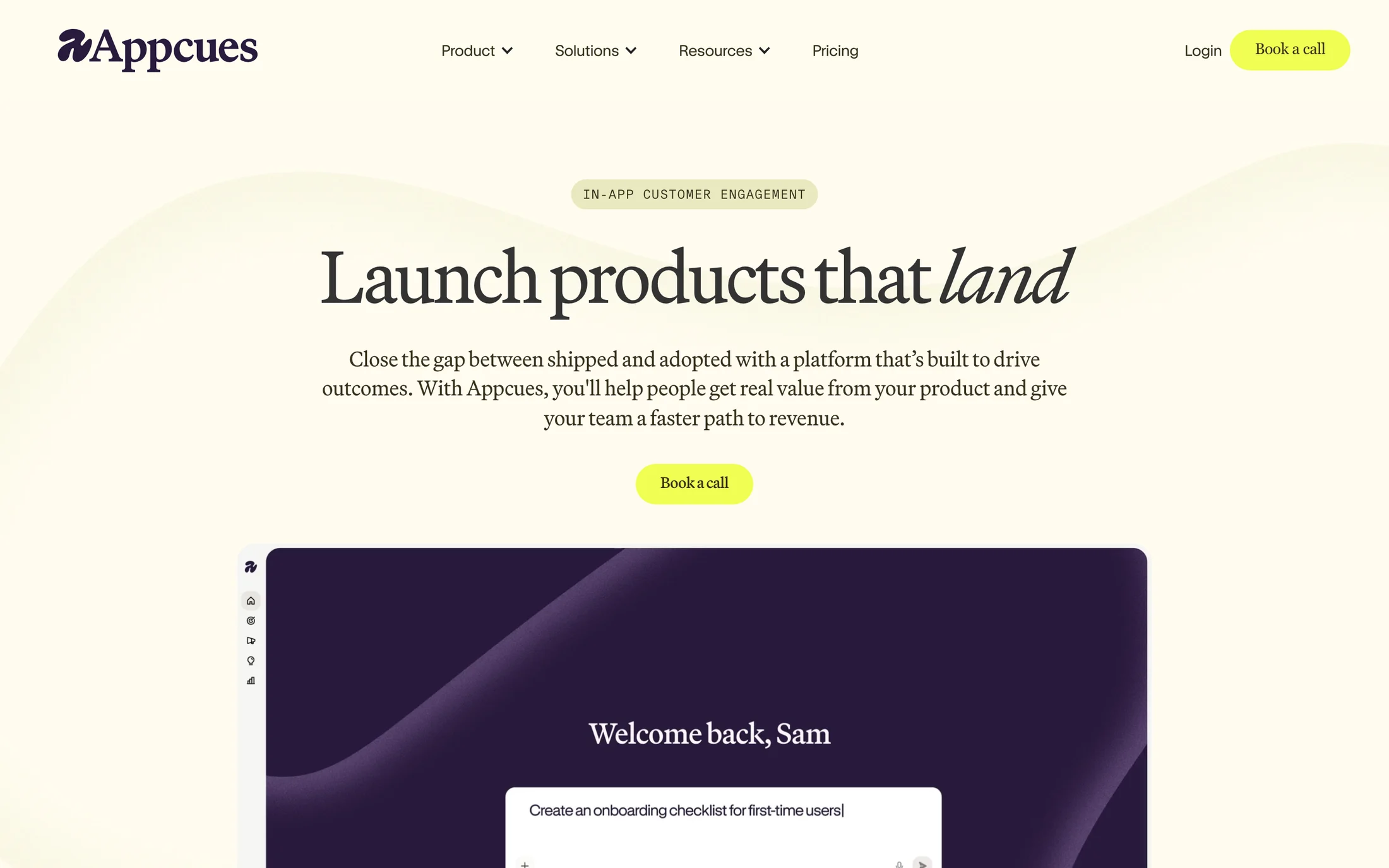
Appcues
AI · Martinaplantijn
#ffffff · #fbfbfb · #291a3d · #f0fe52 · #36311c
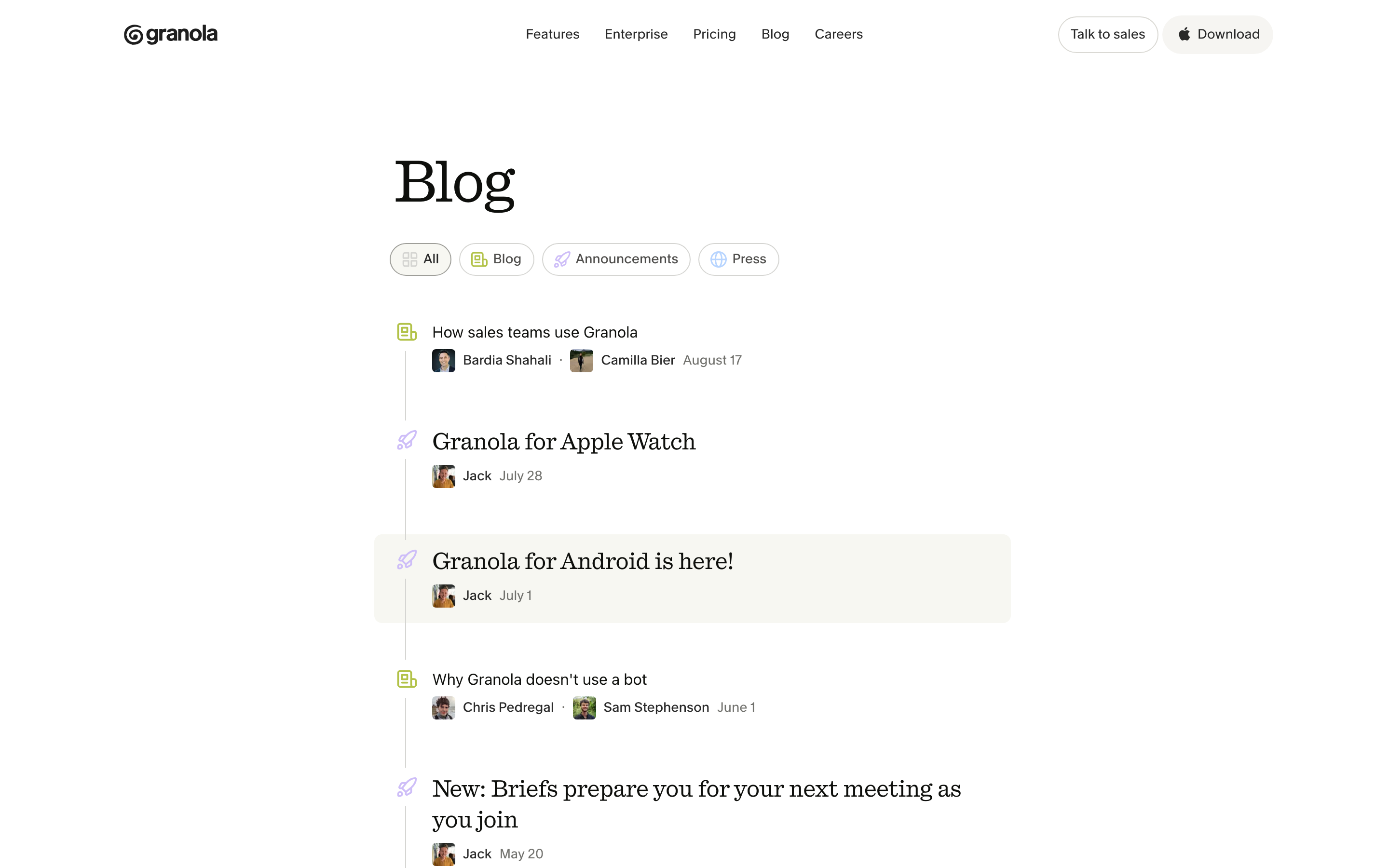
Granola Notes
AI · quadrant
#ffffff · #72726e · #0e0f0c · #292929 · #b2c248
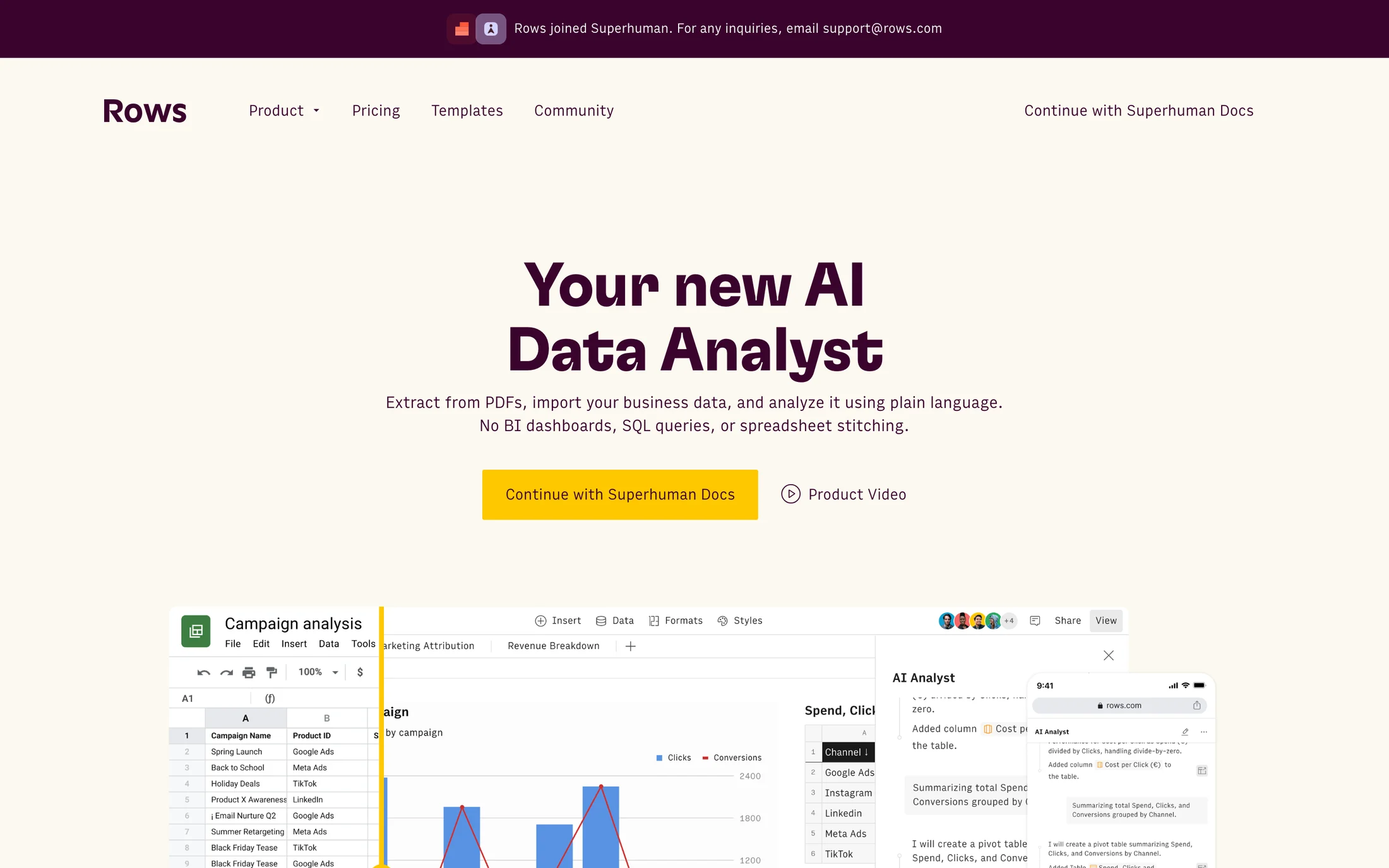
Rows
Finance · GT Flexa
#fbf9f0 · #3a032d · #ffc800 · #fff4cc · #ffffff
Stytch
Developer Tools · Booton
#1d1d1d · #fbfaf9 · #525151 · #b2d6de · #e6fd13
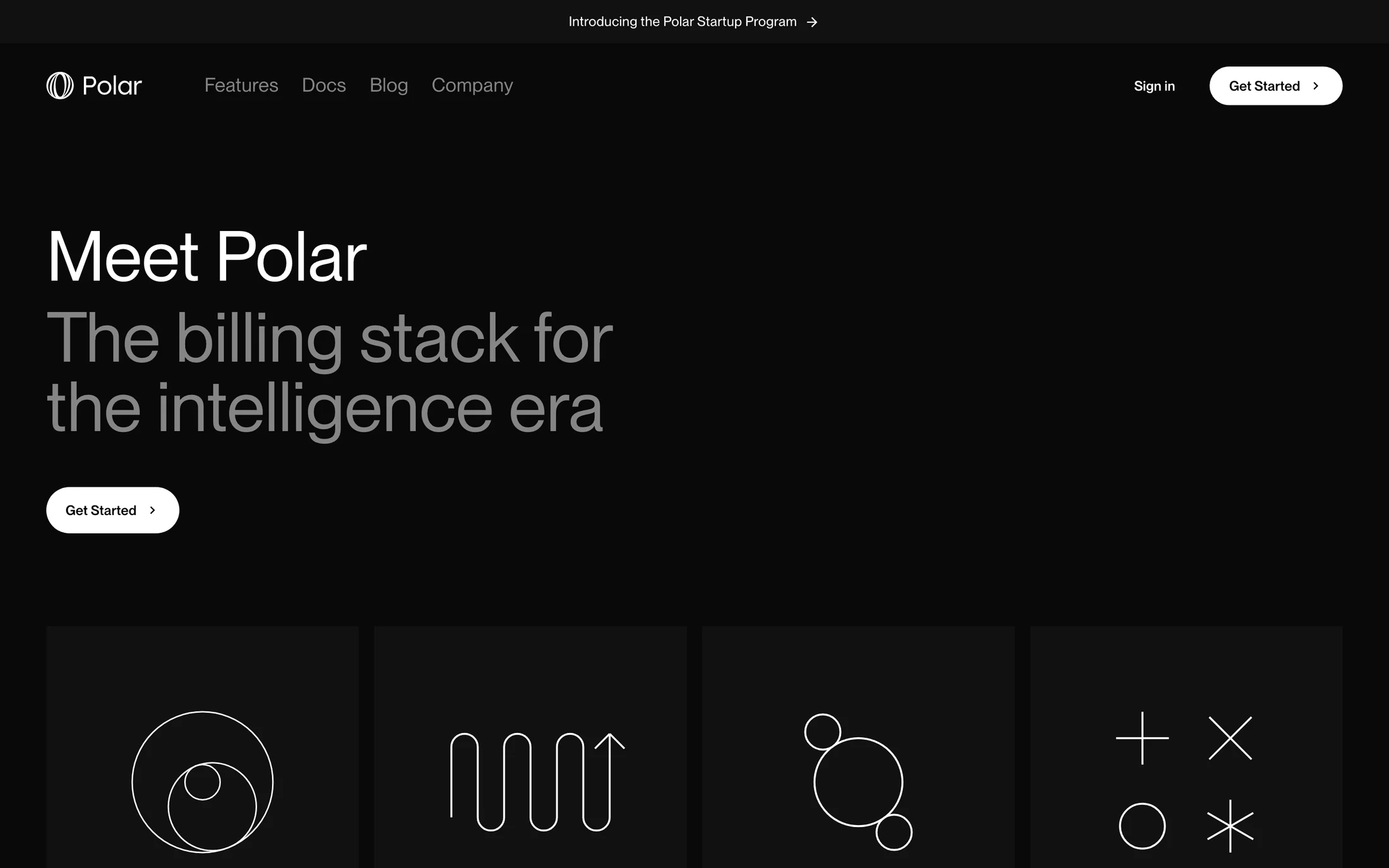
Polar
Finance · PP Neue Montreal
#ffffff · #858585 · #212121 · #000000 · #433a14

Bumble
Lifestyle · BumbleSans
#575656 · #ffffff · #202020 · #ffdb5b

Hipcamp
Lifestyle · Calibre
#ffffff · #333121 · #fdfbf6

Zoe
Health & Fitness · LotaGrotesqueAlt1-Regular
#ffffff · #2e3348 · #ffd000 · #532d3c · #2d4343
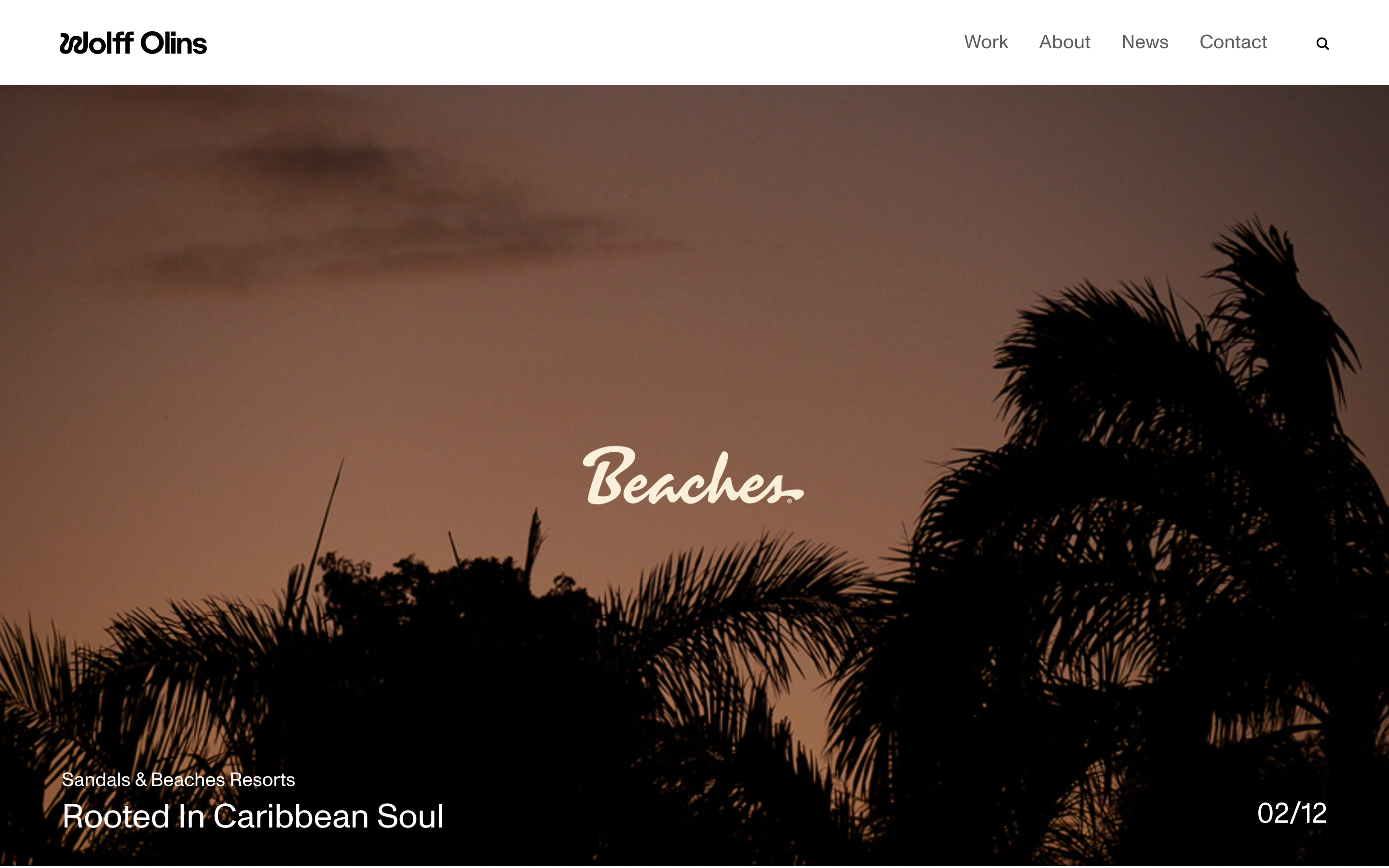
Wolff Olins
Portfolio · Monument-Grotesk
#ffffff · #000000 · #fff84b · #616161 · #959595
Real homepage references
Green website color schemes
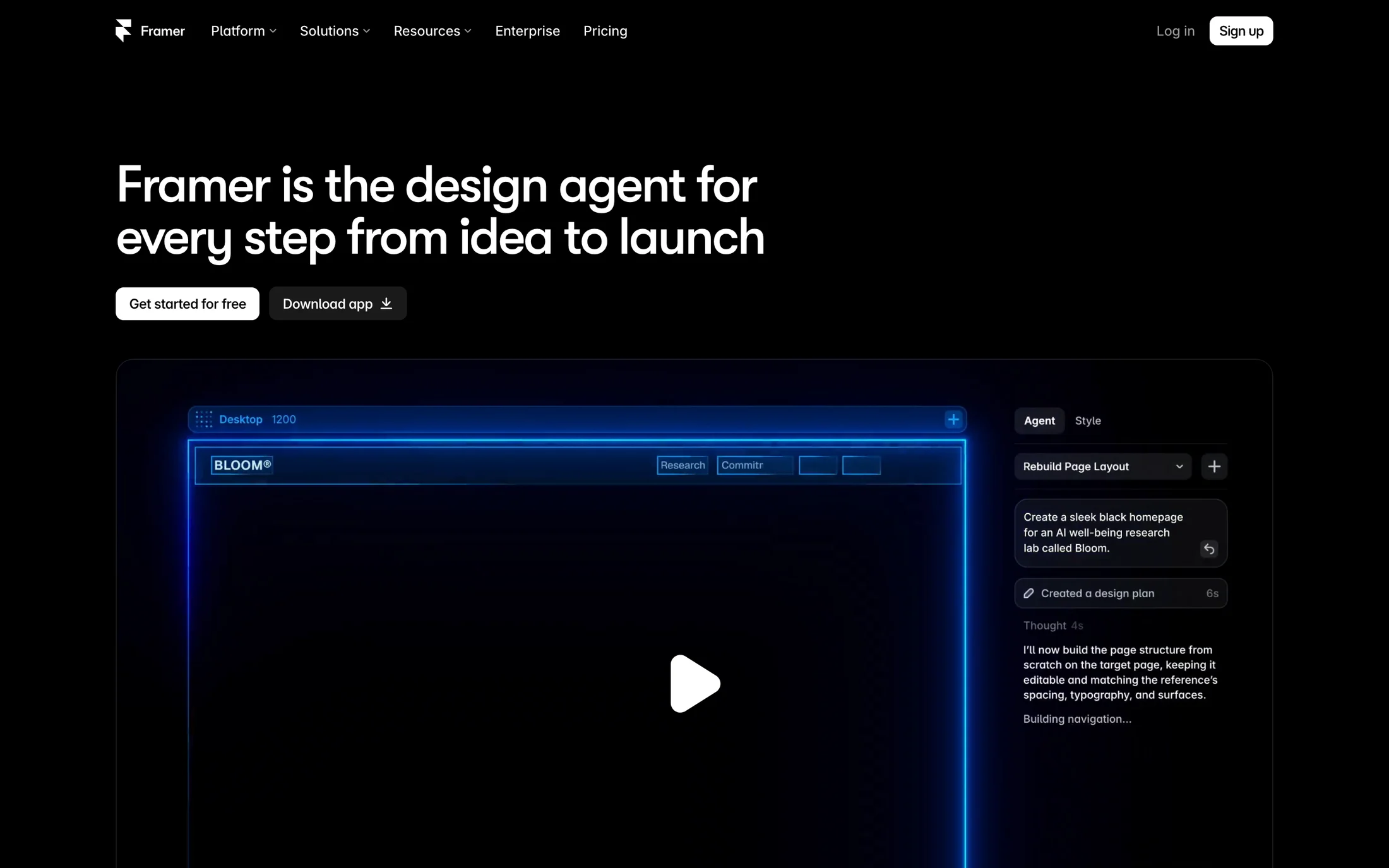
Framer
Marketing · GT Walsheim Medium
#ffffff · #999999 · #000000 · #666666 · #00bb88
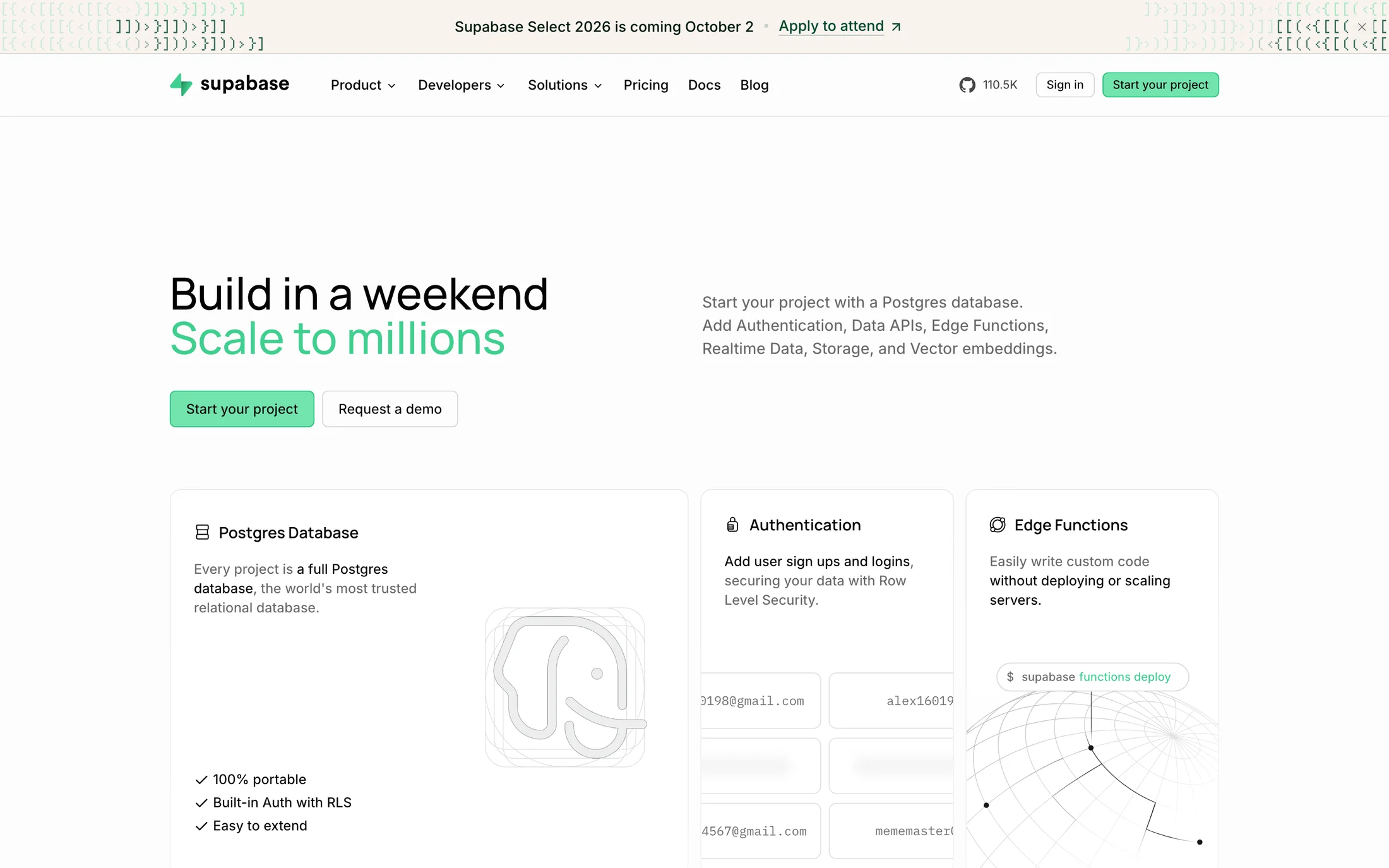
Supabase
Developer Tools · Manrope
#010022 · #000022 · #ffffff · #72e3ad · #001a10
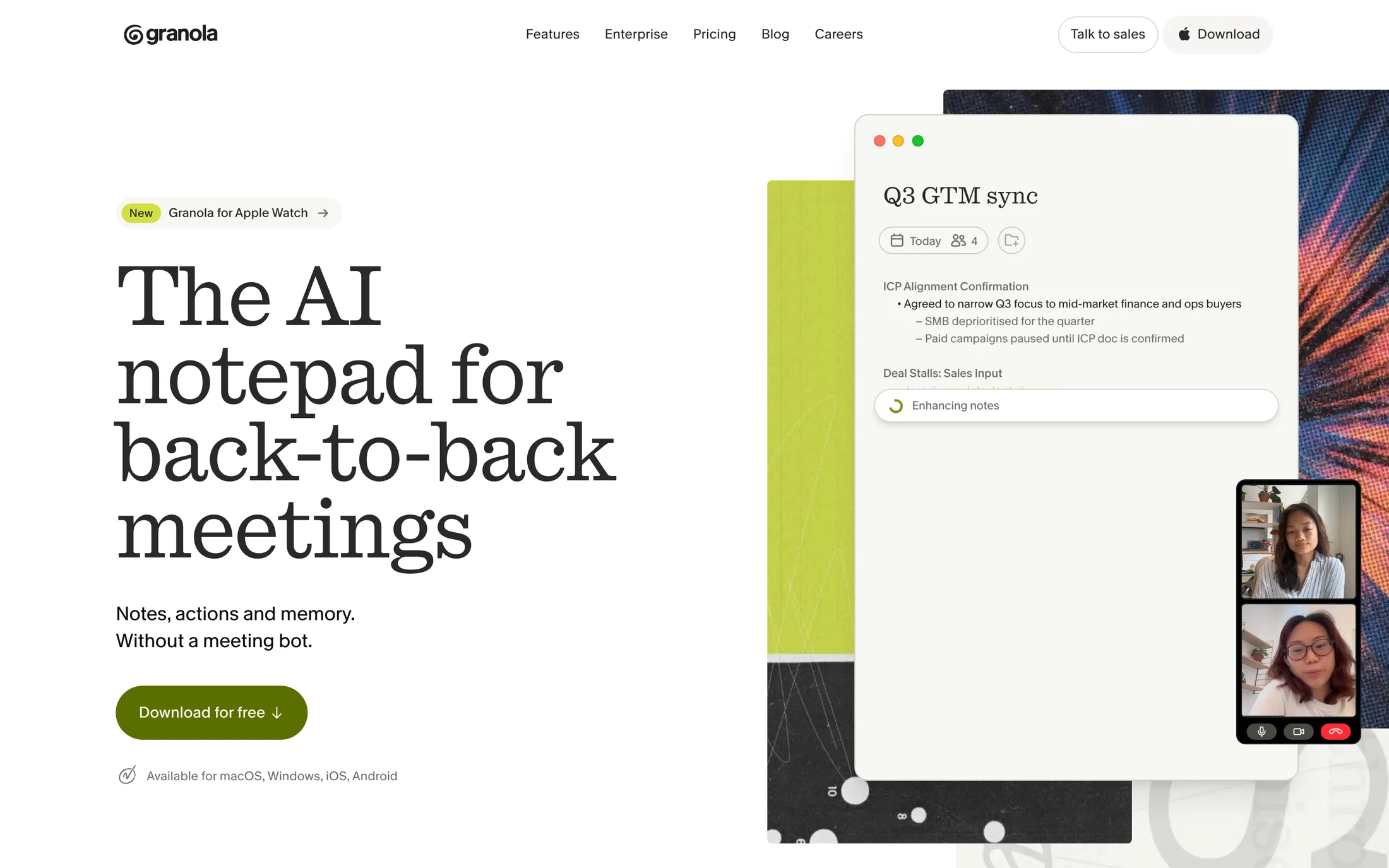
Granola
AI · quadrant
#292929 · #ffffff · #f7f7f2 · #0e0f0c · #b2c248
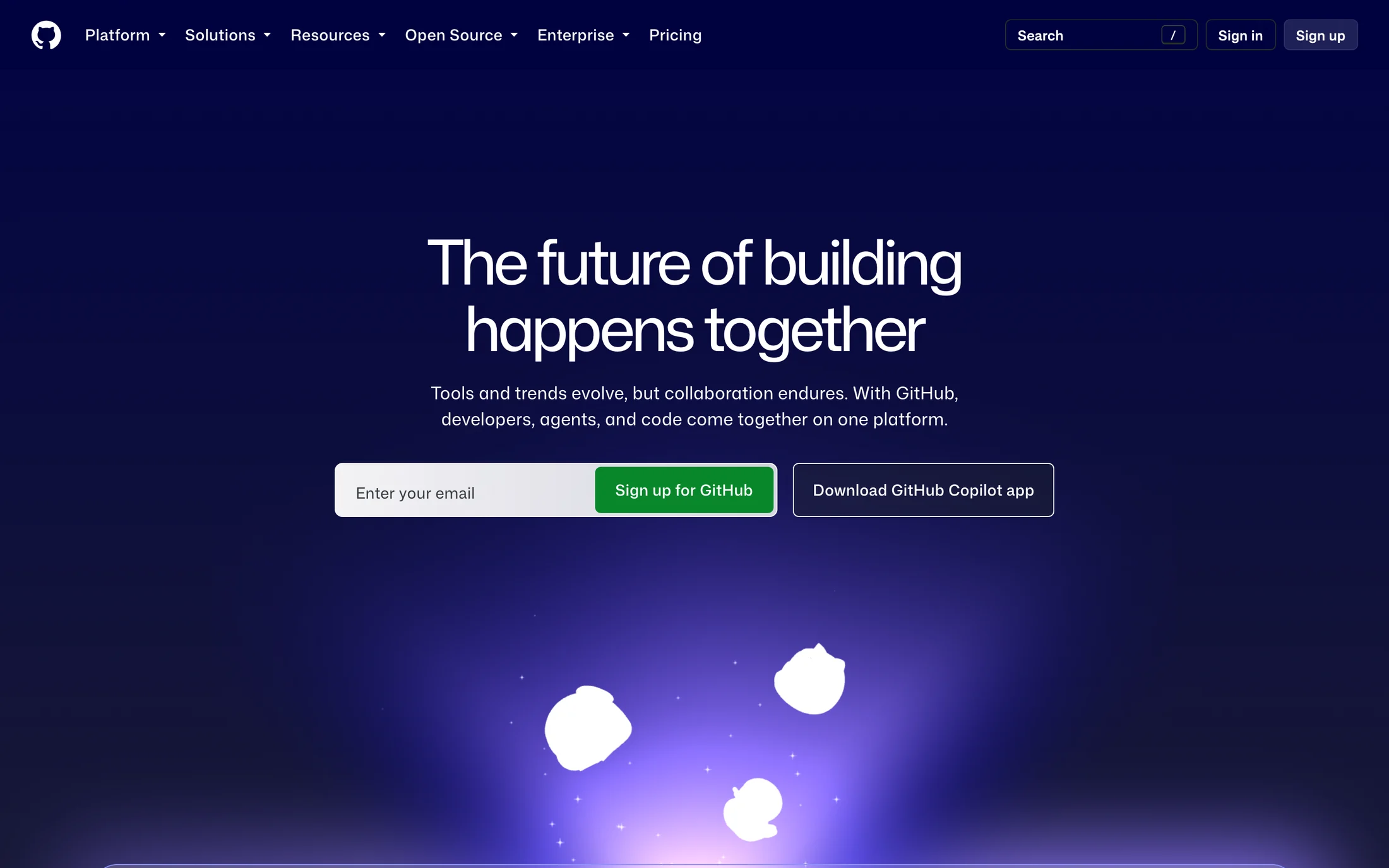
GitHub
Developer Tools · Mona Sans VF
#0d1117 · #a4aea6 · #ffffff · #08872b
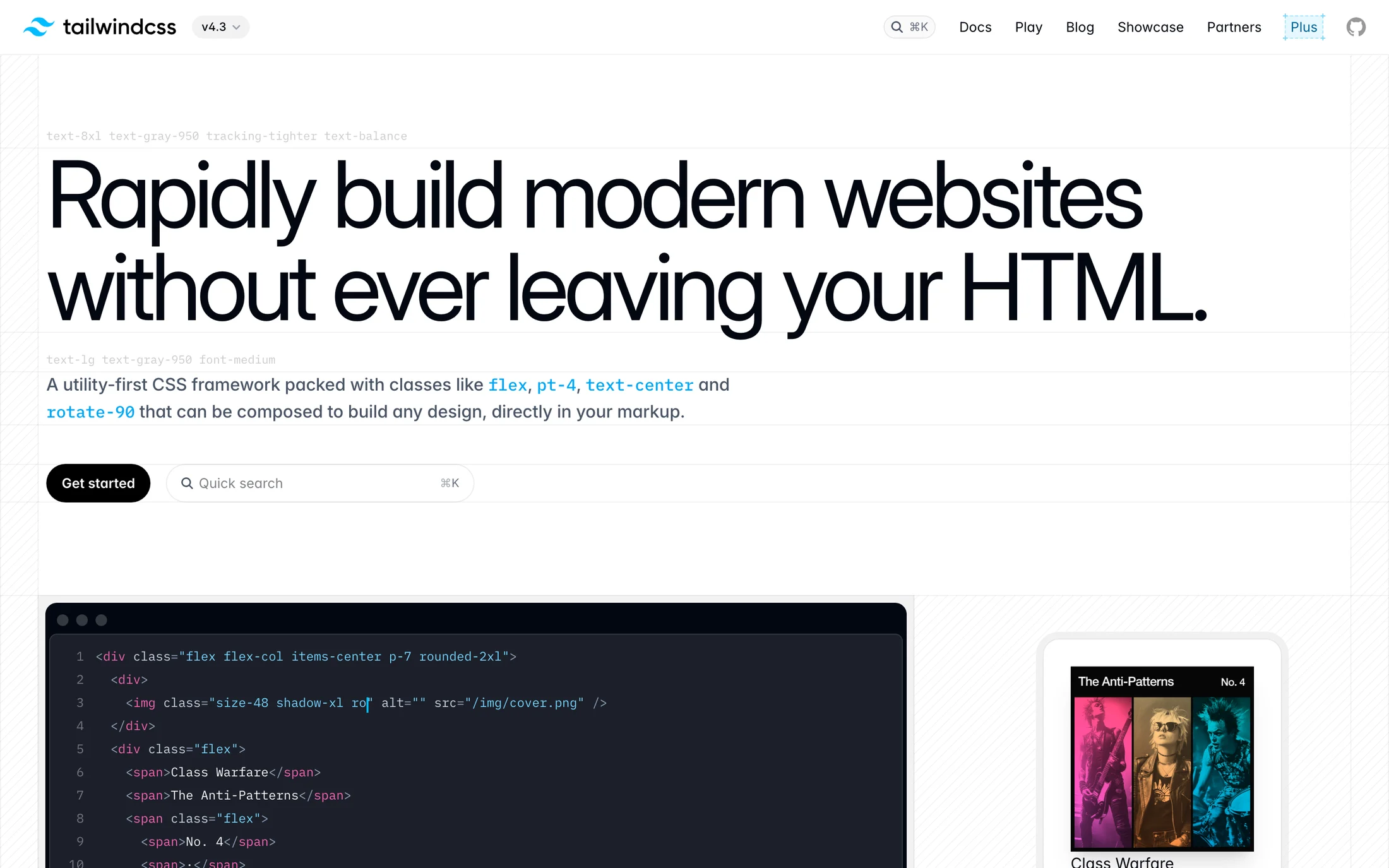
Tailwind CSS
Developer Tools · inter
#24020b · #020005 · #000000 · #394d08 · #1b010c
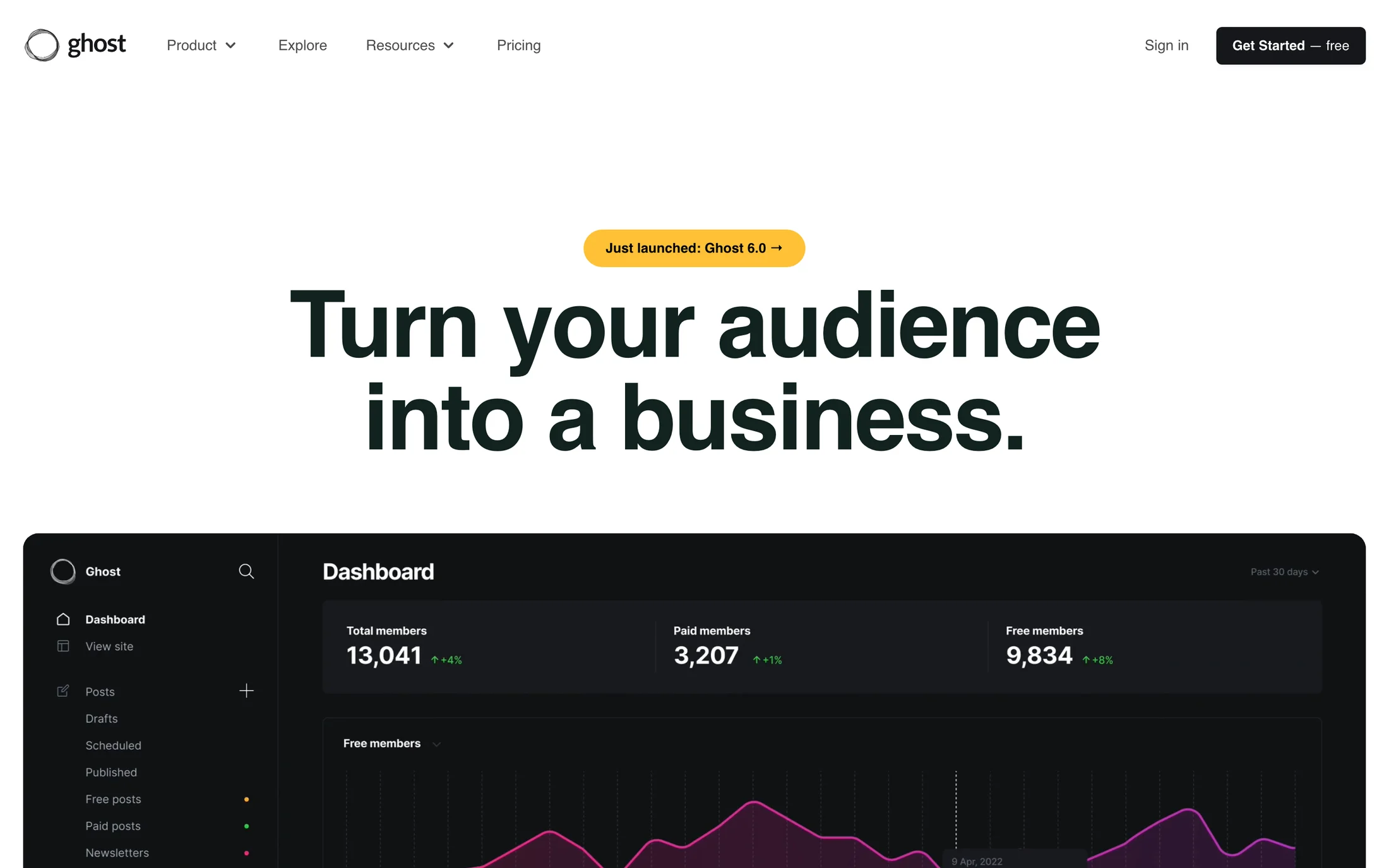
Ghost
Developer Tools · InterDisplay
#ffffff · #000000 · #15171a · #0f172a · #1a2e05
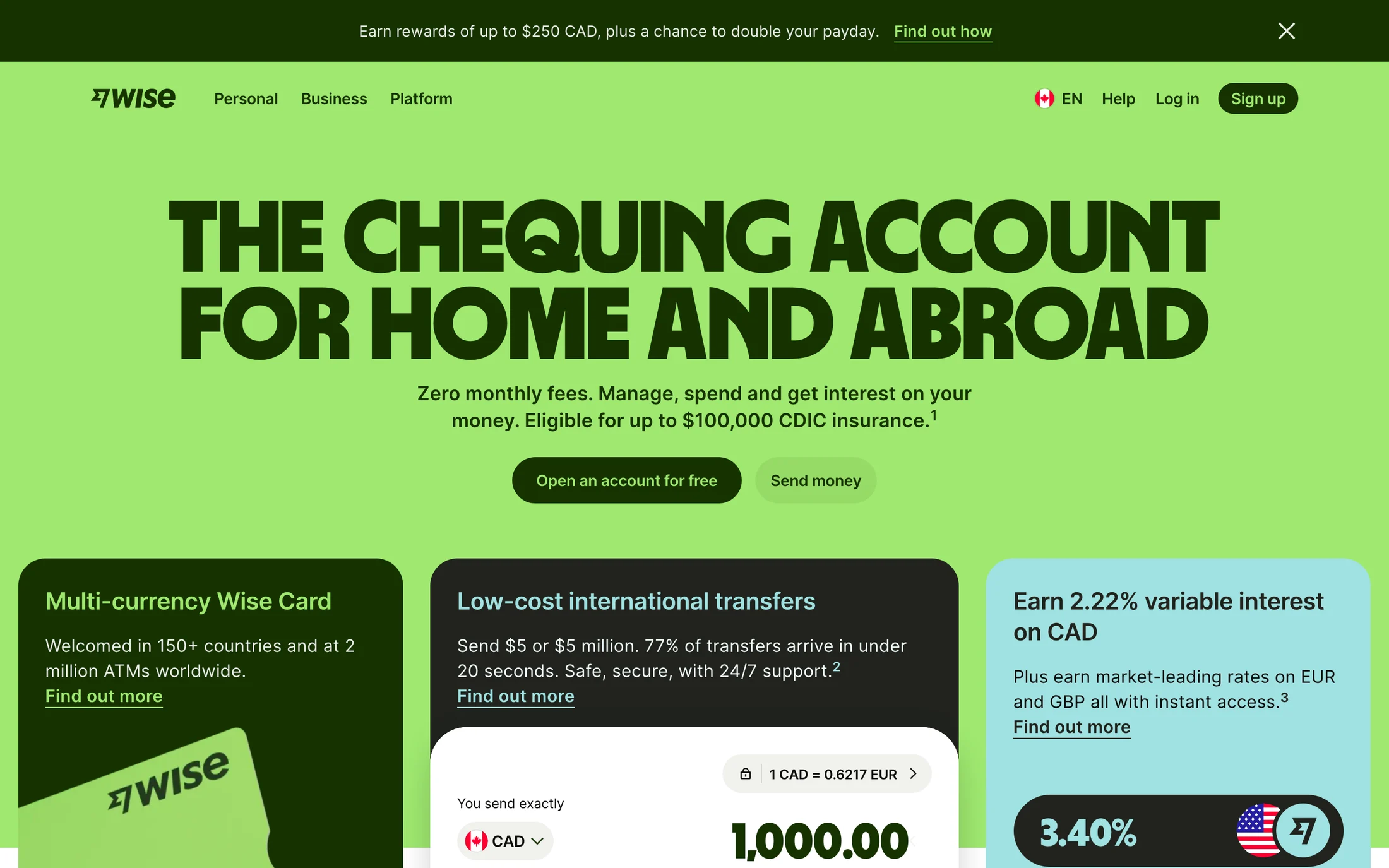
Wise
Finance · Wise Sans
#163300 · #9fe870 · #ffffff · #0e0f0c · #454745
Robinhood
Finance · Martina Plantijn
#000000 · #ccff00 · #110e08 · #ffffff
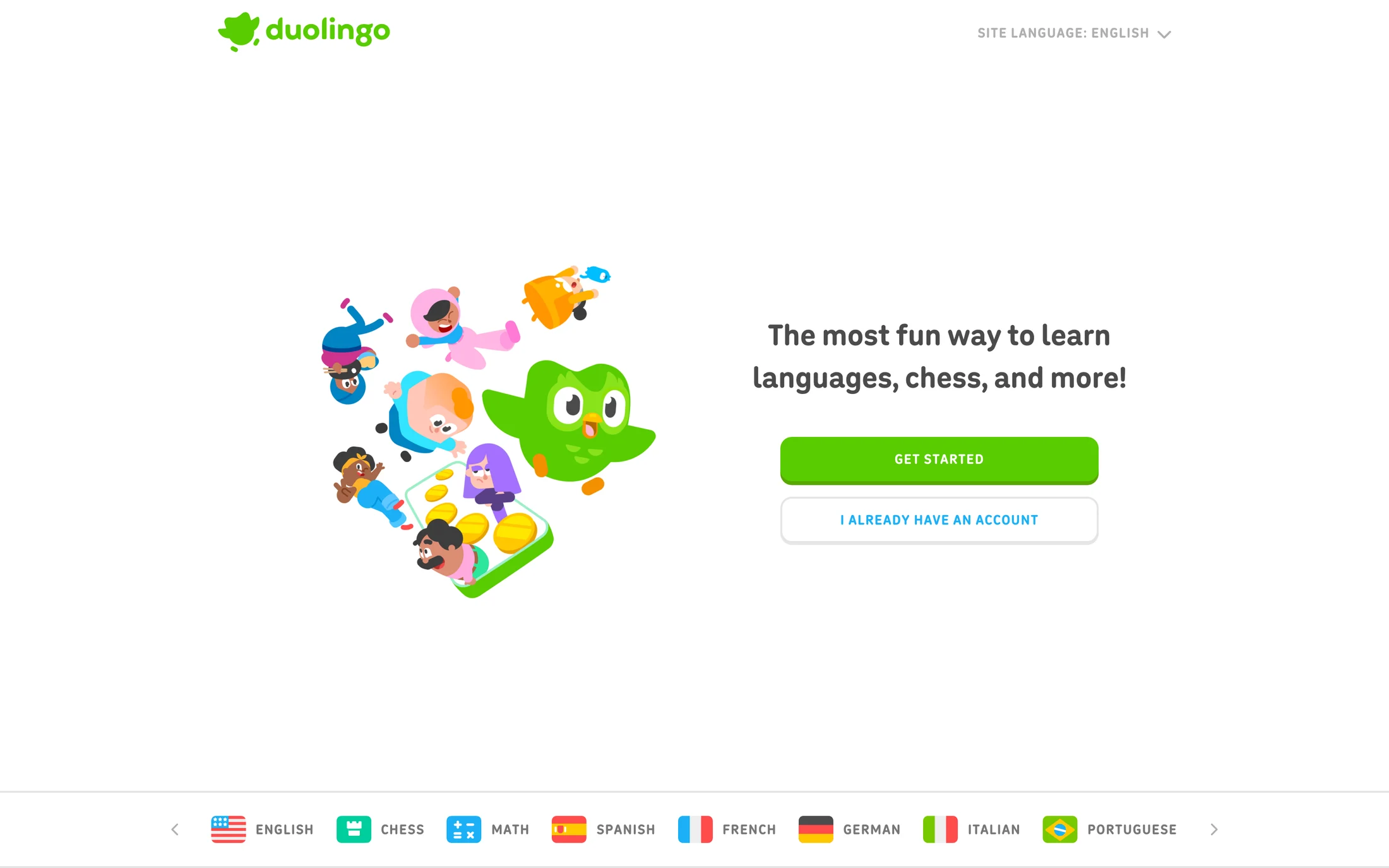
Duolingo
Education · duolingo-sans
#ffffff · #58cc02 · #ddf4ff · #100f3e · #777777
Dogstudio
Portfolio · Heebo
#131419 · #ffffff · #a0a8dc · #5ab400 · #edbc68
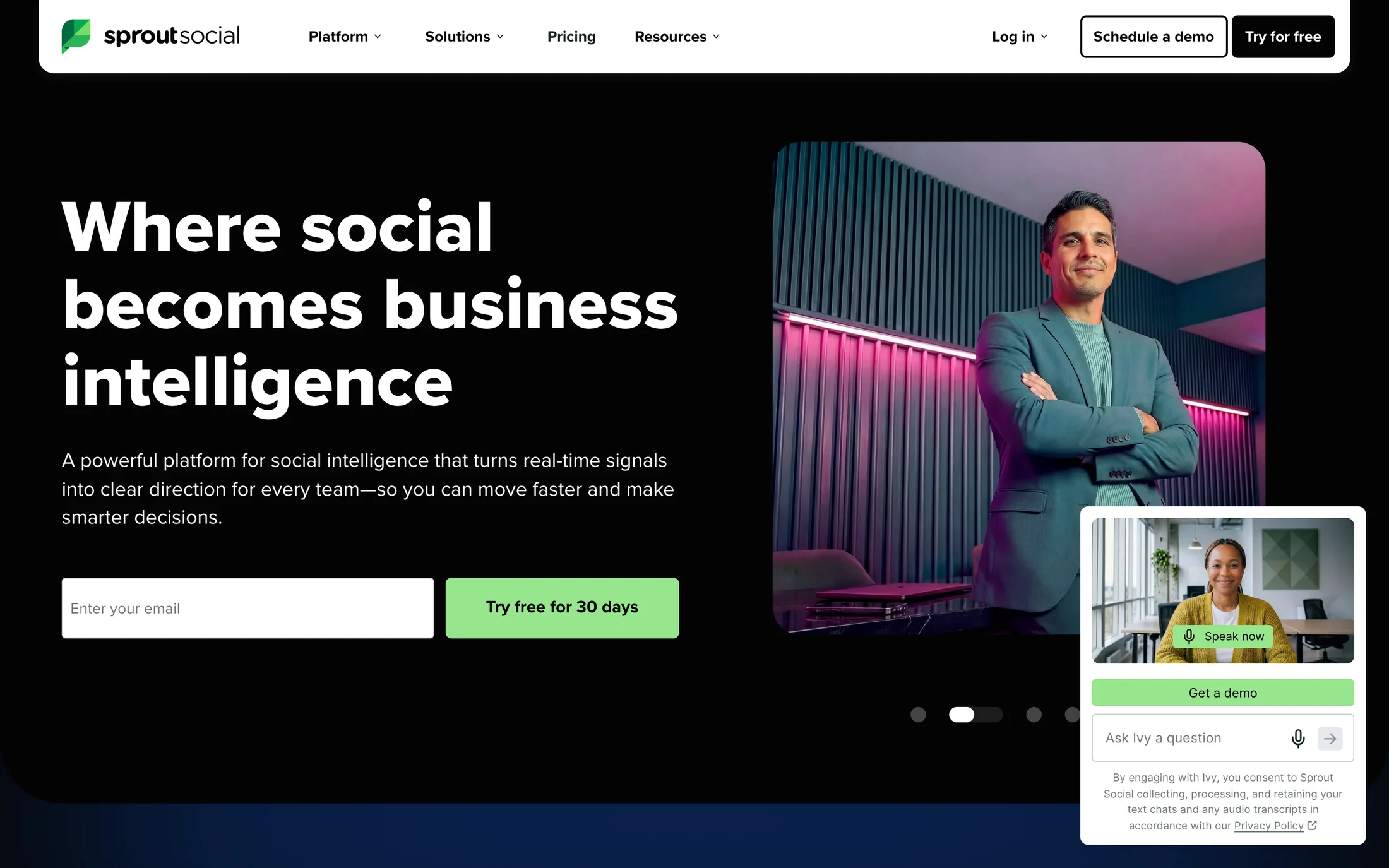
Sprout Social
Marketing · Proxima Nova
#ffffff · #040404 · #98e58e · #515e5f · #dee1e1
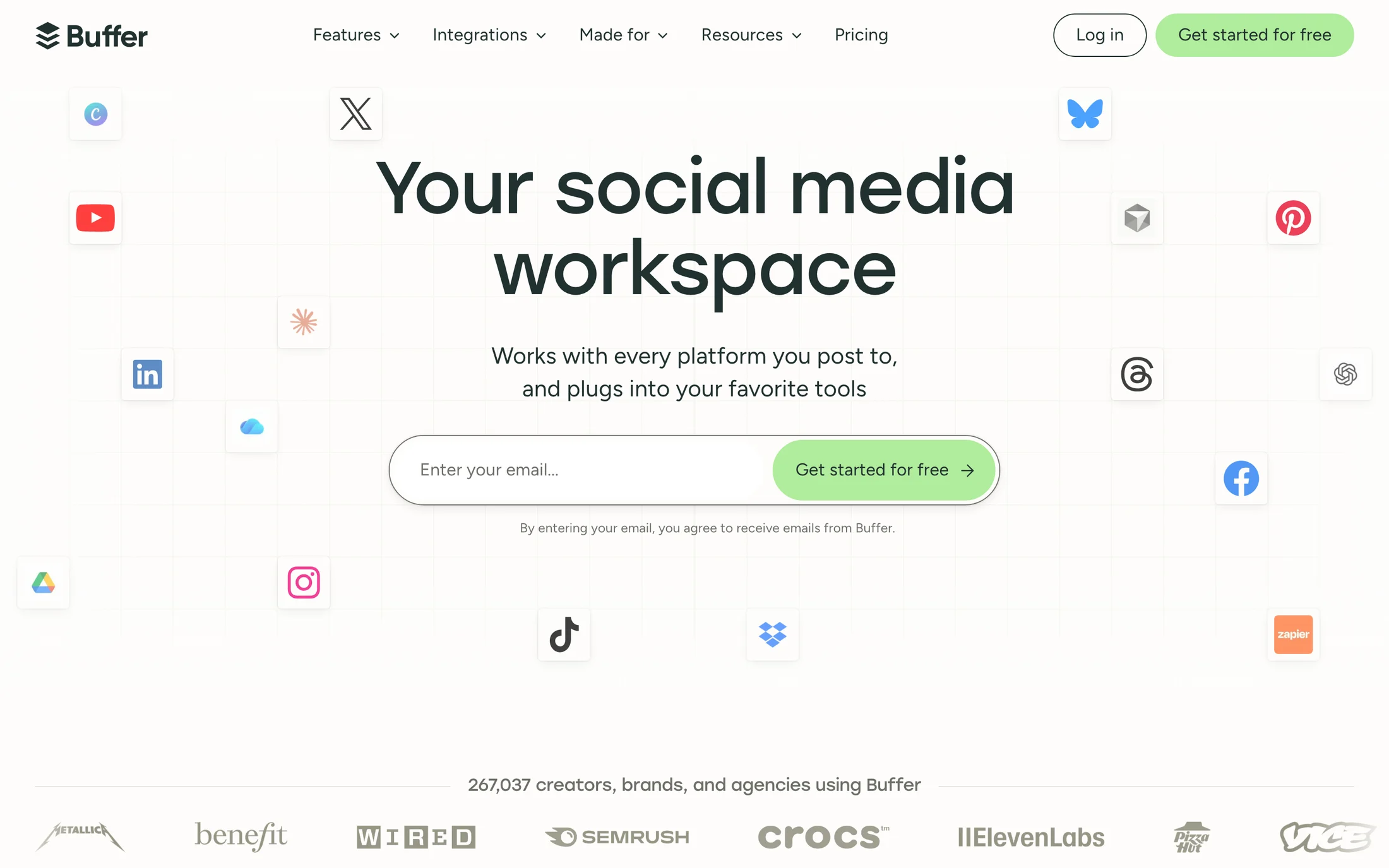
Buffer
Marketing · Stolzl
#fefdfb · #213130 · #b0ec9c · #ffffff · #363530
Real homepage references
Blue website color schemes
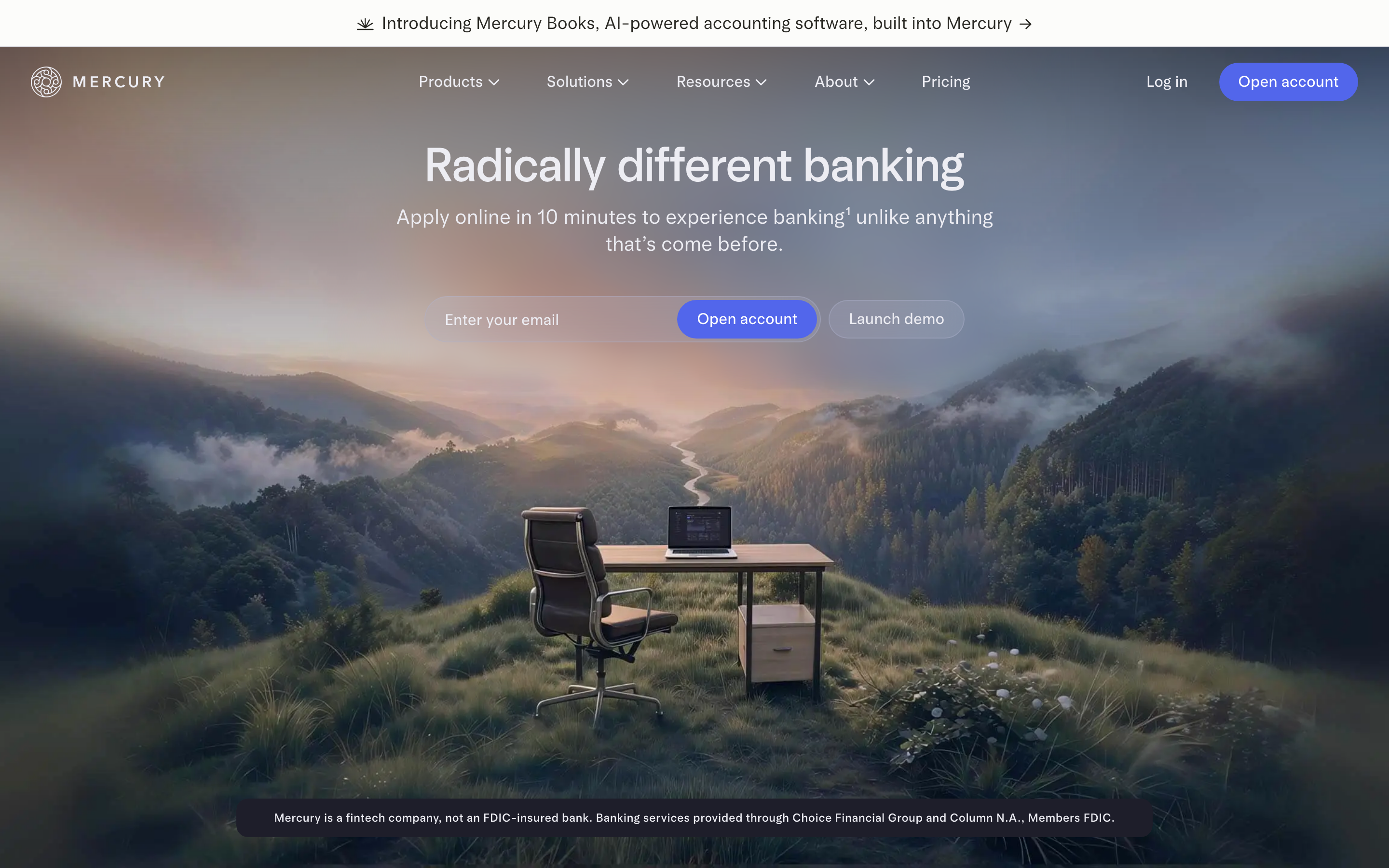
Mercury
Finance · arcadiaDisplay
#ededf3 · #c3c3cc · #171721 · #5266eb · #000000
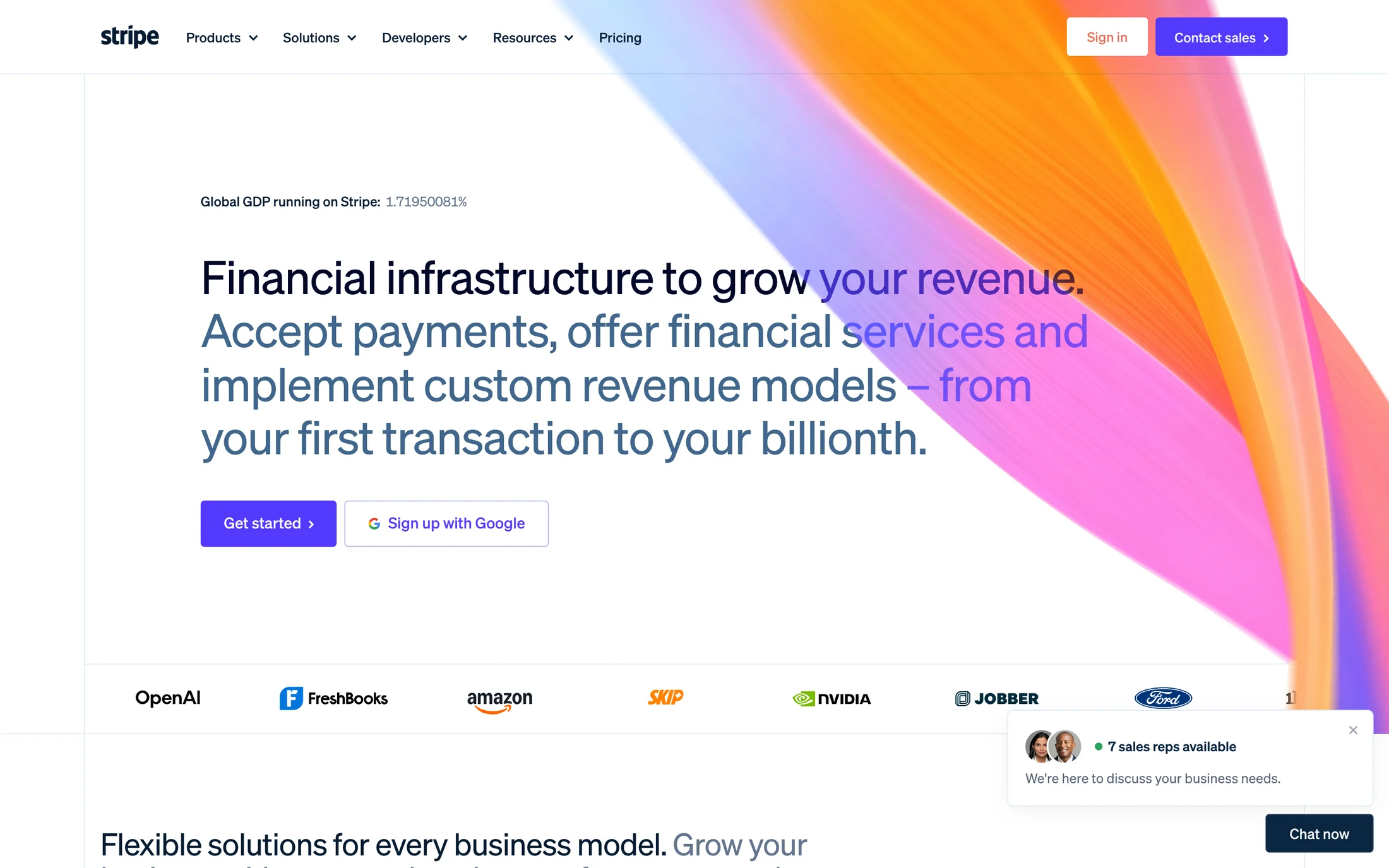
Stripe
Finance · sohne-var
#ffffff · #061b31 · #533afd · #f8fafd · #50617a
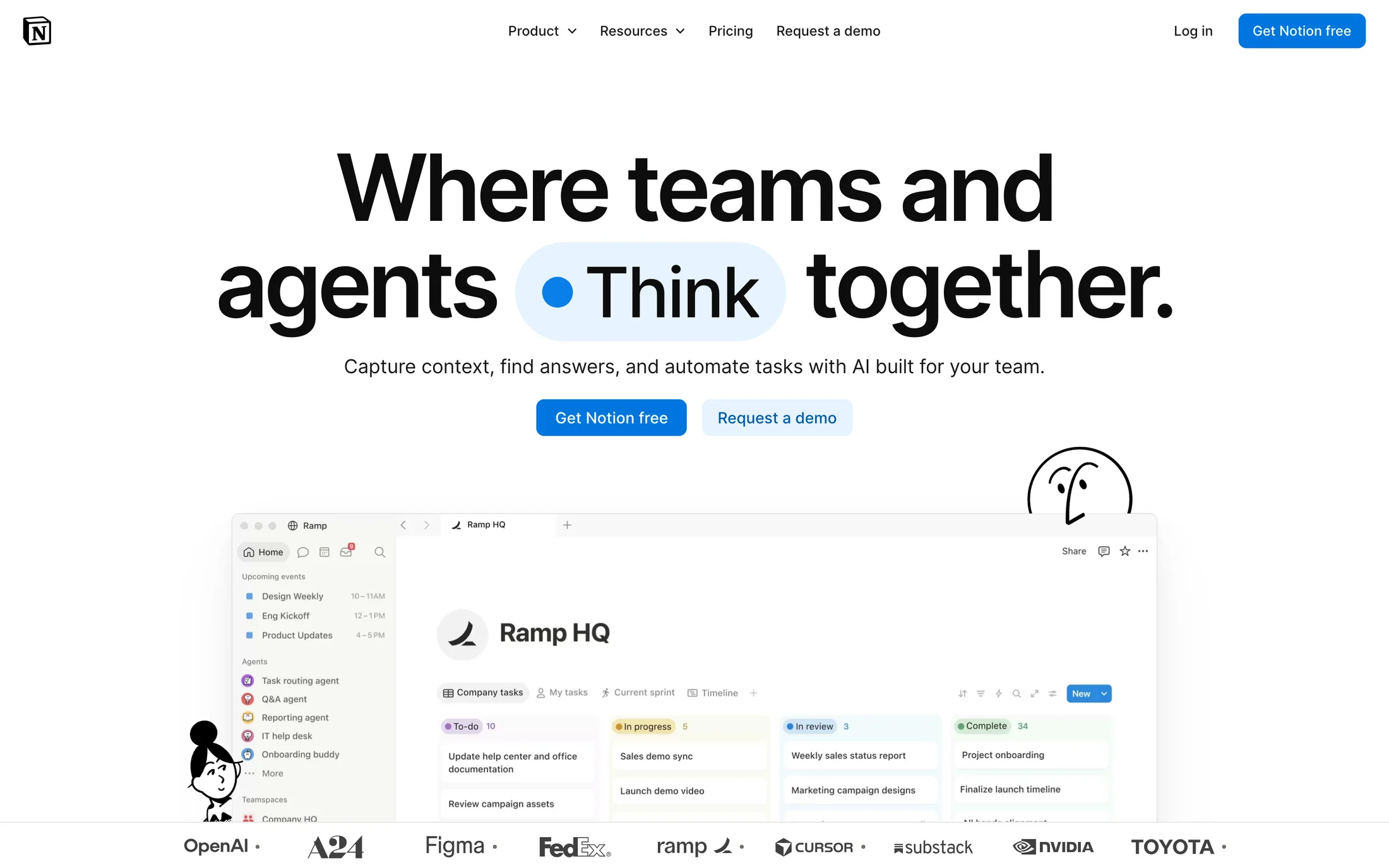
Notion
AI · NotionInter
#ffffff · #000000 · #0075de · #615d59 · #e6f3fe
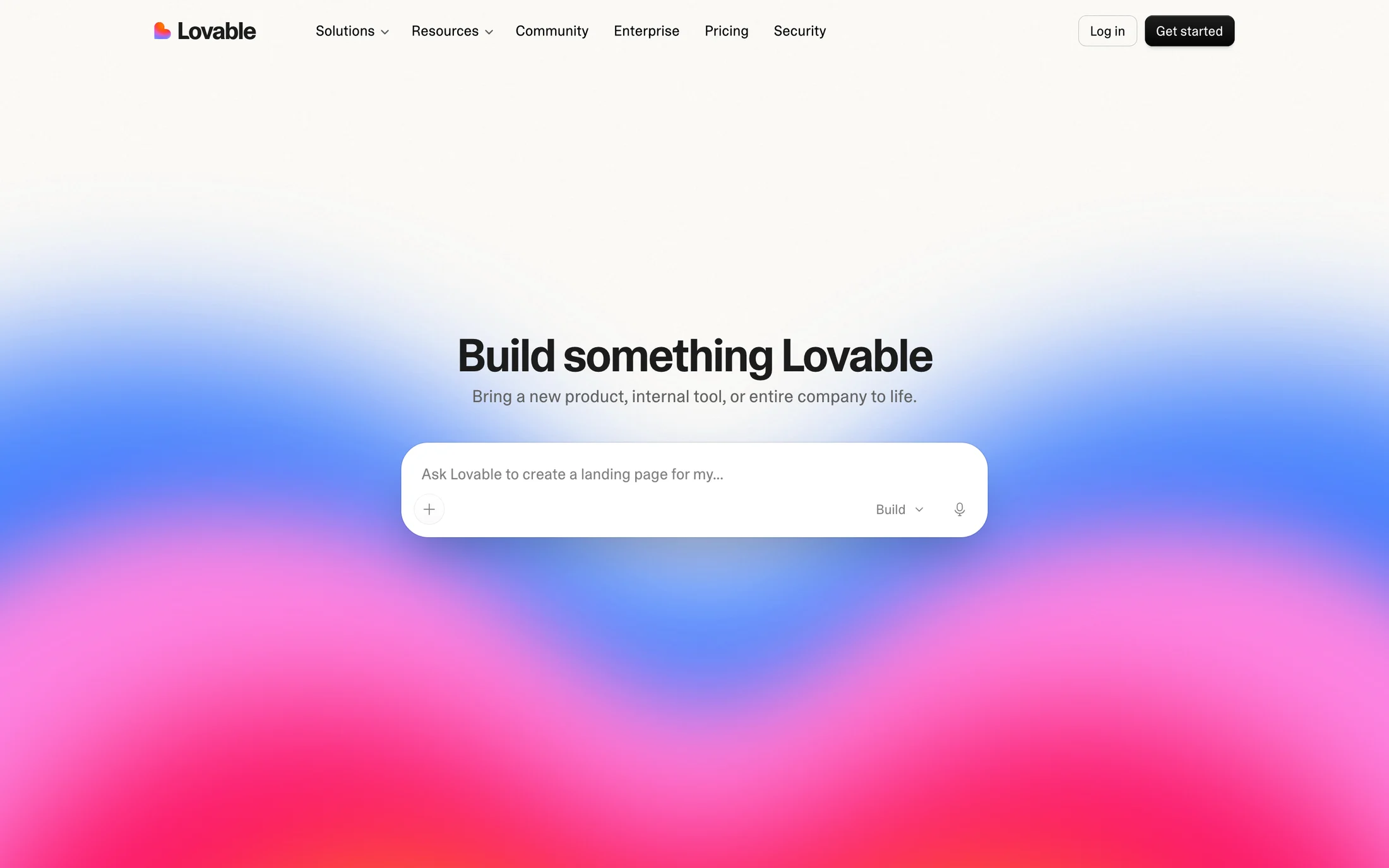
Lovable
AI · Camera Plain Variable
#01006b · #010000 · #000000 · #1c1c1c · #f7f4ed
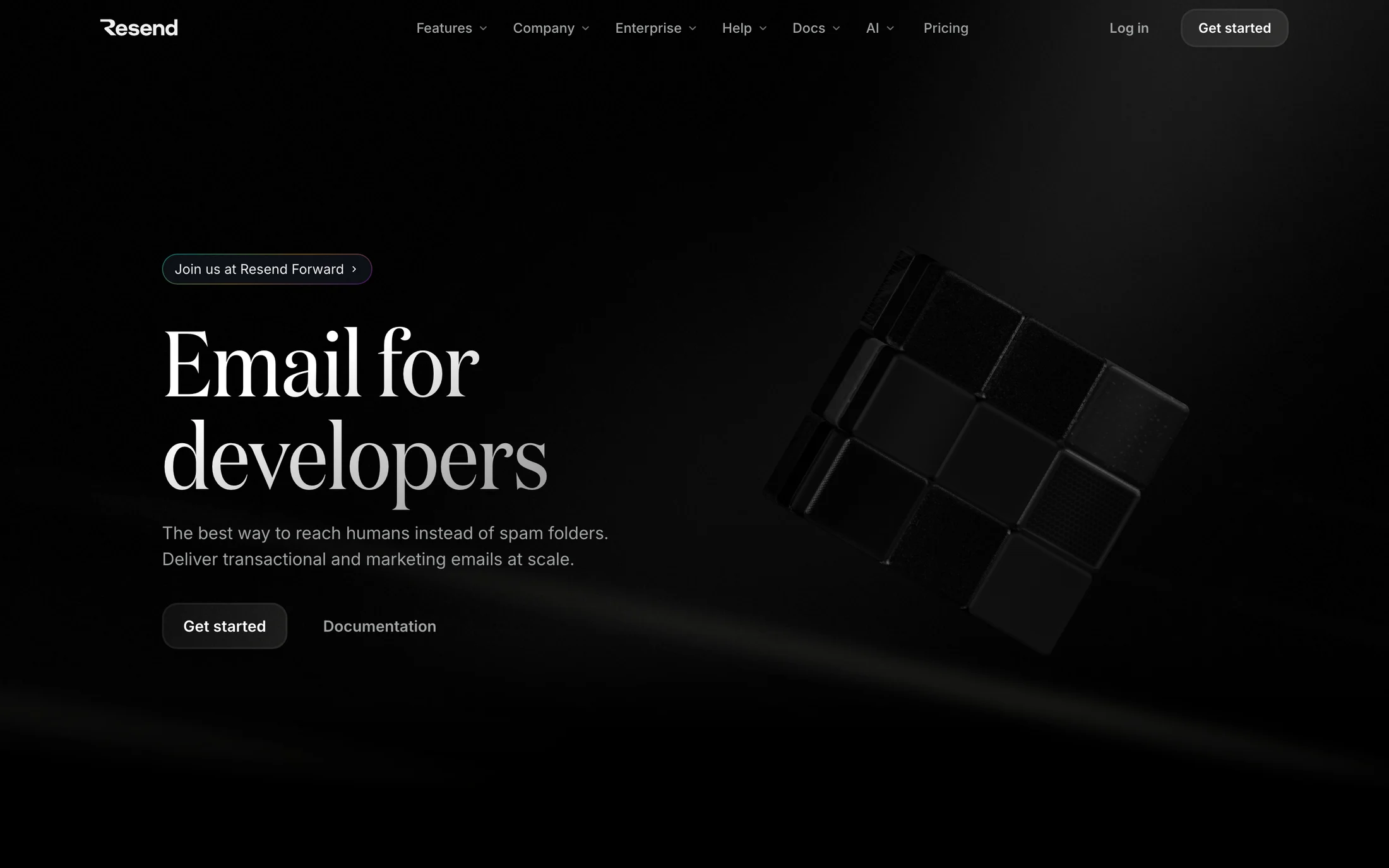
Resend
Marketing · domaine
#000000 · #a1a4a5 · #fcfdff · #f0f0f0 · #00a3ff
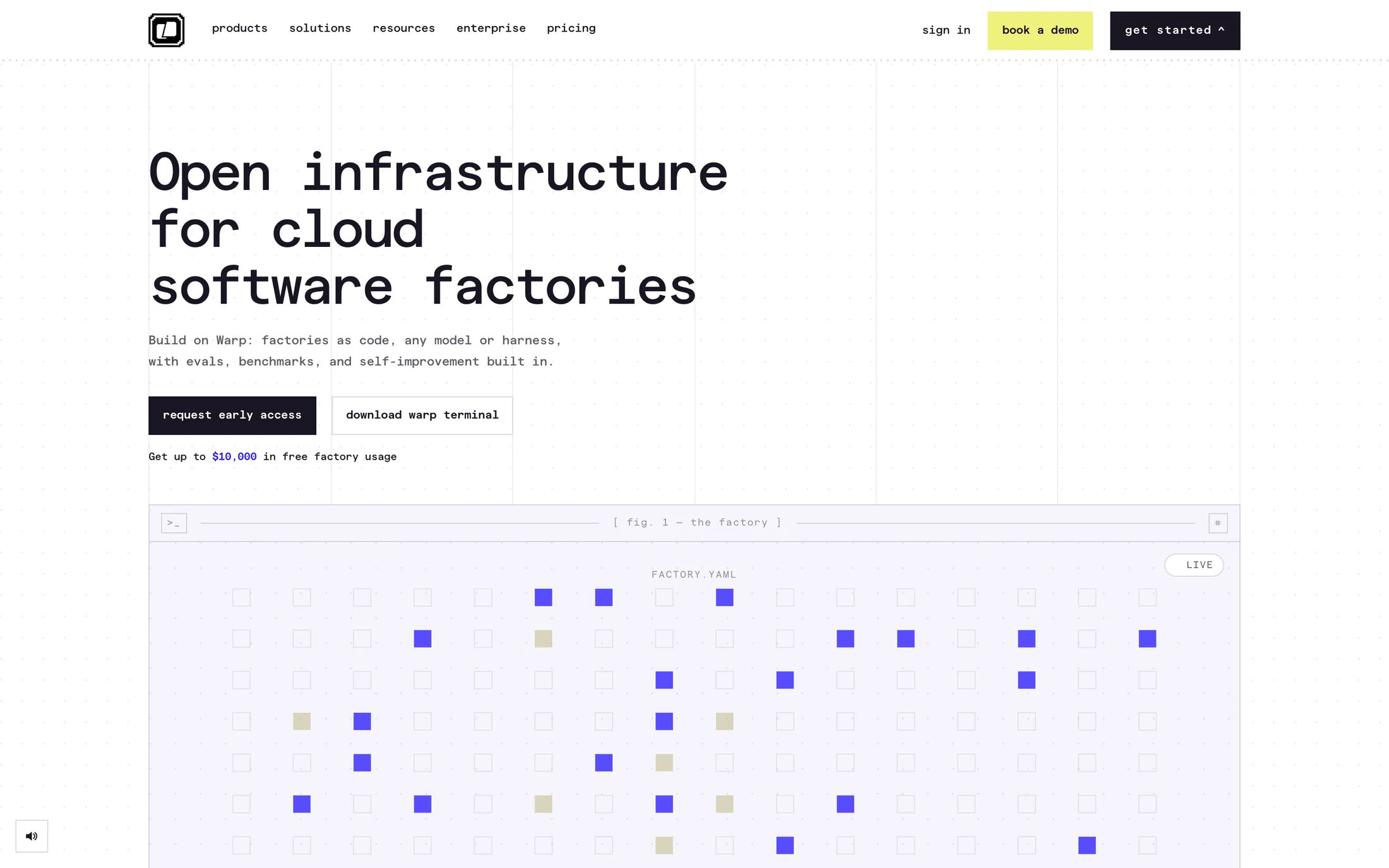
Warp
Developer Tools · matterMono
#1a1522 · #5d5966 · #ffffff · #0100dc · #2a1eff
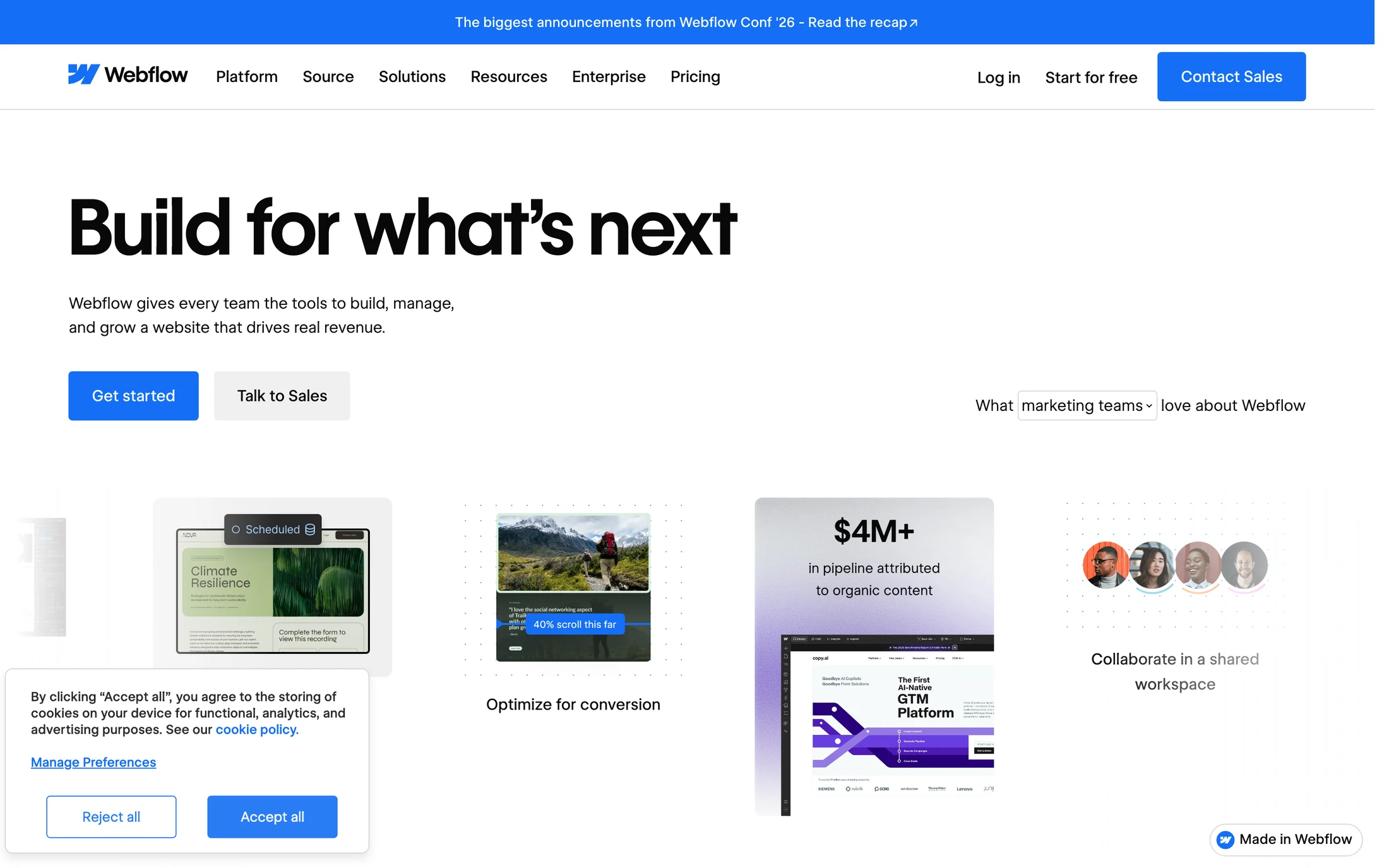
Webflow
AI · WF Visual Sans Variable
#080808 · #ffffff · #146ef5 · #5a5a5a · #6b7280
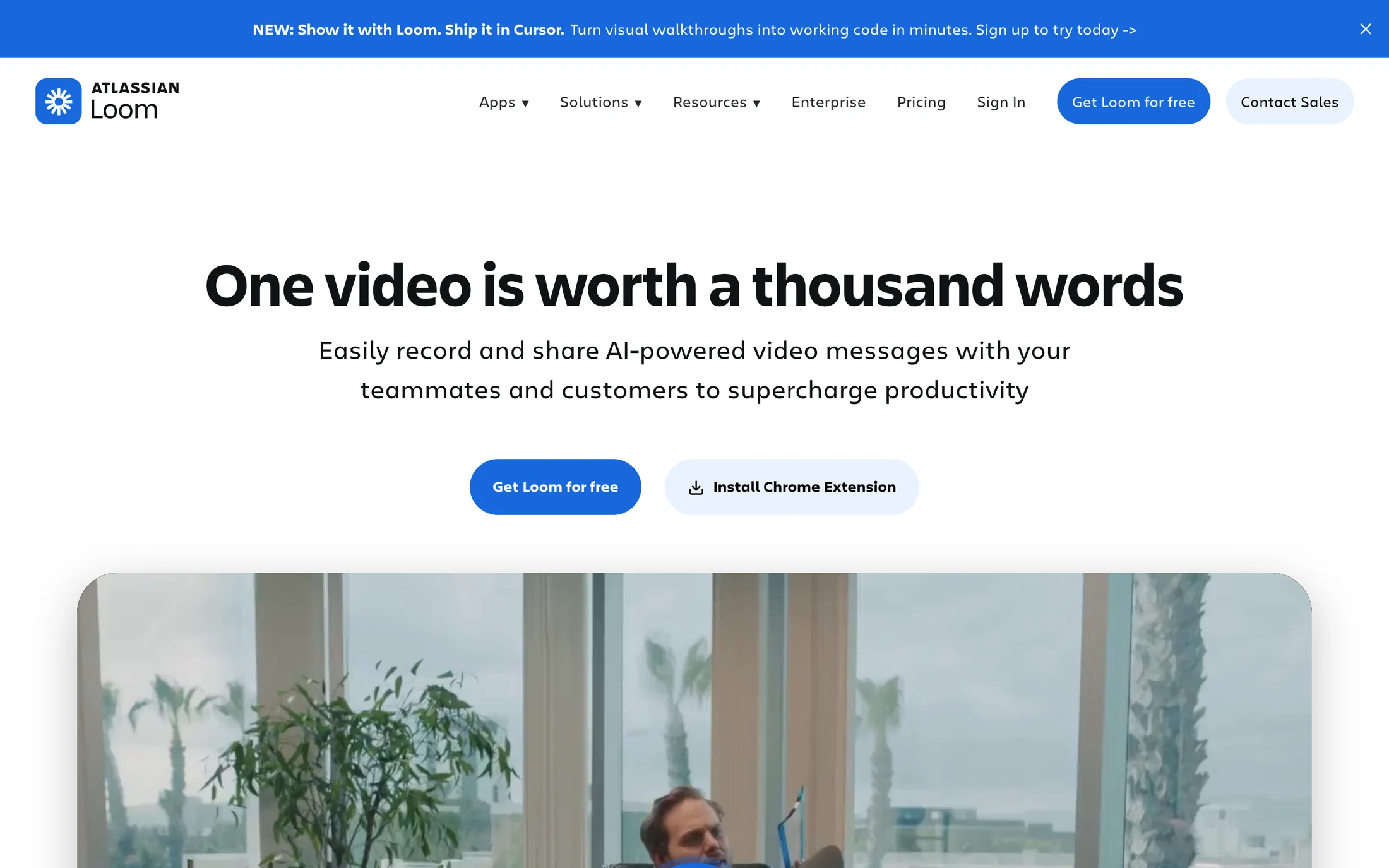
Loom
Technology · Charlie Display
#101214 · #1868db · #e9f2fe · #ffffff · #292a2e
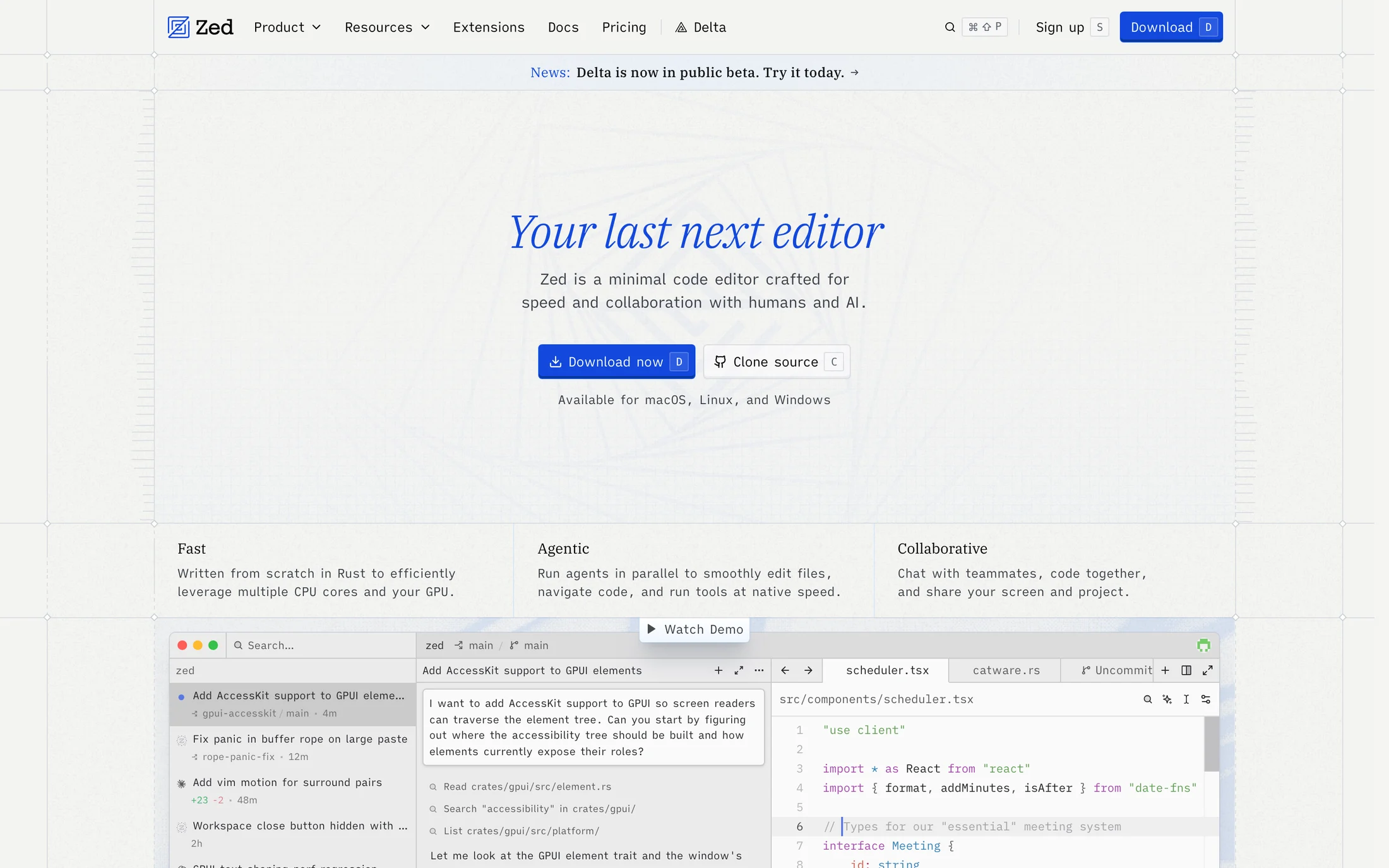
Zed
Technology · plexSerif
#0000107 · #010000 · #000000 · #241f51 · #ffffff
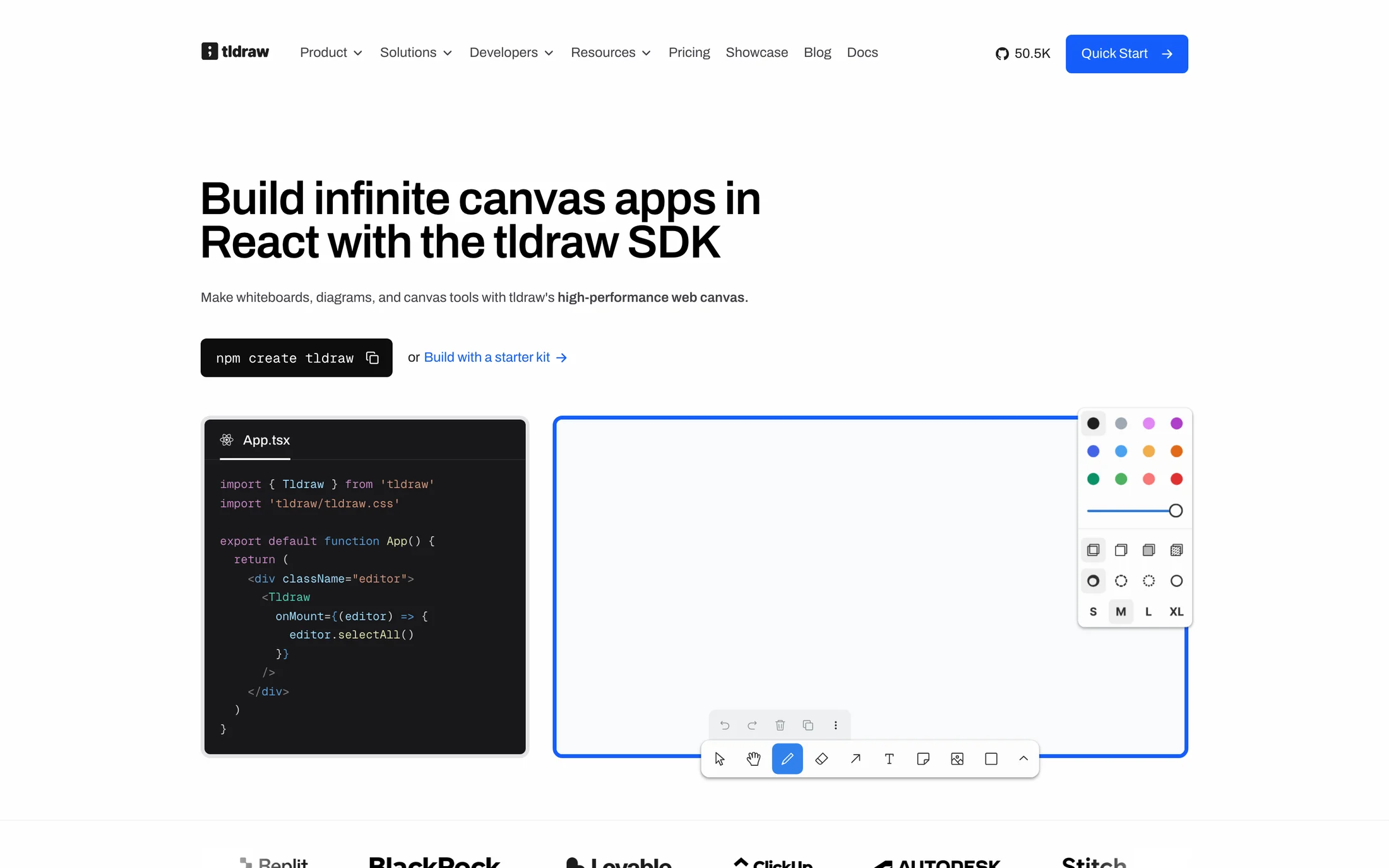
tldraw
Developer Tools · Archivo
#fefefe · #404047 · #000000 · #0d0d0d · #edf0f2

Miro
AI · Roobert PRO Medium
#1c1c1e · #f0f0f0 · #ffffff · #3859ff · #555a6a
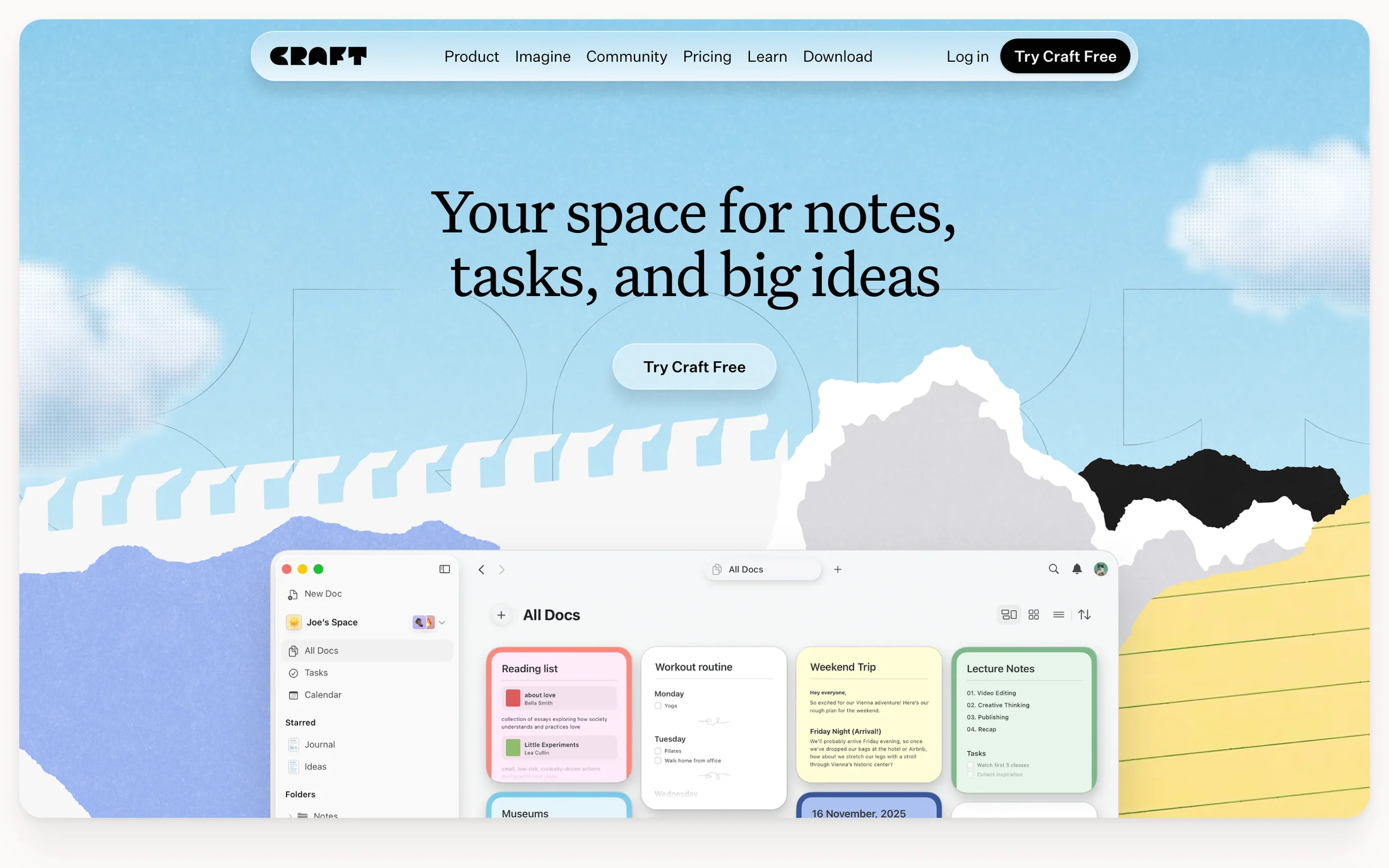
Craft
Productivity · UntitledSerifFont
#030302 · #fcf9f7 · #9bd8a9 · #1f2225 · #ffffff
Real homepage references
Purple website color schemes
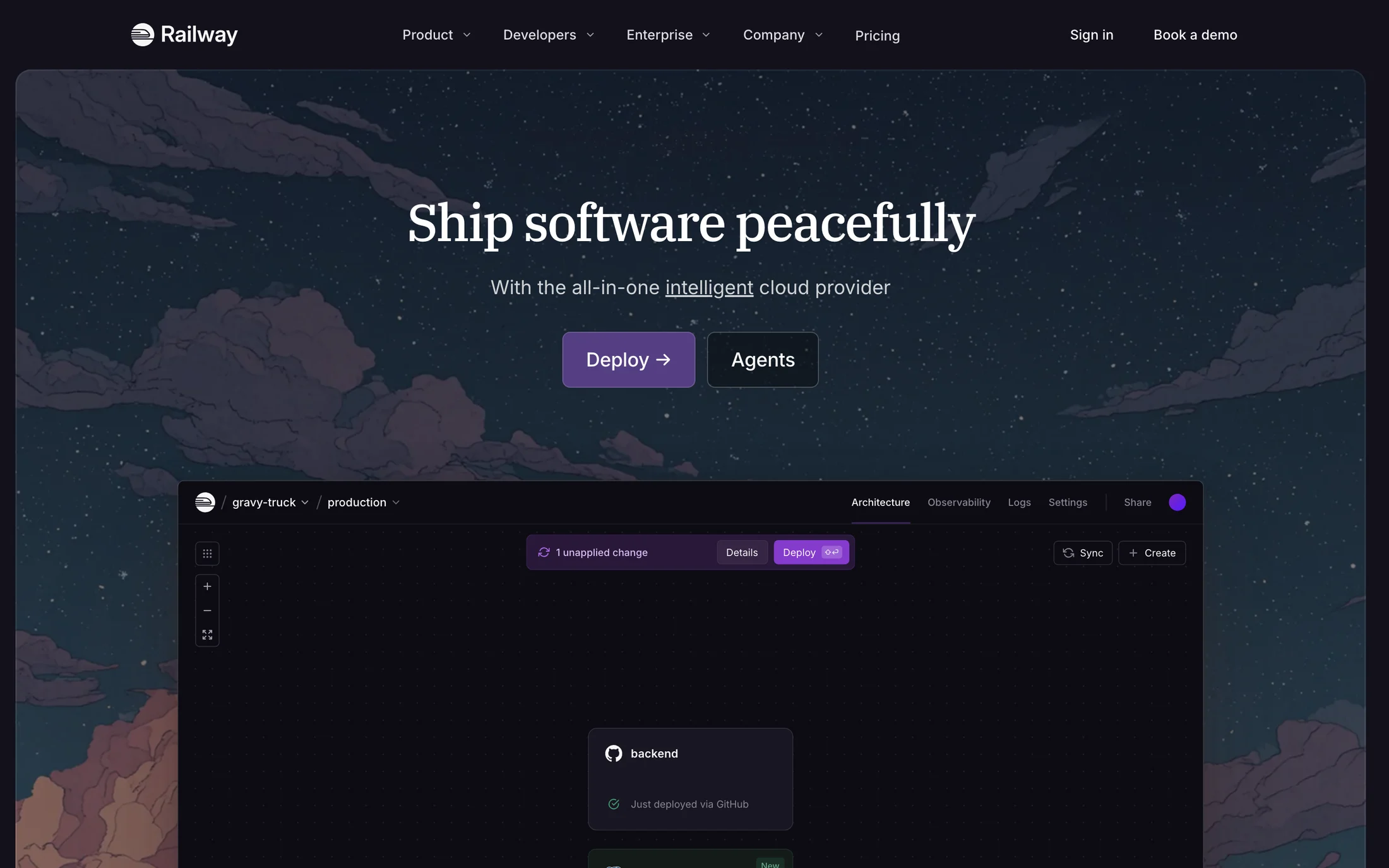
Railway
Developer Tools · IBM Plex Serif
#13111c · #a1a0ab · #ffffff · #f7f7f8 · #878593
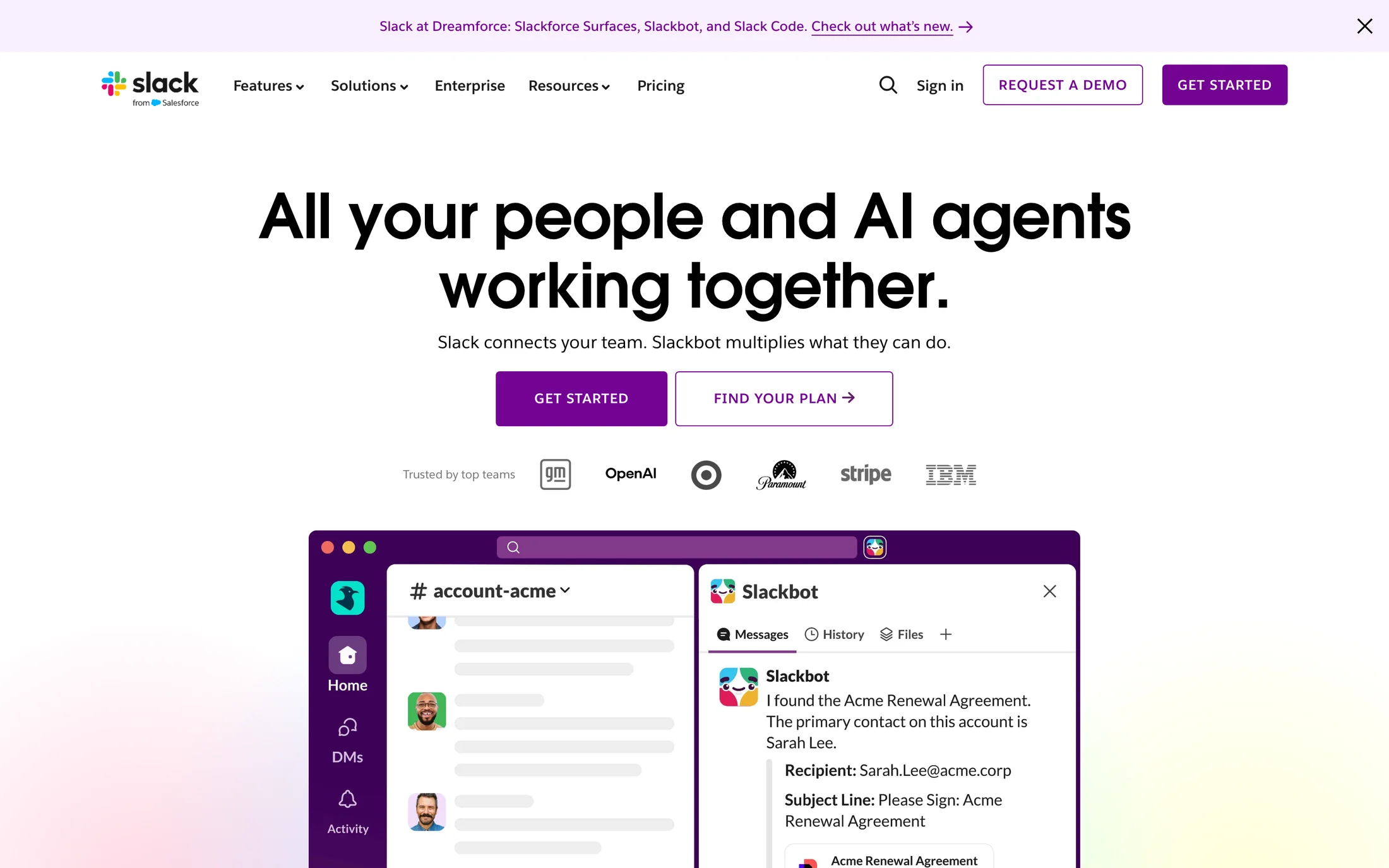
Slack
AI · Salesforce-Avant-Garde
#ffffff · #000000 · #481a54 · #730394 · #181818
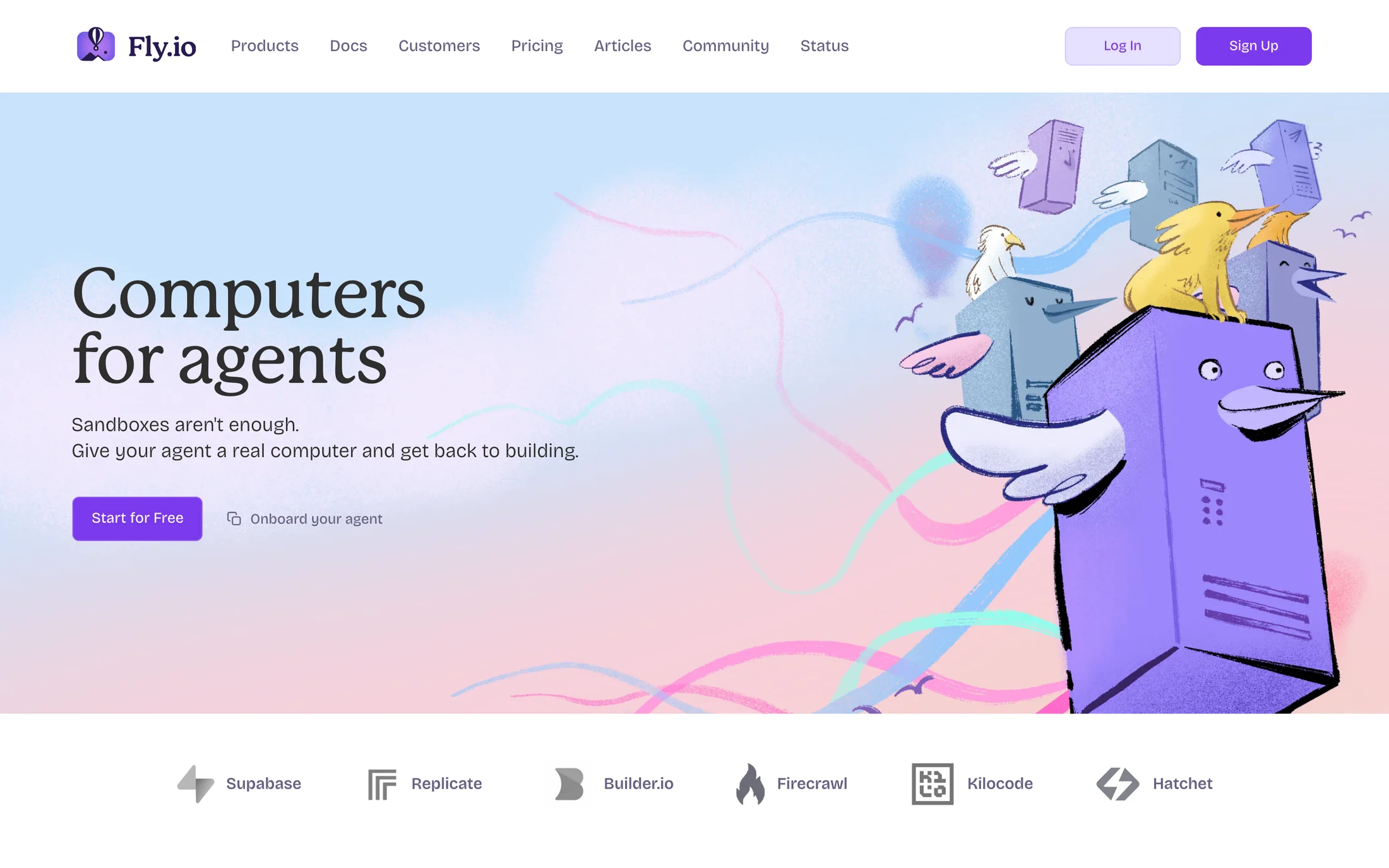
Fly.io
AI · Mackinac
#7c3aed · #686082 · #000000 · #ffffff · #191034
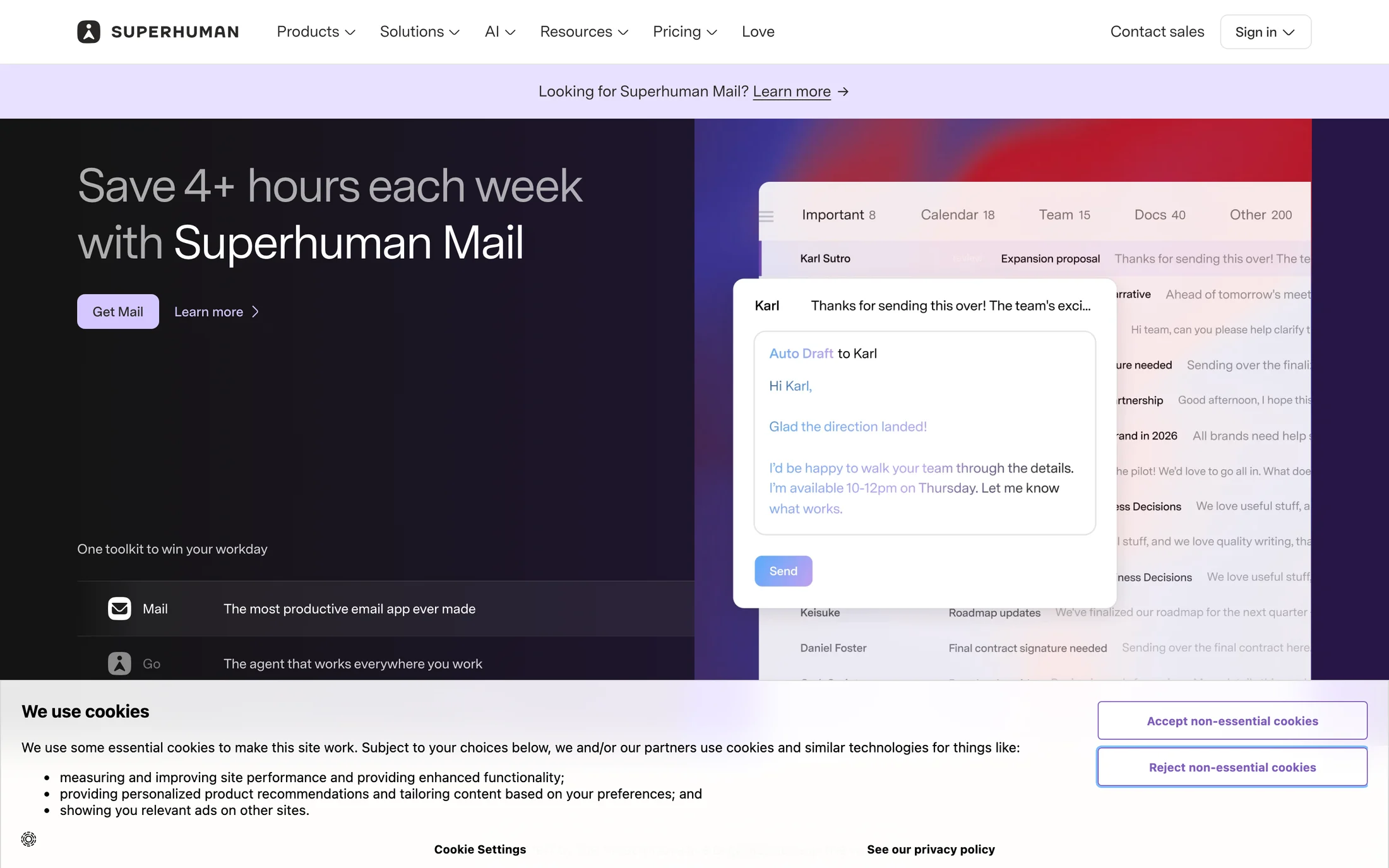
Superhuman
AI · Super Sans VF
#ffffff · #f7f5f2 · #292827 · #000000 · #281647
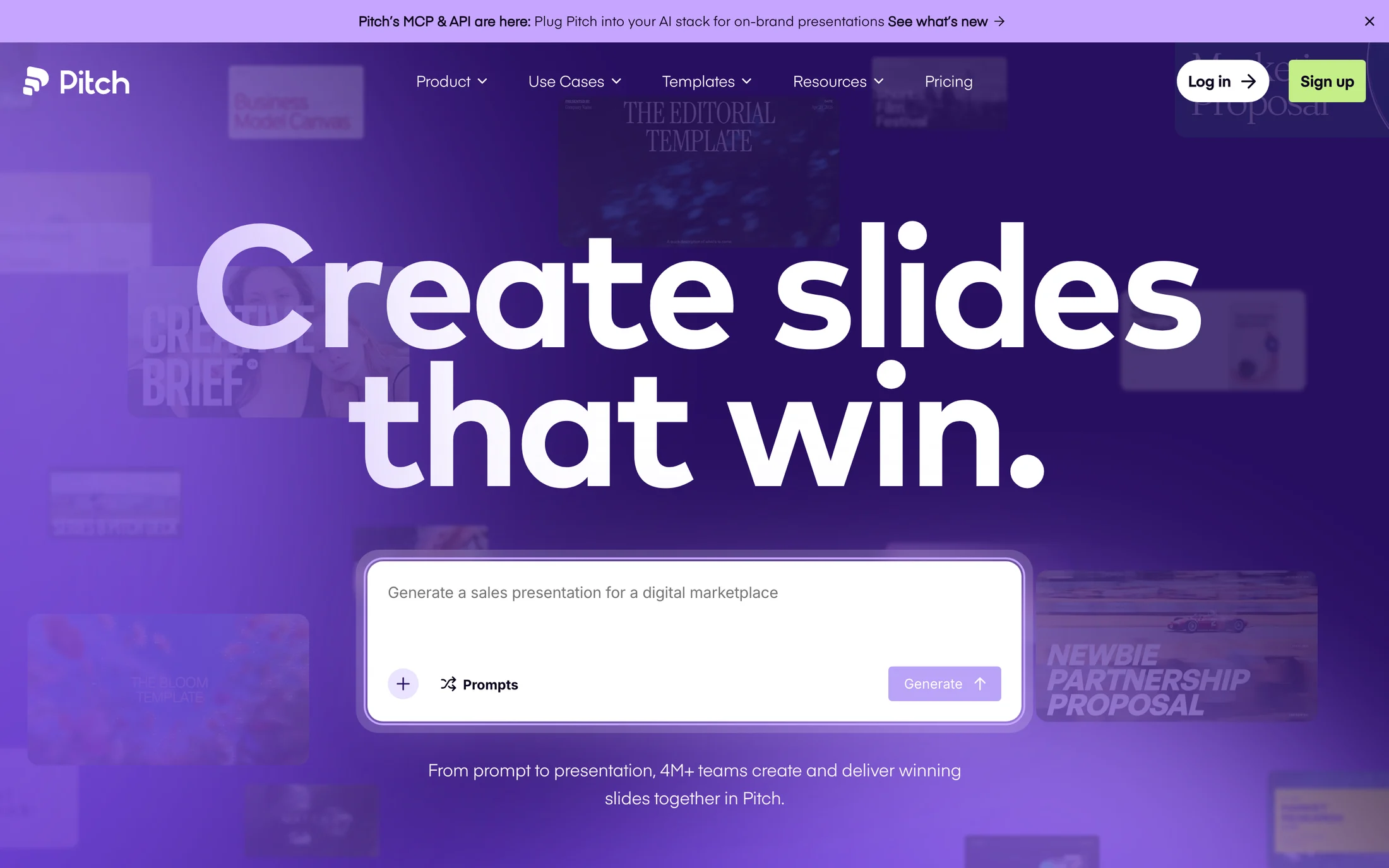
Pitch
AI · Mark Pro Bold
#ffffff · #0c021c · #280f62 · #c4ee87 · #5318eb
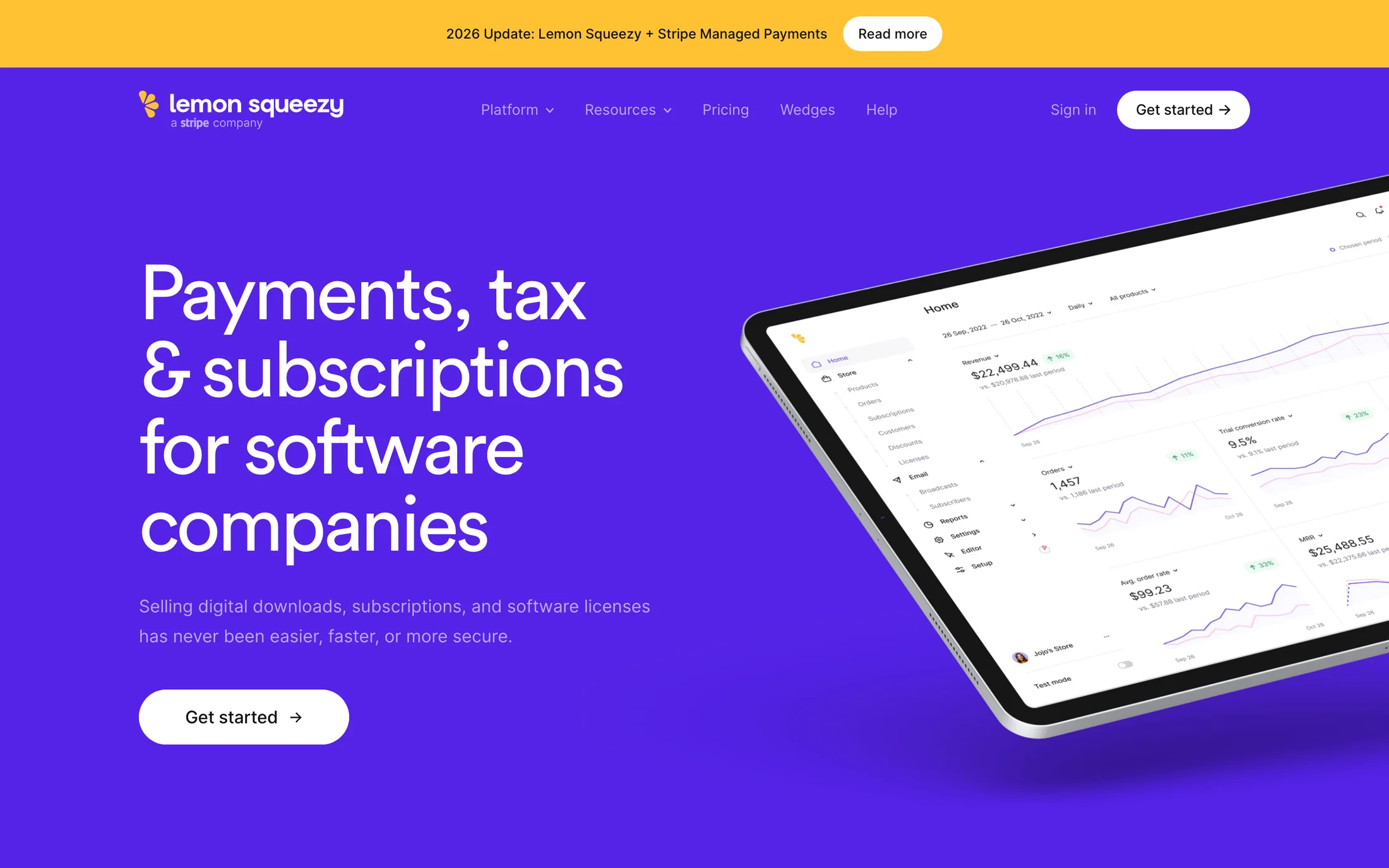
Lemon Squeezy
Finance · Circularpro book
#ffffff · #5423e7 · #f7f7f8 · #121217 · #6c6c89
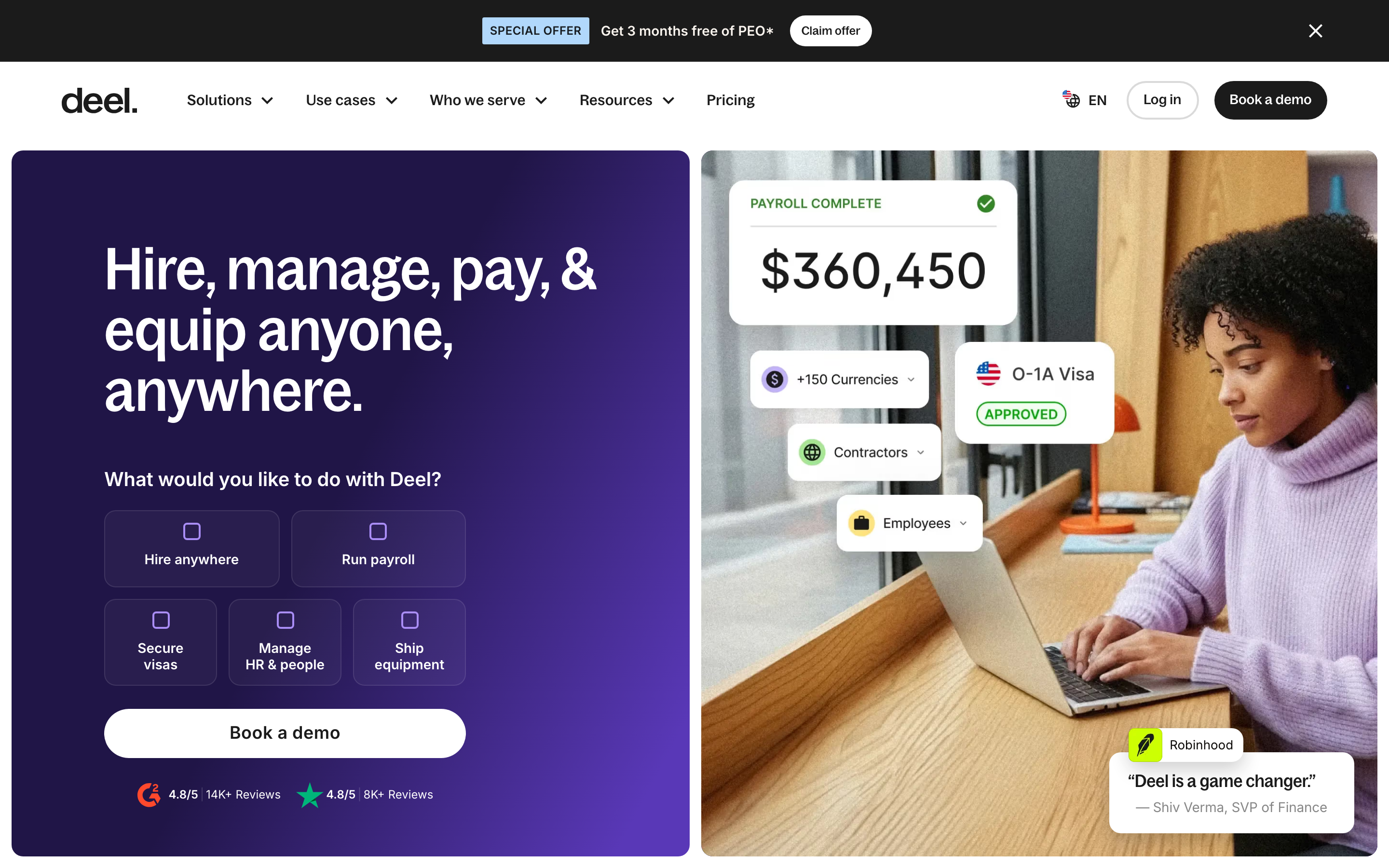
Deel
Finance · BagossCondensedFont
#ffffff · #faf4ee · #1b1b1b · #d9d0ca · #000000
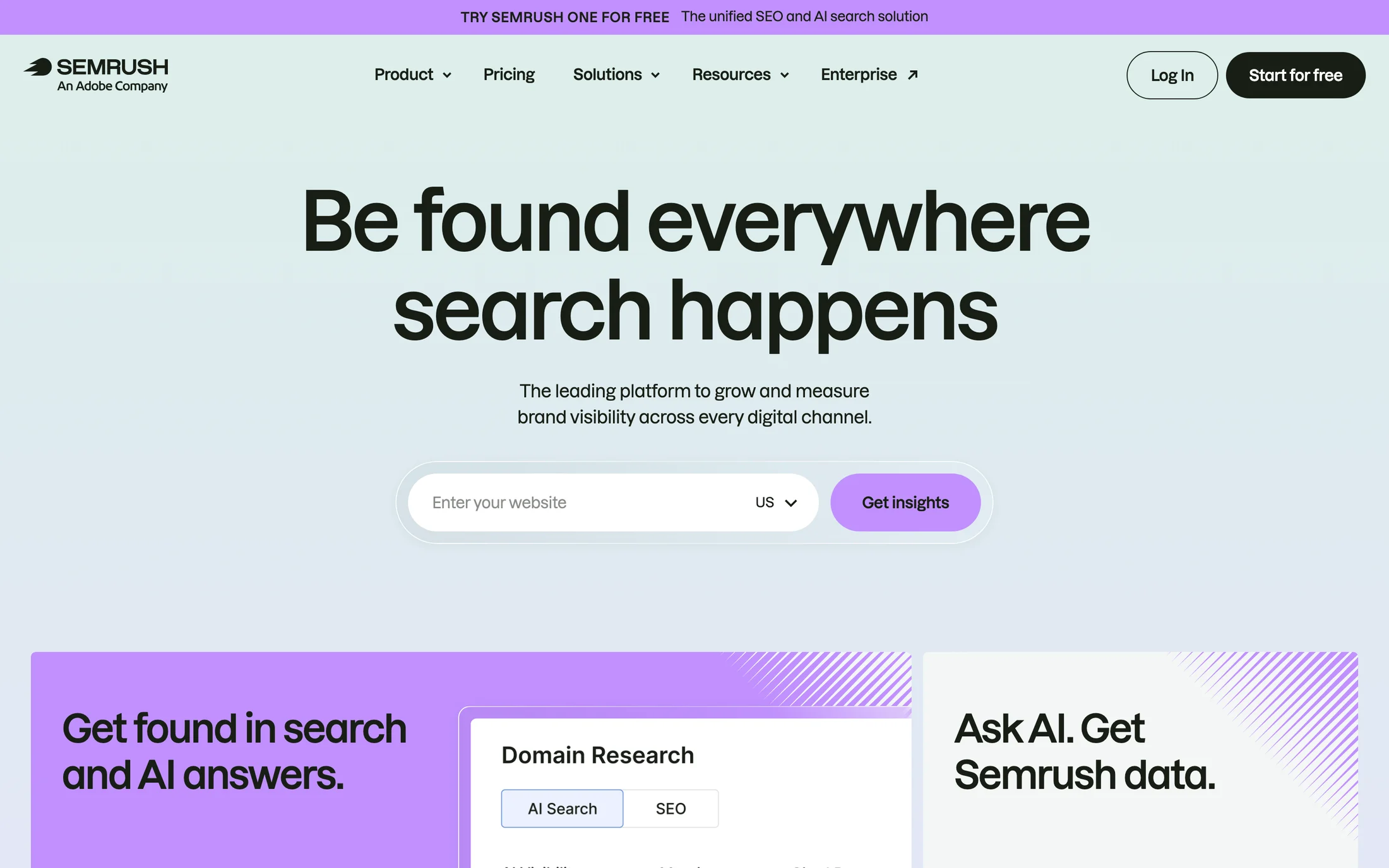
Semrush
Marketing · Lazzer
#181e15 · #ffffff · #c190ff · #d1d2d5

Braze
Marketing · aribauGrotesk
#ffffff · #0c111d · #101828 · #300266 · #eaecf0
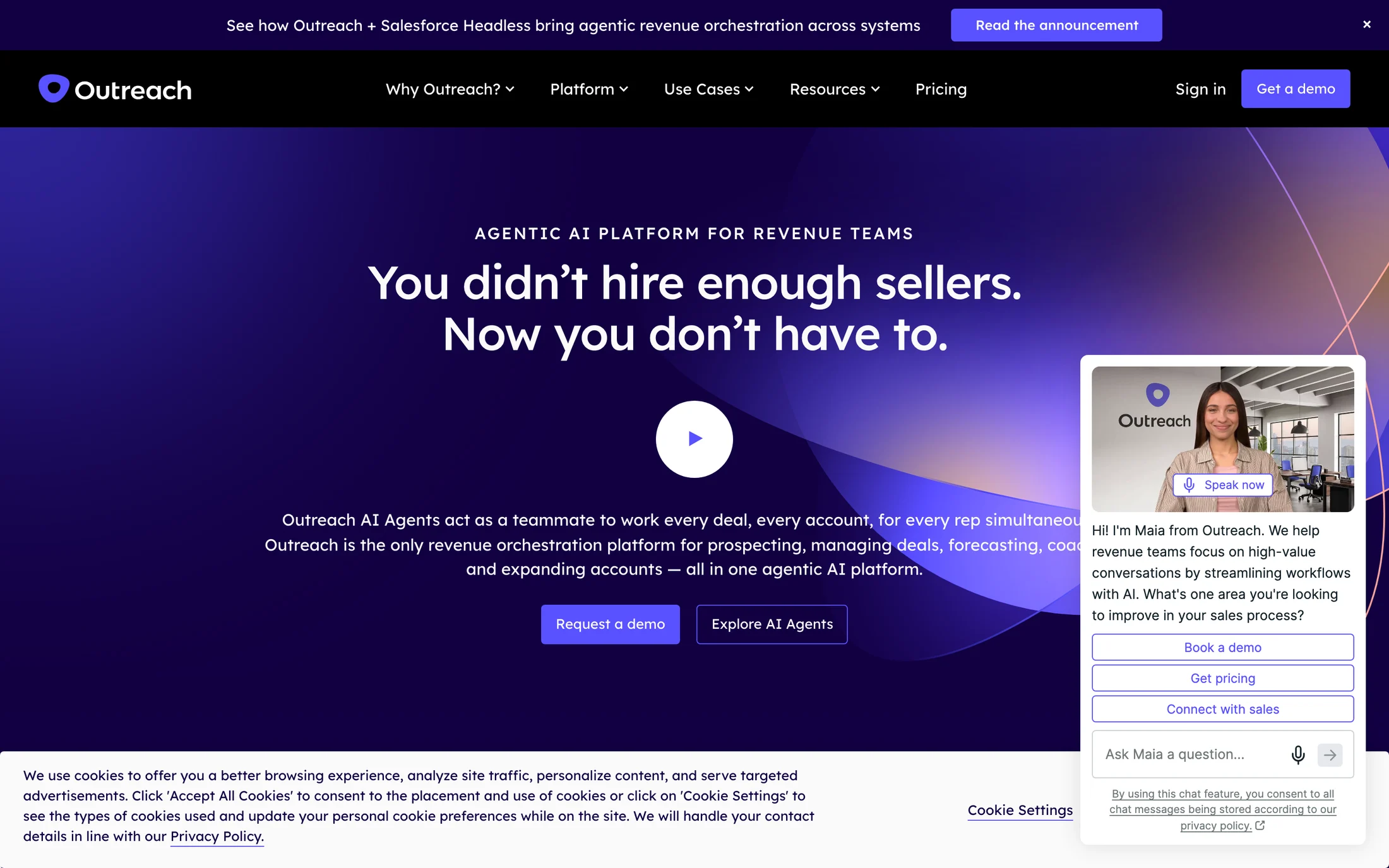
Outreach
Marketing · Lexend
#ffffff · #5951ff · #120044 · #000000 · #fafafa
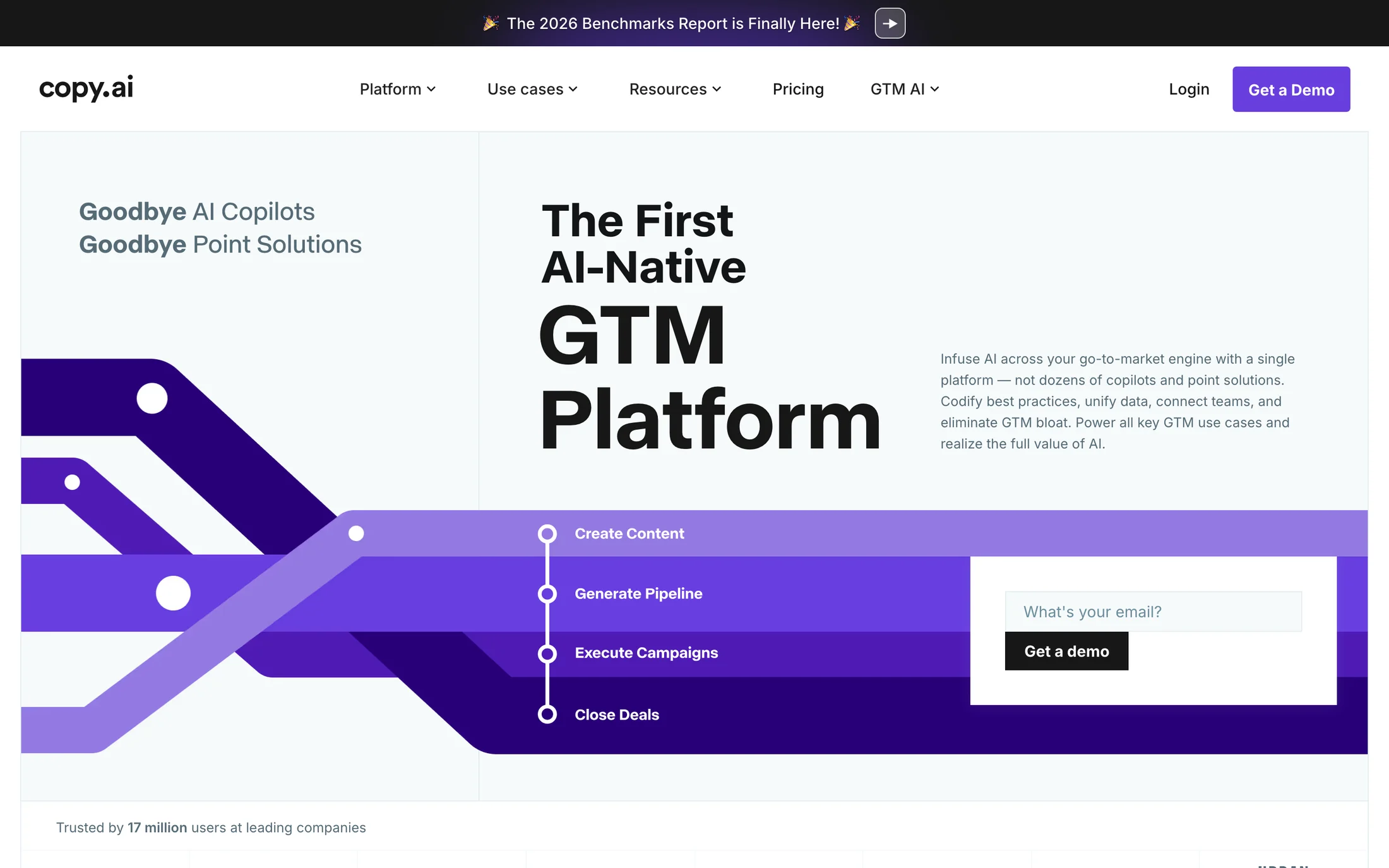
Copy.ai
Marketing · ABC Normal
#ffffff · #f6fafb · #000b0f · #693edf · #171717
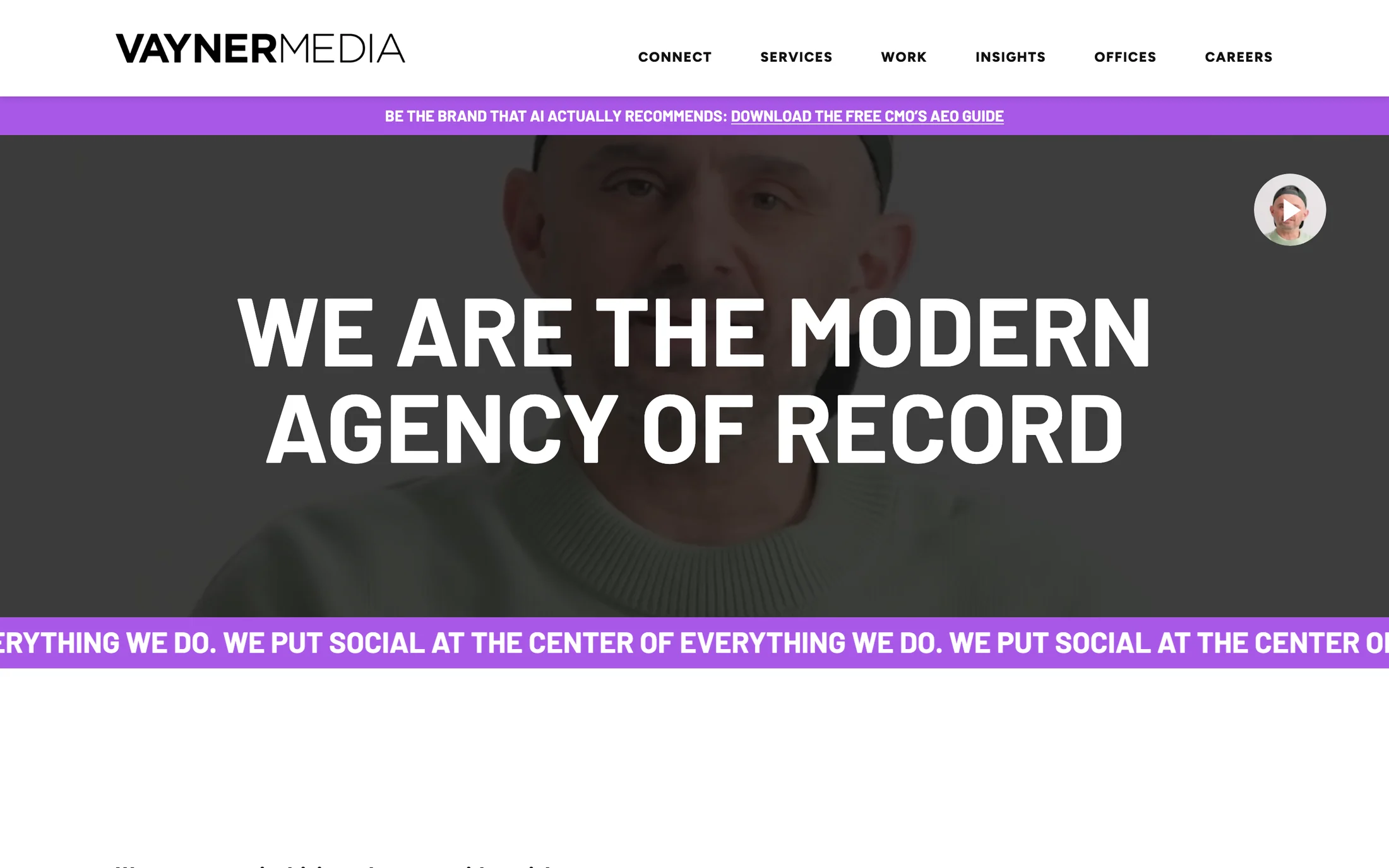
VaynerMedia
Marketing · Barlow
#ffffff · #111111 · #762cf2 · #000000 · #468254
Real homepage references
Pink website color schemes
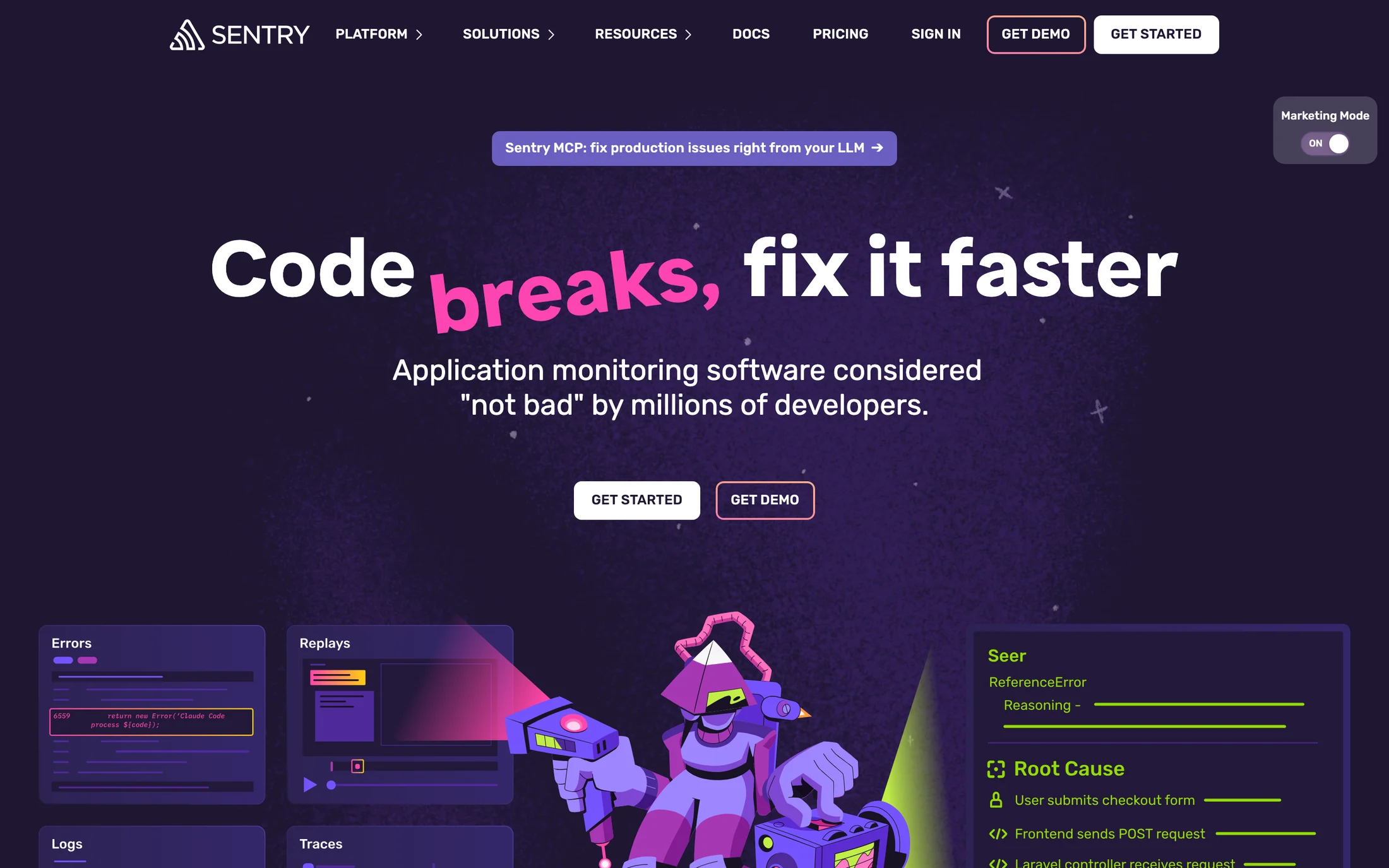
Sentry
Developer Tools · Dammit Sans
#ffffff · #1f1633 · #10010c · #6a5fc1 · #f6f6f8
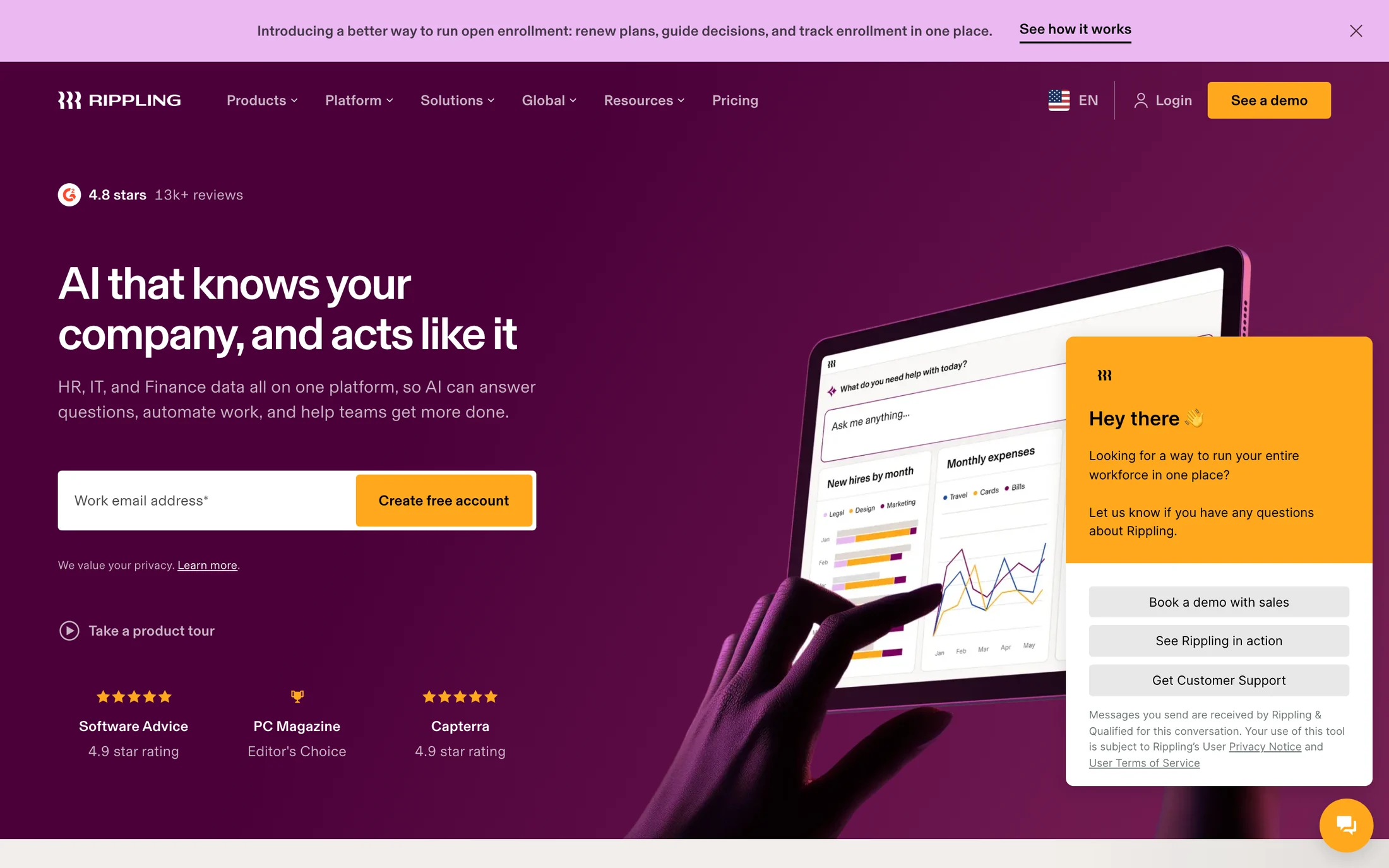
Rippling
Finance · __basel_e55247
#000000 · #ffffff · #4a0039 · #f2eeeb · #ffa81d
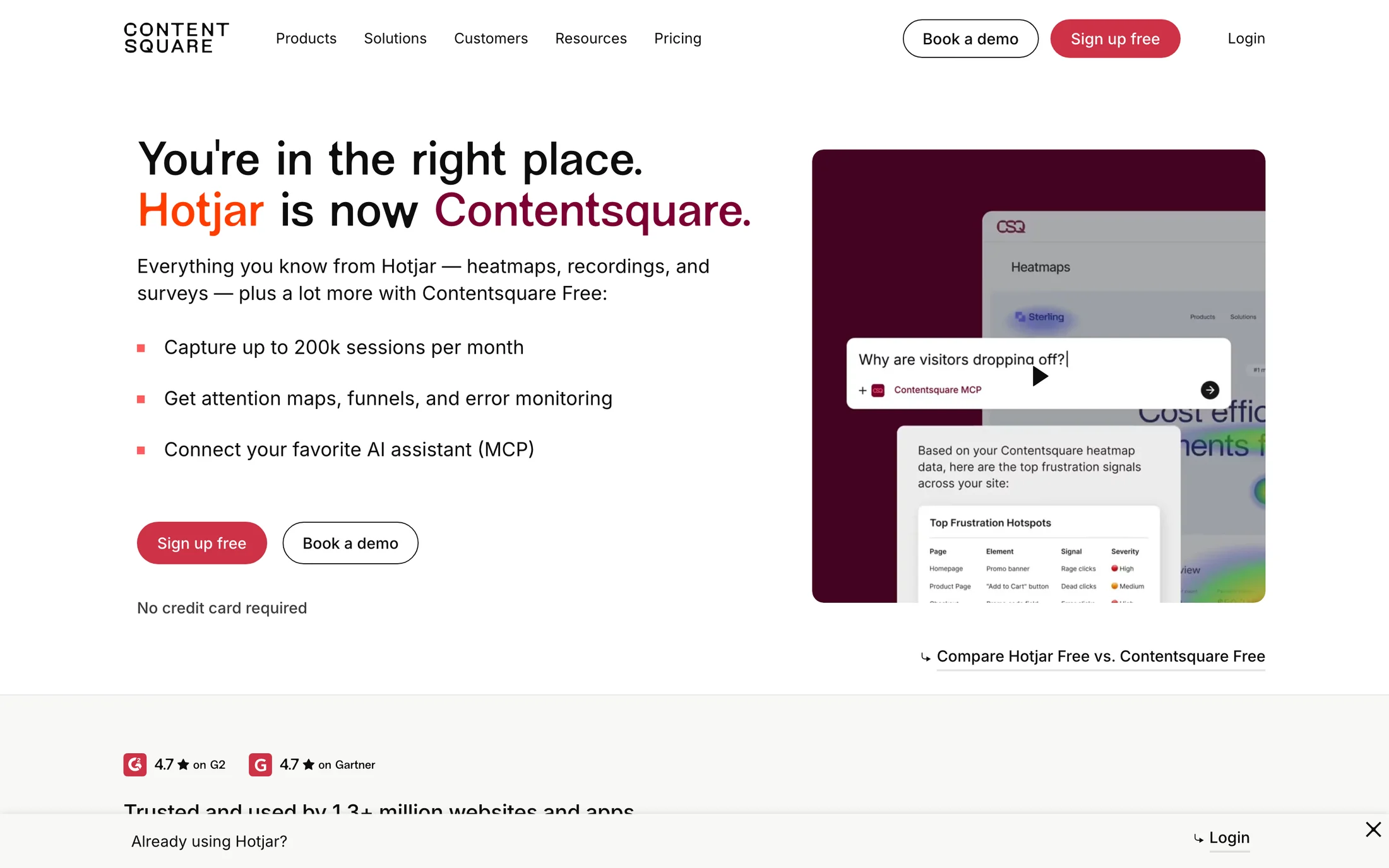
Hotjar
Marketing · __NewEdgeRounded_5045de
#0d0d0d · #ffffff · #f7f8f6 · #440220 · #000000
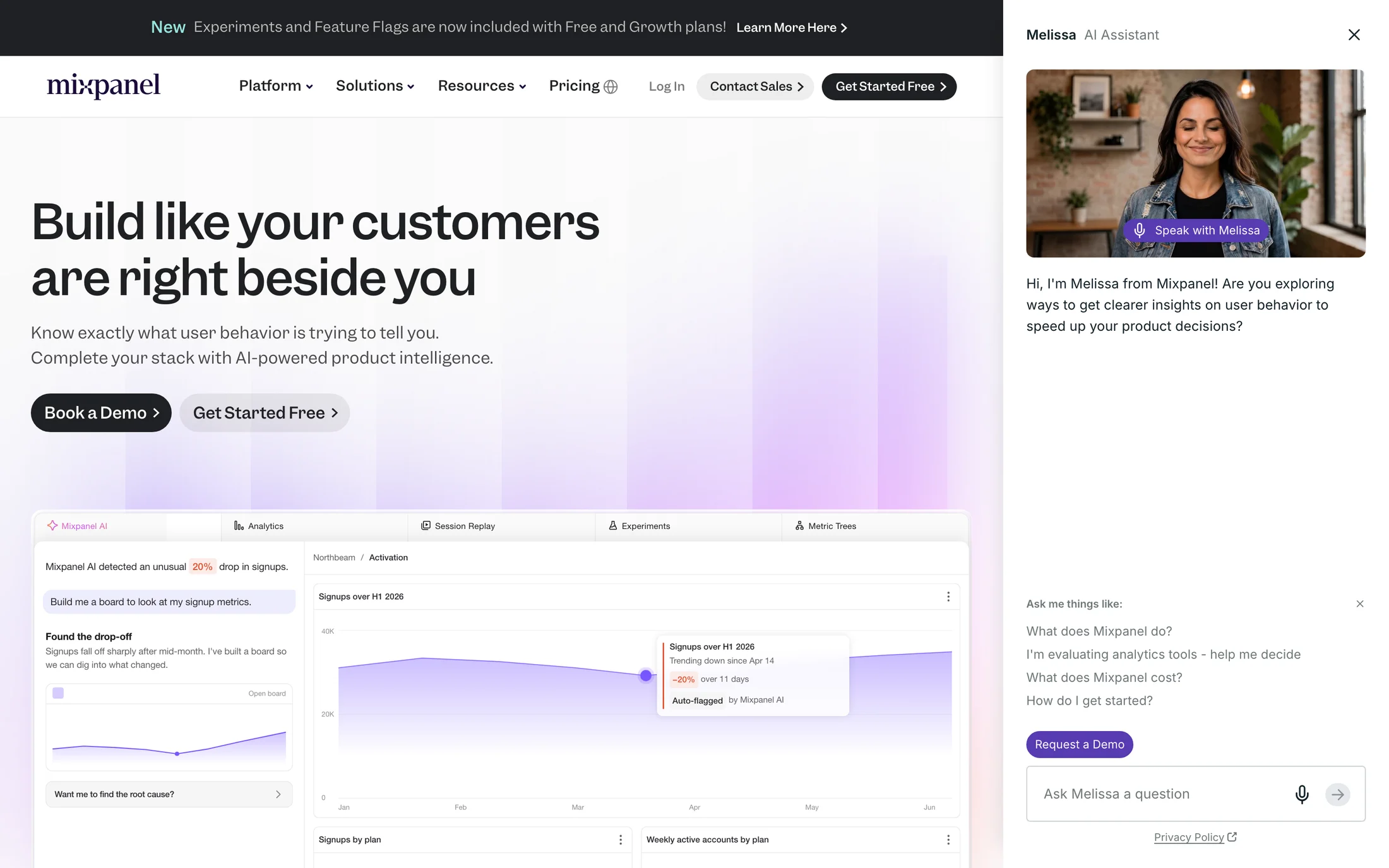
Mixpanel
Developer Tools · Garnett Medium
#ffffff · #fafafa · #1f2023 · #000000 · #33001f
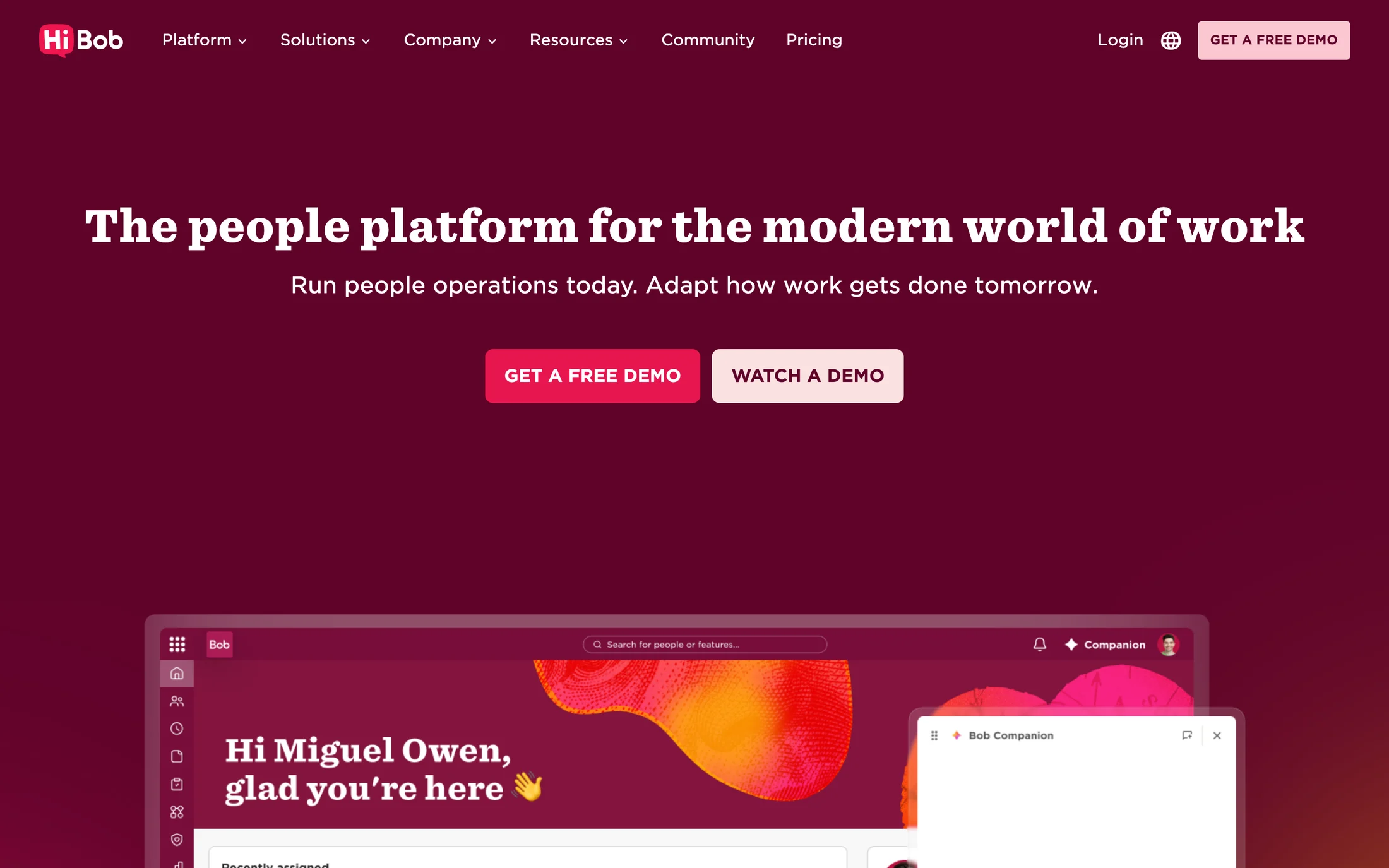
HiBob
Finance · Sentinel SSm B
#3a3a37 · #fffbf4 · #ffffff · #83143d · #60032a
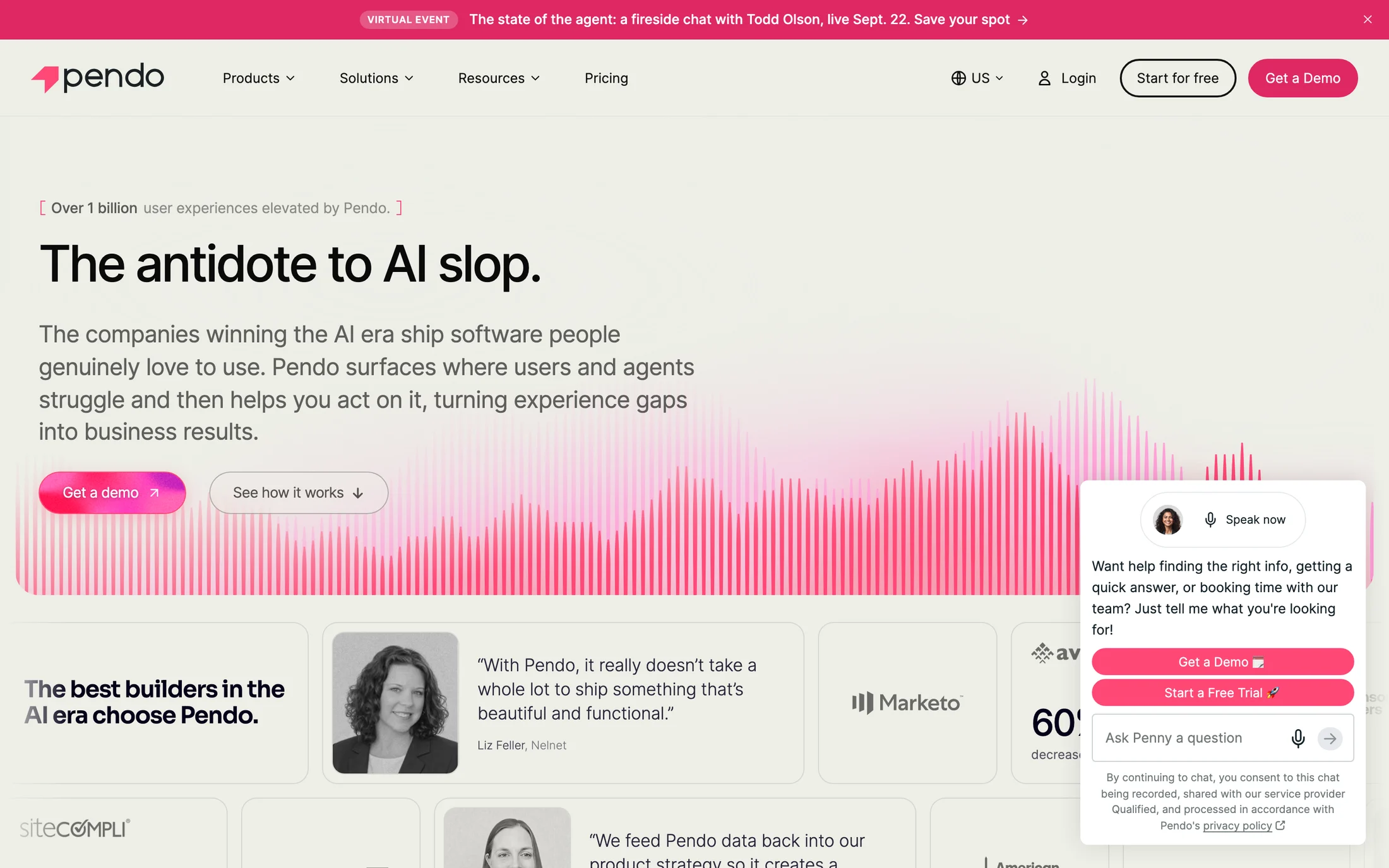
Pendo
AI · Inter
#edeee7 · #060119 · #000000 · #ffffff · #ff4876

Descript
AI · brett
#fff7fa · #390a1a · #110a0d · #f73b3b · #190308
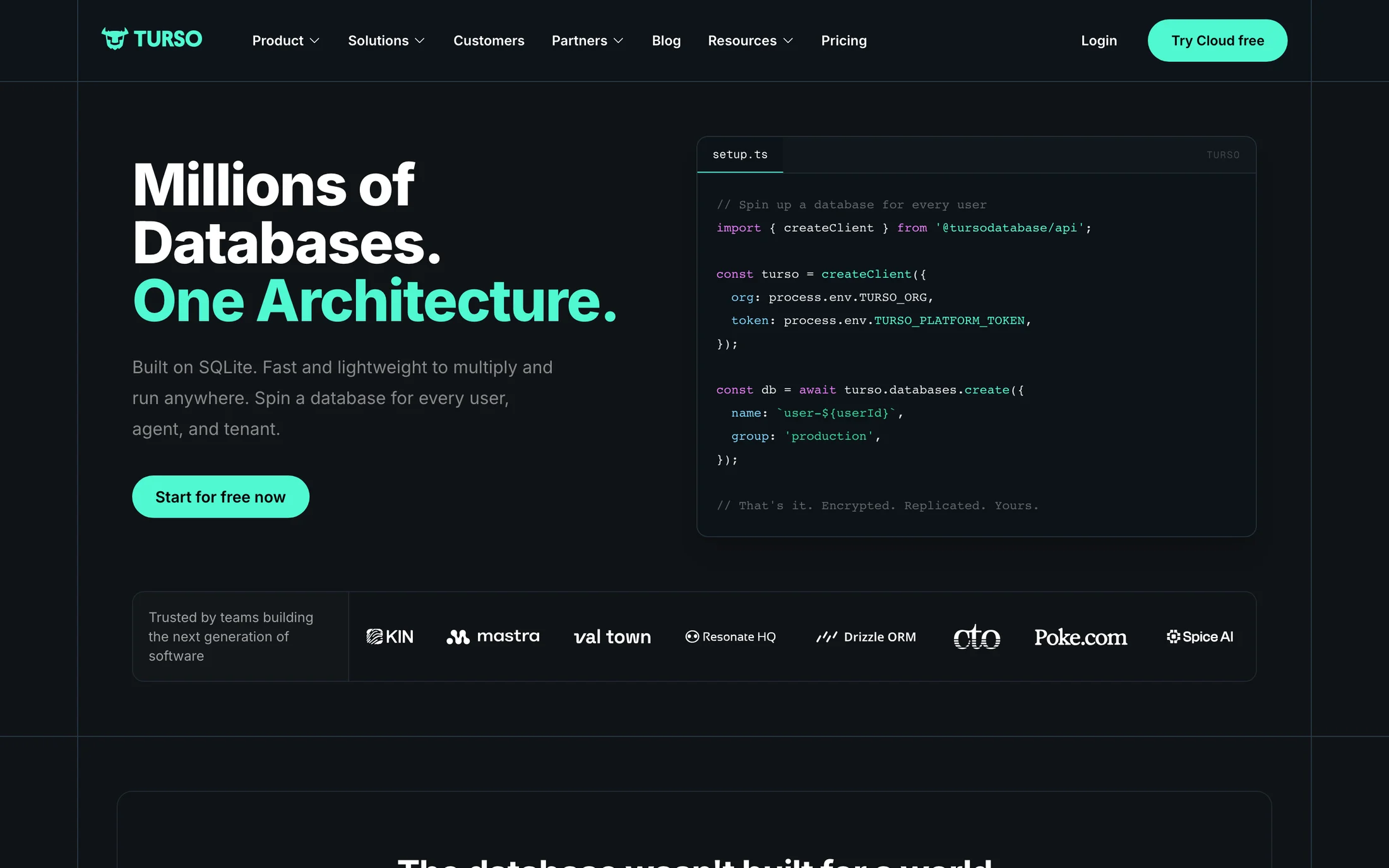
Turso
Developer Tools · __Inter_f367f3
#ffffff · #0d1318 · #4ff8d2 · #d946ef
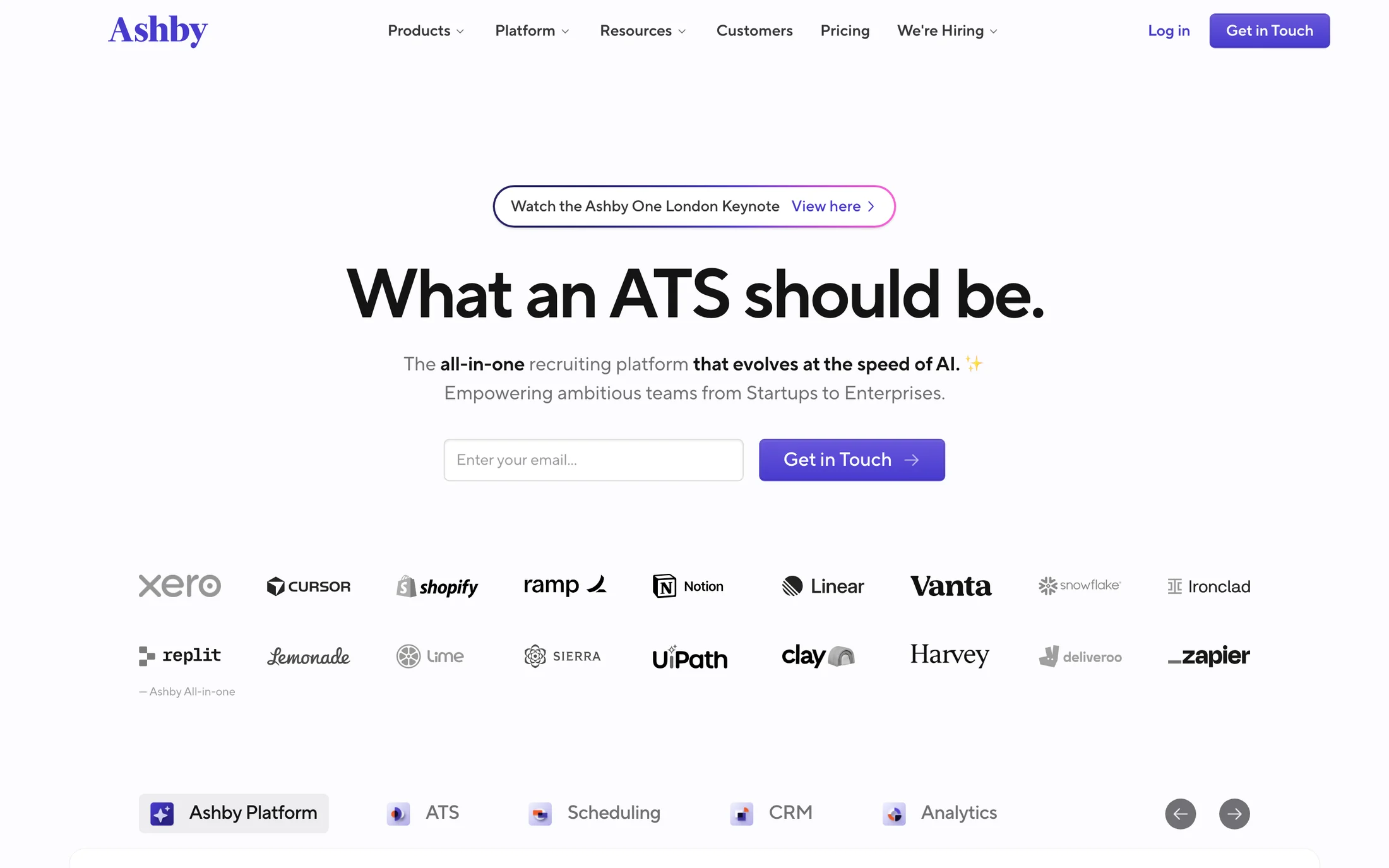
Ashby
Productivity · TTNormsPro
#fcfcfe · #141415 · #717075 · #9c9ca0 · #3b0c2f
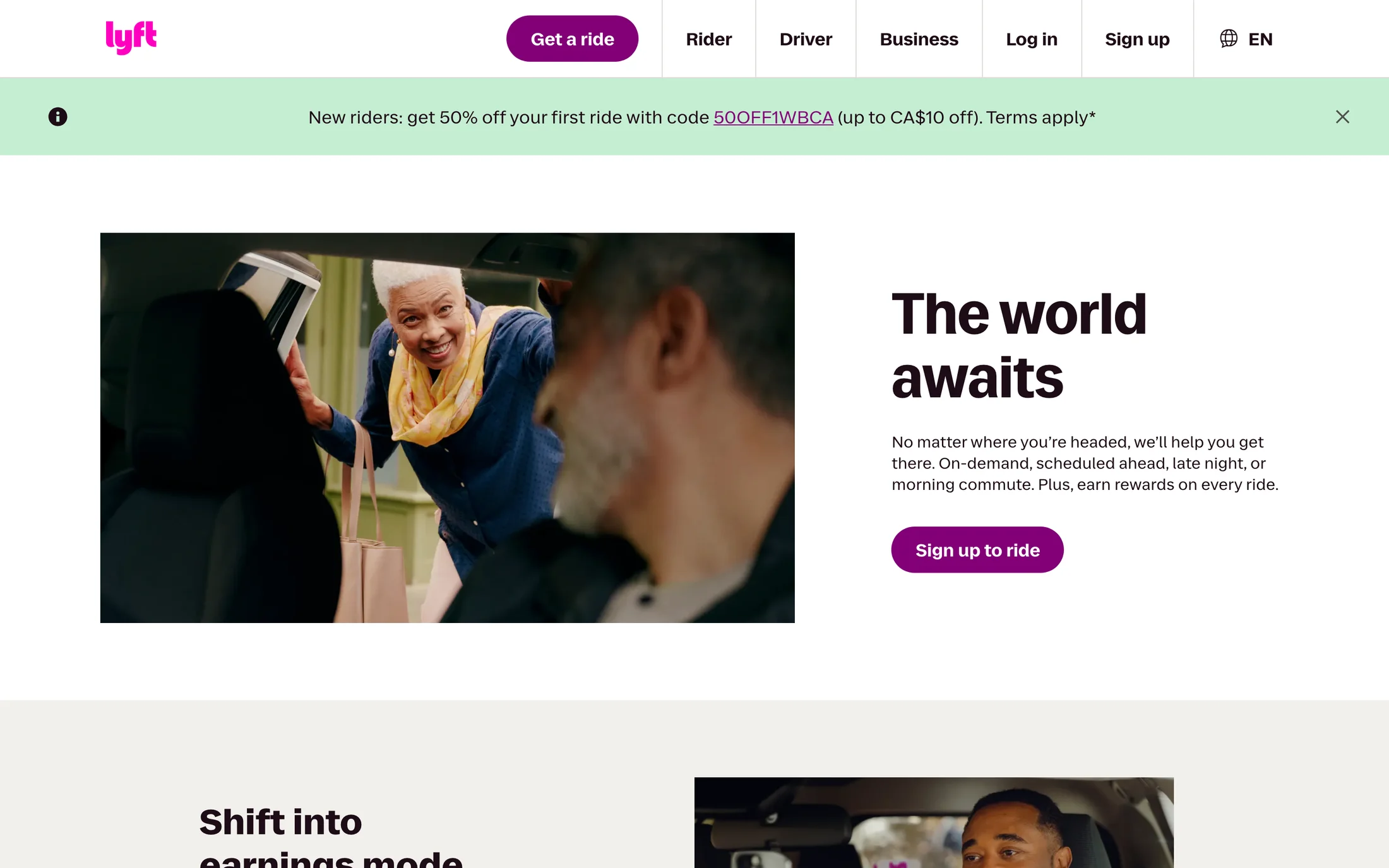
Lyft
Lifestyle · RebelSansDisplay
#ffffff · #820076 · #1d0c17 · #f1f0ec
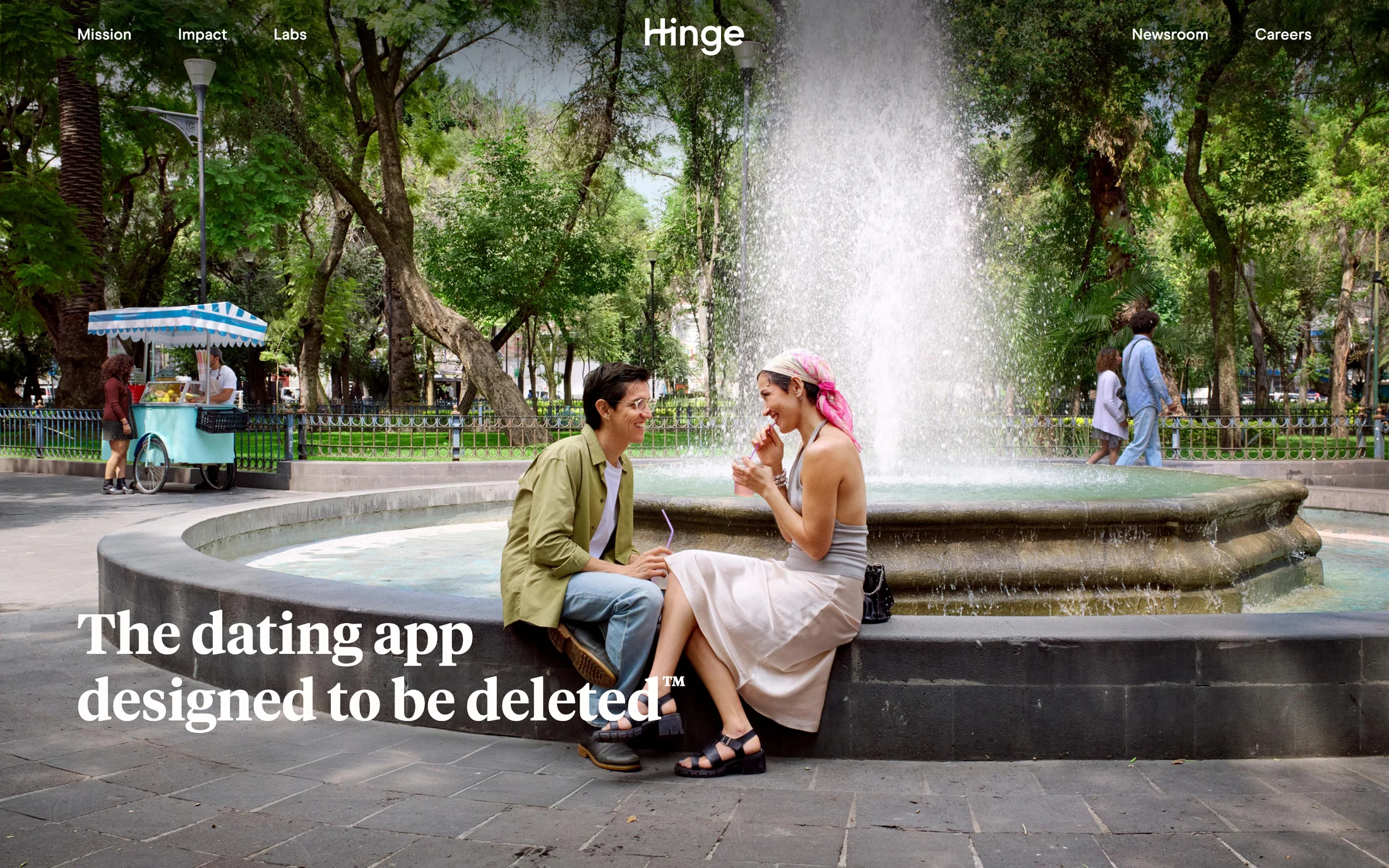
Hinge
Lifestyle · Tiempos Headline
#fffefd · #1a1a1a · #67295f · #484848 · #d9c9d7
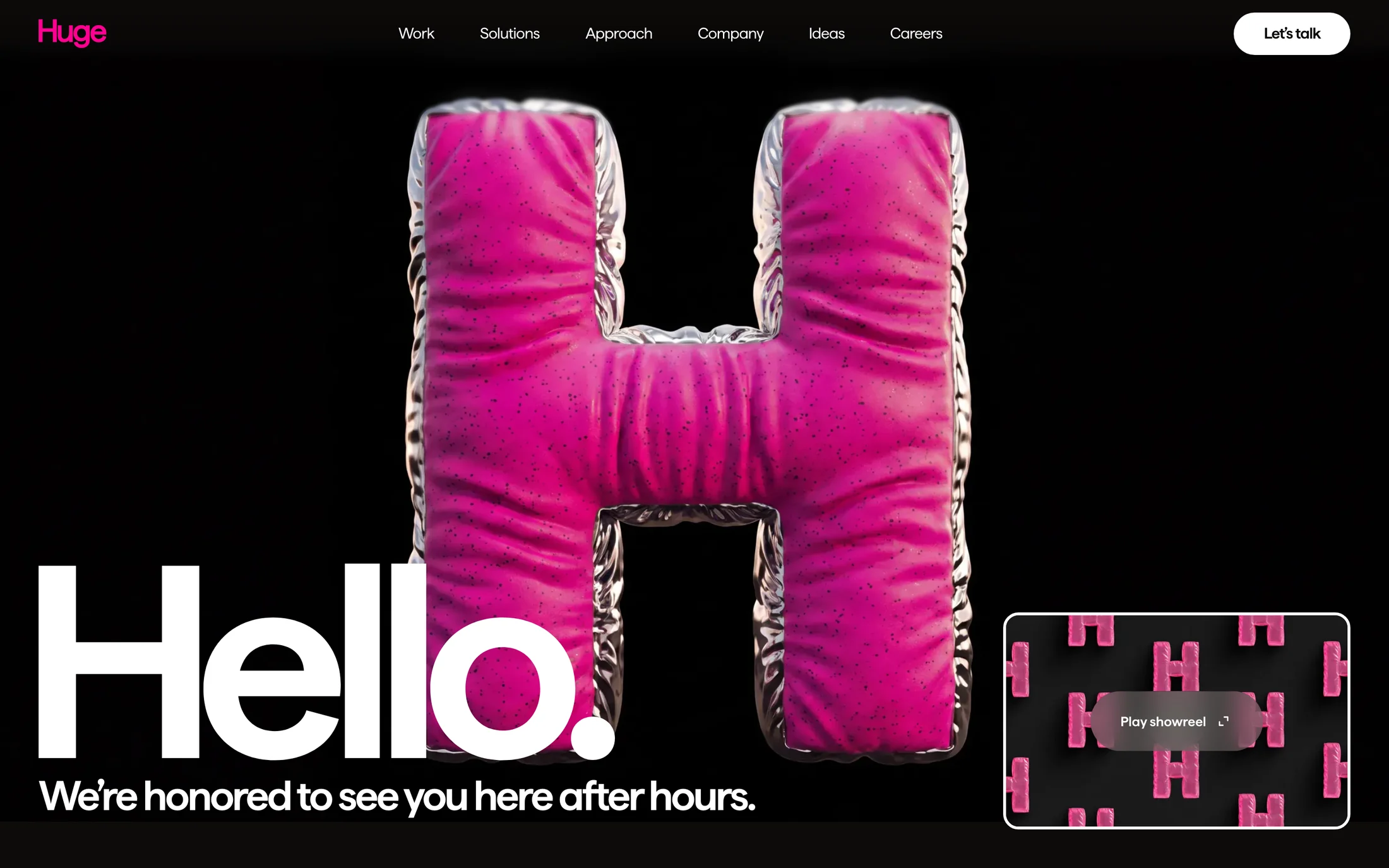
Huge
Portfolio · matter
#ffffff · #0d0b0a · #f7f4ee · #010000 · #ff0090
How to use real website color palettes
A palette is useful when it stays connected to hierarchy, type and interaction. These references show the colors in the context where they were captured.
Start with contrast and hierarchy
Look at which color carries the page background, which one is reserved for action, and whether text remains readable over both. The colour trends report explains how the library groups accent and background colors across the wider sample.
Use the palette with its typography
Color changes meaning when the type scale, weight and whitespace change. Open a site reference to inspect its extracted fonts and sections, then compare the same treatment against hero examples or CTA examples.
Turn a reference into a build brief
Choose a structure you can adapt, copy the palette values, and send the original build prompt to your AI workflow. Keep the hierarchy and interaction logic that solves your problem, while writing original copy and using your own assets.
More ways to study the library
Website color schemes — FAQ
What is a website color scheme?
A website color scheme is the set of colors a page uses for its background, text, accents, borders and interactive states. The palettes here are extracted from real captured homepages, so each one is tied to a complete design rather than a standalone swatch.
How do I choose colors for a website?
Start with the job of the page and the contrast it needs, then study a few references with a similar audience. Choose a readable background and text pair, one clear accent for actions, and supporting colors only when they communicate a state or category.
Can I copy these website color palettes?
Use the palettes as design references. The original website designs belong to their owners; the extracted color values are provided to help you study contrast, hierarchy and combinations when creating your own interface.