
30 reviewed pages · Checked
Changelog page examples
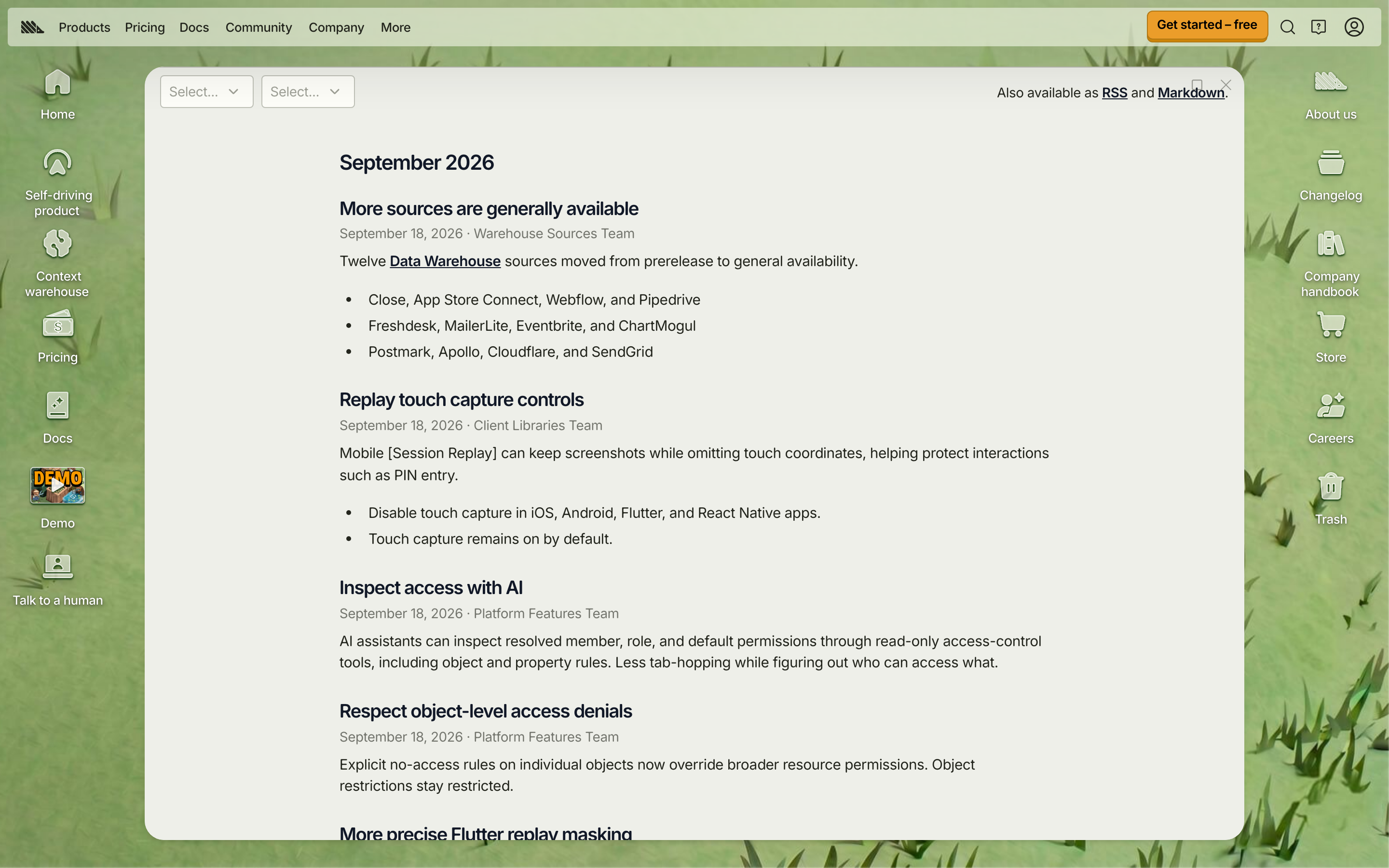
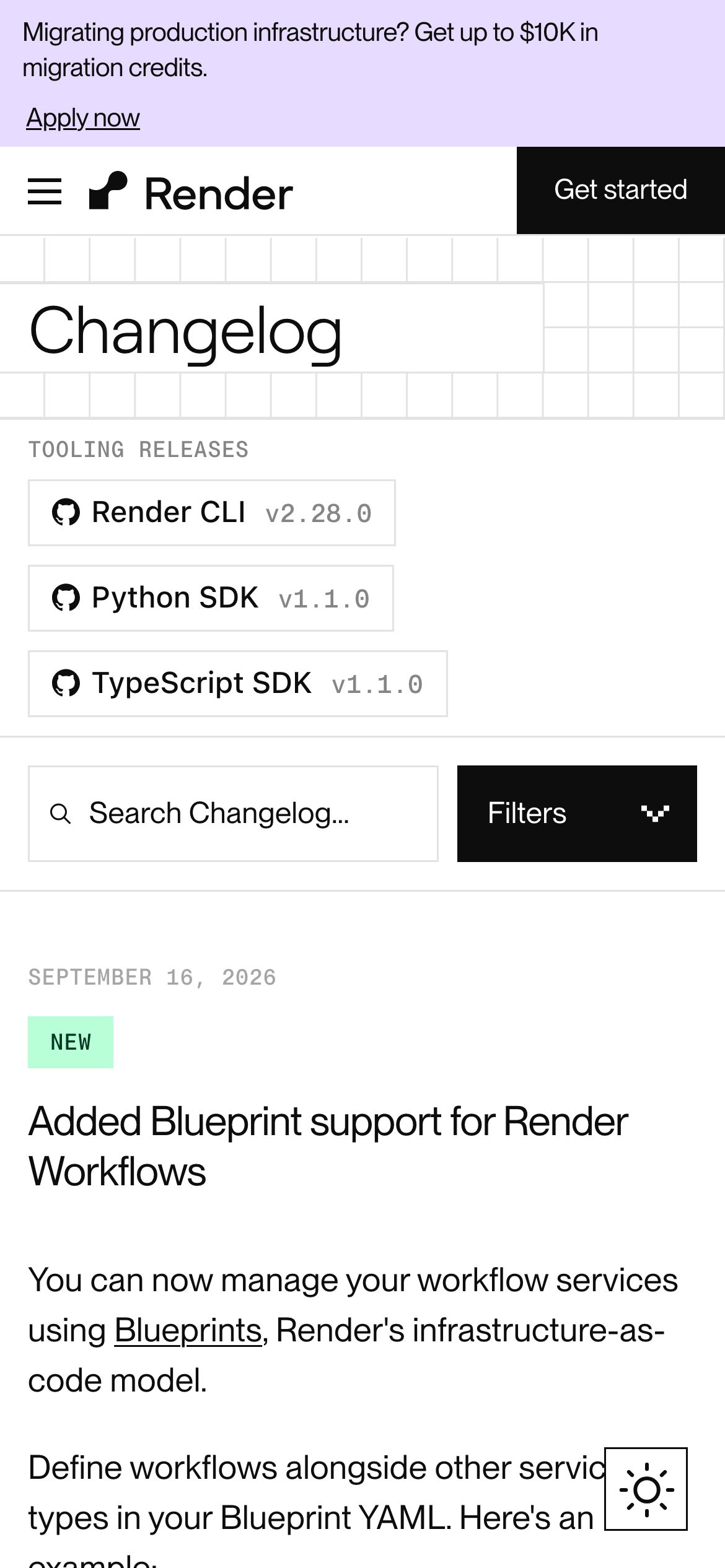
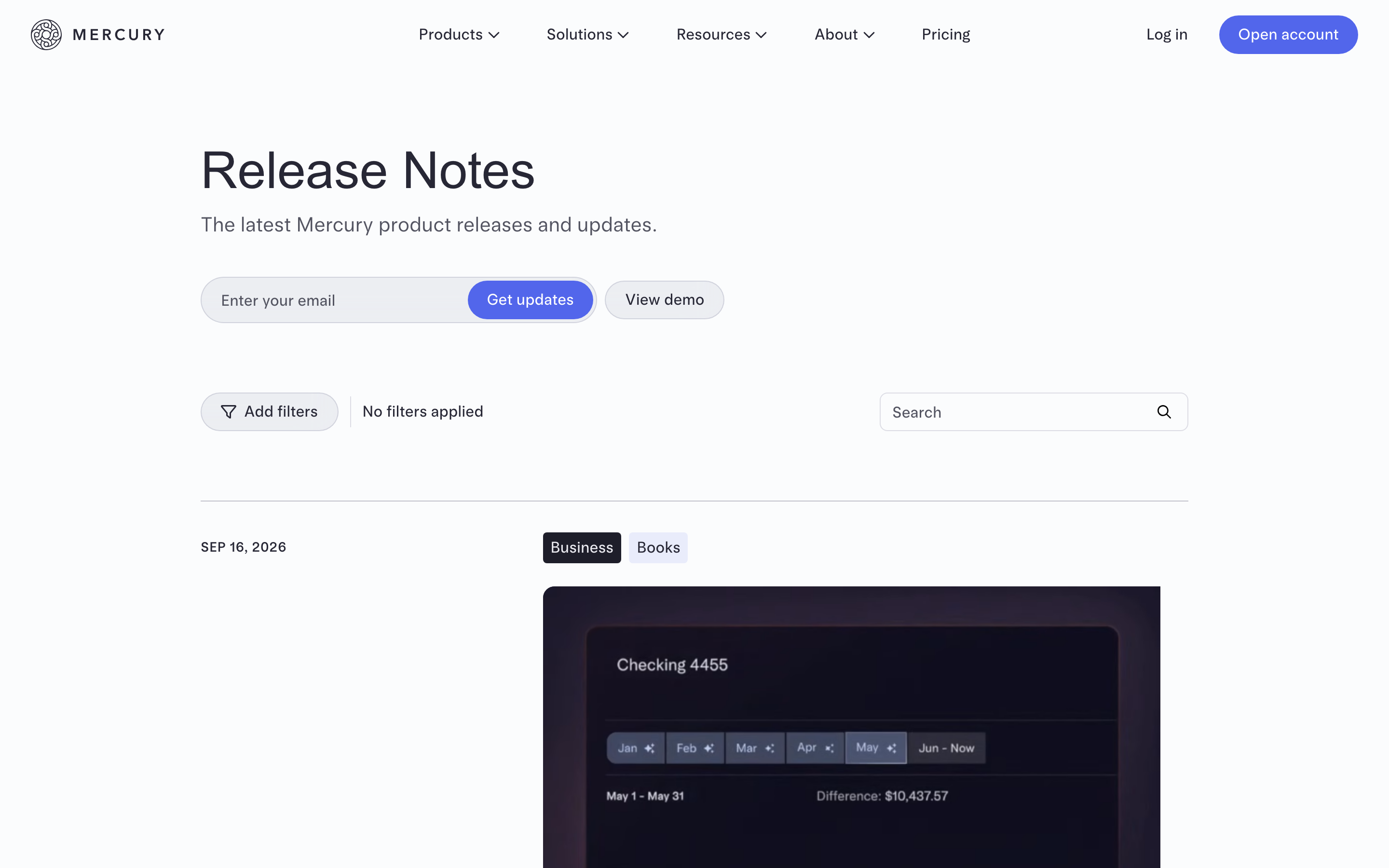
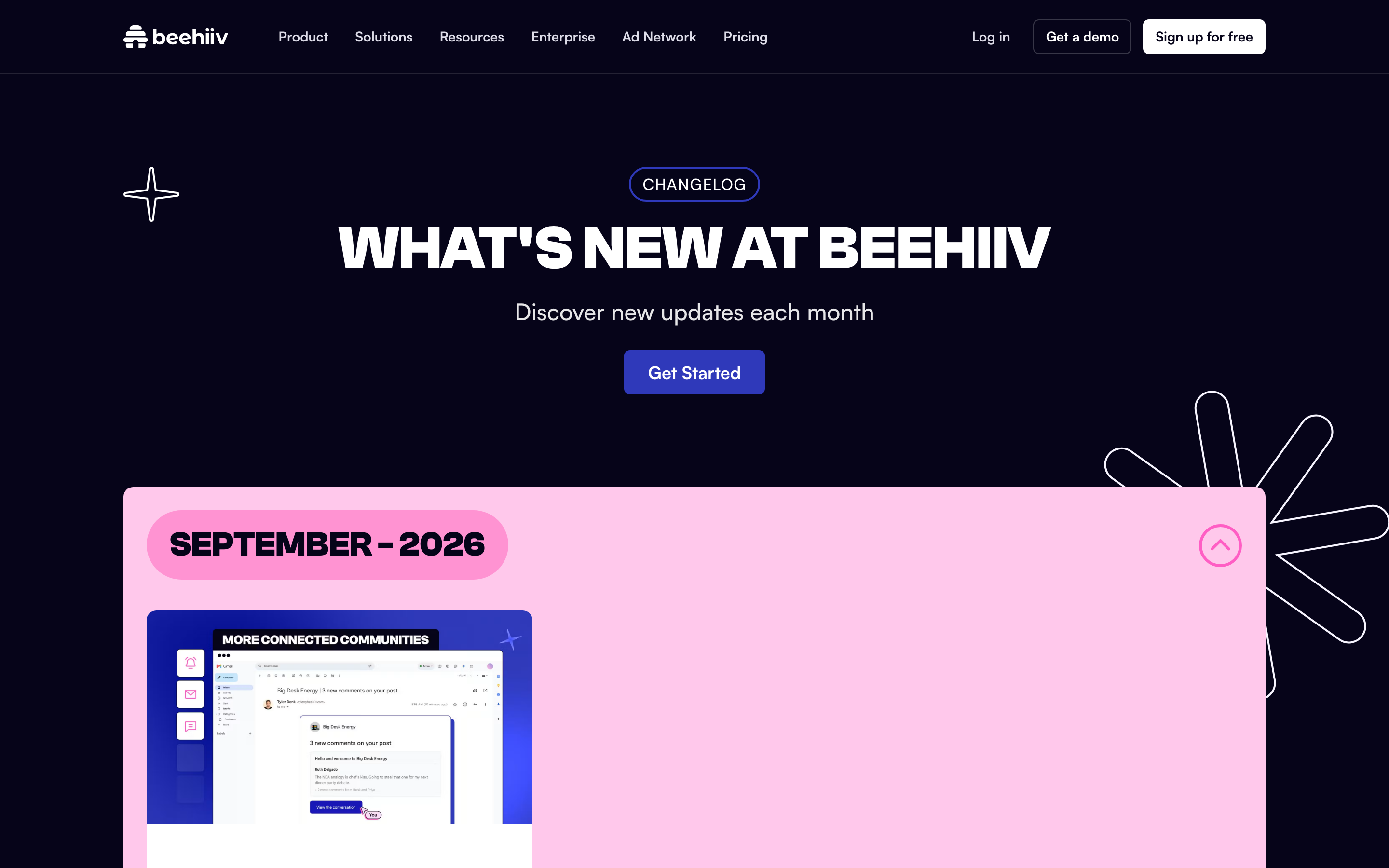
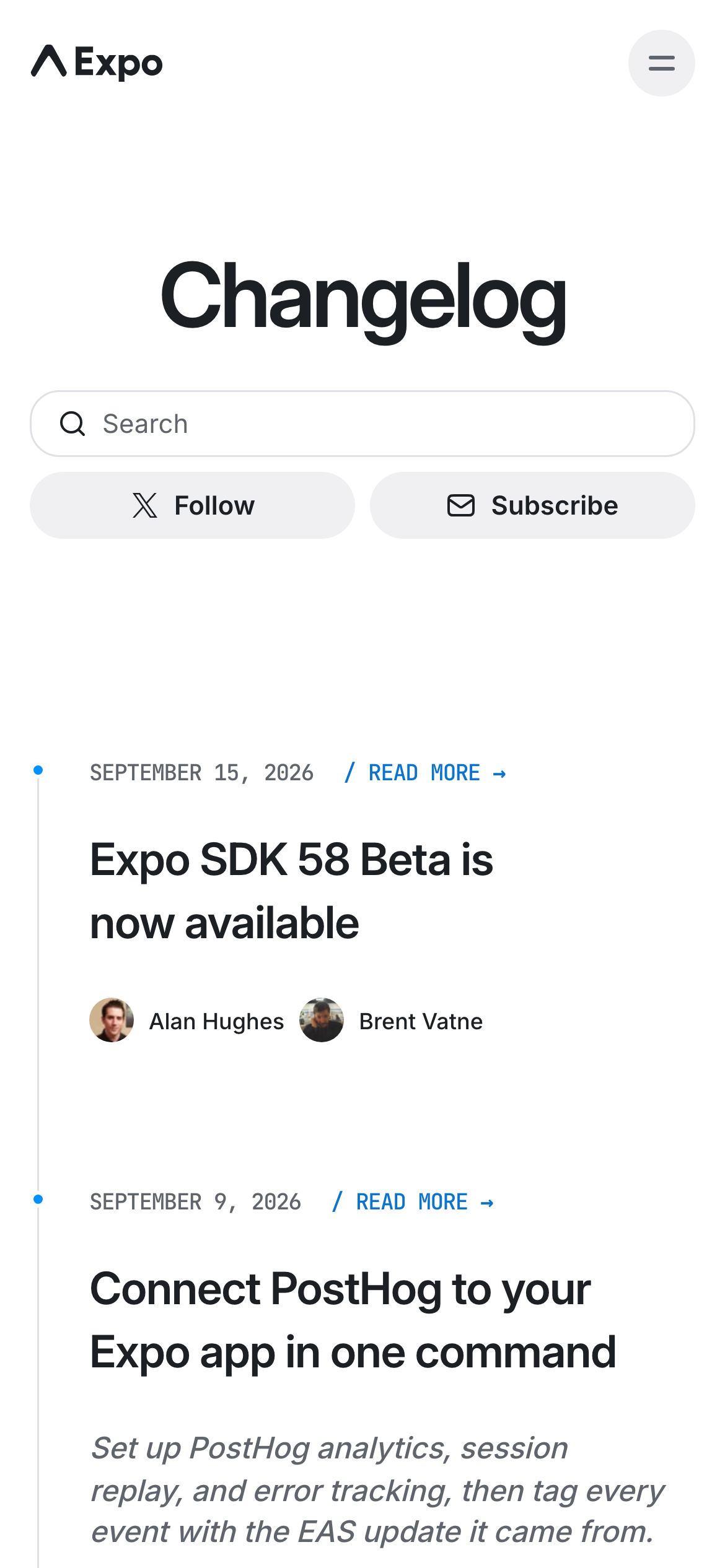
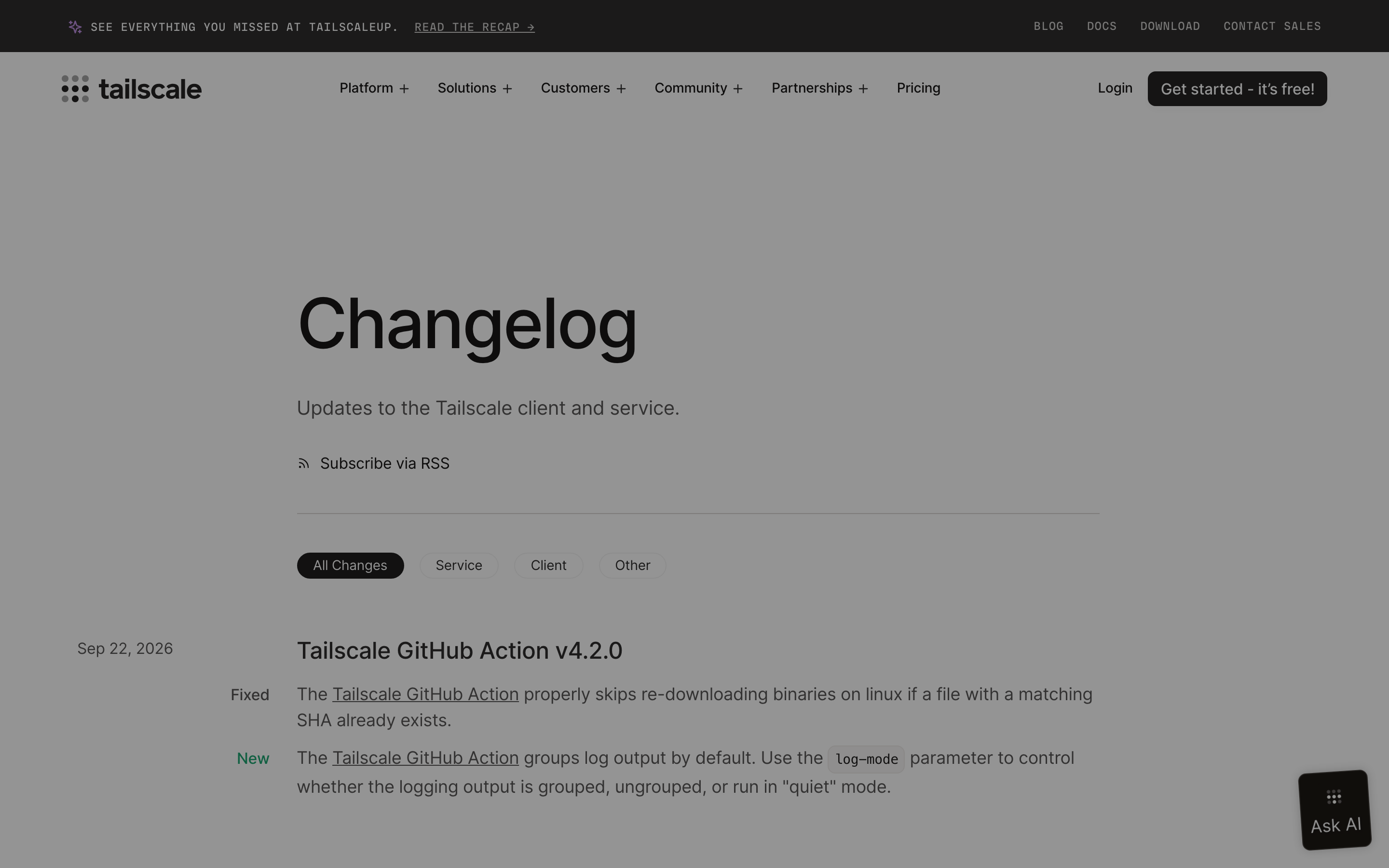
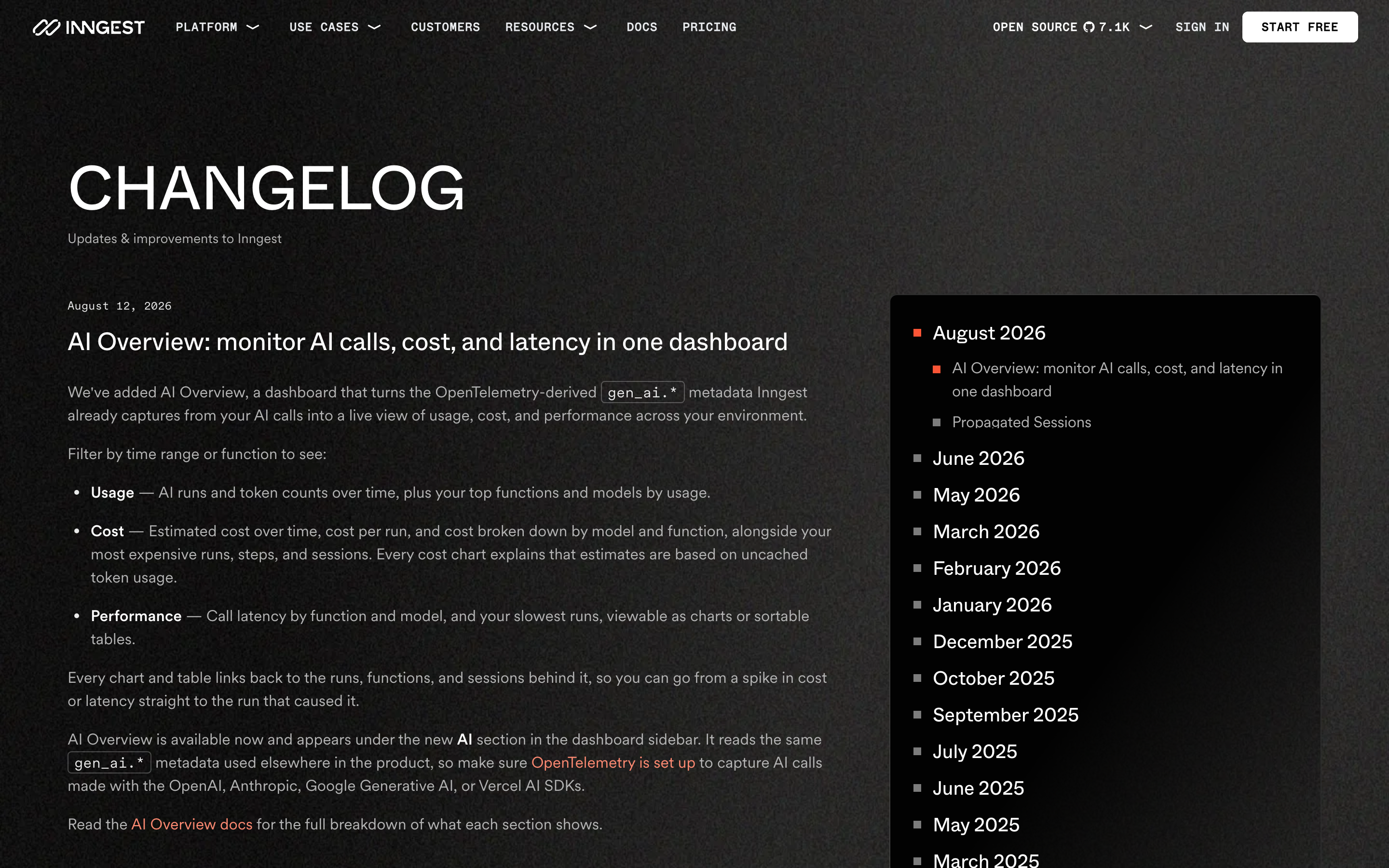
Real changelog, release-notes and what's-new pages from SaaS products and developer tools, captured at desktop size and reviewed by hand. Compare how each feed dates updates, surfaces filters or subscribe paths, and pairs copy with product screenshots or video.
What we saw
4 patterns across 30 pages
- Dates anchor each update
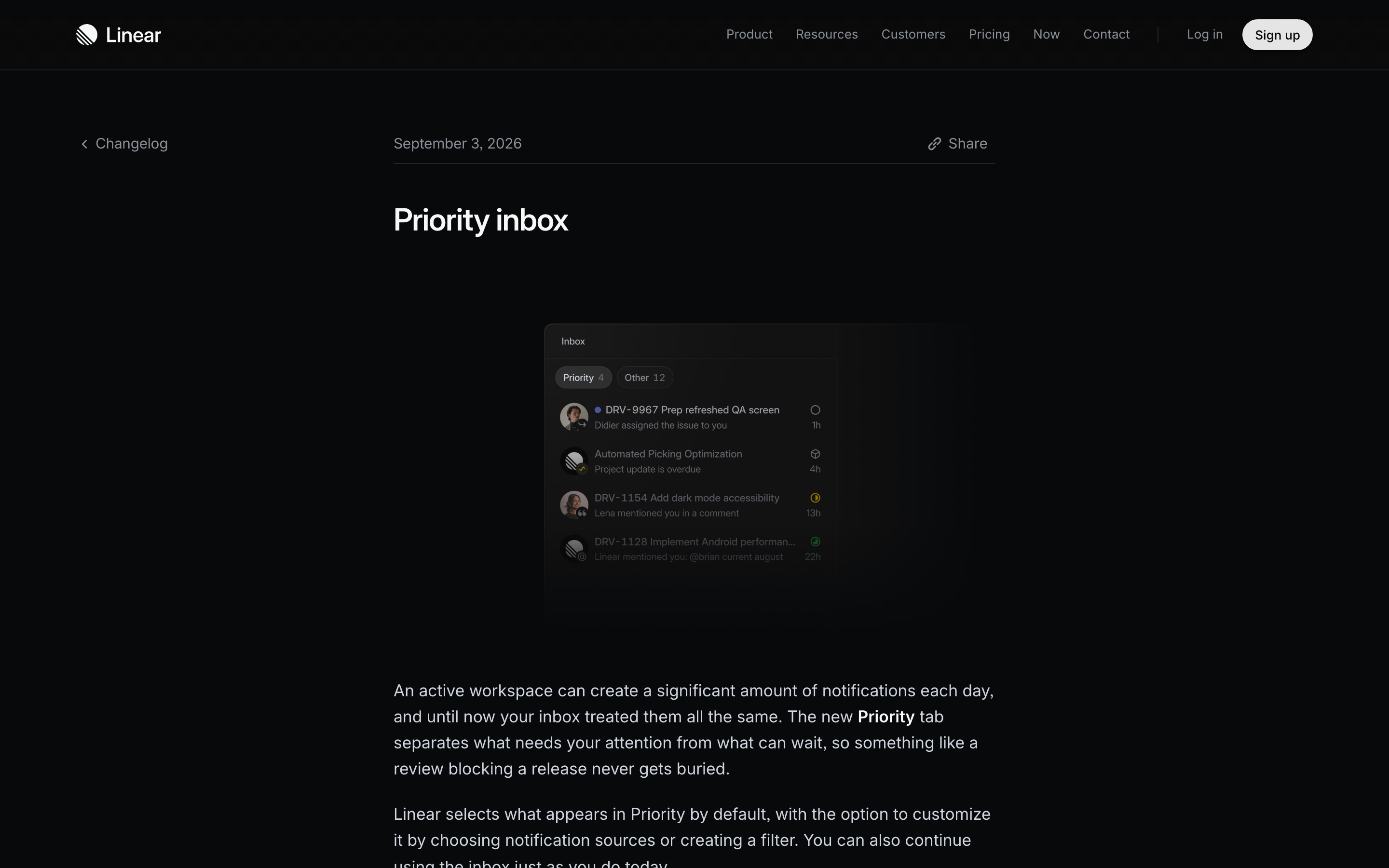
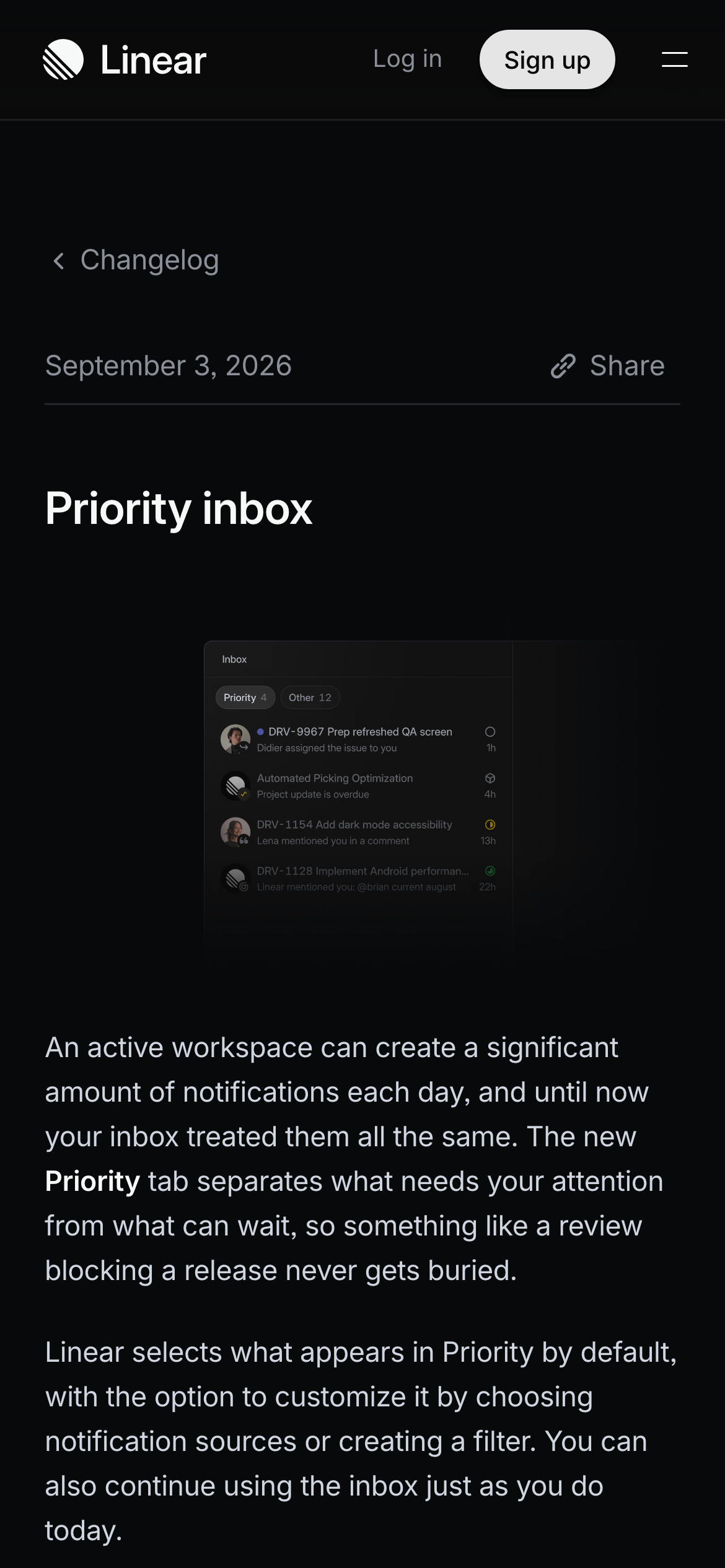
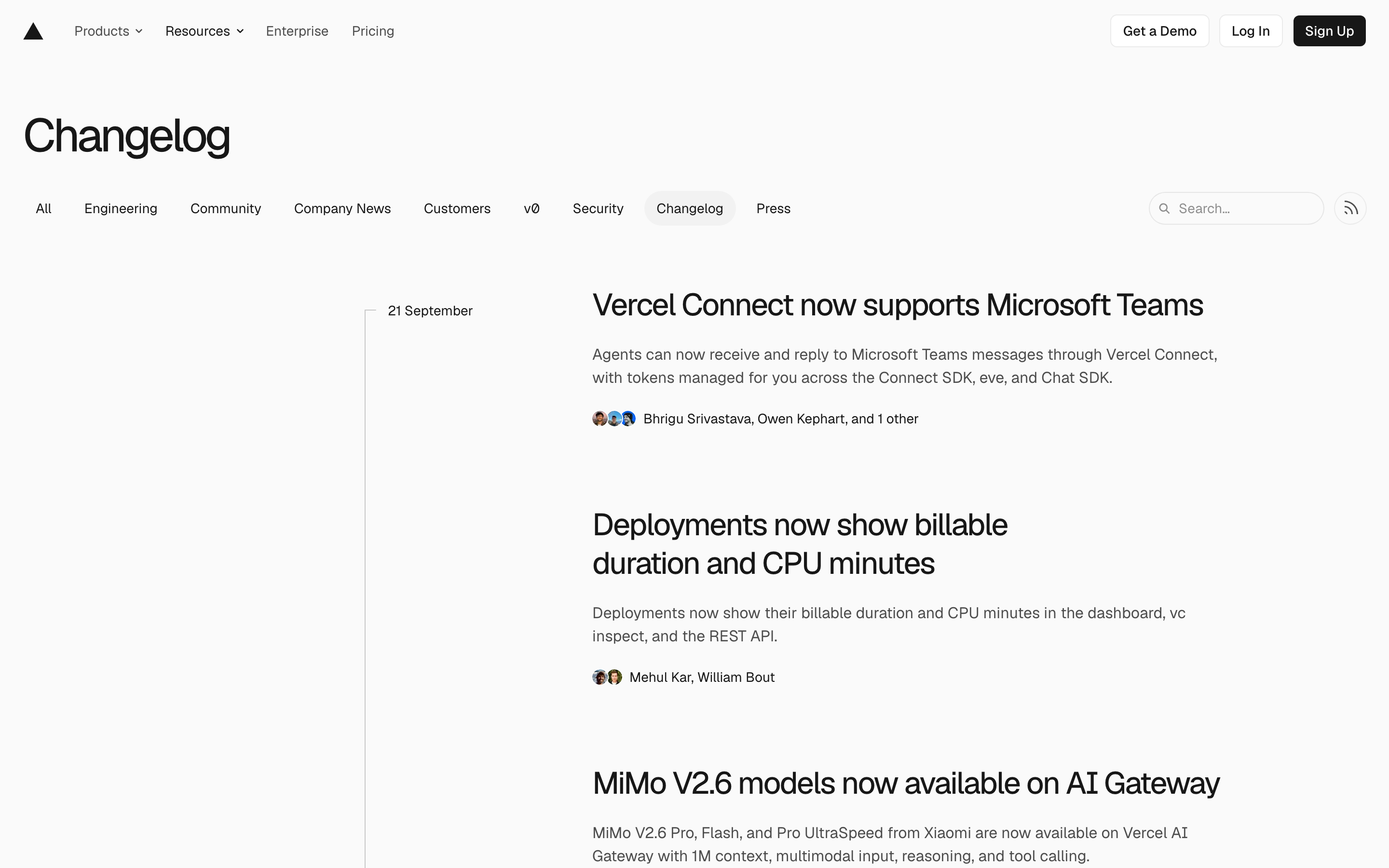
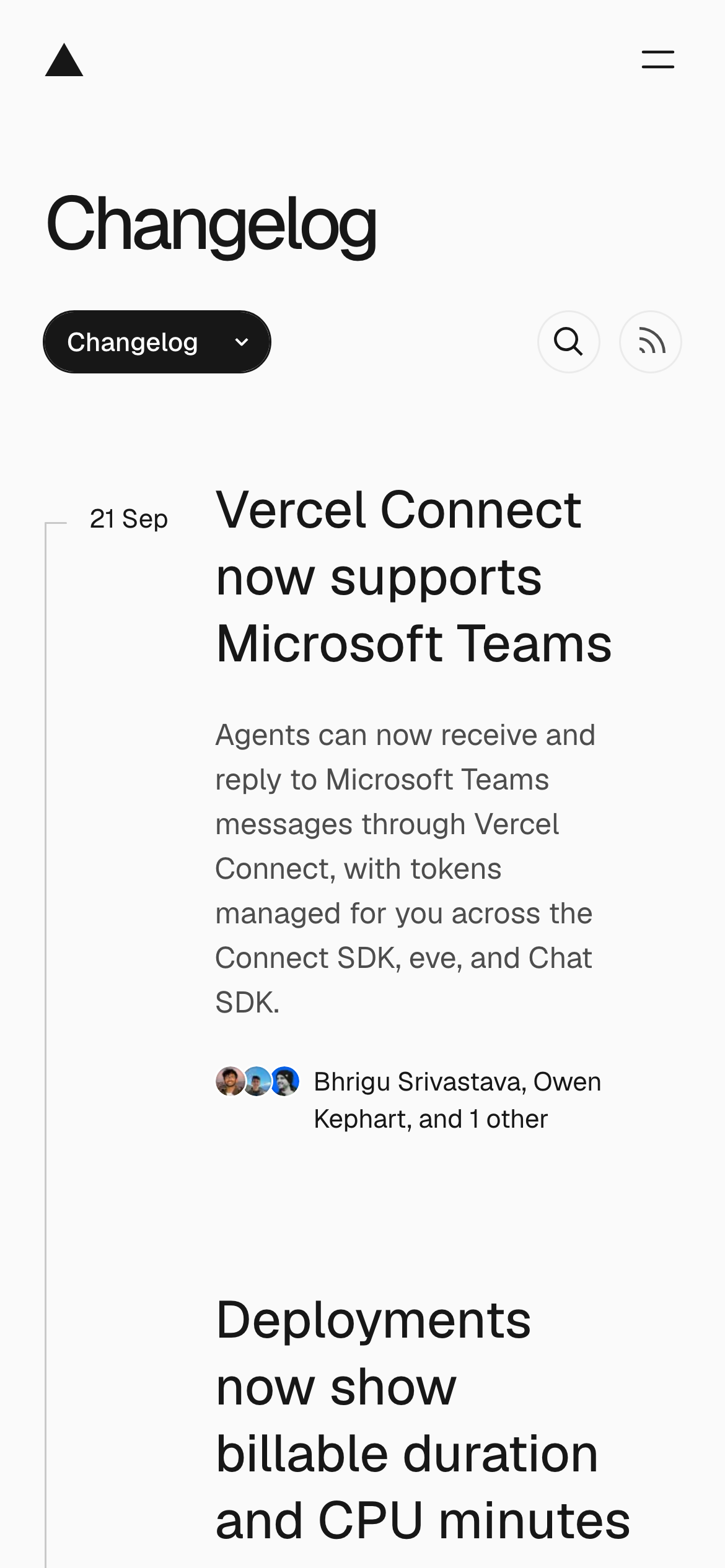
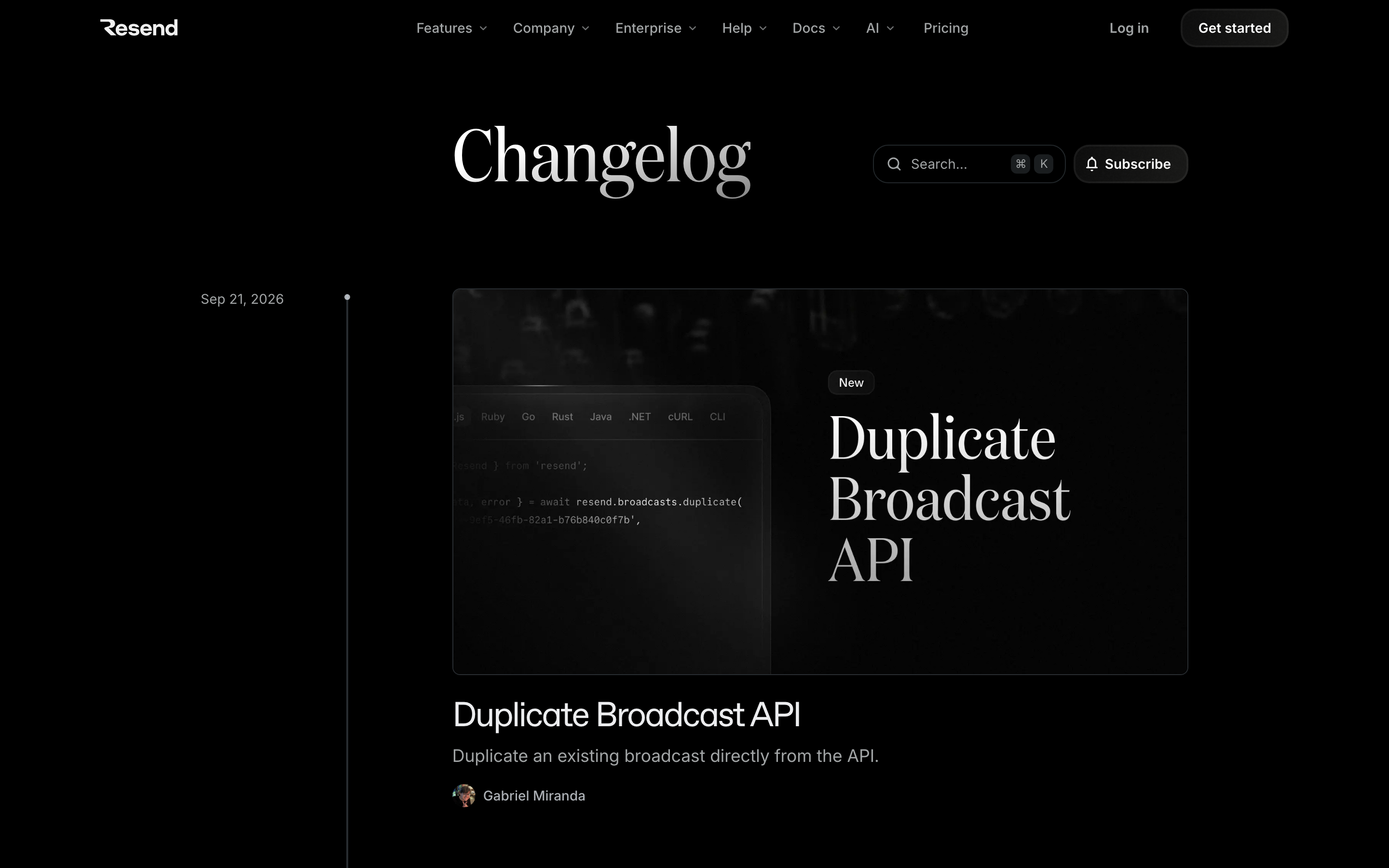
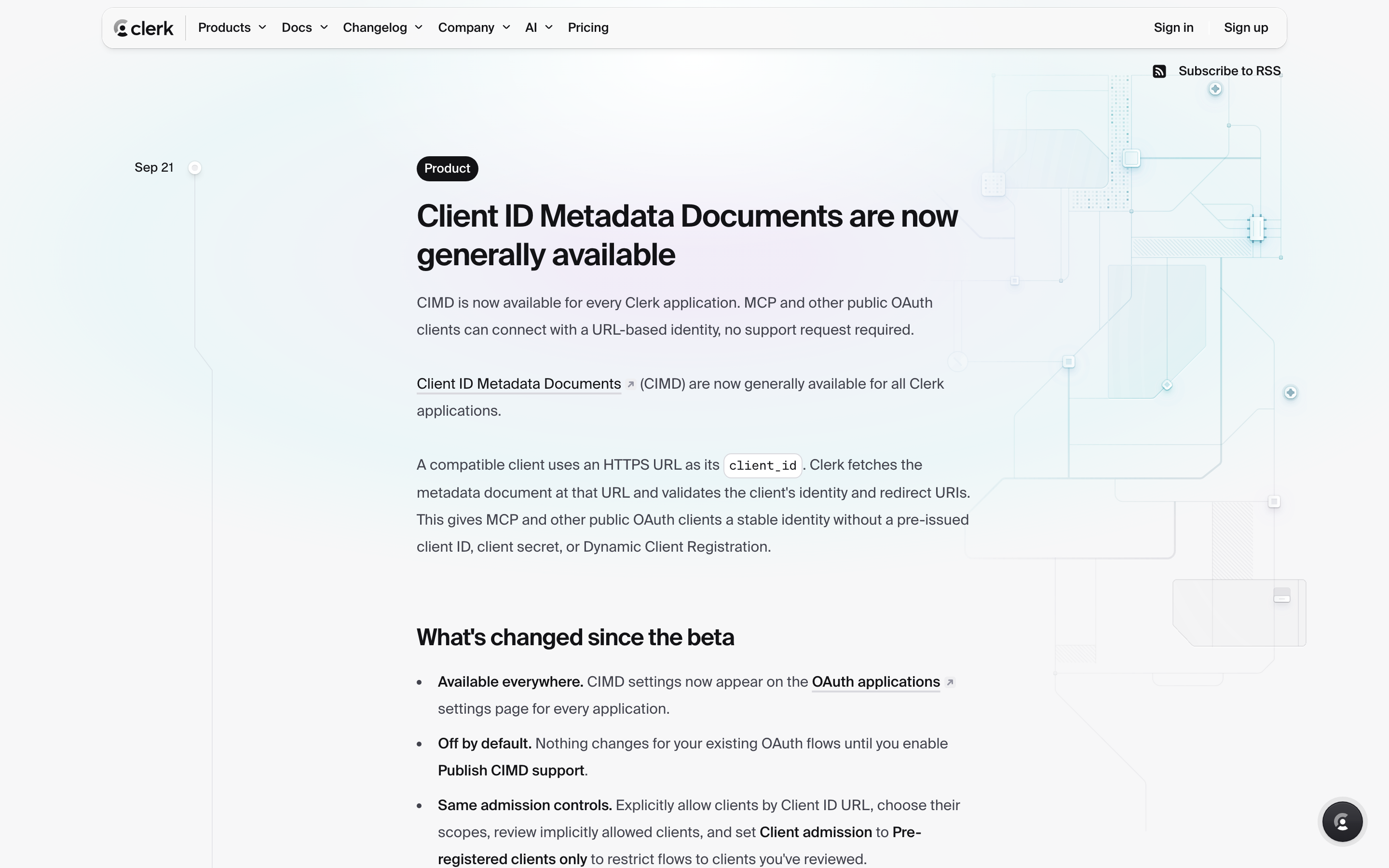
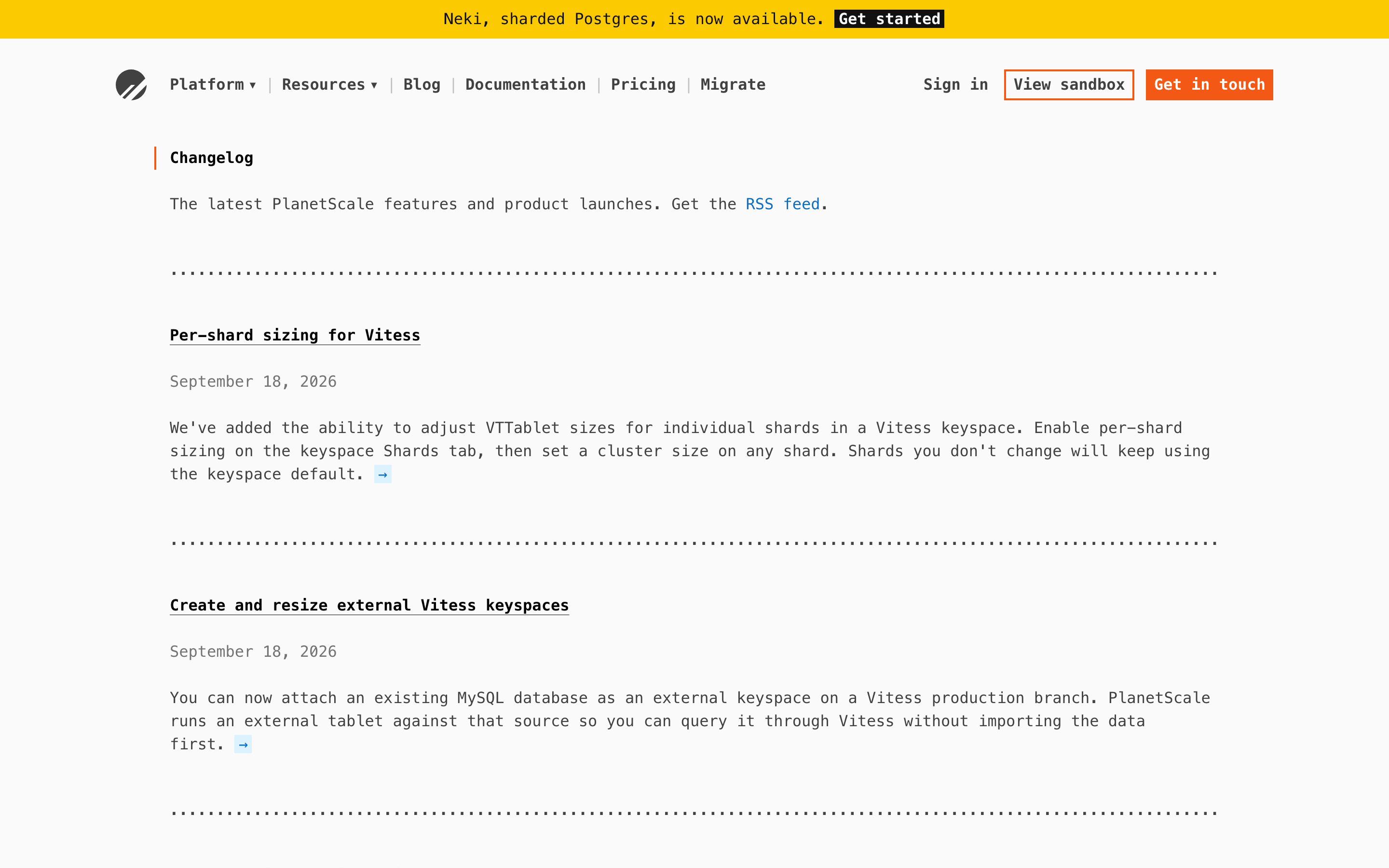
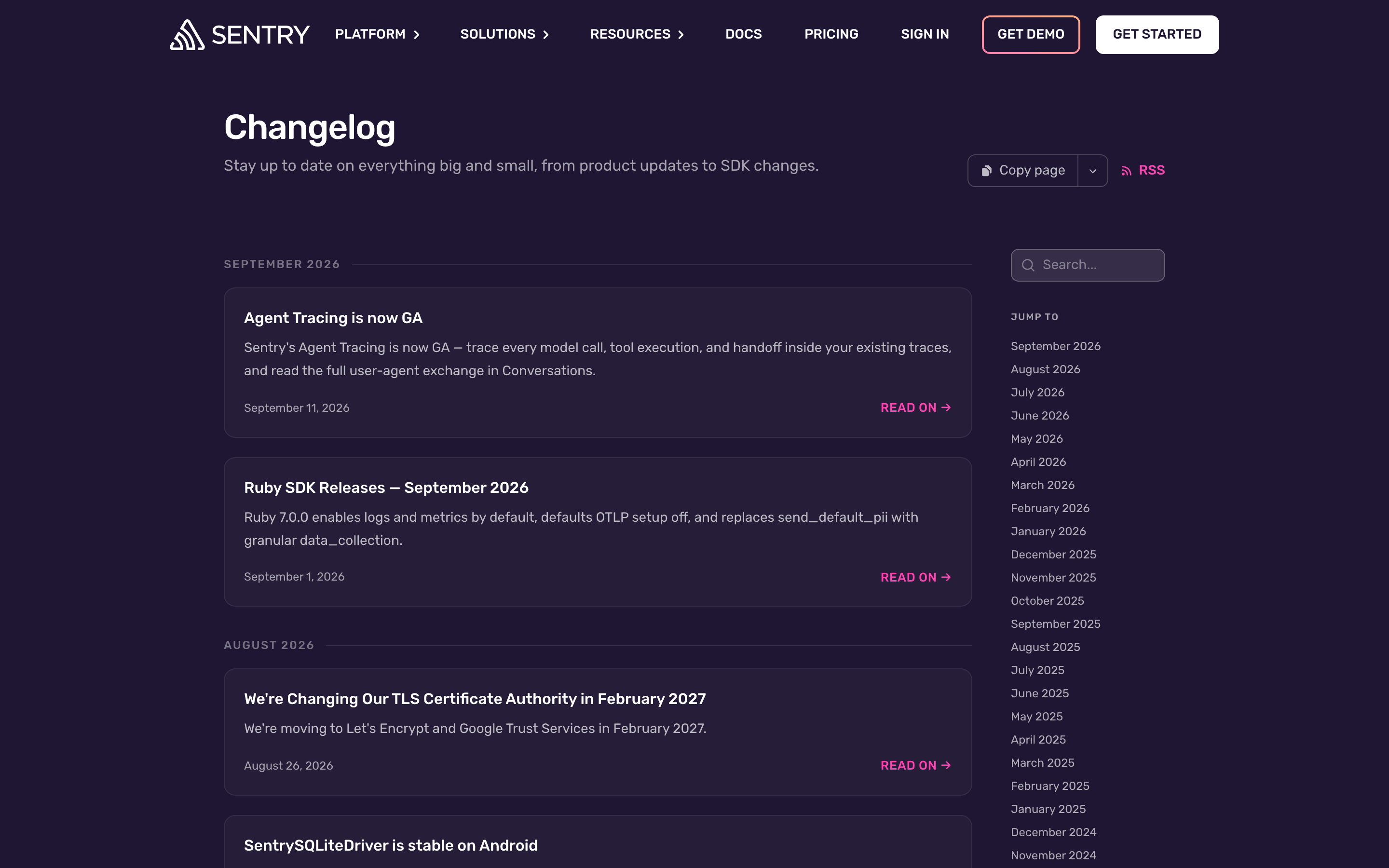
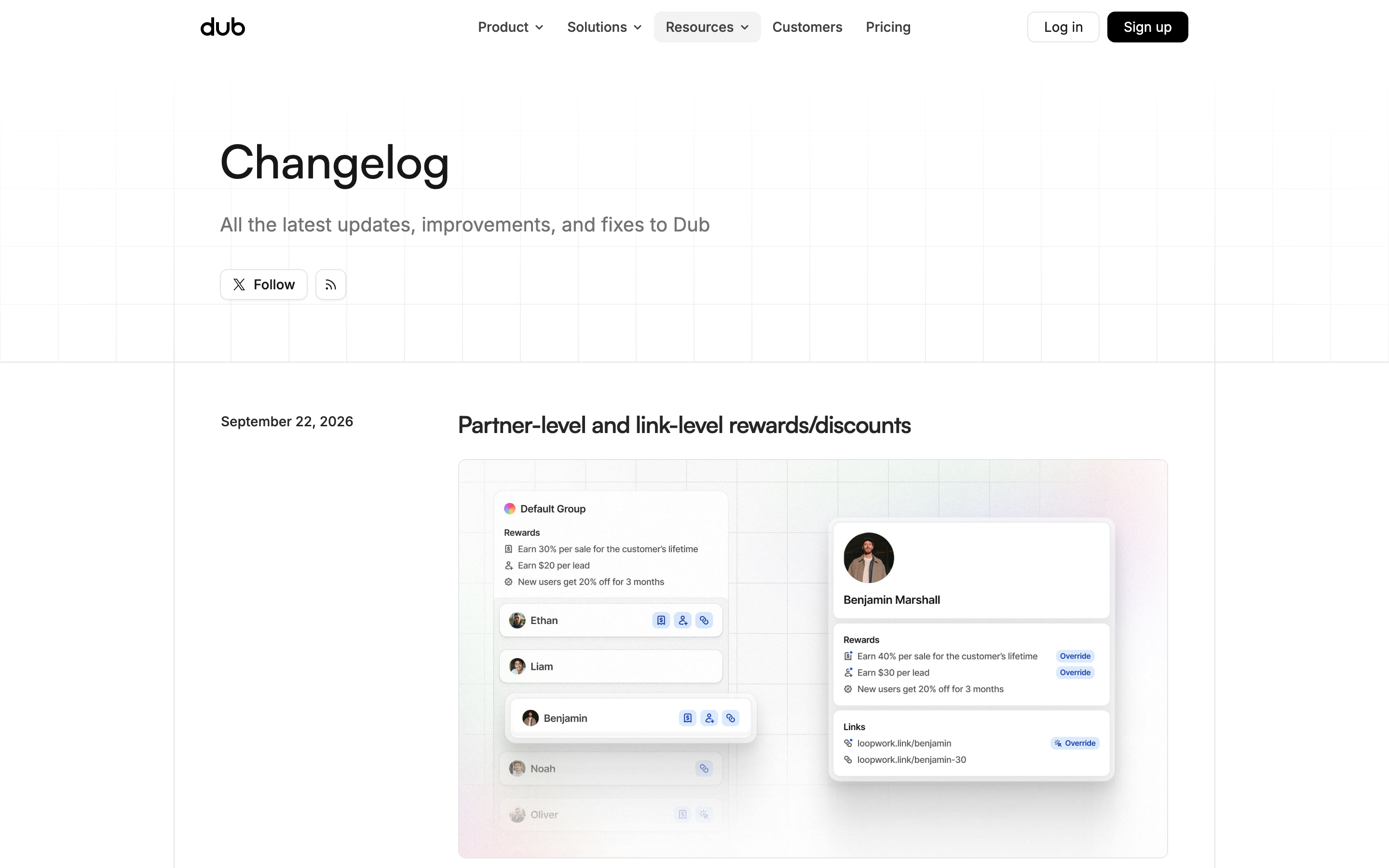
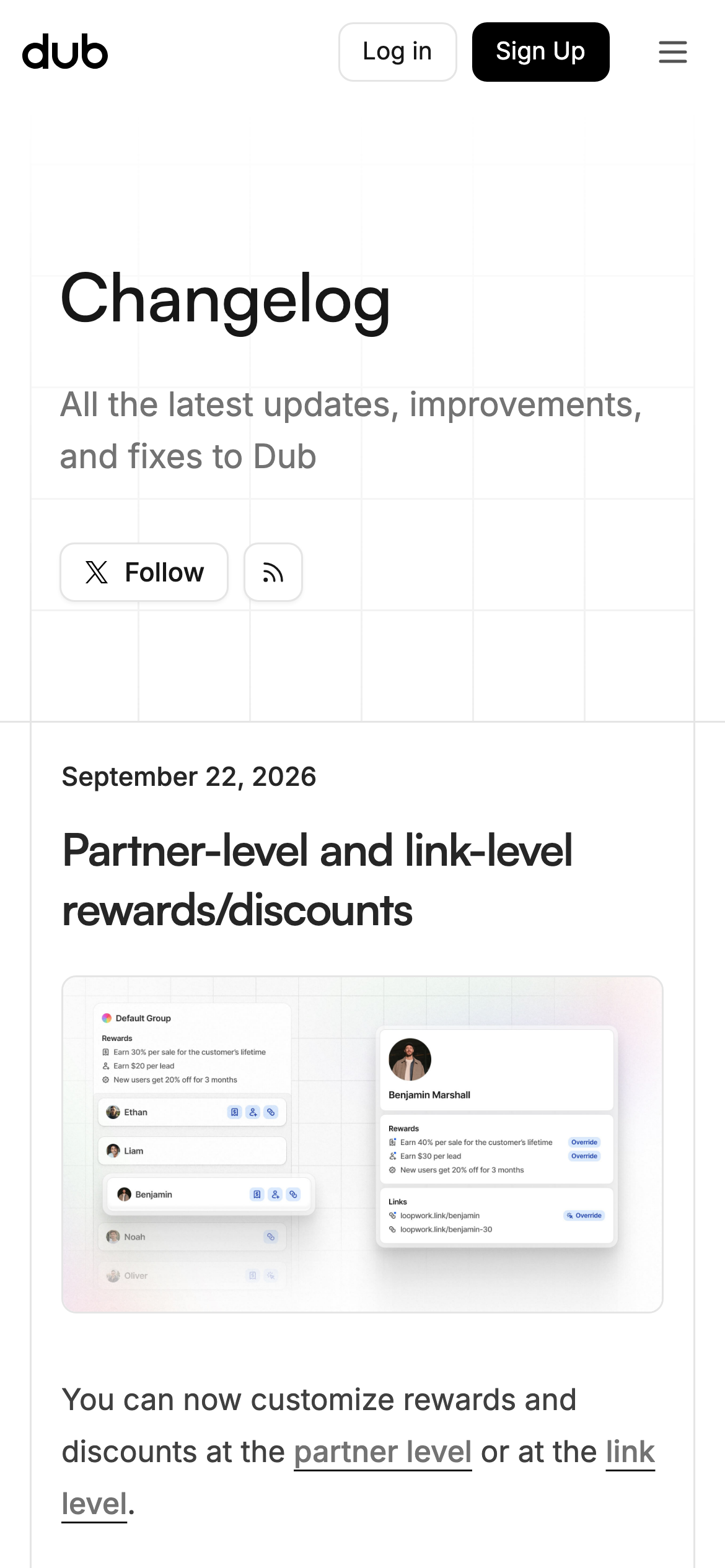
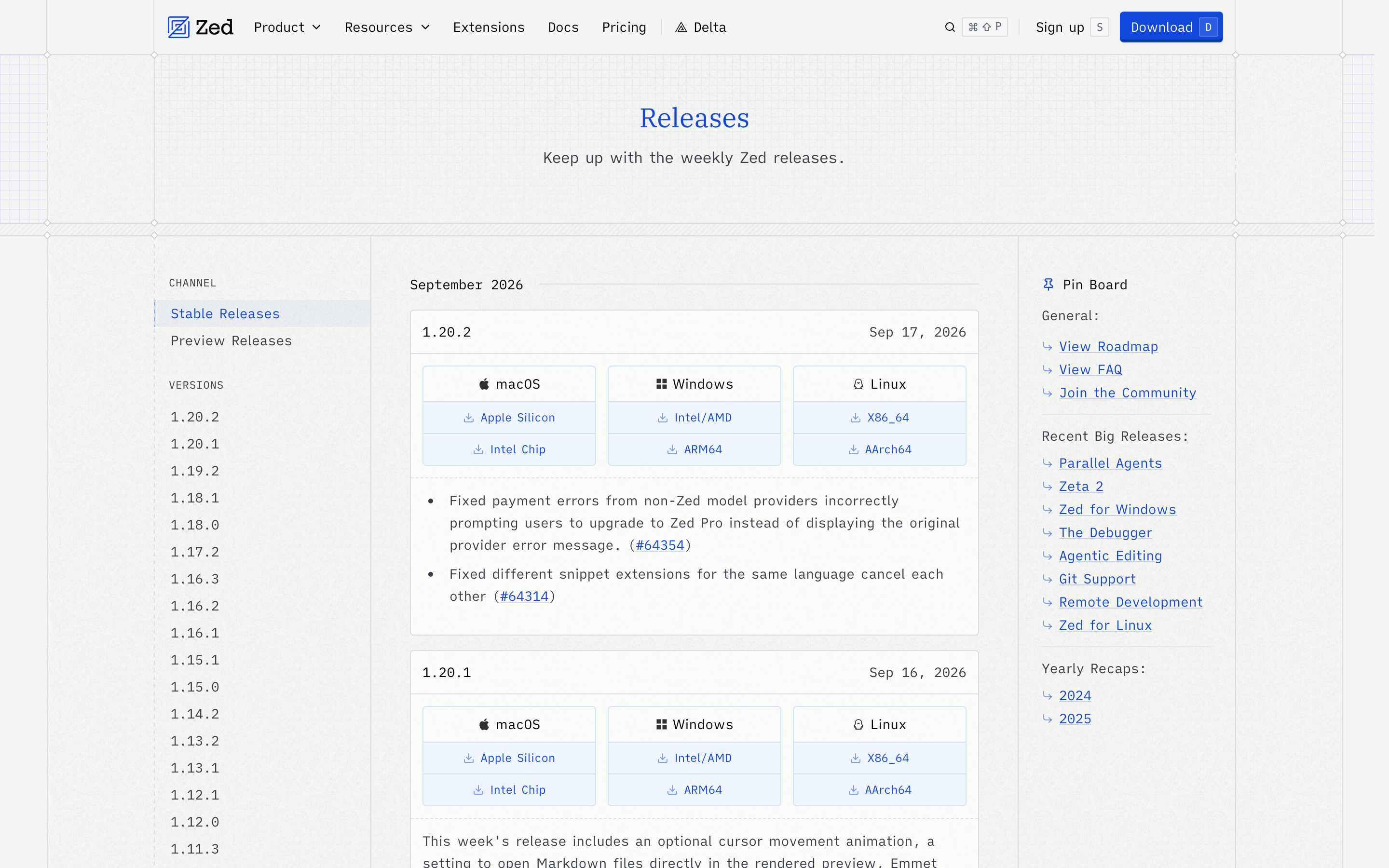
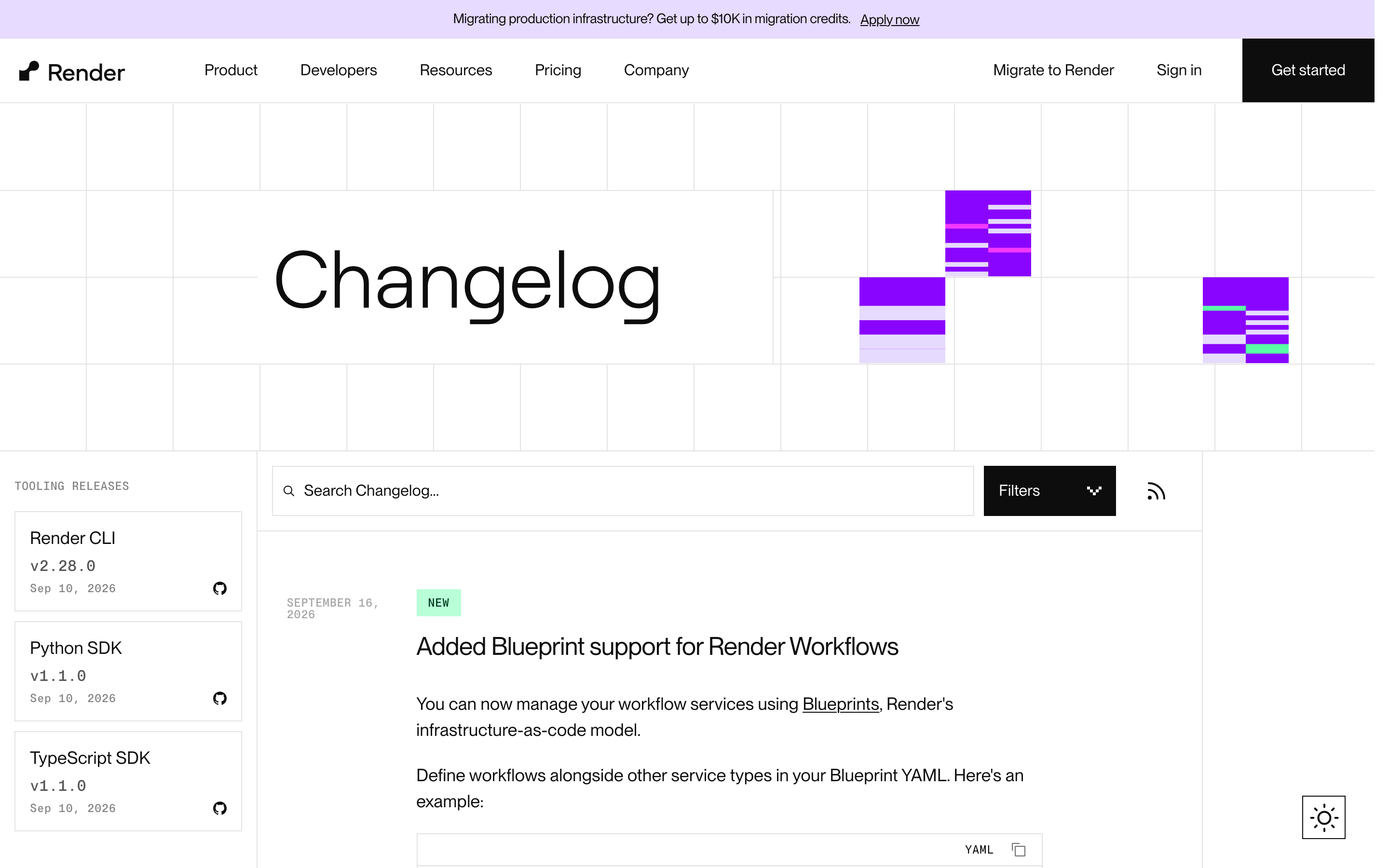
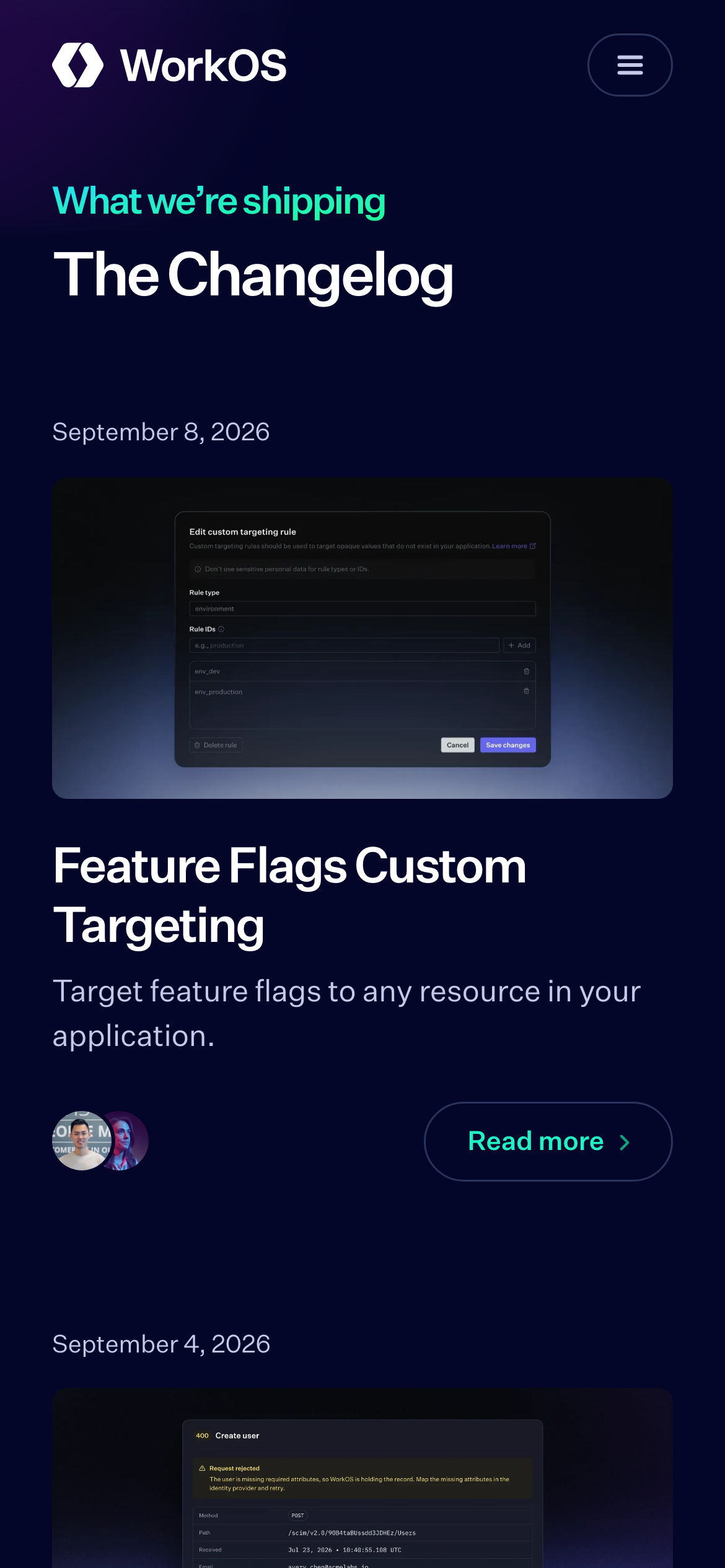
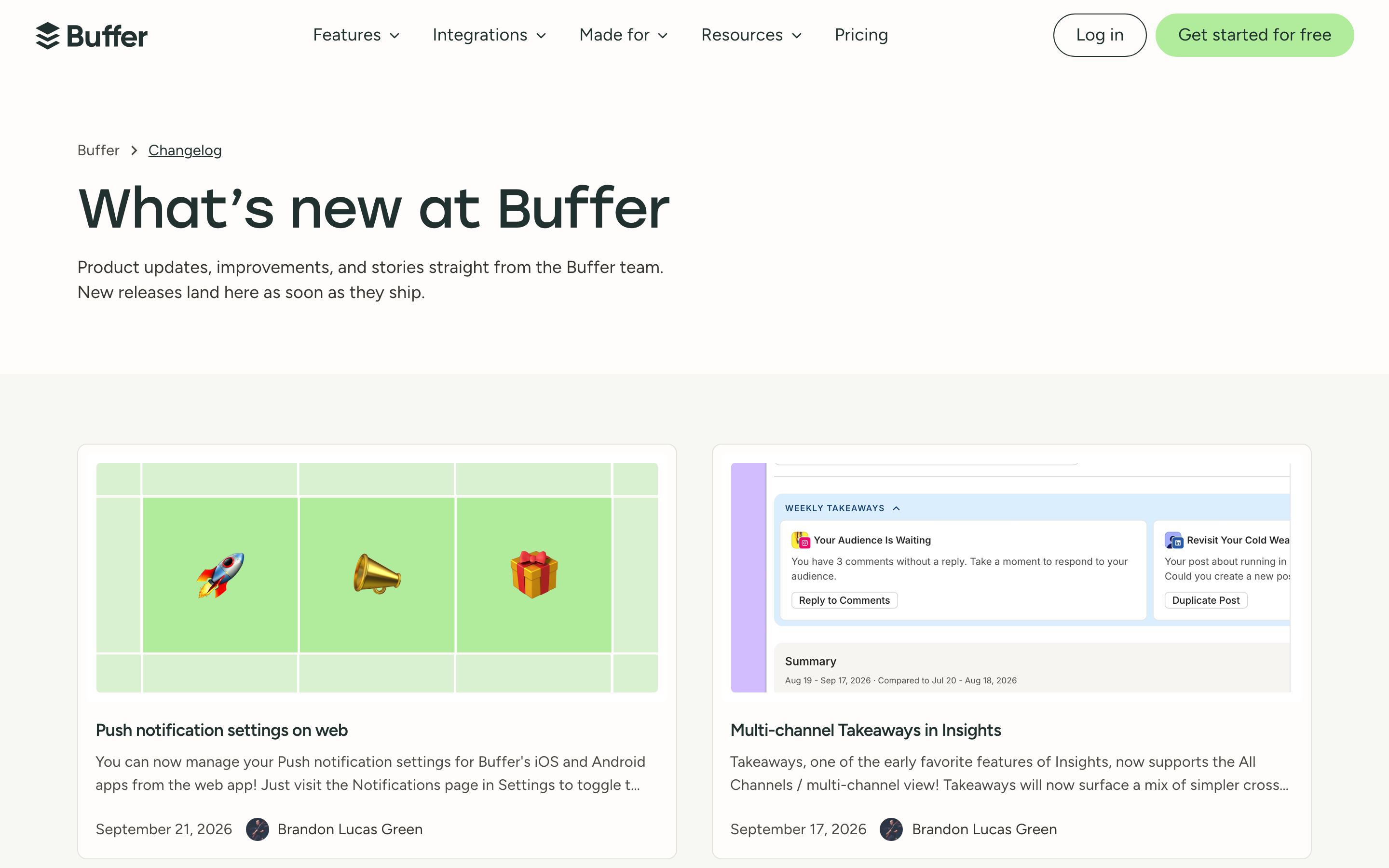
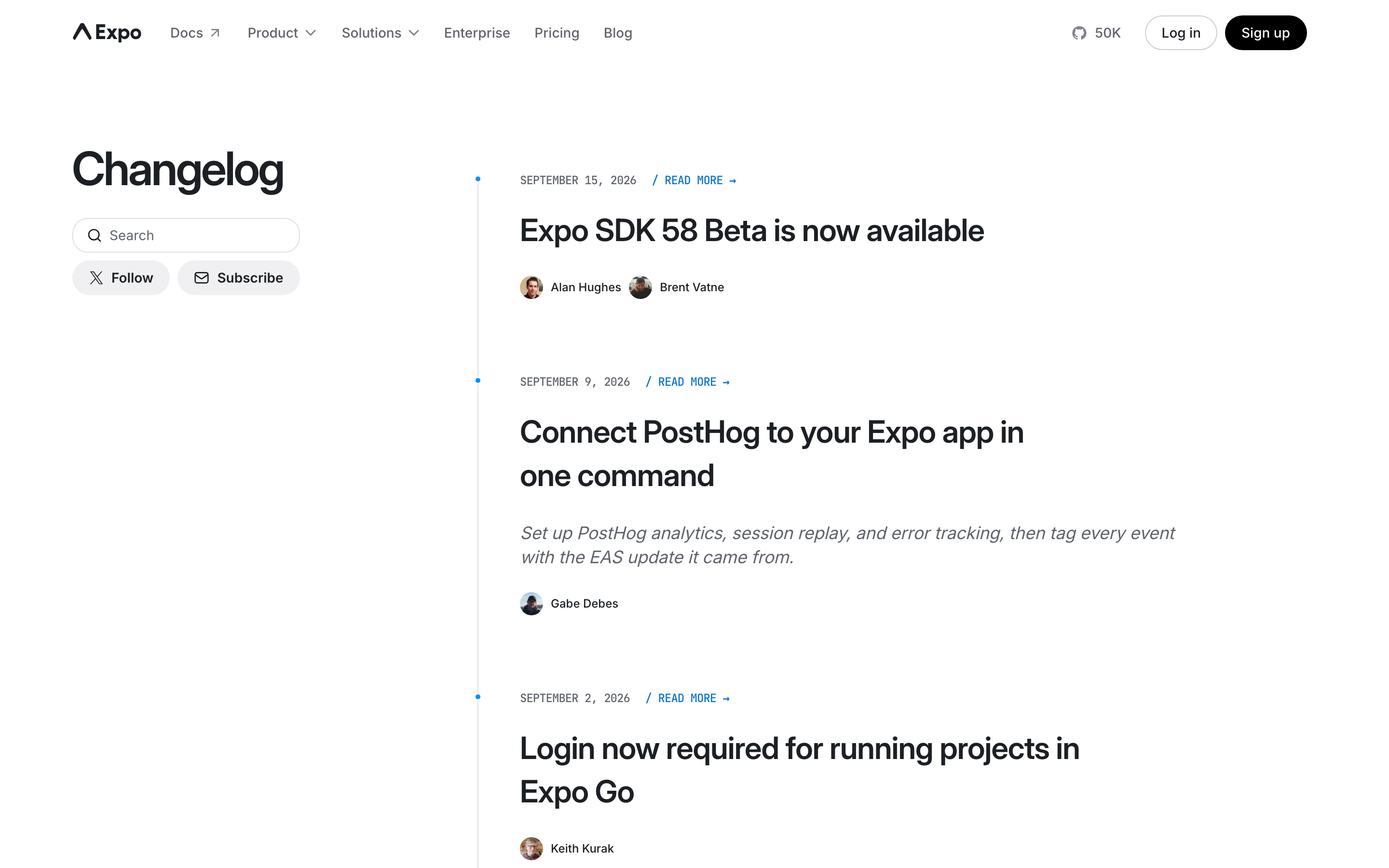
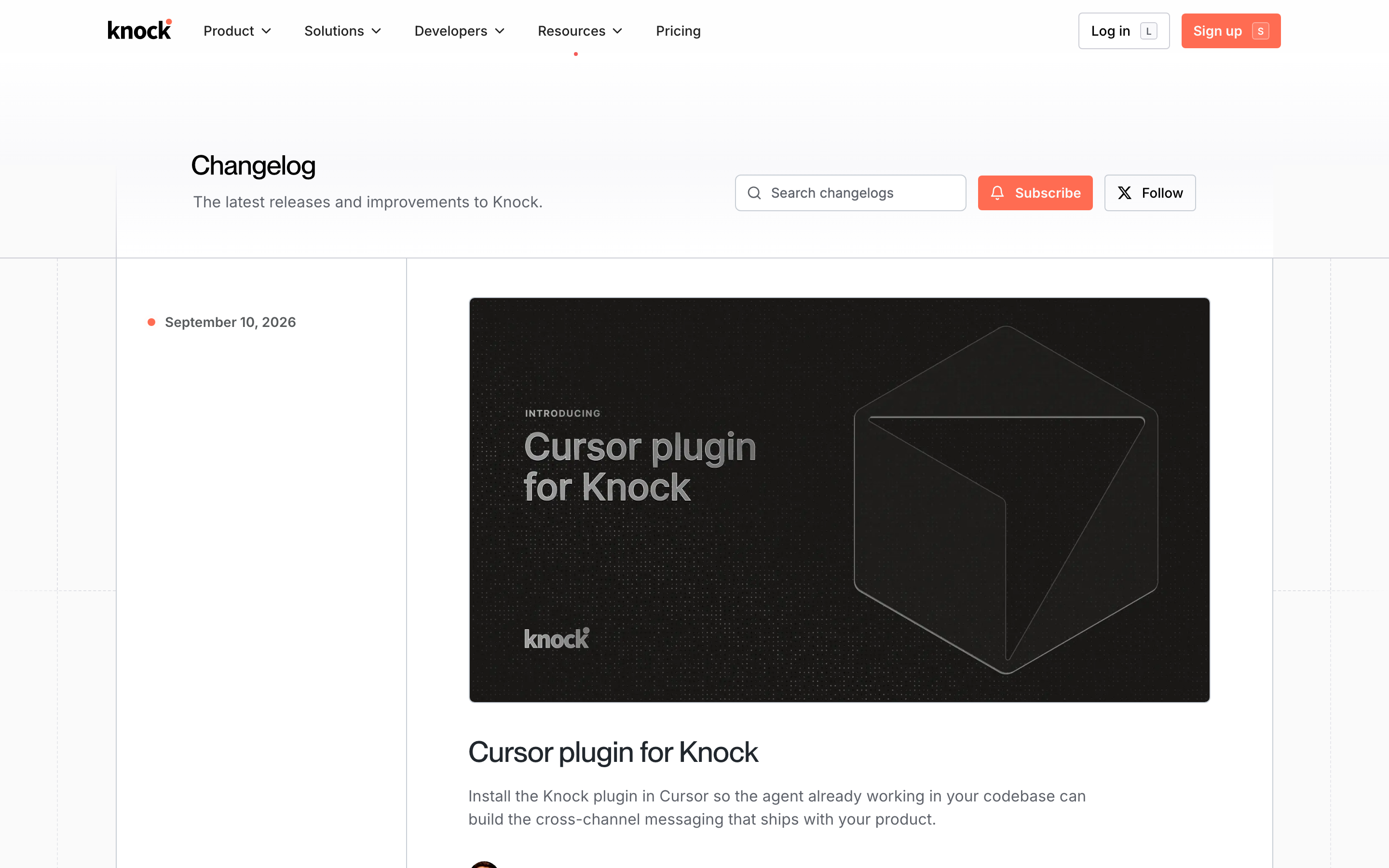
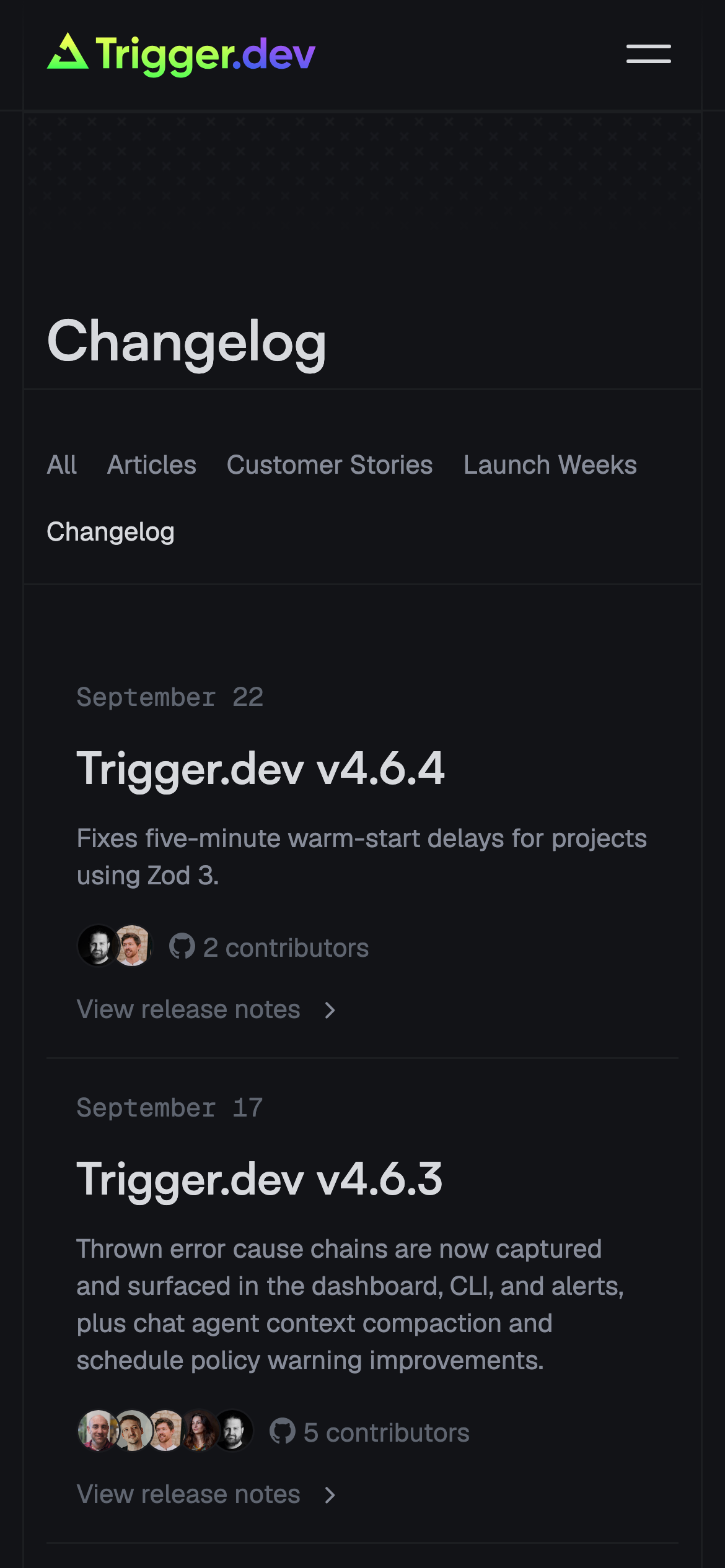
- Most feeds lead with a calendar date beside the headline, whether the layout is a vertical timeline, a left rail or month groupings. Readers can scan when something shipped before they open the full write-up. Examples: Linear, Resend, Clerk, Dub, Sentry, PlanetScale, Knock.
- Headlines pair with product visuals
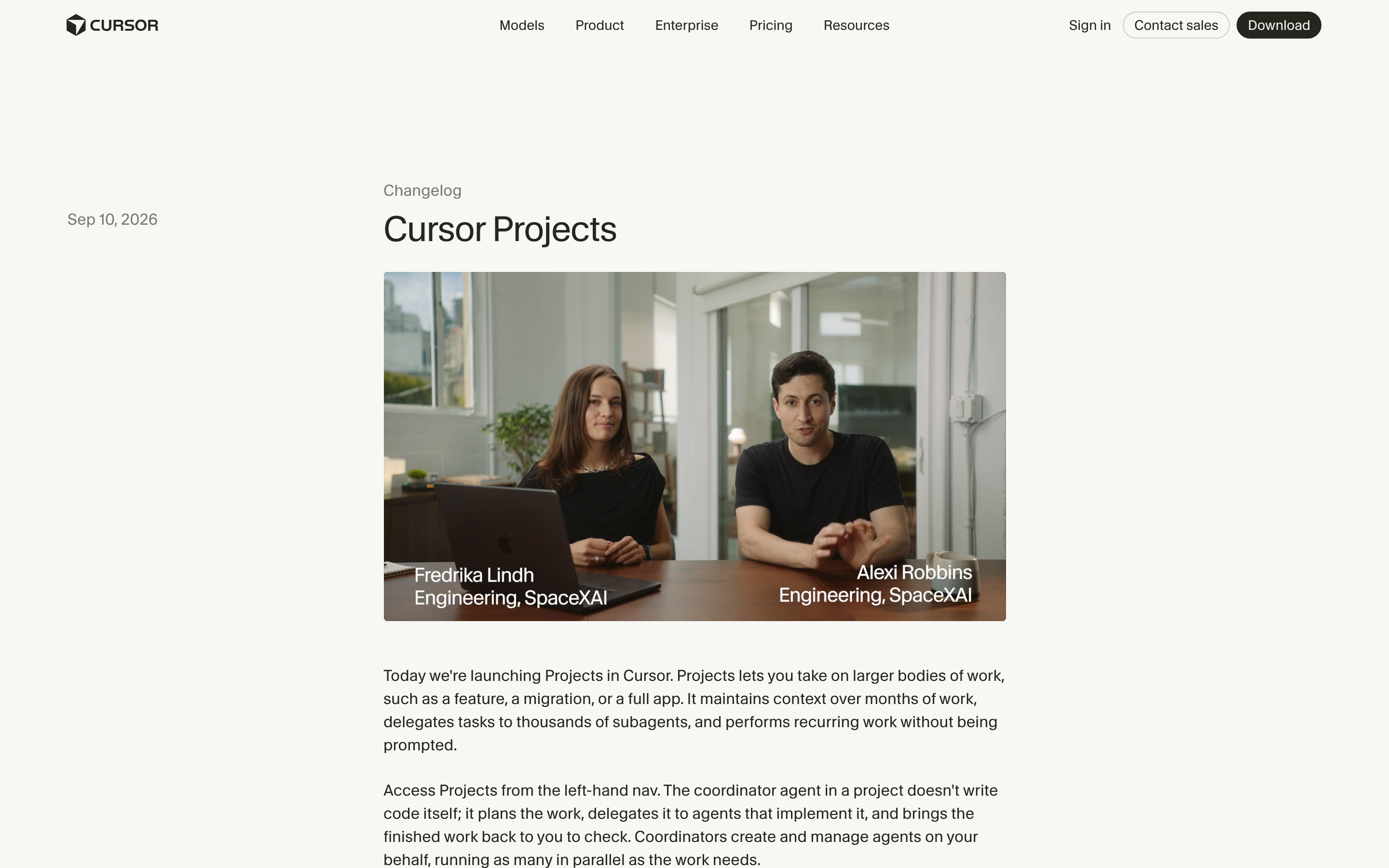
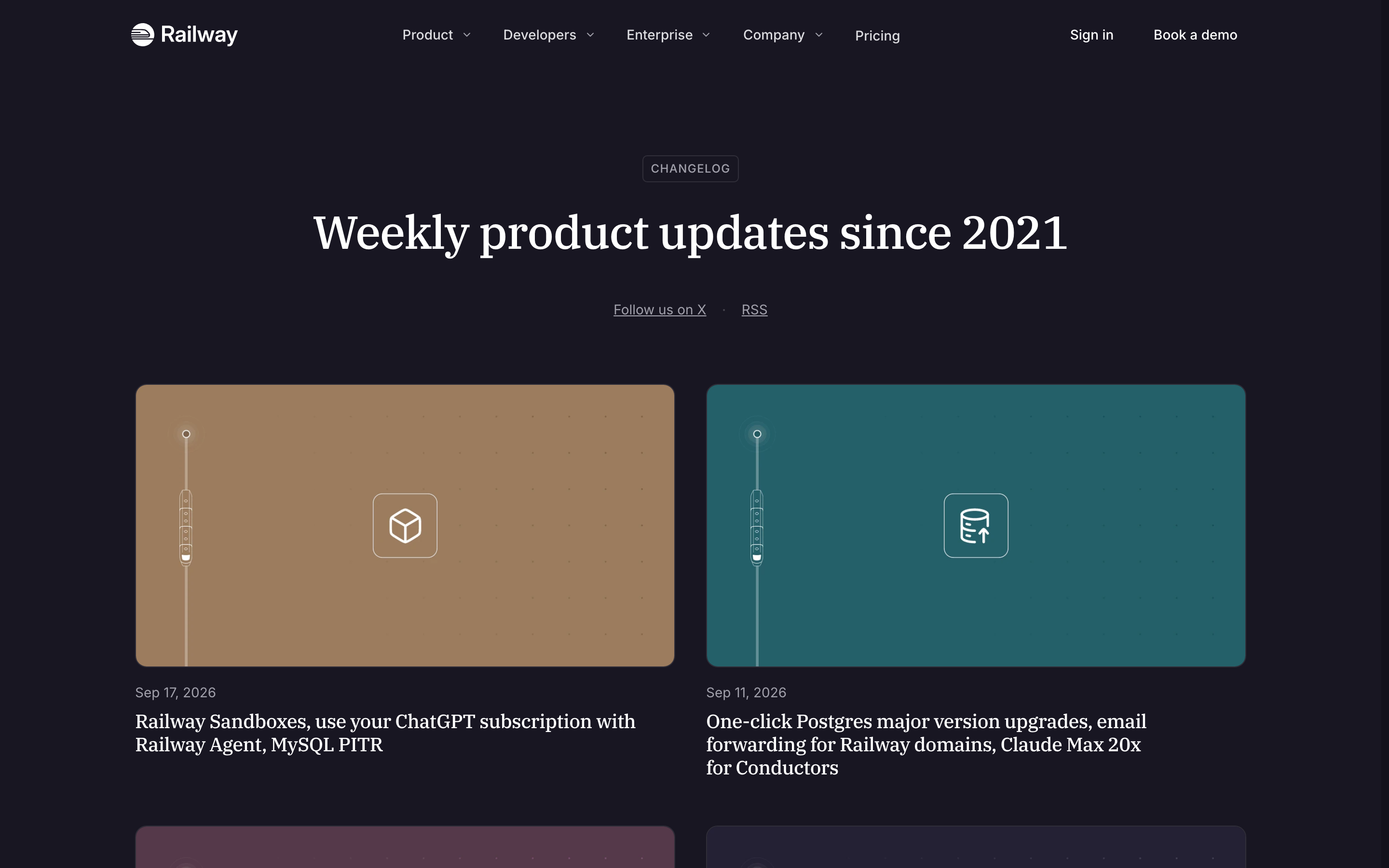
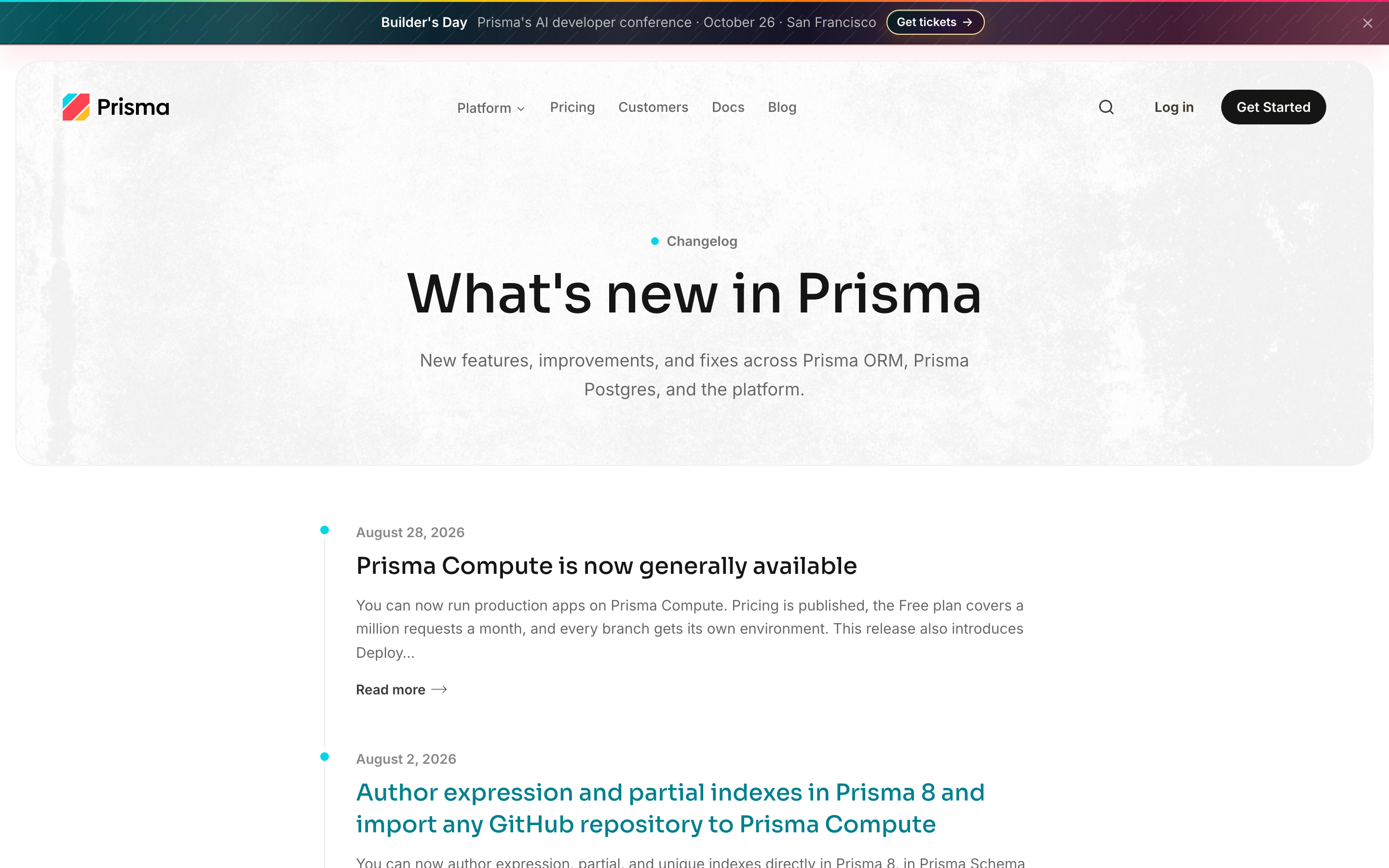
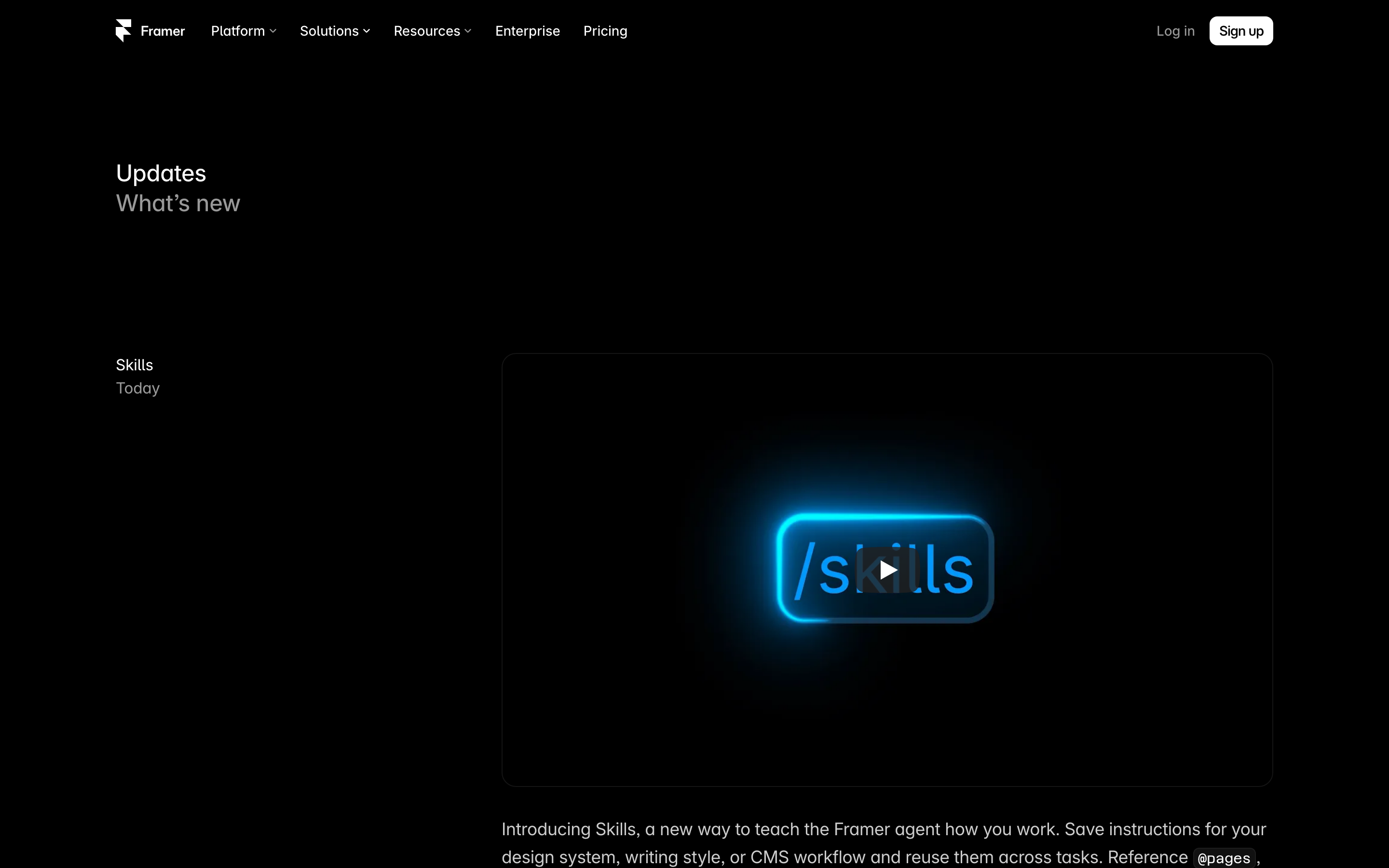
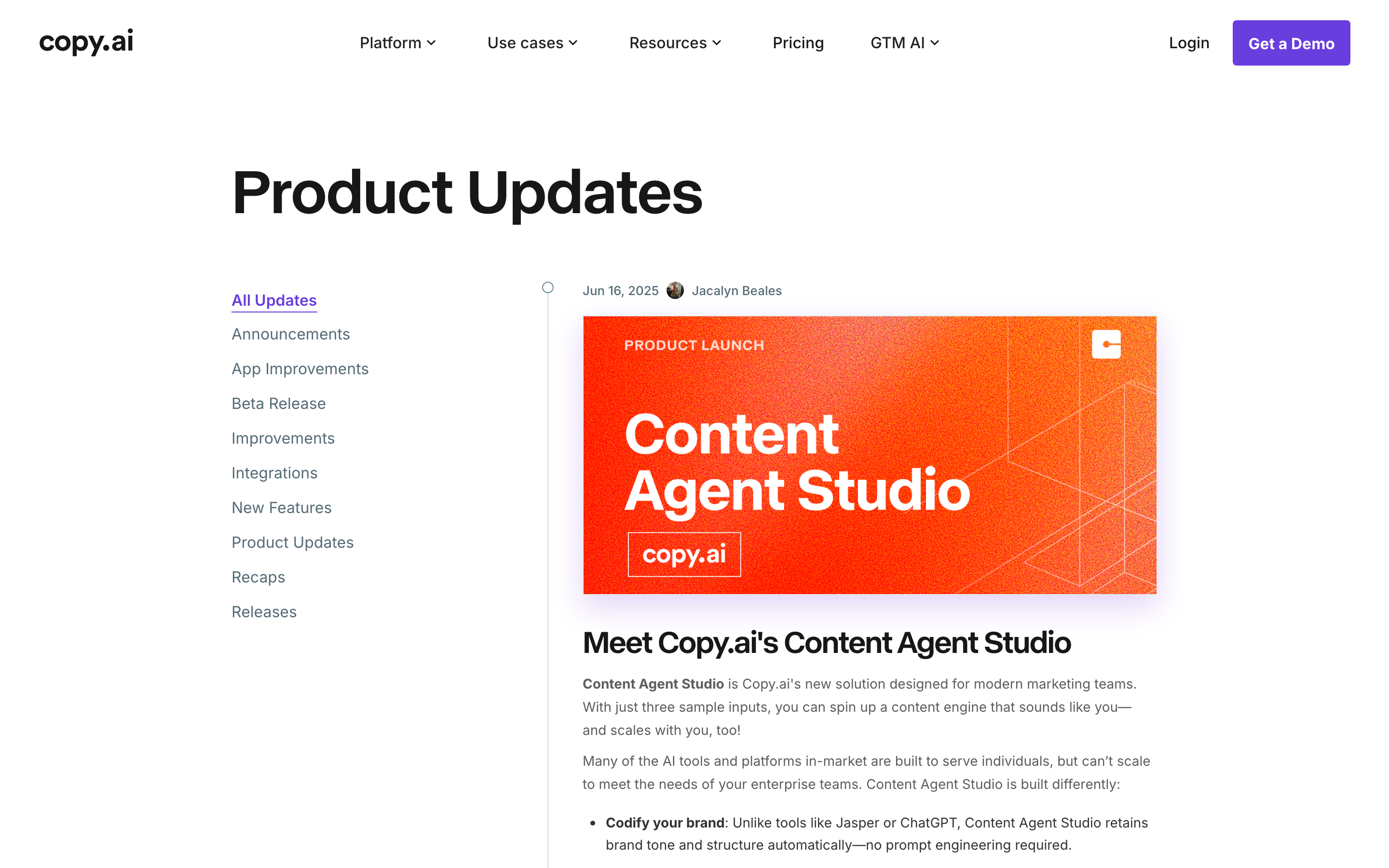
- Strong entries combine a short title with a hero screenshot, illustration or embedded video that shows the change in the product UI, not just marketing copy. Examples: Cursor, Framer, Railway, Prisma, Copy.ai, Dub, Knock.
All 30 examples
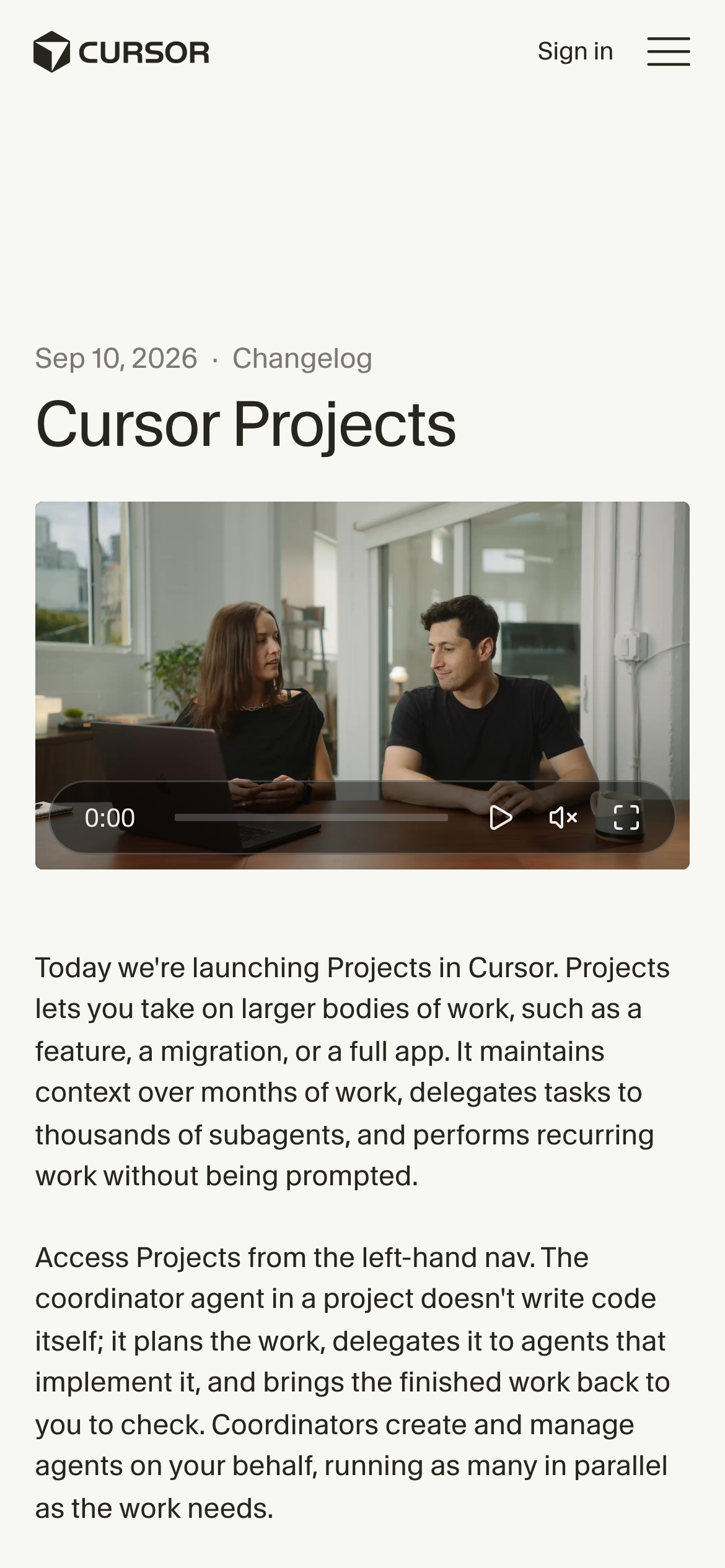
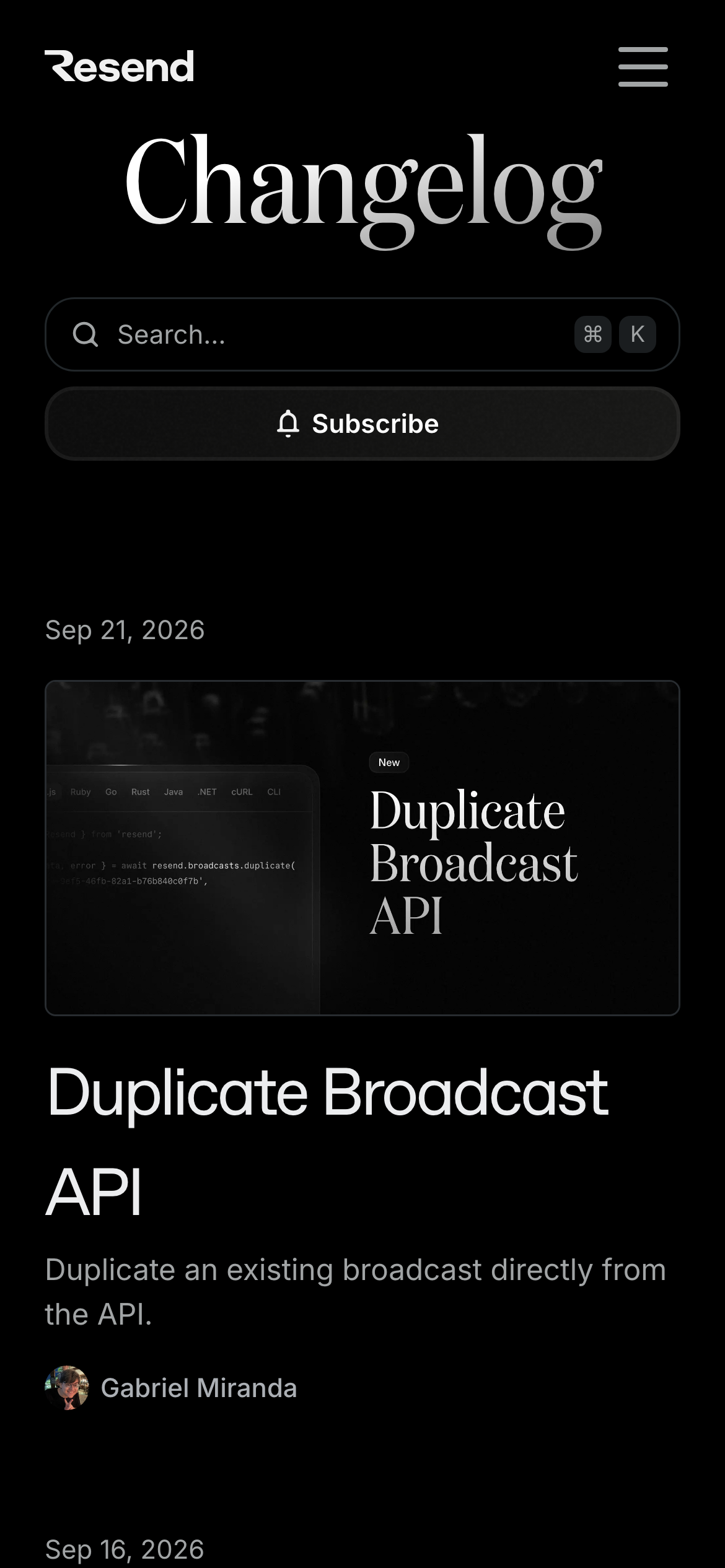
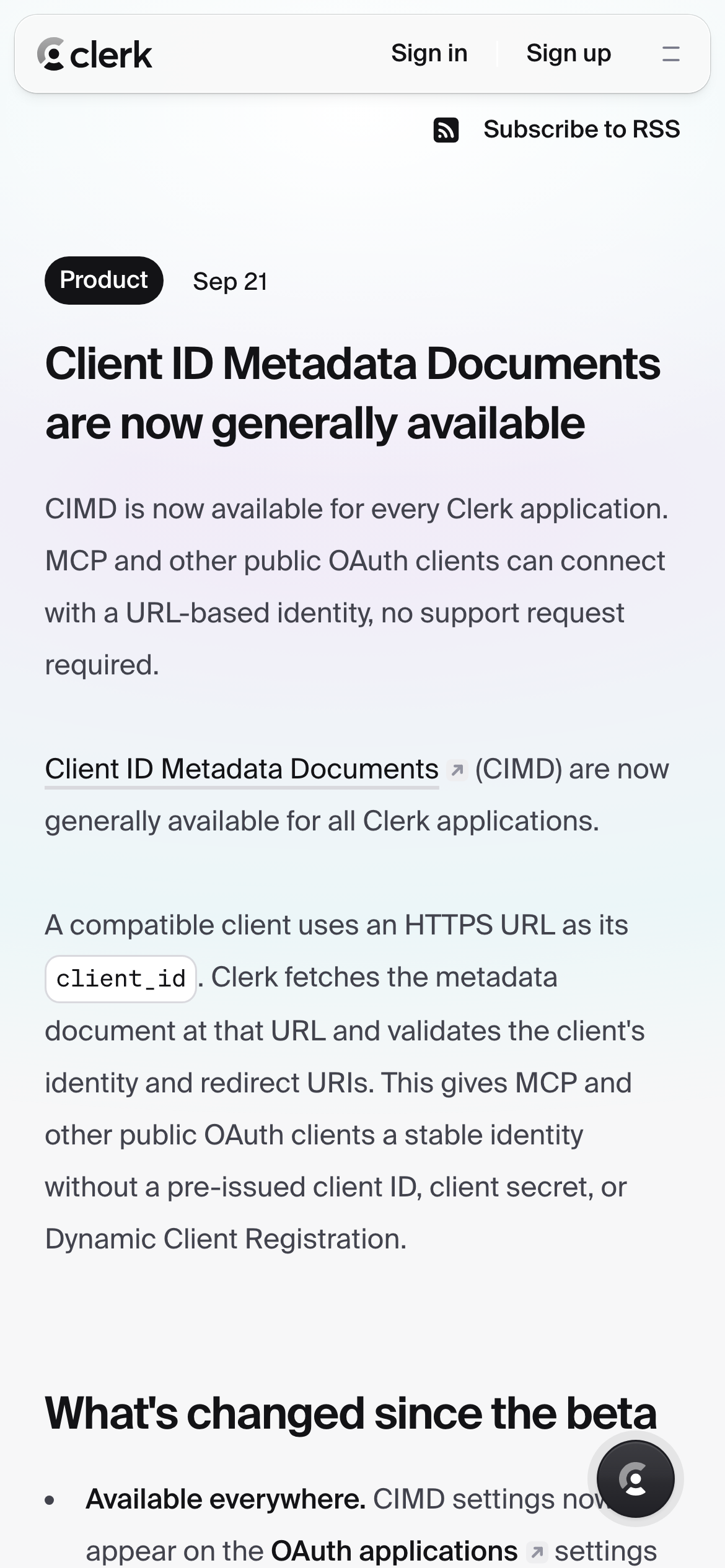
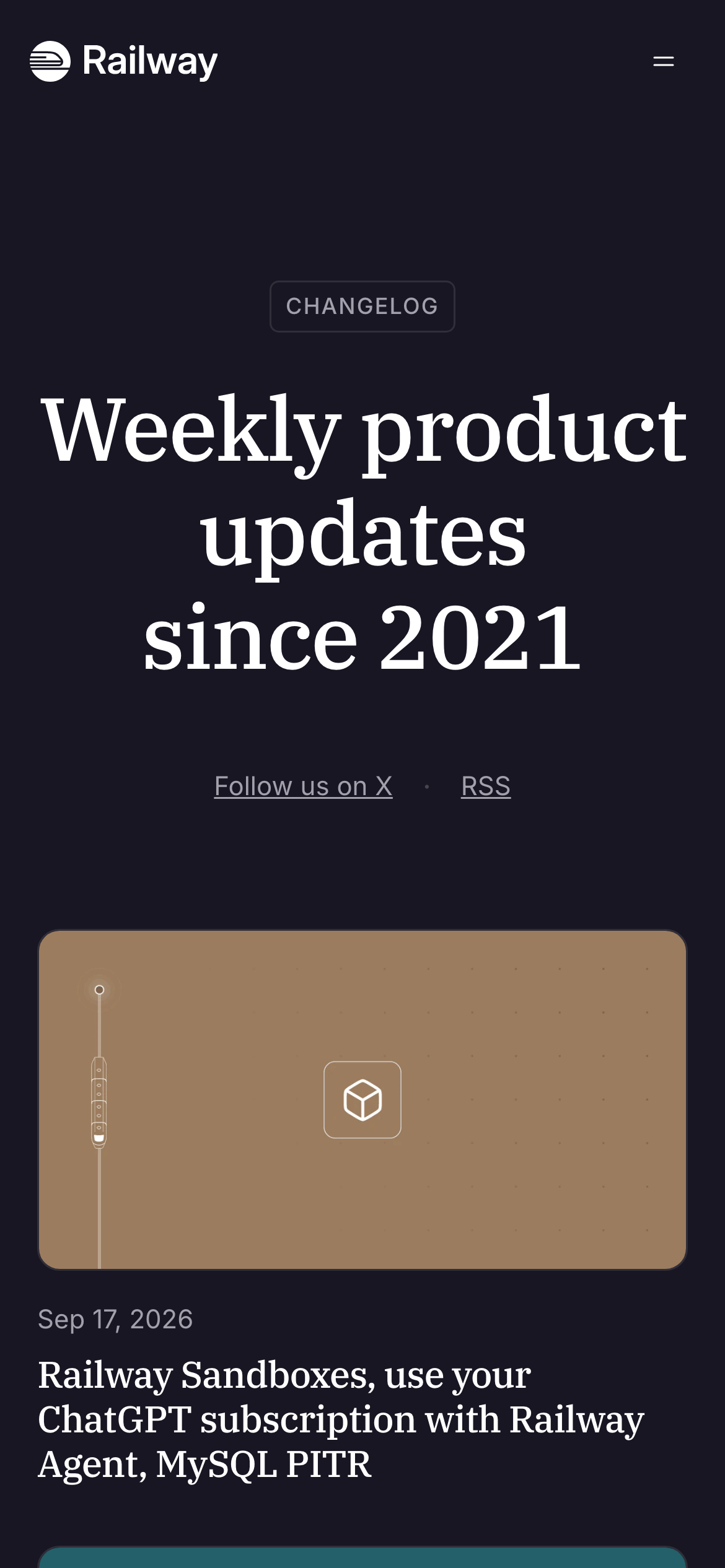
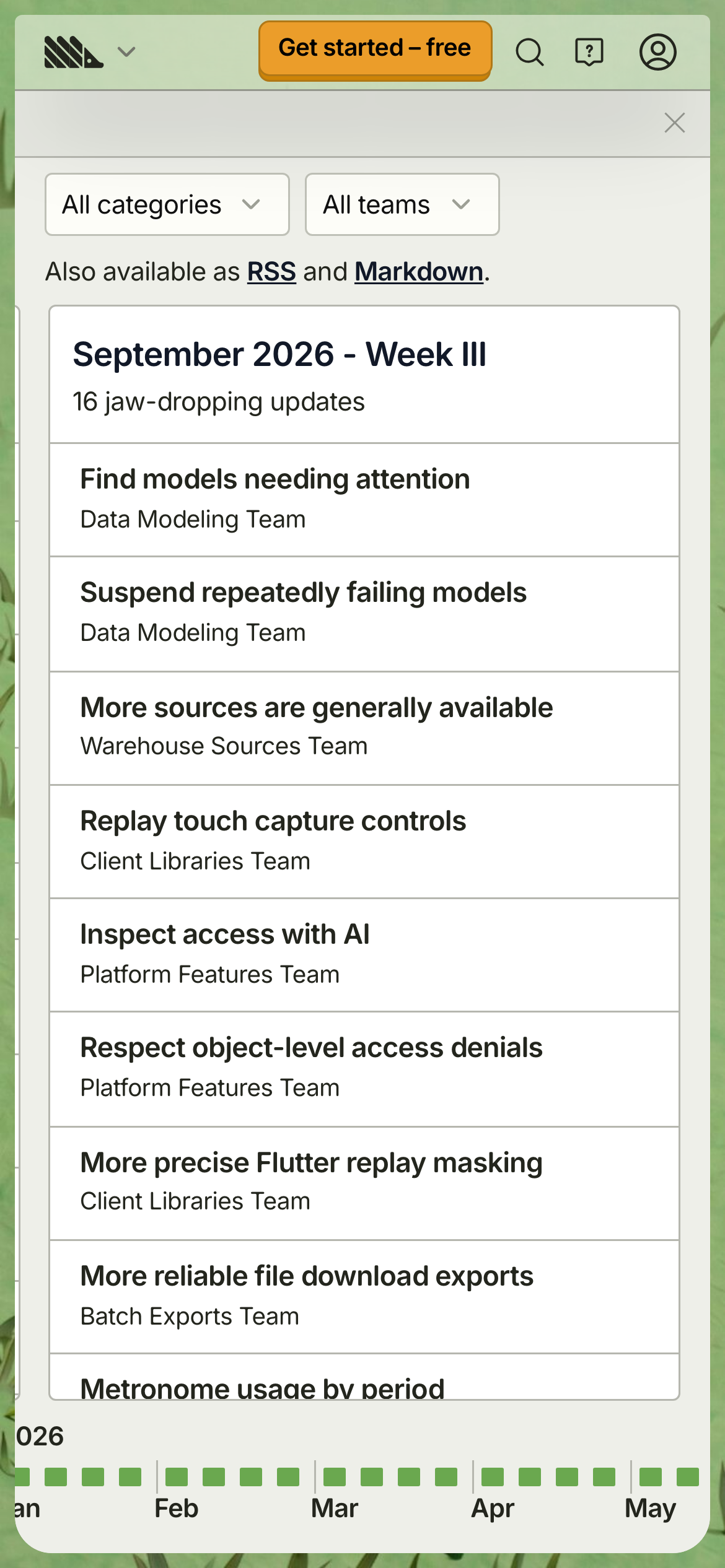
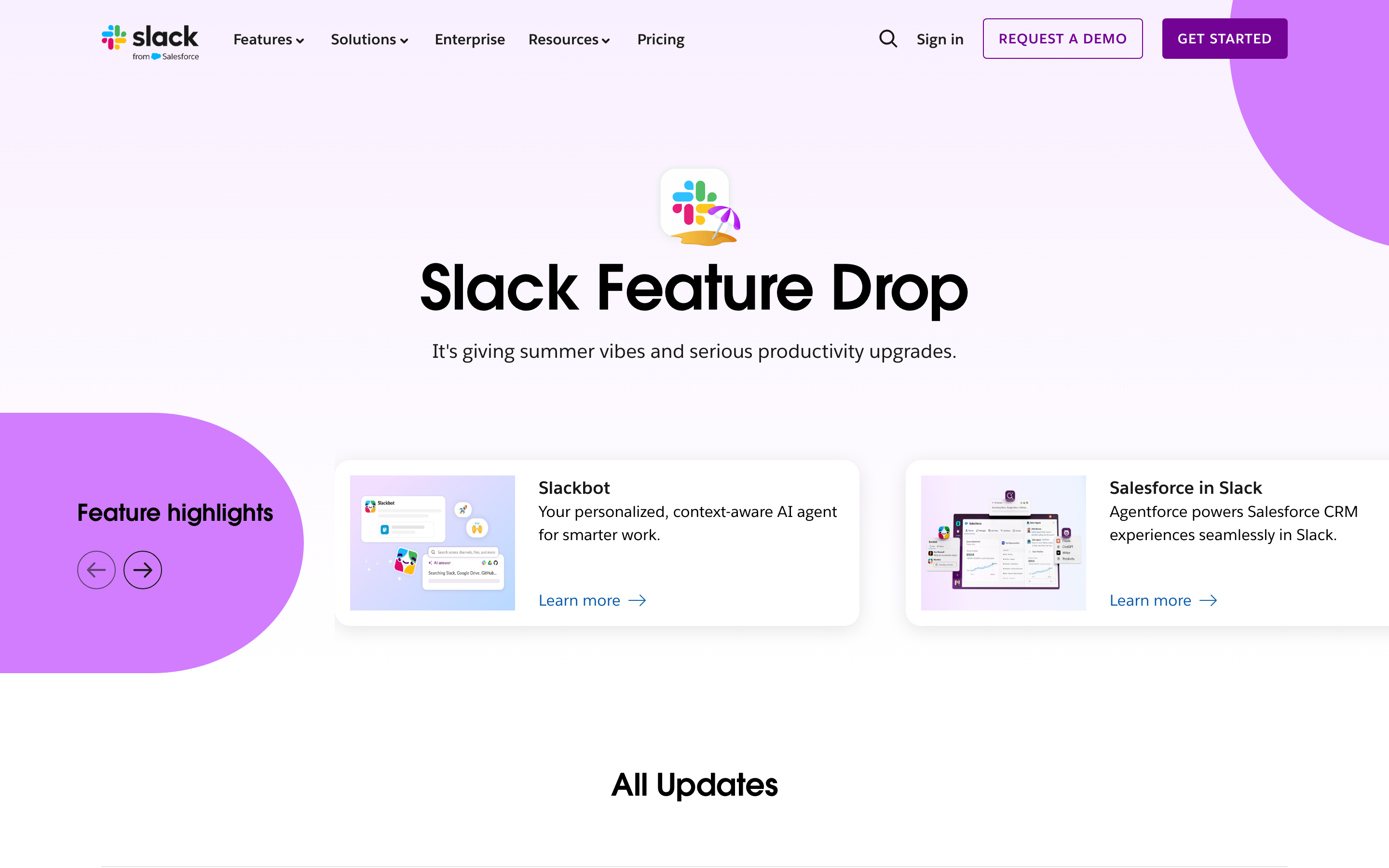
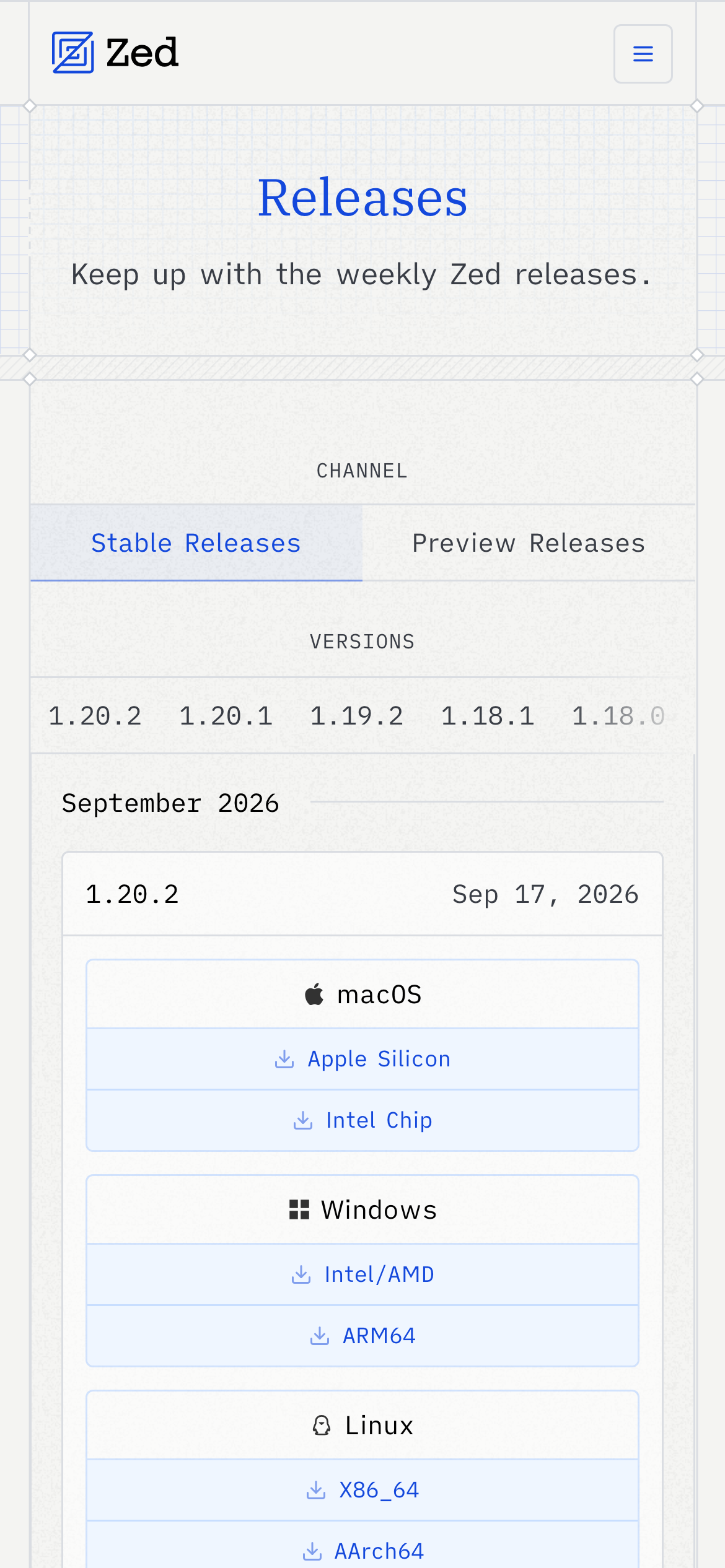
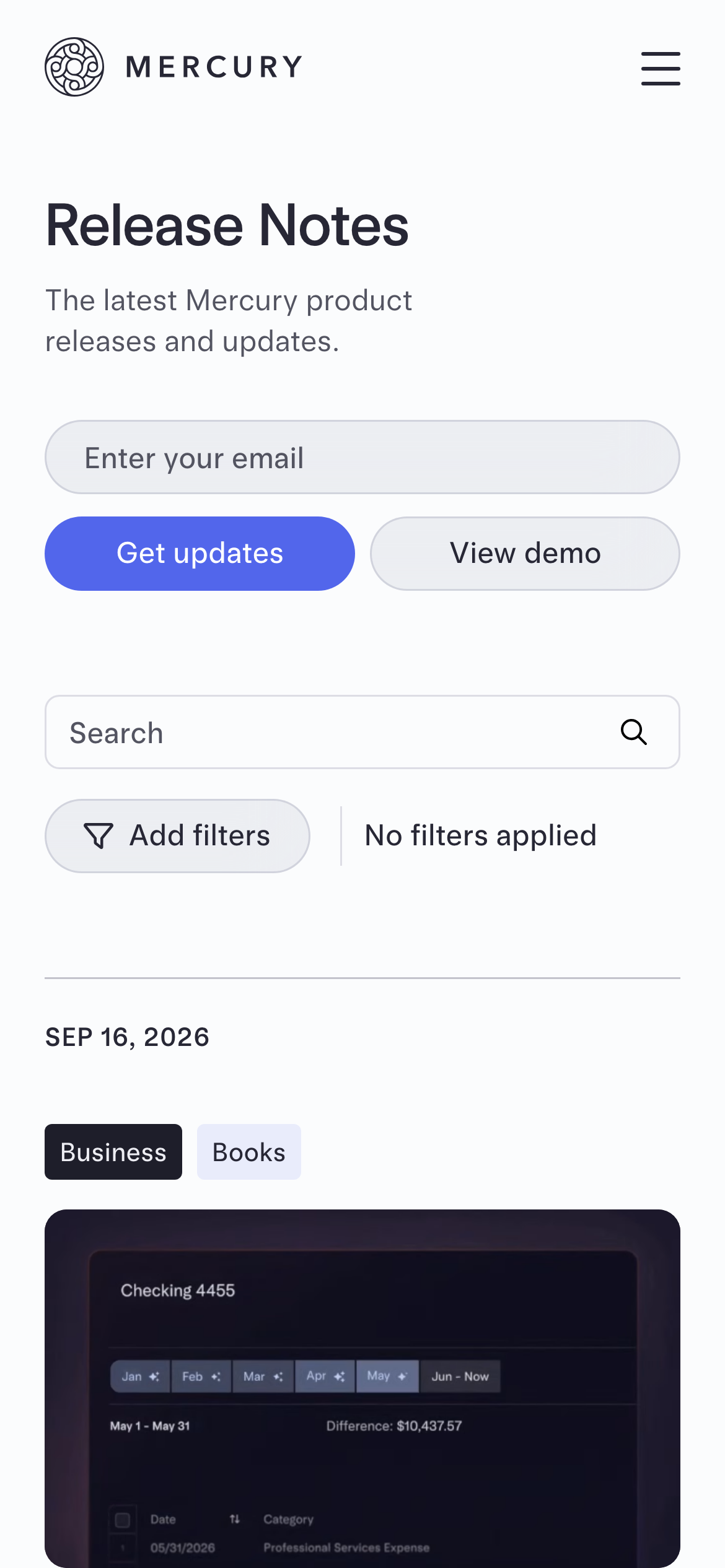
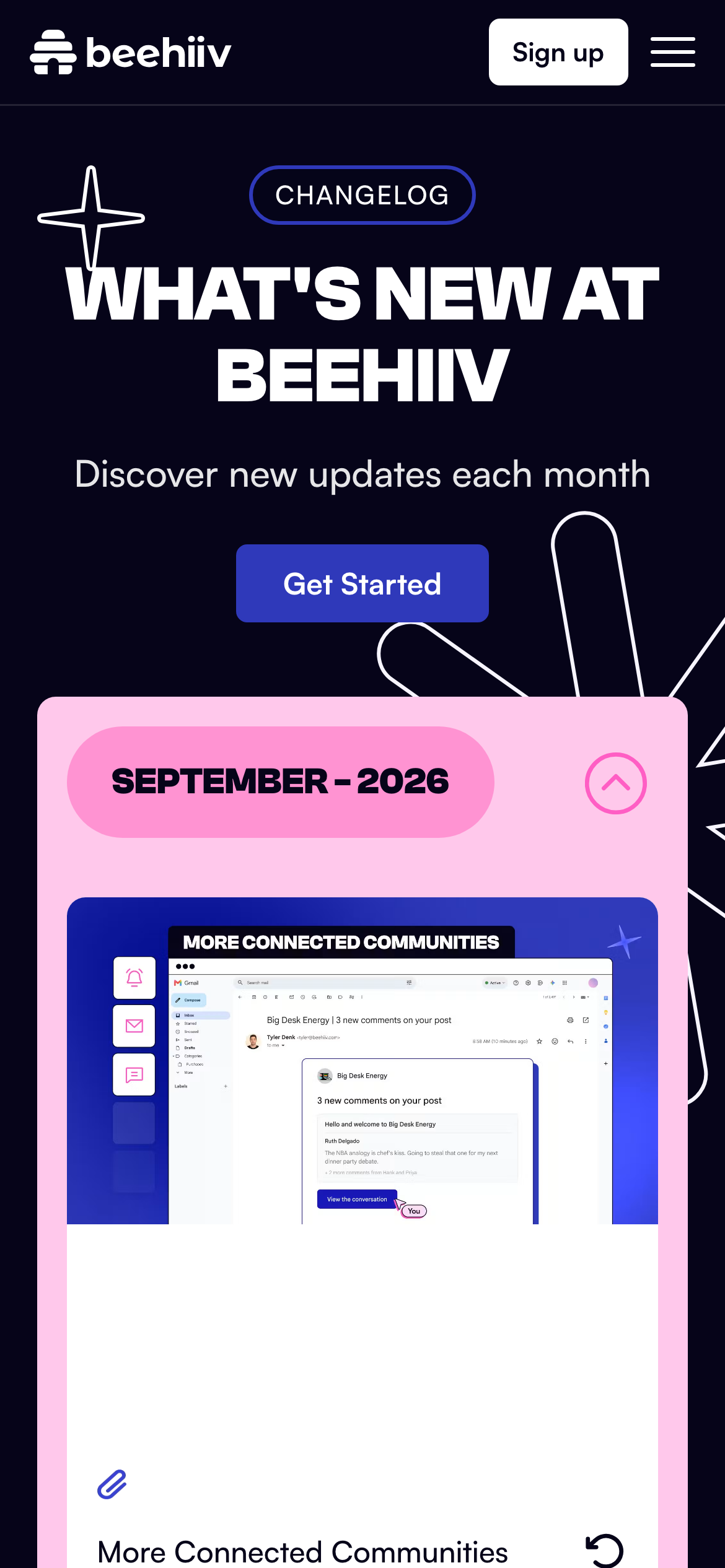
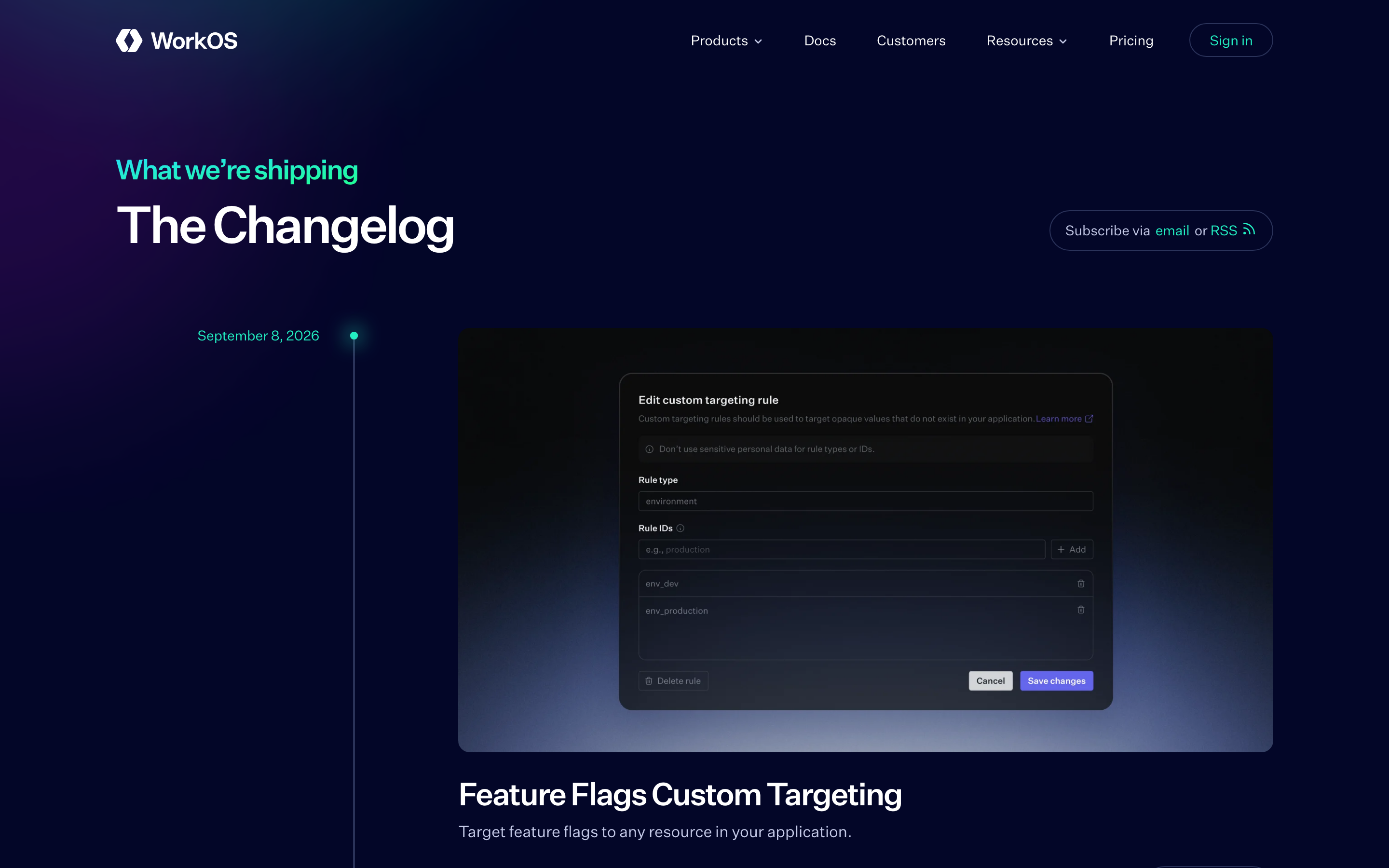
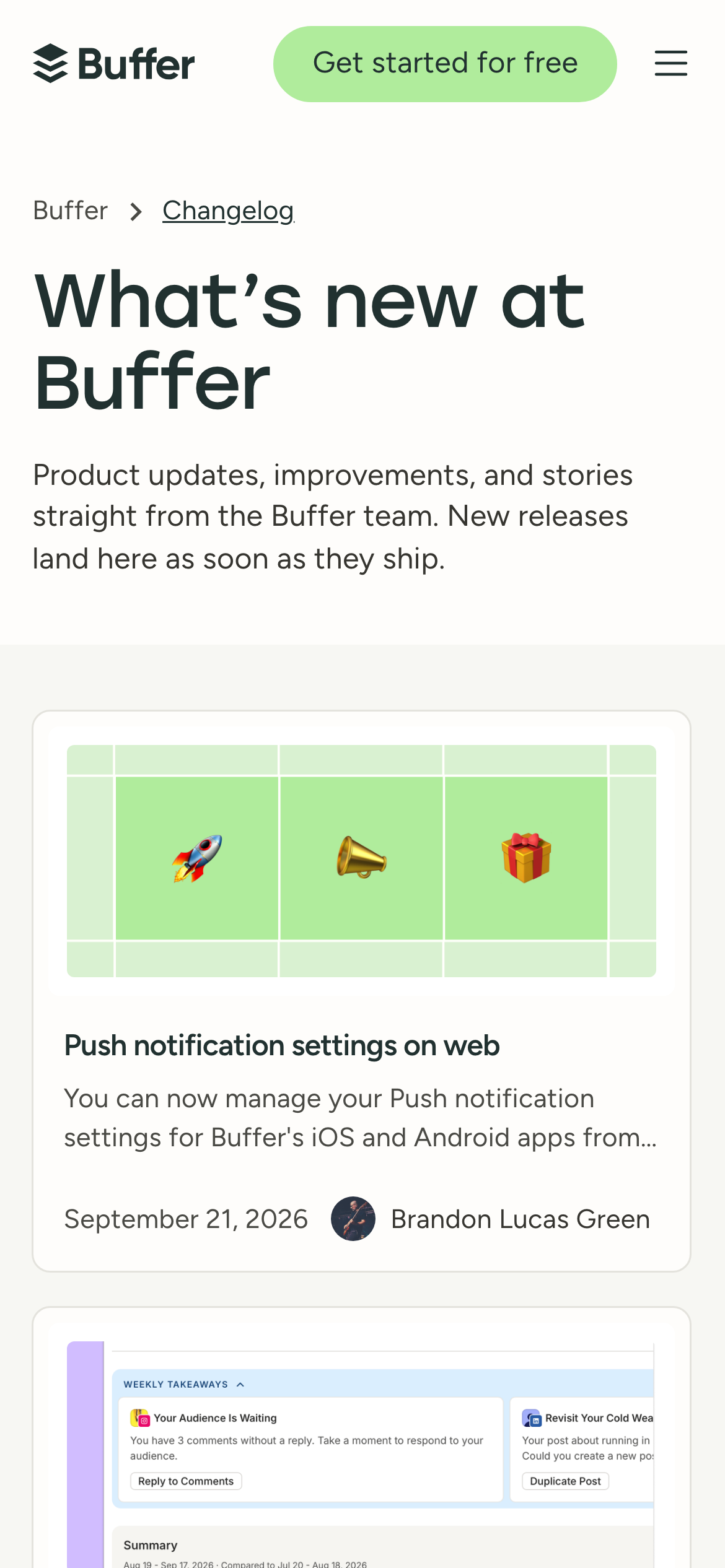
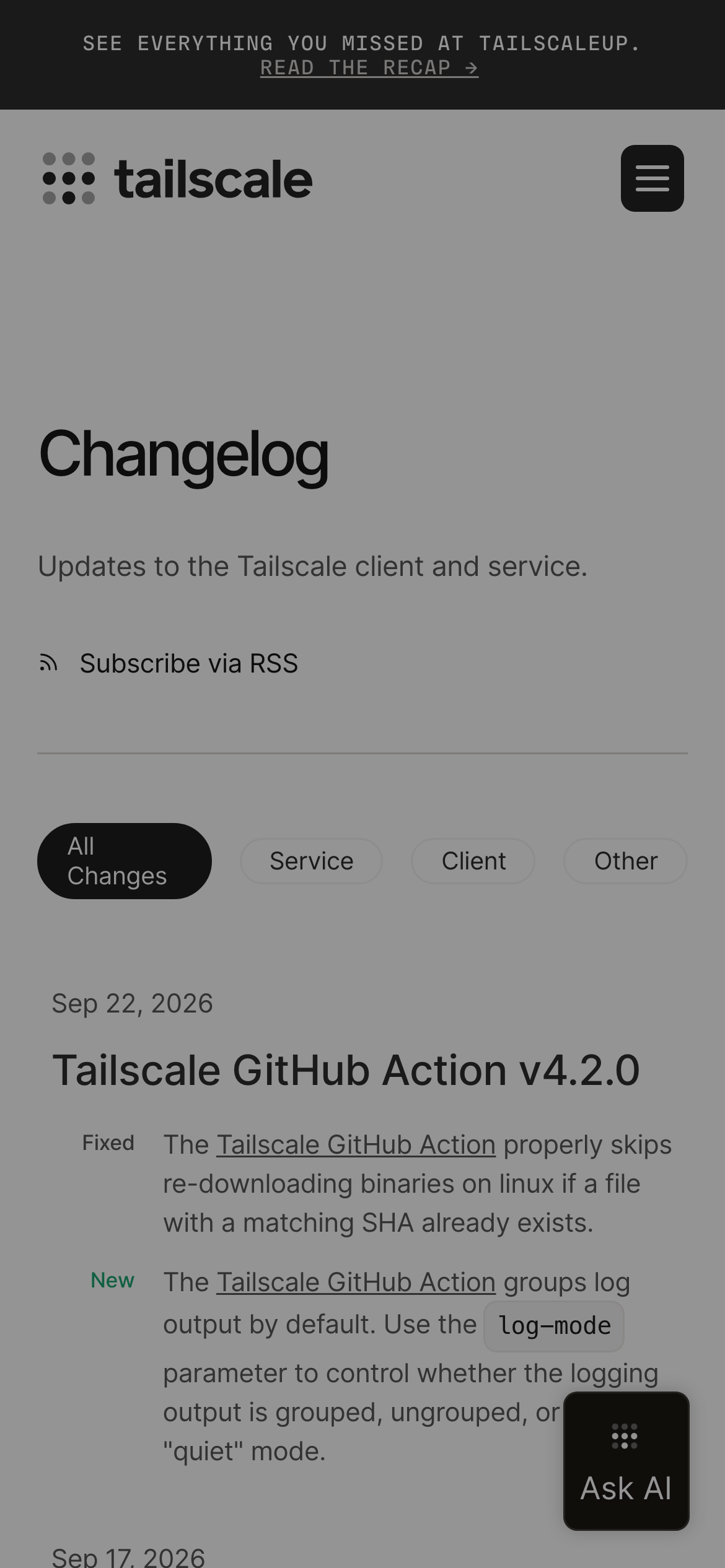
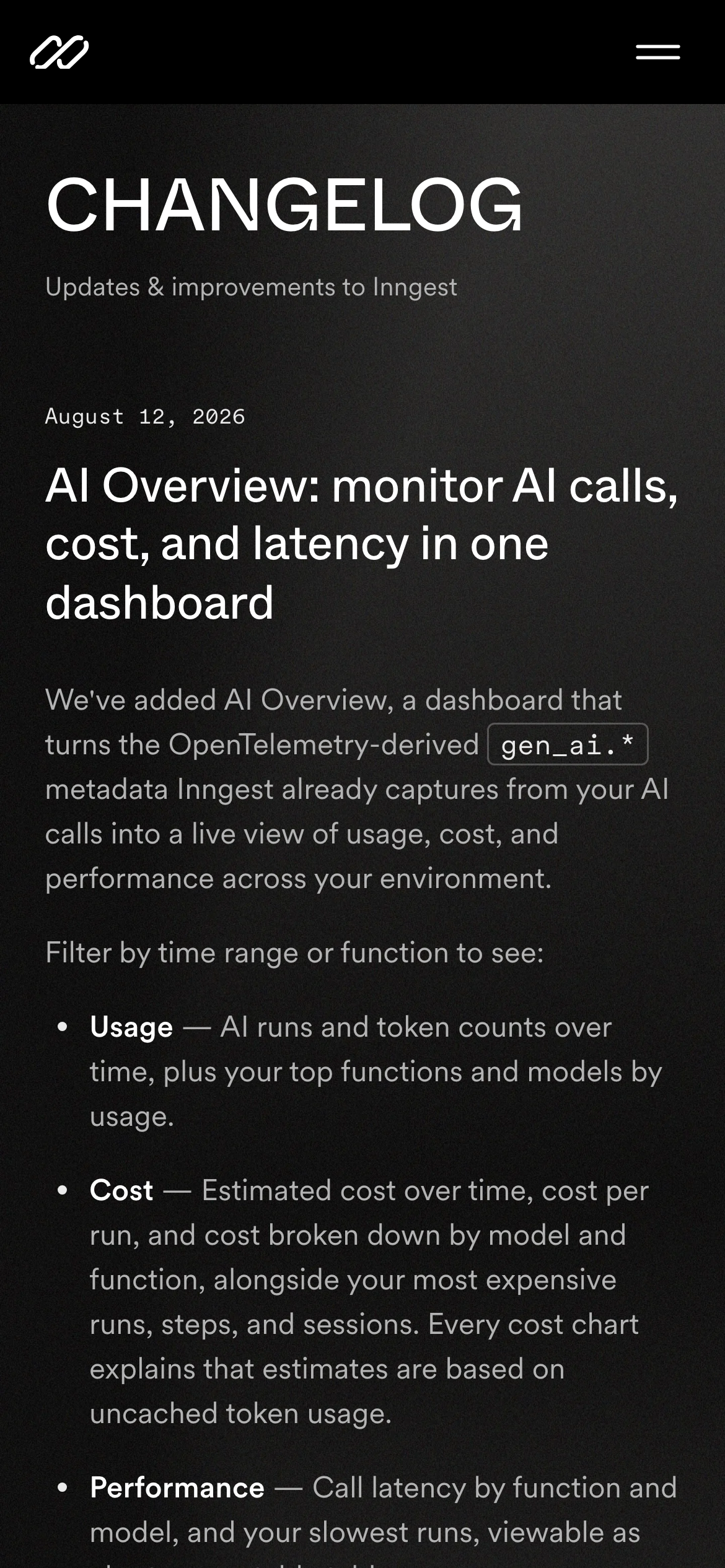
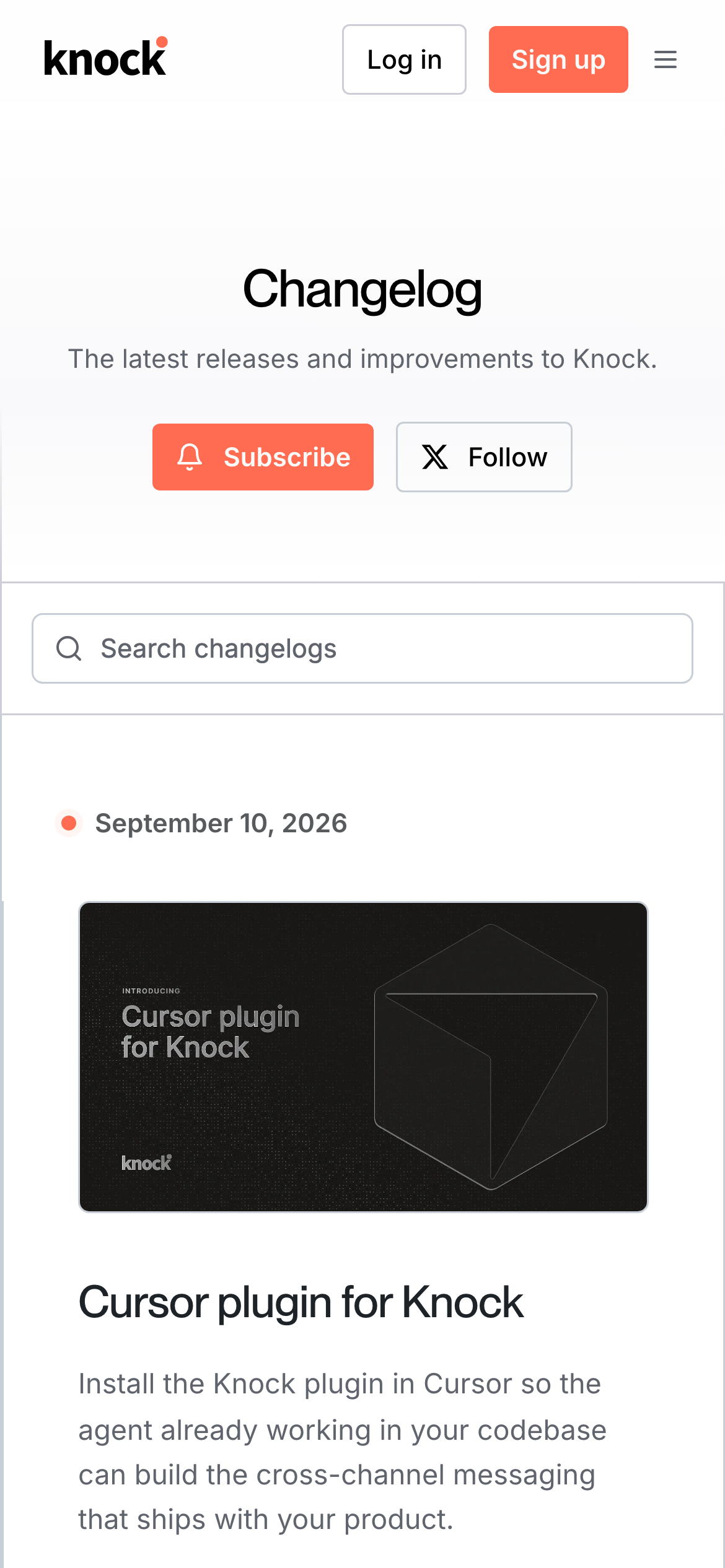
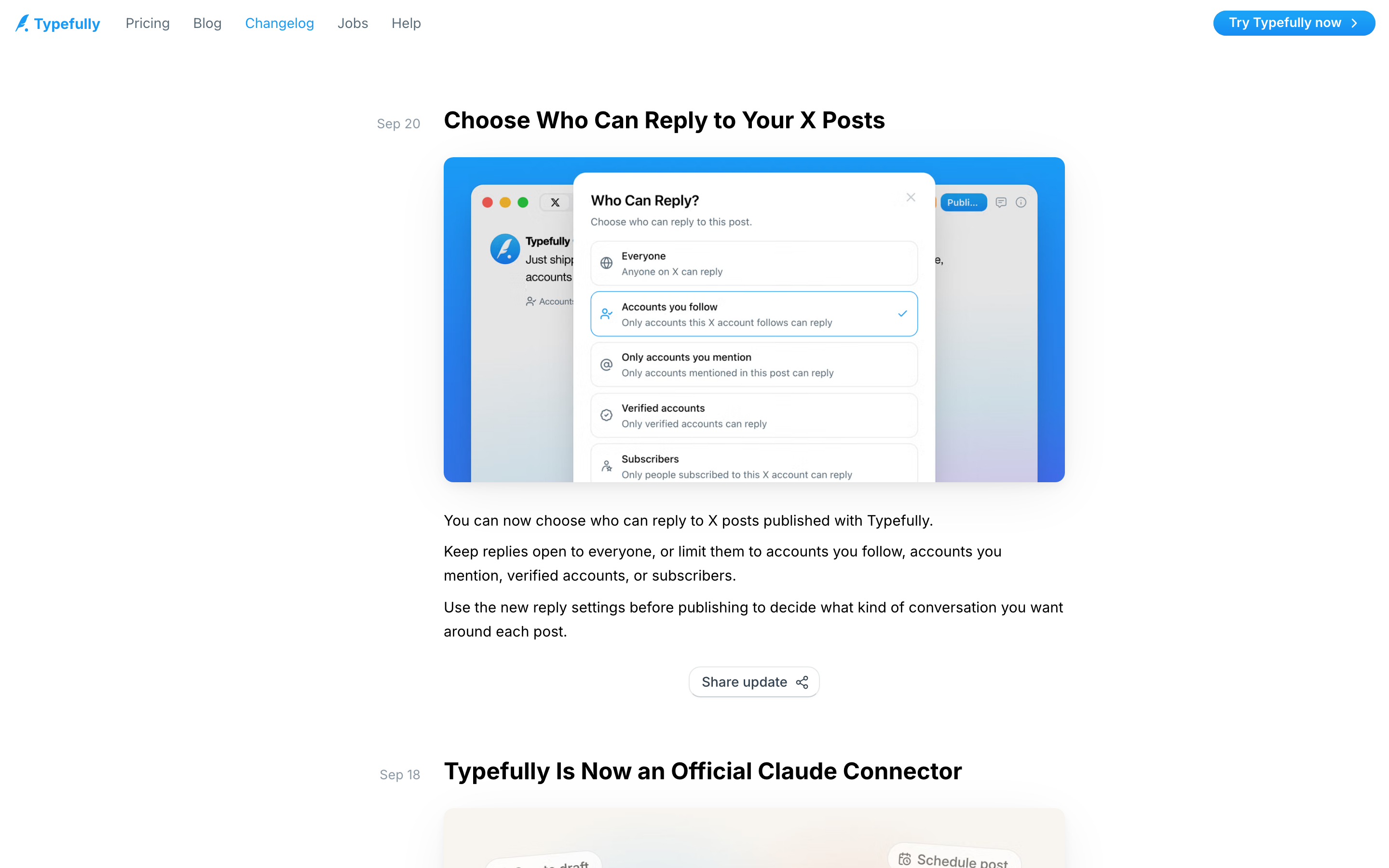
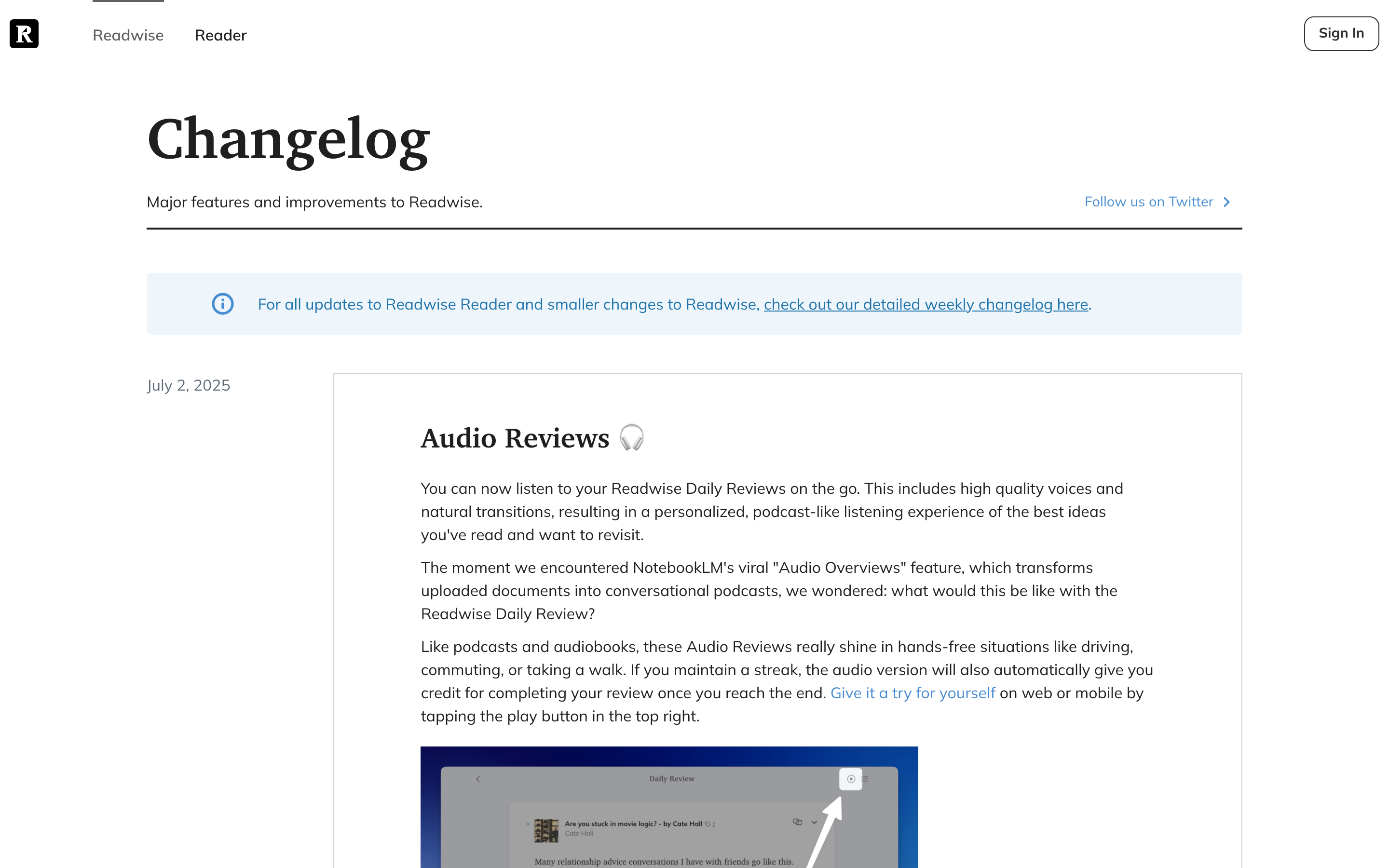
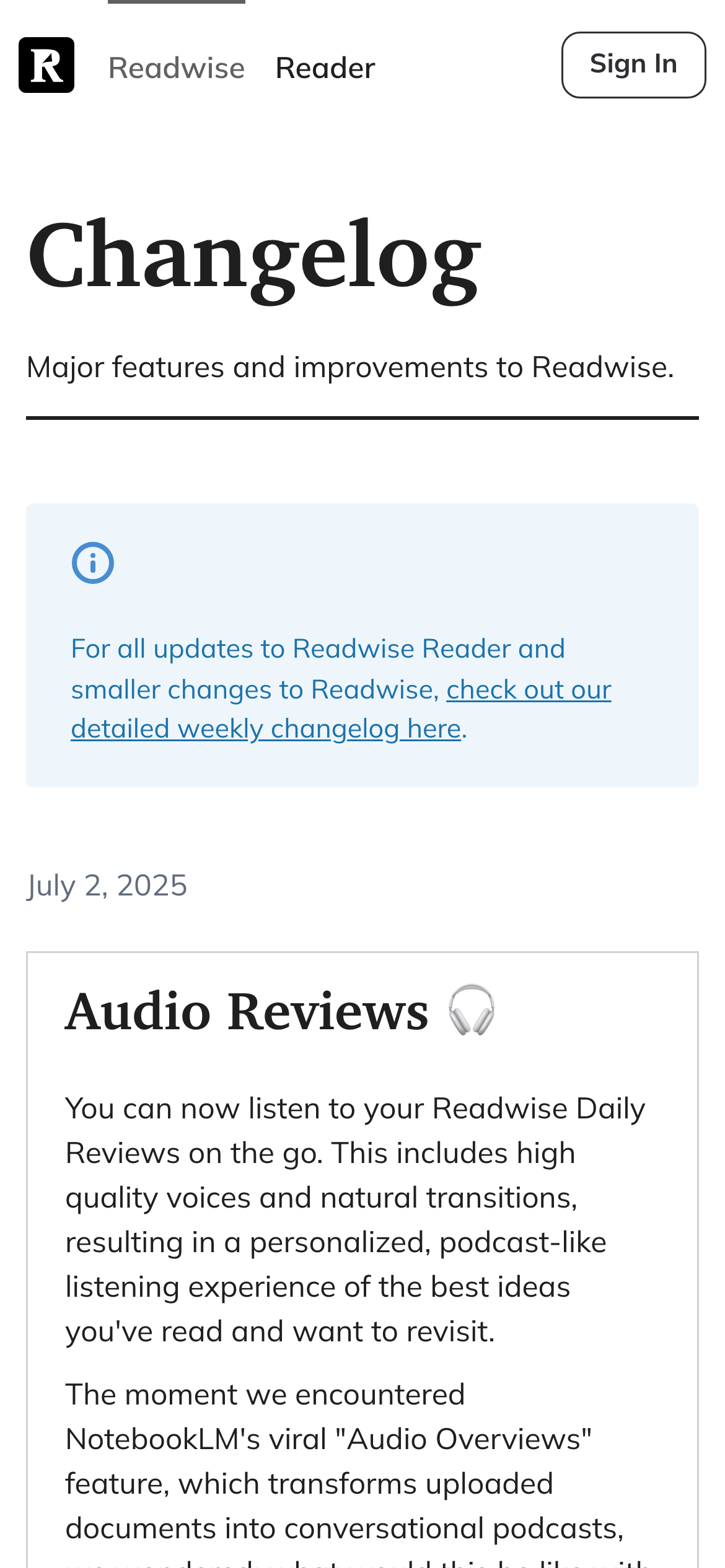
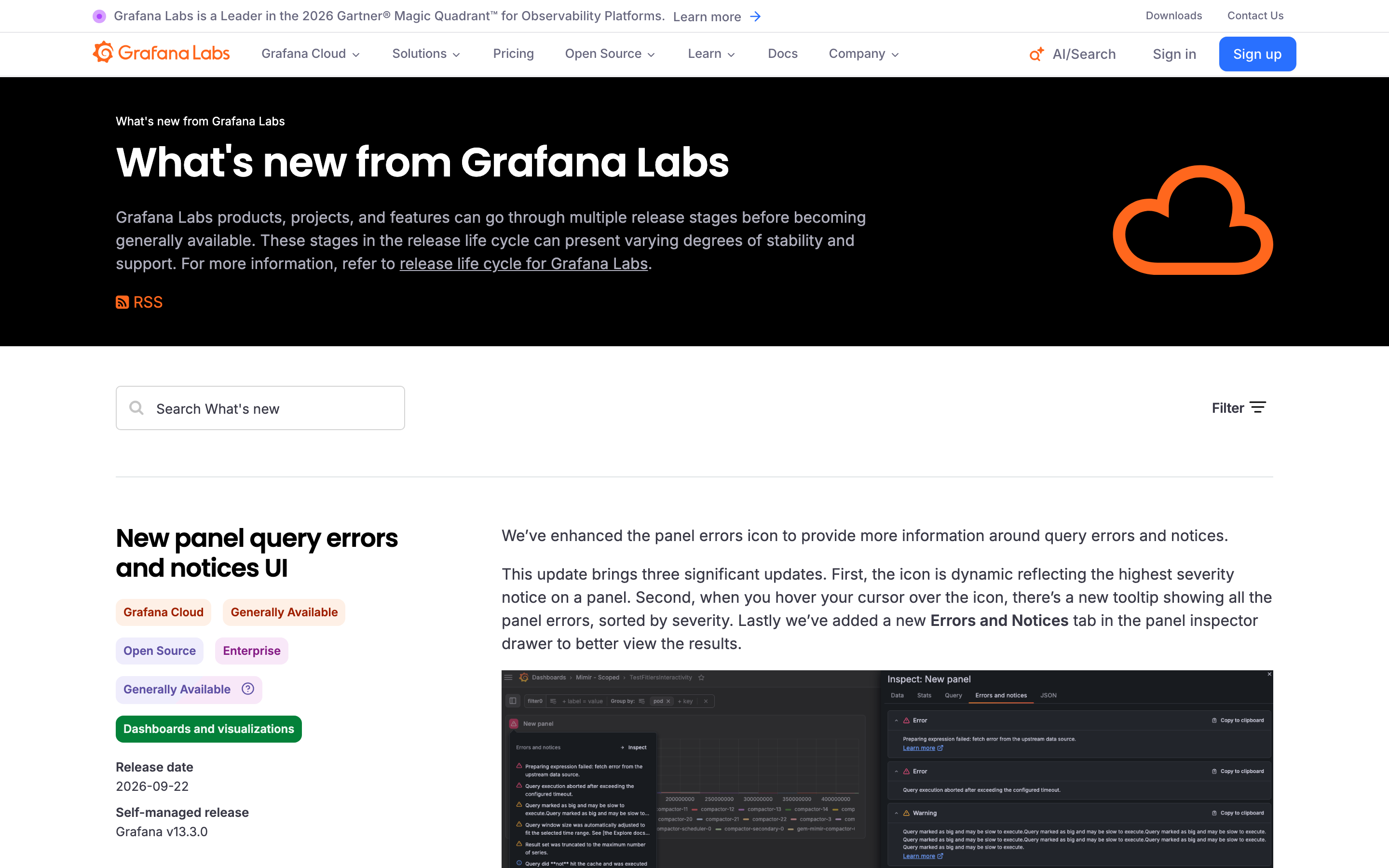
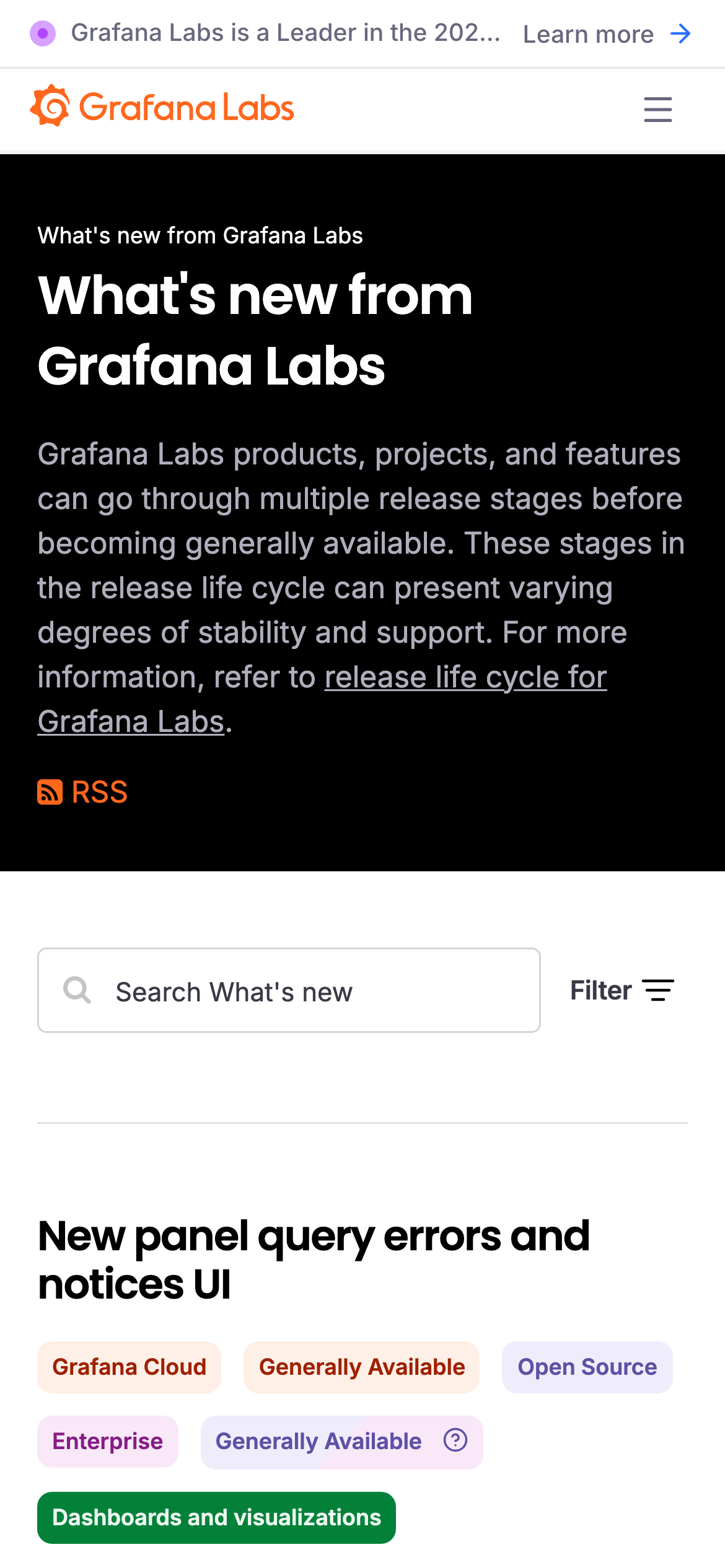
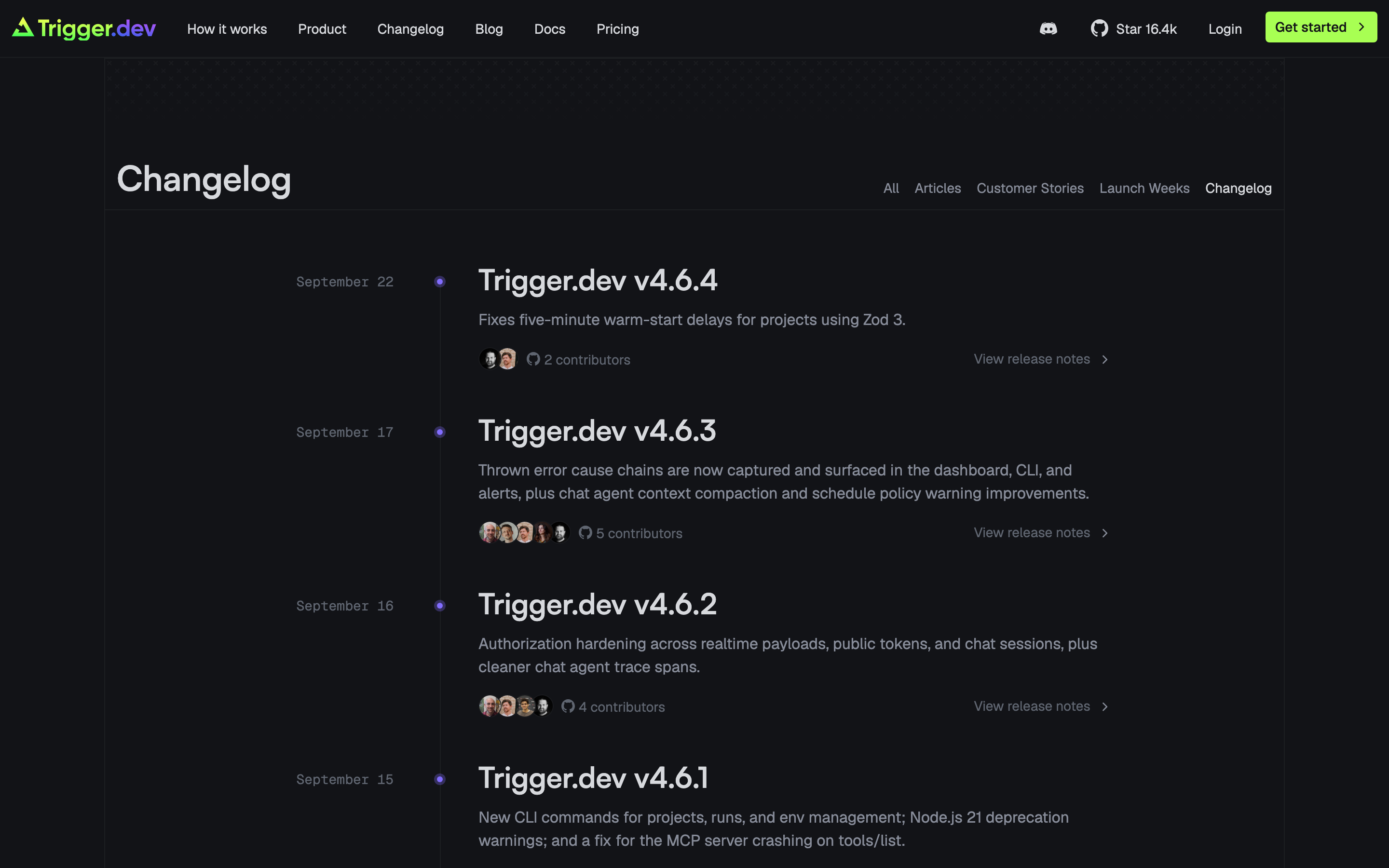
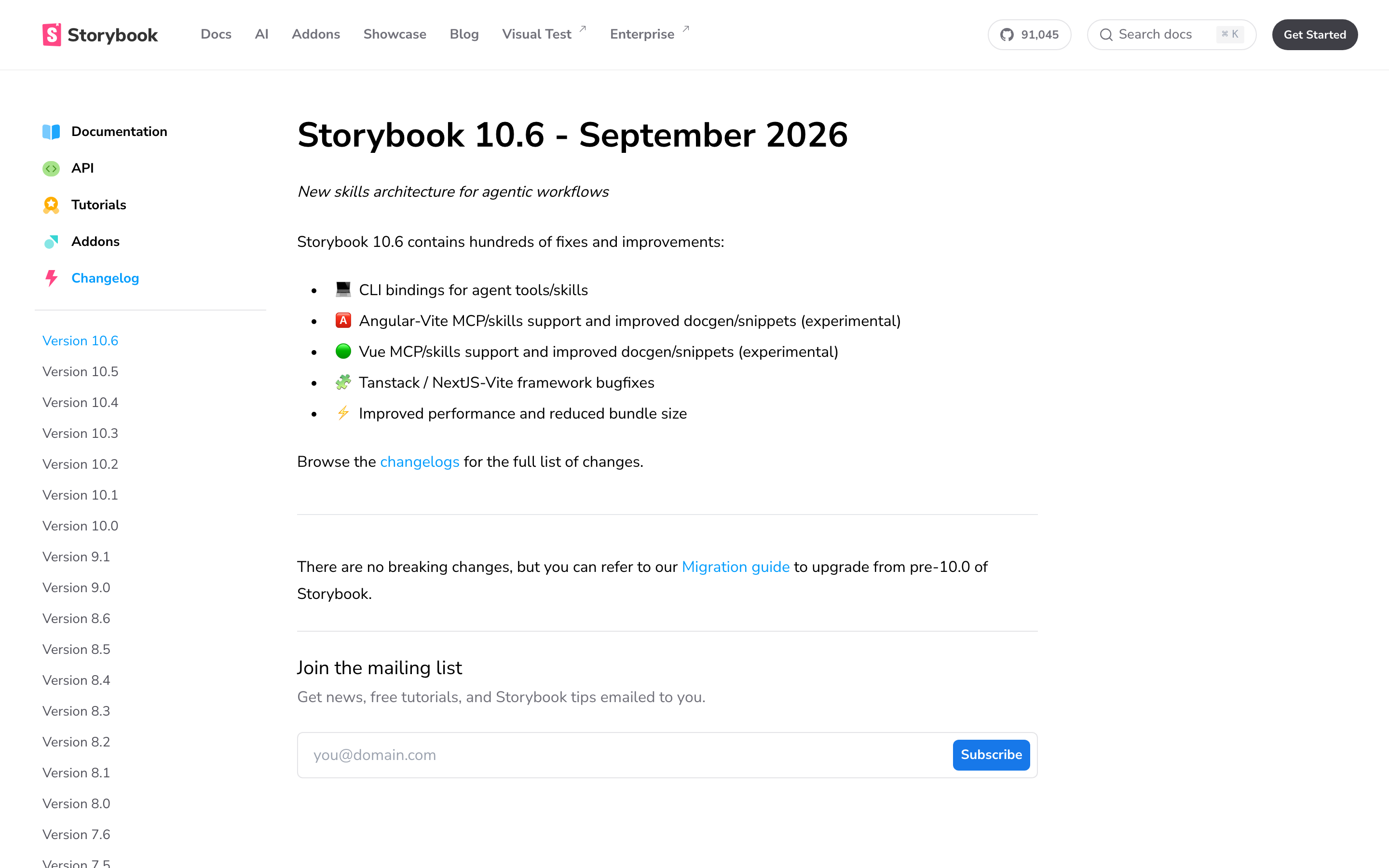
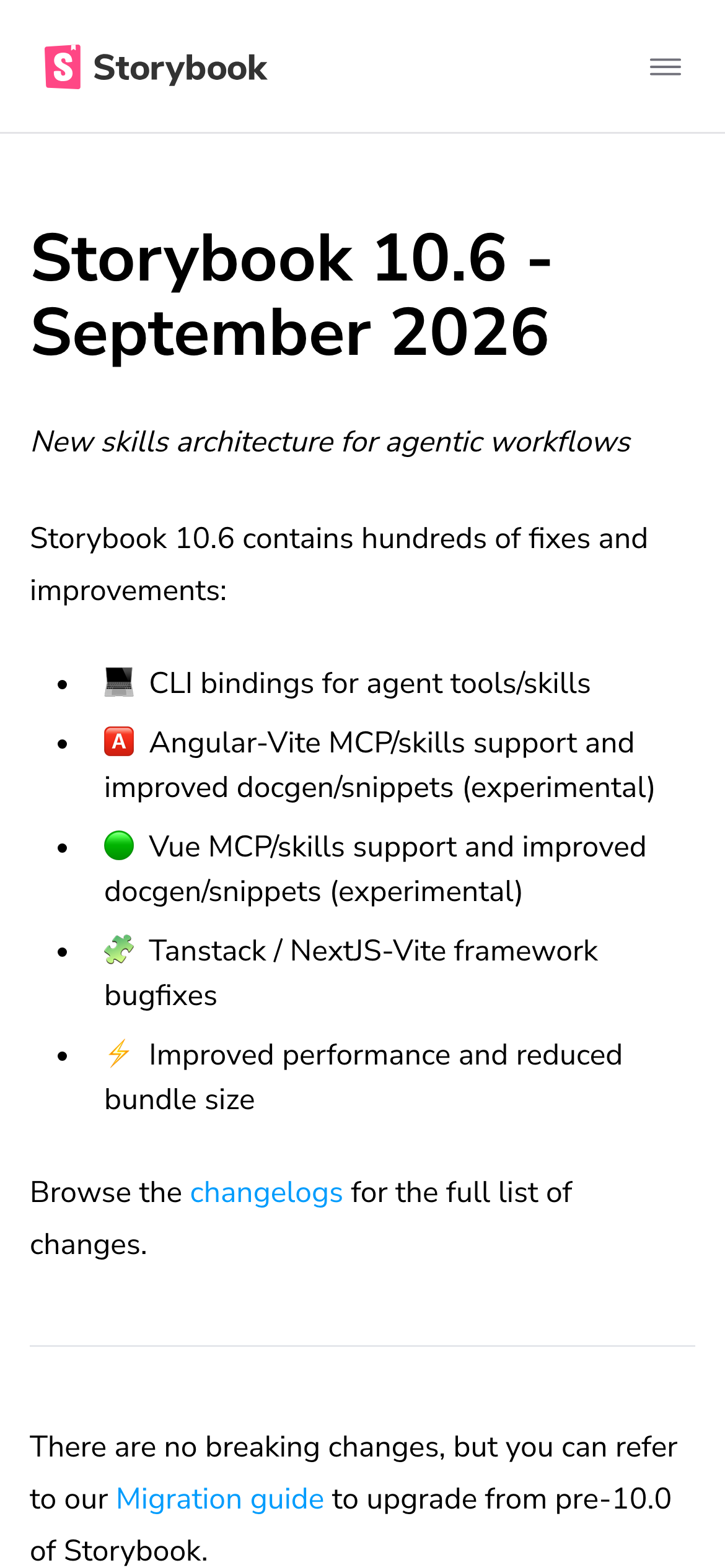
The first screen of each page at desktop size, with the phone view in the corner. Open one to see the whole site, its palette, fonts and sections.




Before you build
A checklist for your changelog page
- Give every entry a visible date and a headline that states what changed.
- Show the product change with a screenshot, clip or diagram when the update is visual.
- Offer a way to follow updates: RSS, email subscribe or a social follow link.
- Group long histories by month or version, and add search or filters when the list grows.
- Link each item to deeper docs or migration notes when the change needs setup steps.
Changelog page examples — FAQ
What should a changelog page include?
A reverse-chronological list of product updates, each with a date, a clear headline, a short summary and enough detail or media to understand what changed. Many pages also add subscribe options, category filters and links to docs or migration guides.
How often should you update a changelog?
Publish when you ship something customers would notice: new features, improvements, integrations or fixes that change how the product works. Some teams post weekly bundles; others add an entry per release. The pages here use both rhythms.
Changelog vs release notes: what's the difference?
A changelog is usually a running public feed of product updates written for customers and prospects. Release notes often track a specific version or SDK build and may include breaking changes, deprecations and upgrade steps aimed at developers.
Related
Screenshots show third-party pages for reference and remain their owners' work. Observations describe the captured first screens; they are editorial, not measured conversion results.