
404 page design examples
A useful 404 page says the page is missing in plain words and gives a clear route back. It keeps the site's navigation and offers a homepage link, search or popular pages so the visitor can continue.
Here are 20 real not-found pages captured from live websites, grouped by what they say and how they guide people back.
What does a useful 404 page include?
A useful 404 page includes a plain statement that the page is missing, the site's navigation, and at least one clear route back. The examples below are real not-found pages captured from live websites; each card links to the section detail and the source site.
 “Oops! We can’t find that page.”Levels source page
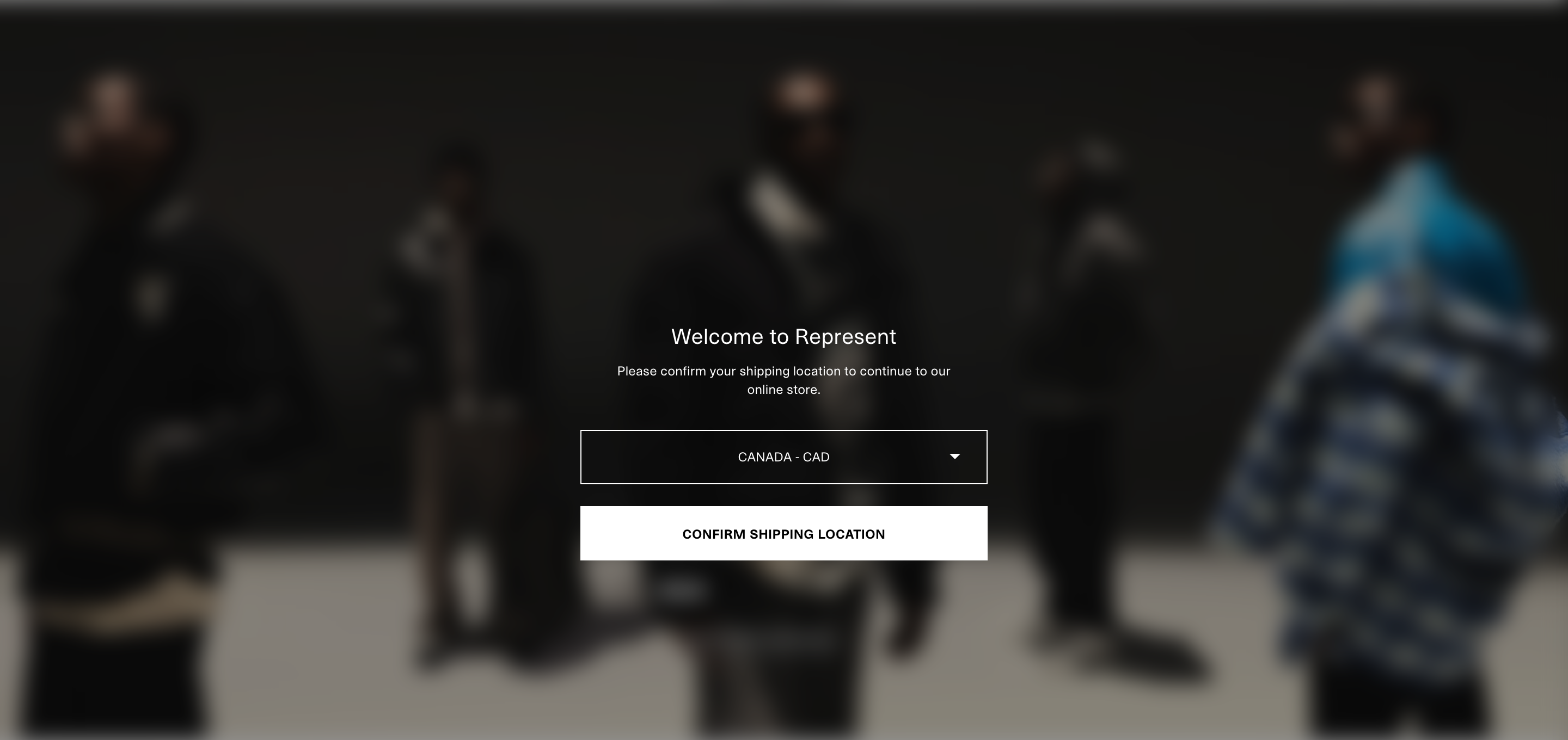 “404”Represent source page
 “404 - Not found”Selina source page
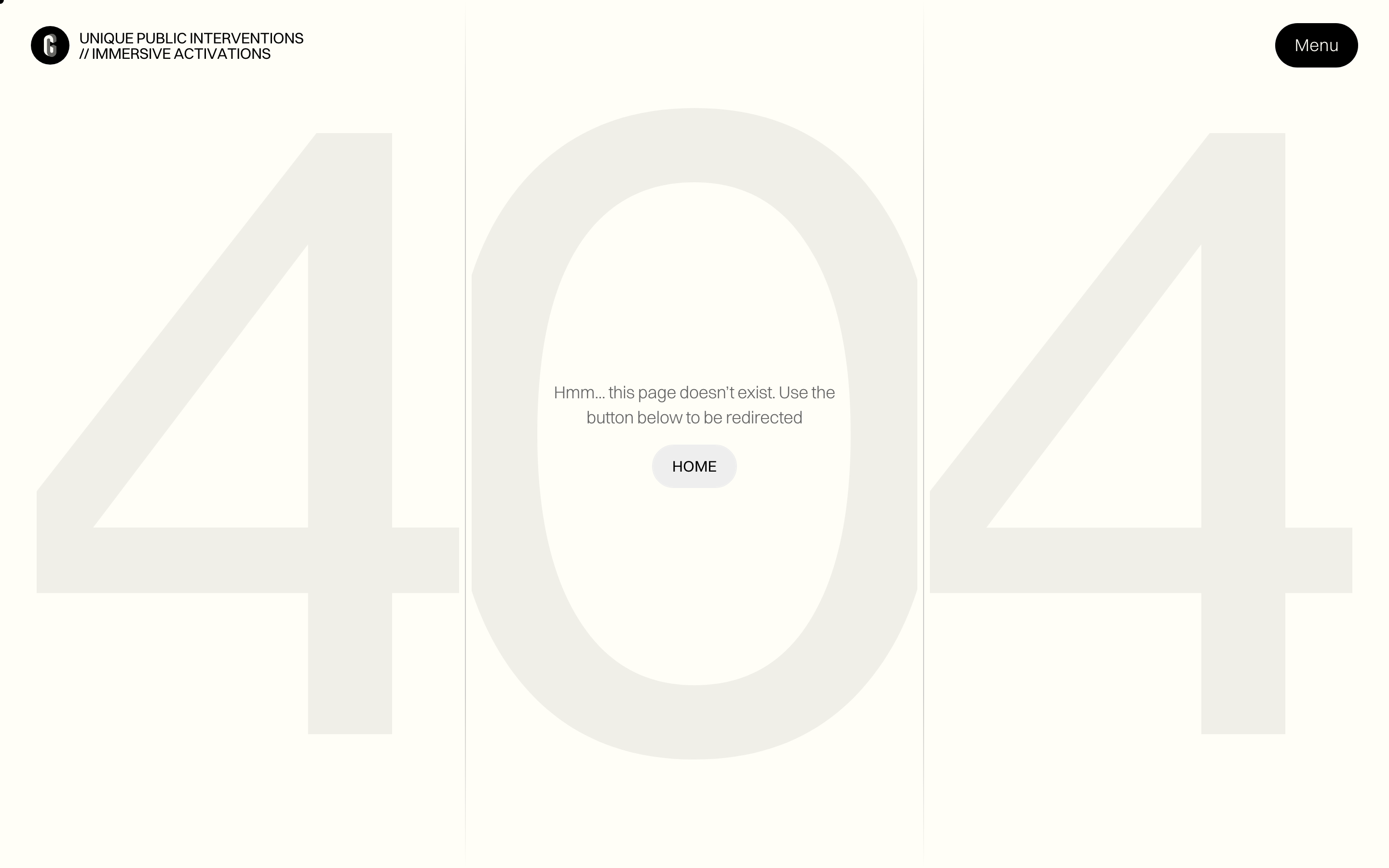 404 pageCreativegiants source page
 “404”Oura Tech source page
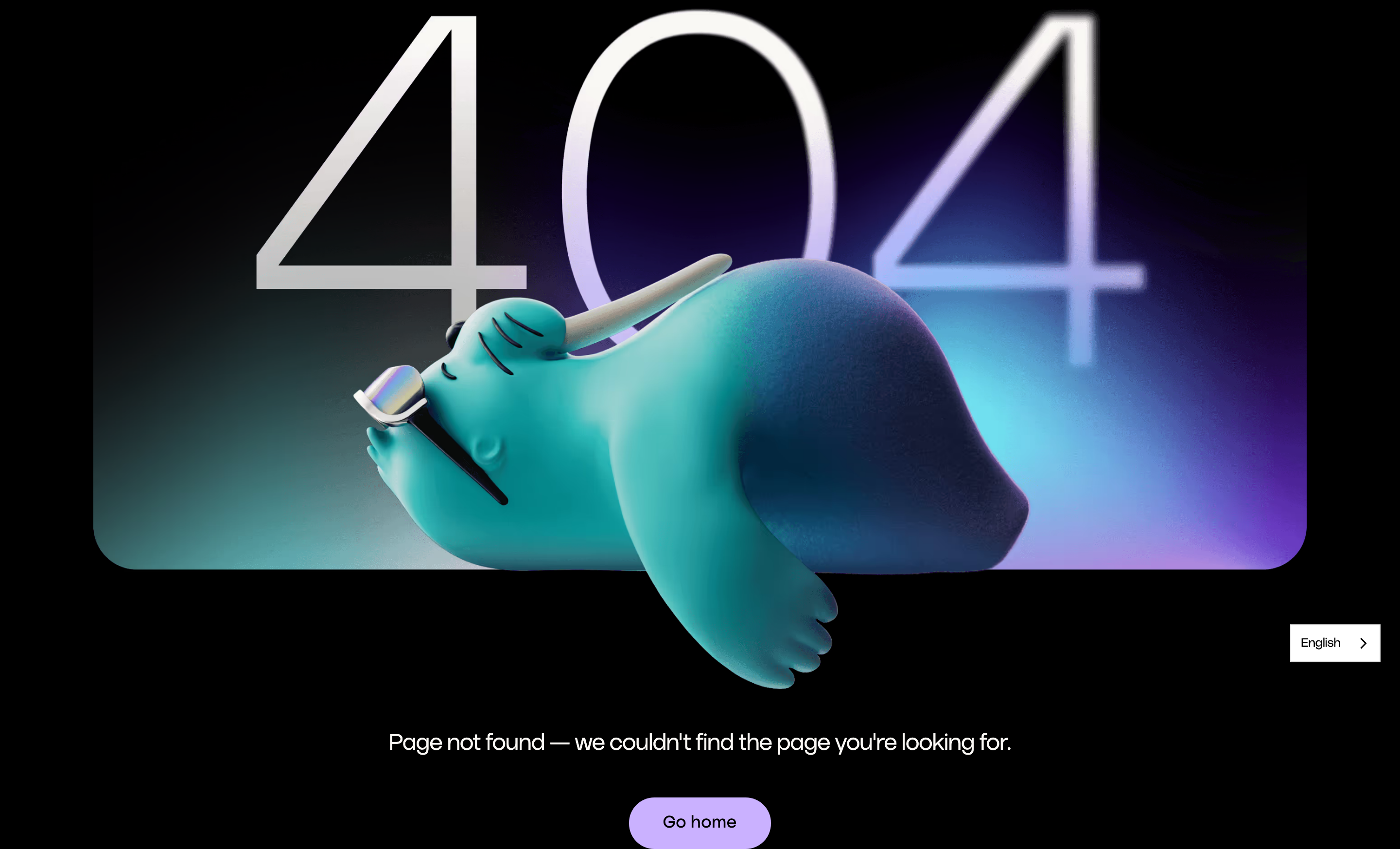 404 pageWalrus source page
 “404”Coolors source page
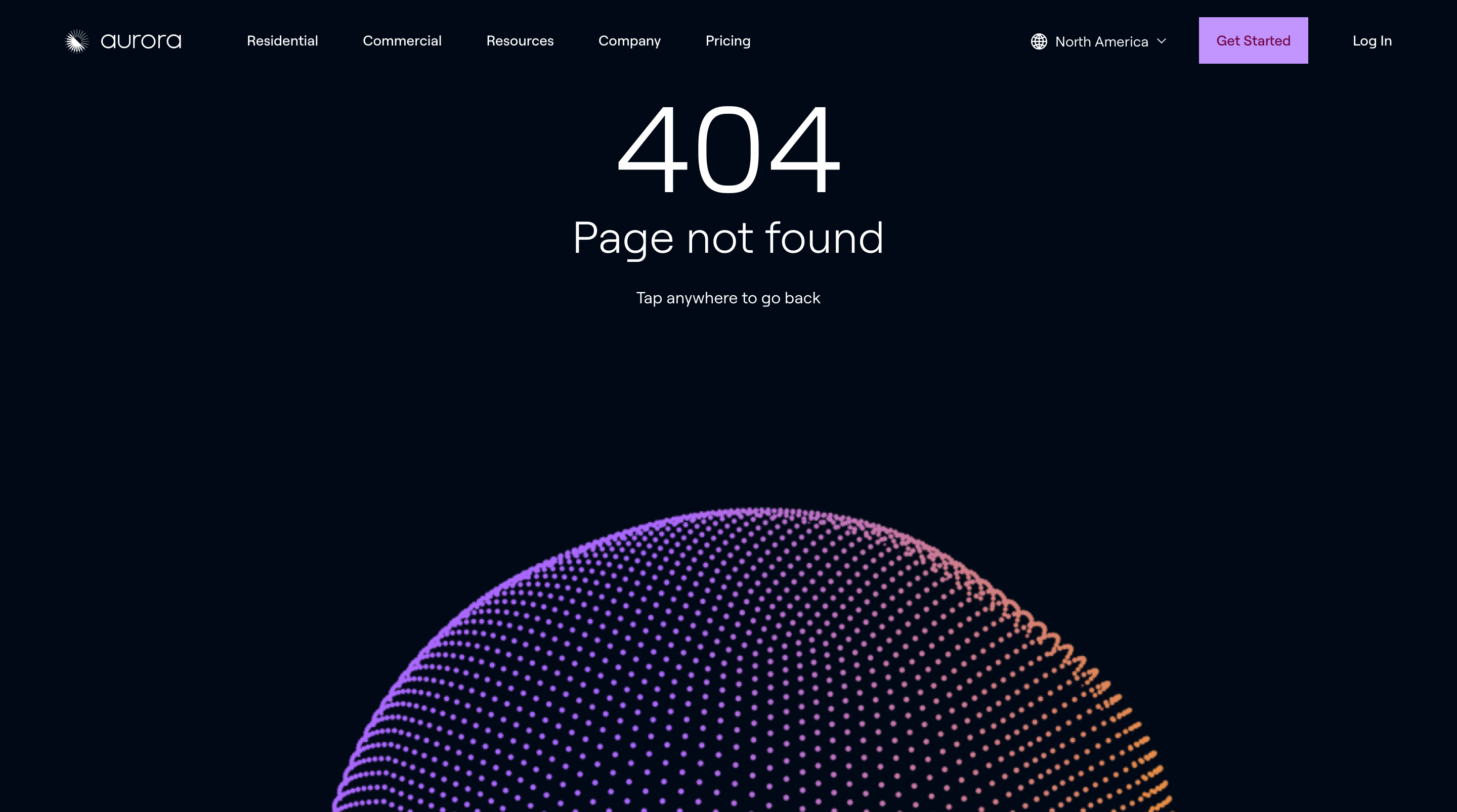 “404 Page not found”Aurora Solar source page
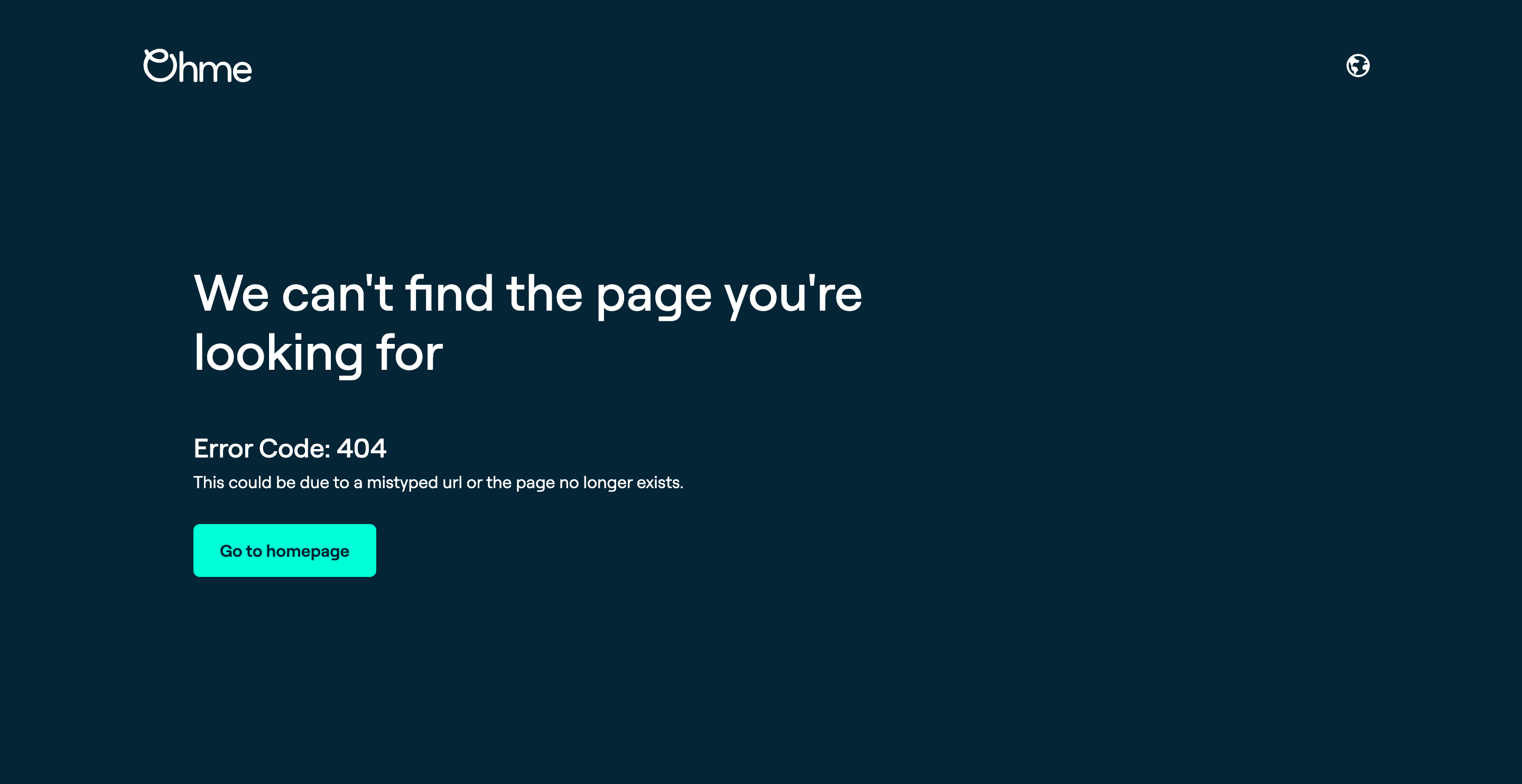 “We can't find the page you're looking for”Ohme source page
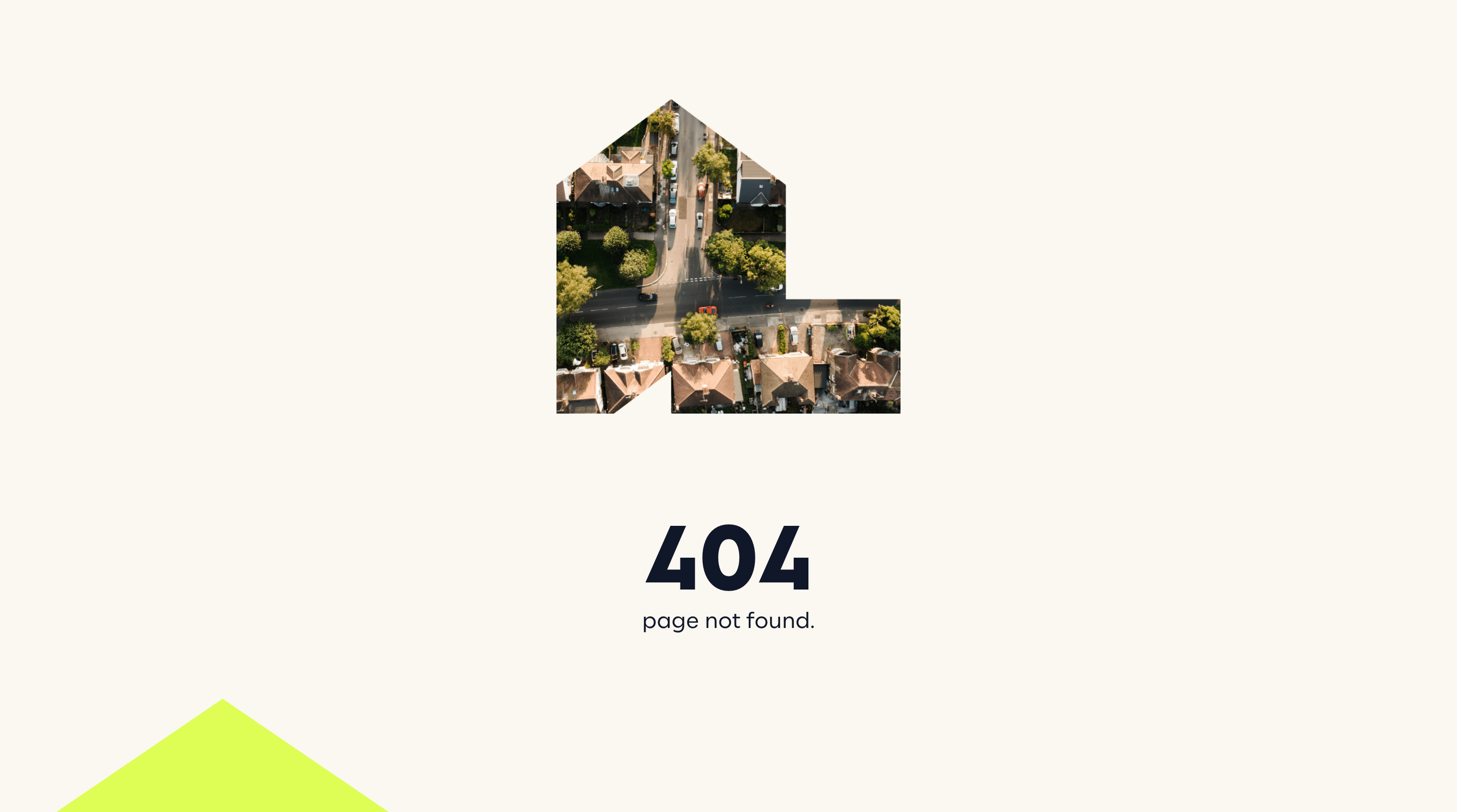 “404”Houseful source page
 “404 - Blunder”Mrs. Meyer's source page
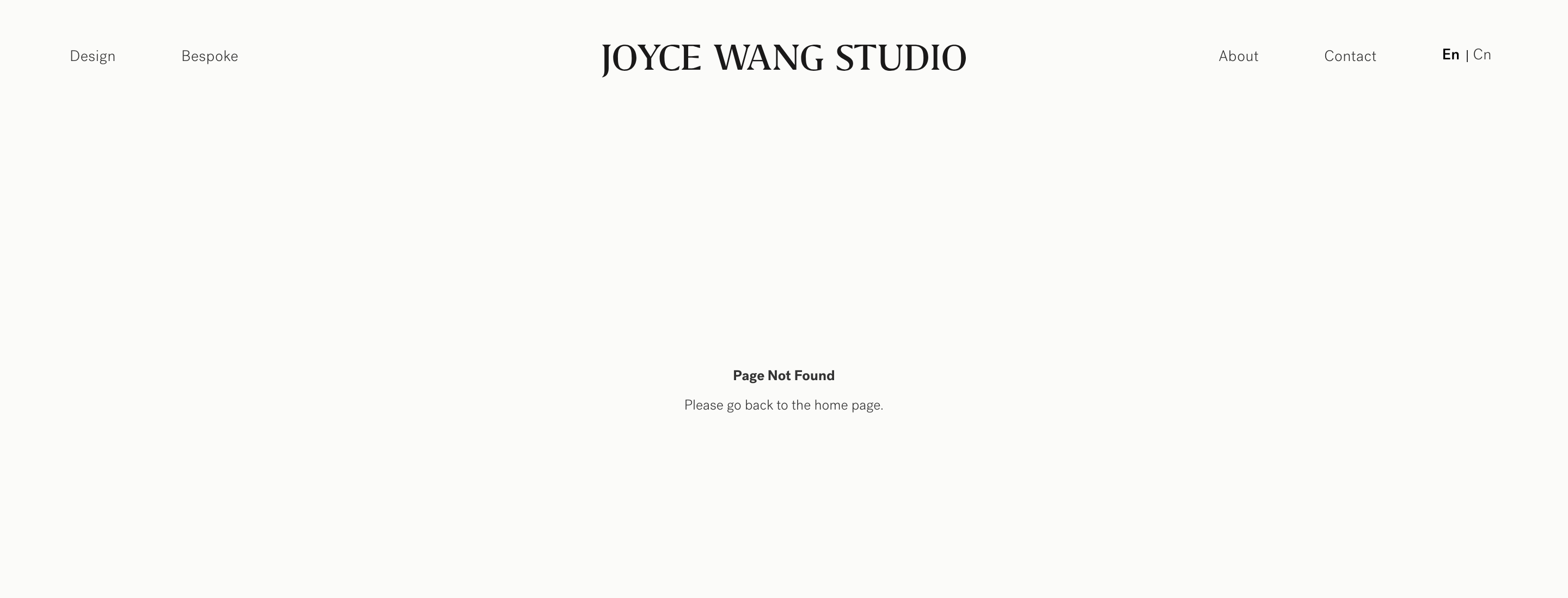 404 pageJoyce Wang Studio source page
 “WHOOPS!”Dominique Ansel source page
 “404”Lagree Fitness source page
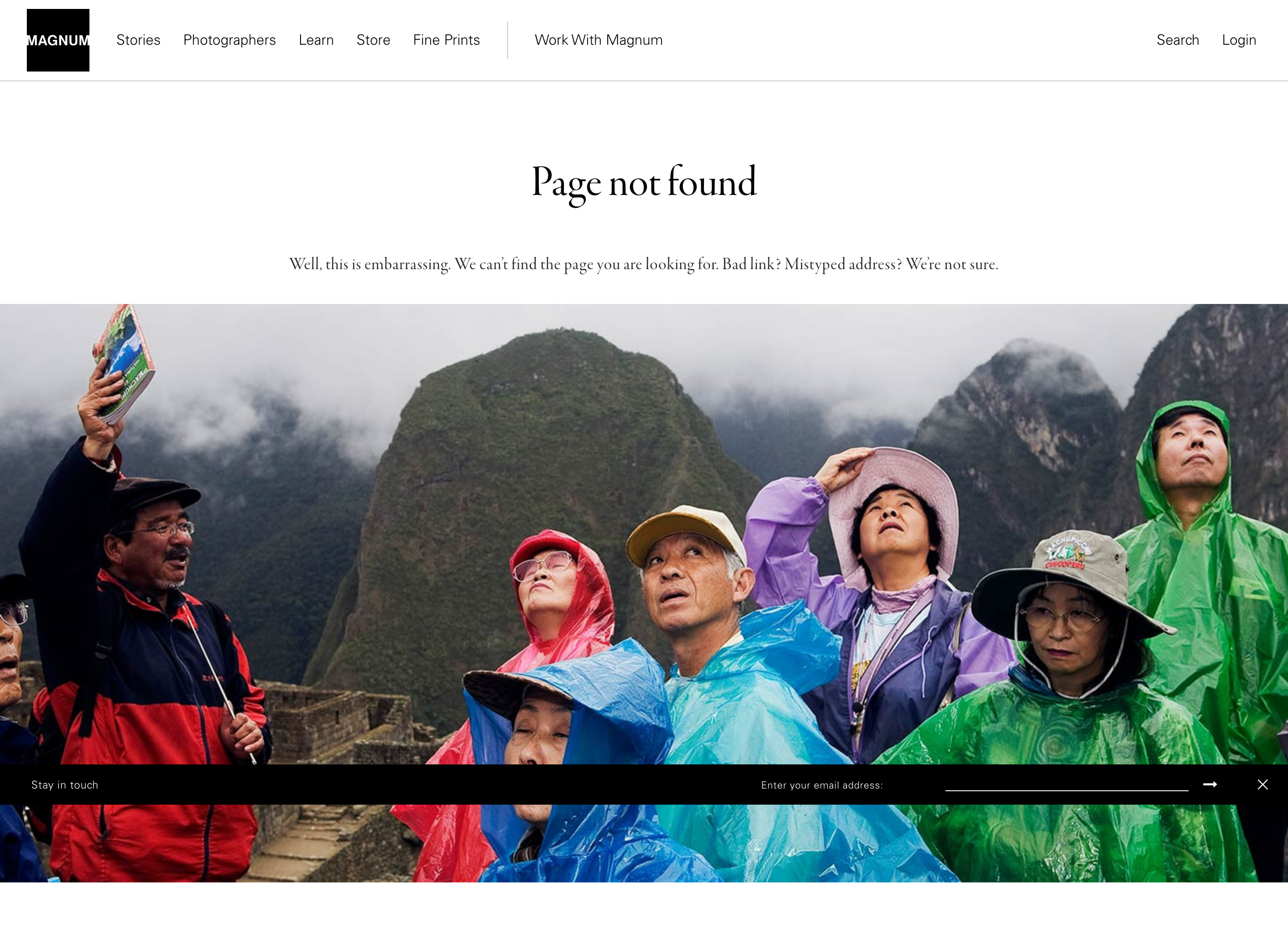 “Page not found”Magnum Photos source page
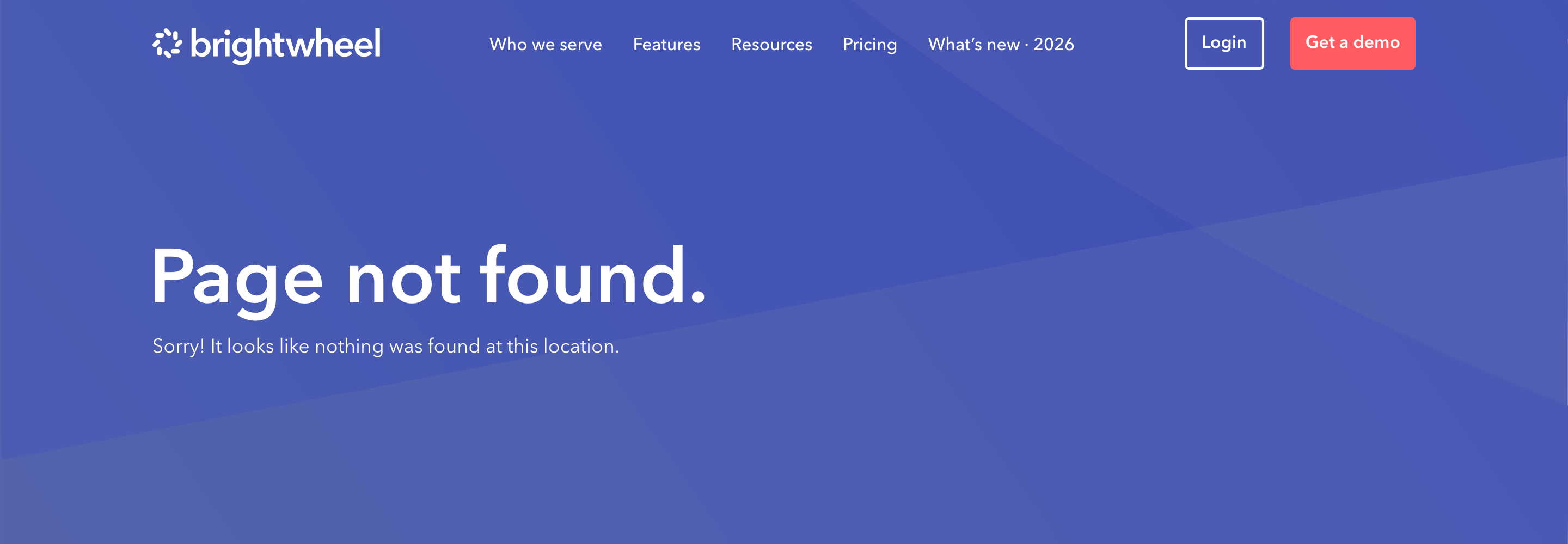 “Page not found.”Brightwheel source page
 “404 — Outside The Promised Land :)”Vous Church source page
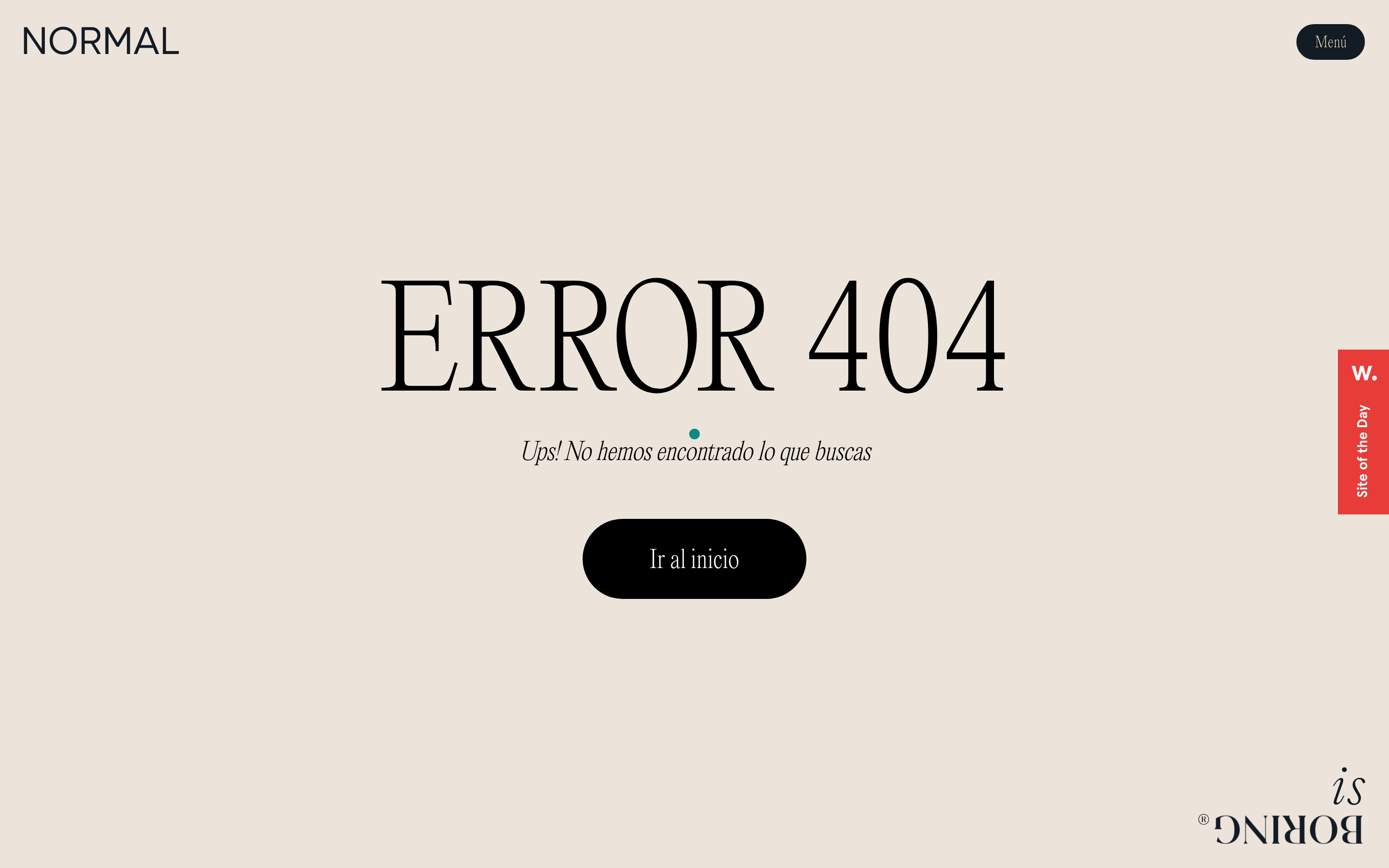 404 pageNormalisboring source page
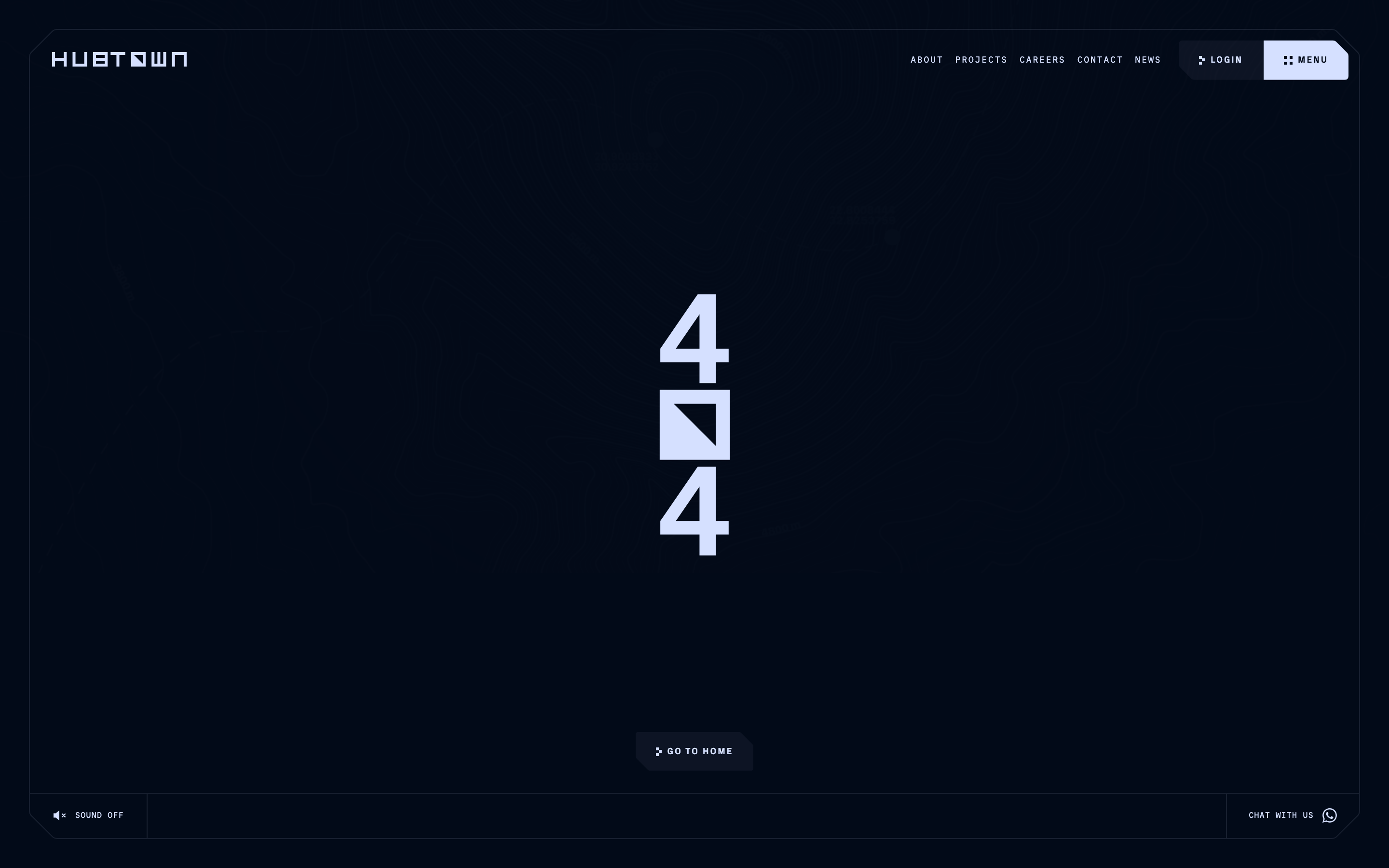 “This page hasn't been built yet”Hubtown source page
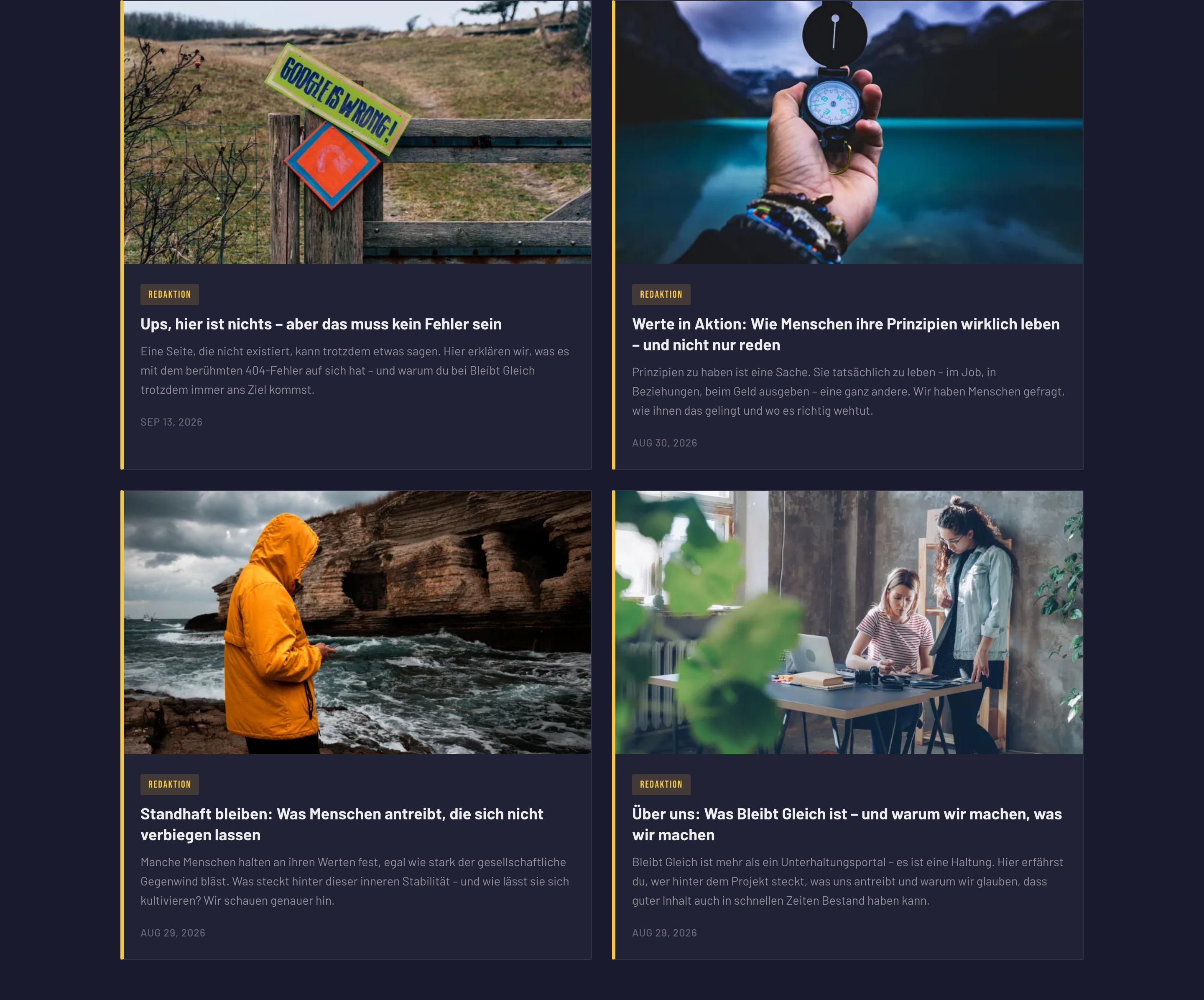 “Ups, hier ist nichts – aber das muss kein Fehler sein”Bleibtgleich source page
How do you guide users back from a 404 page?
Guide users back with more than one route: a homepage link, a search box, and links to popular pages or the section they were likely looking for. Name the destination in the link text so the next step is obvious. These captured pages show the routes real sites use.
What should a 404 page say?
Say the page is not found in plain words, avoid blaming the visitor, and explain what may have happened, such as a mistyped URL or a moved page. A light tone can help, but the route back should stay obvious. These examples show both approaches.
404 pages that explain what happened
Which 404 page pattern fits your site?
Choose the pattern that matches your brand and the visitor's likely intent. A minimal page suits a simple site; a brand-led page can keep the visitor in the experience; a route-first page works when people arrive from an old link.
| Pattern | What it does | Examples |
|---|---|---|
| Minimal | A short 404 message and one action, with little else on the page. | 4 examples |
| Explains what happened | Names a likely cause such as a mistyped URL, an old link or a moved page. | 7 examples |
| Playful | Uses a light, human line to make the dead end feel less like a failure. | 10 examples |
| Route-first | Puts the way back first: home, search, popular pages or the shop. | 11 examples |
404 page examples: FAQ
What is the best 404 page design?
The best 404 page design says the page is missing in plain words, keeps the site's navigation, and gives a clear route back to the homepage, search or popular pages. A short, human message works better than a long apology, and the page should still look like the rest of the site.
Should a 404 page include a search box?
A search box helps when the site has a lot of content and the visitor may not know the exact URL. It is optional on a small site, where a homepage link and a few popular links may be enough. The examples above show both approaches.
Should a 404 page return a 404 status code?
Yes. A missing page should return an HTTP 404 status so search engines do not treat it as a real page. A friendly design does not change the status code, and the page should not redirect to the homepage unless the content has actually moved.
Are these real 404 page examples?
Yes. Each example is a captured 404 or not-found page from a real website in the UI Discovery library. This hub shows 20 examples, each linked to its section detail page and source site.