
Developer Tools Website Inspiration
Real design inspiration from 78 developer tools websites · 2,422 curated sections




Developer tools lead with code: terminal snippets, install commands and docs one click from the hero. Captured from live products — not mockups — with extracted color palettes, fonts, and AI-ready build prompts.
Filter
Exact colour
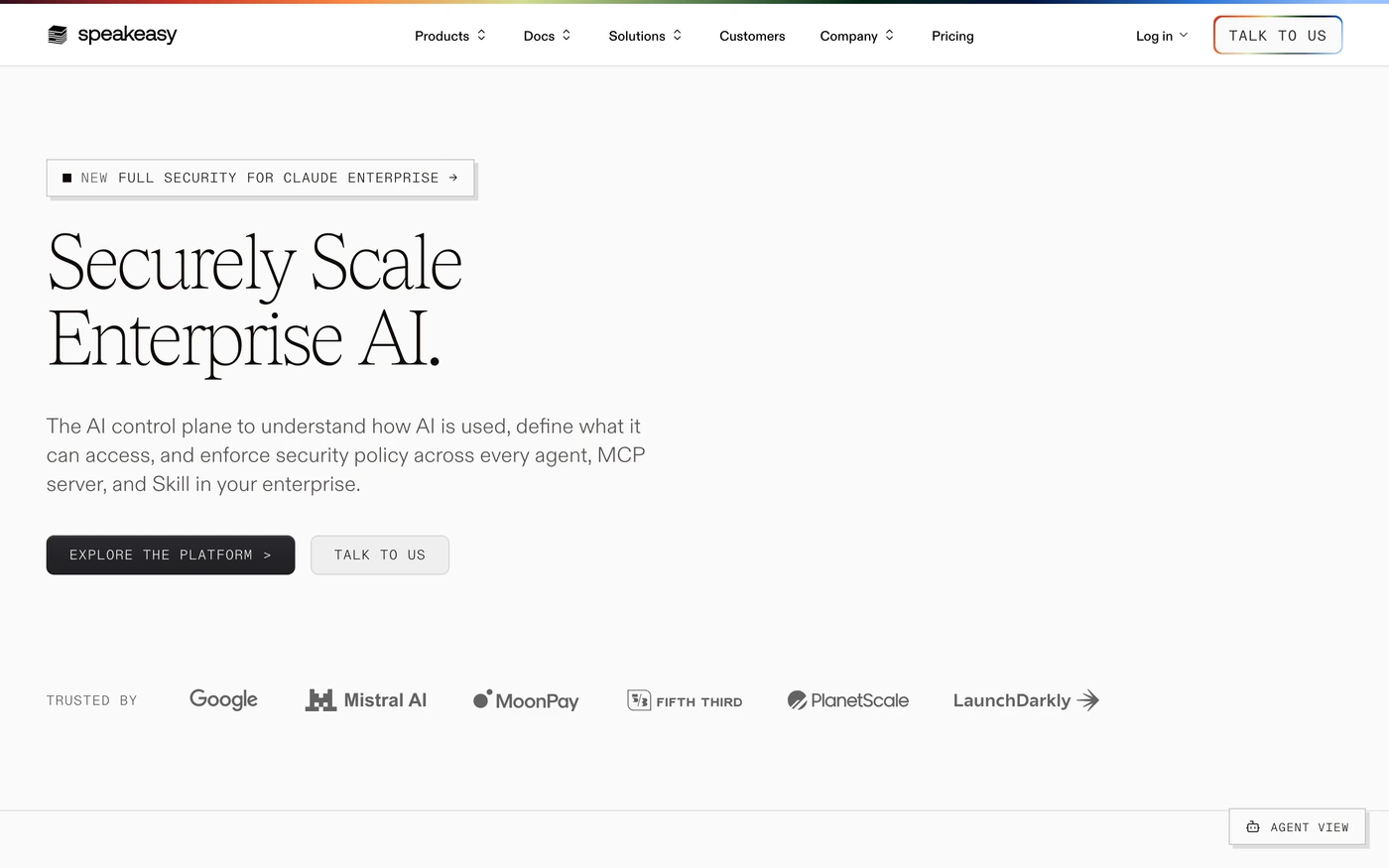
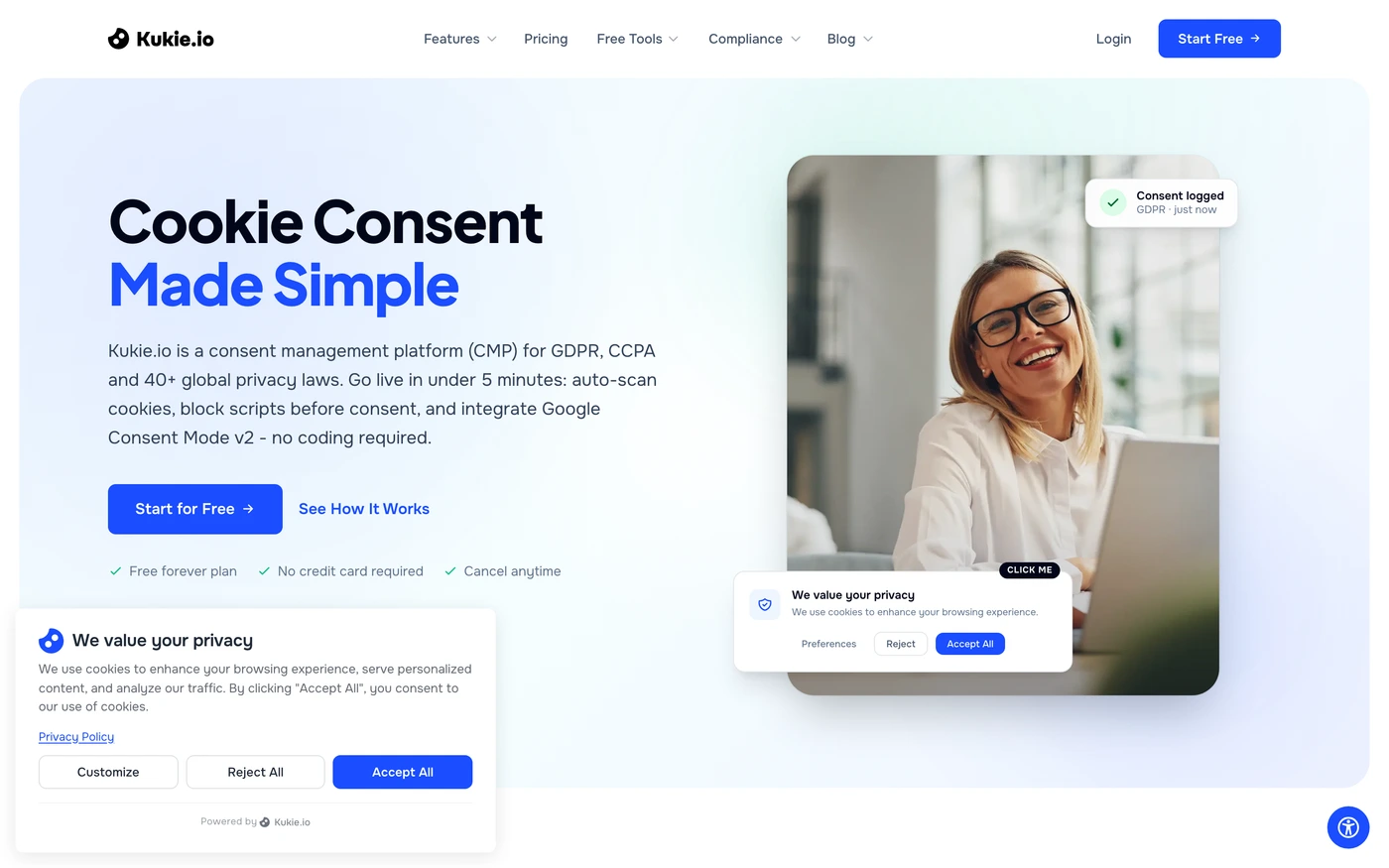
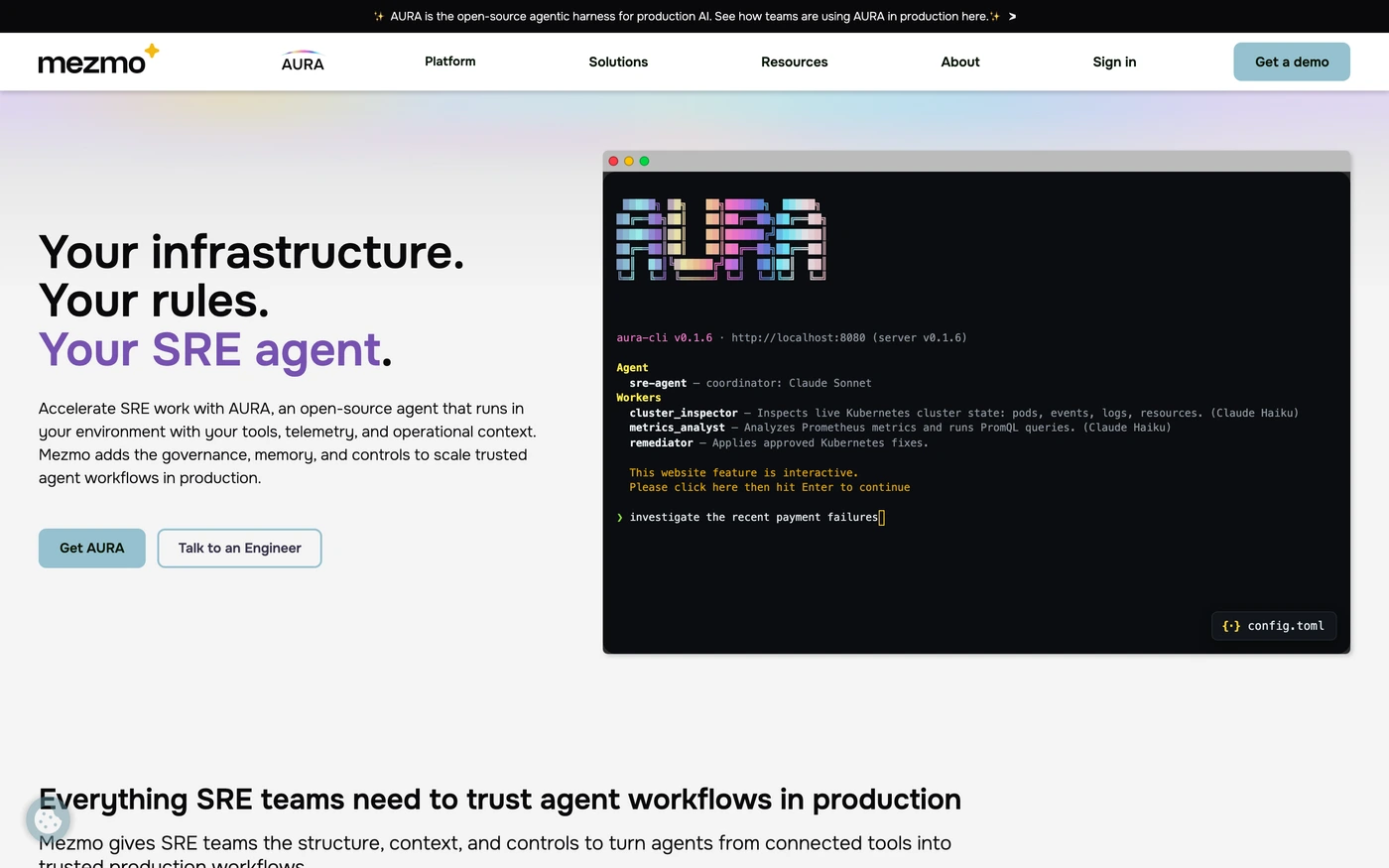

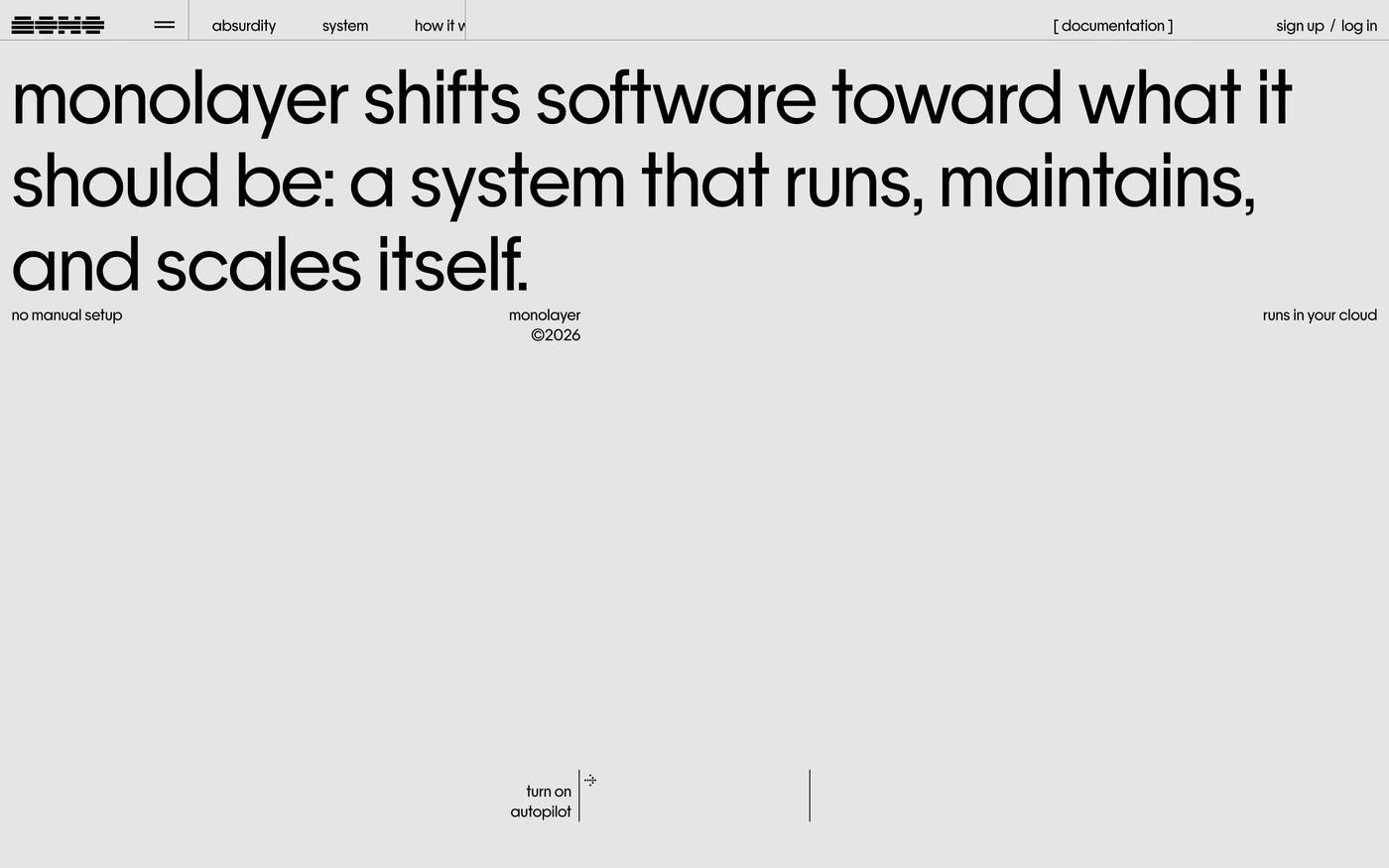
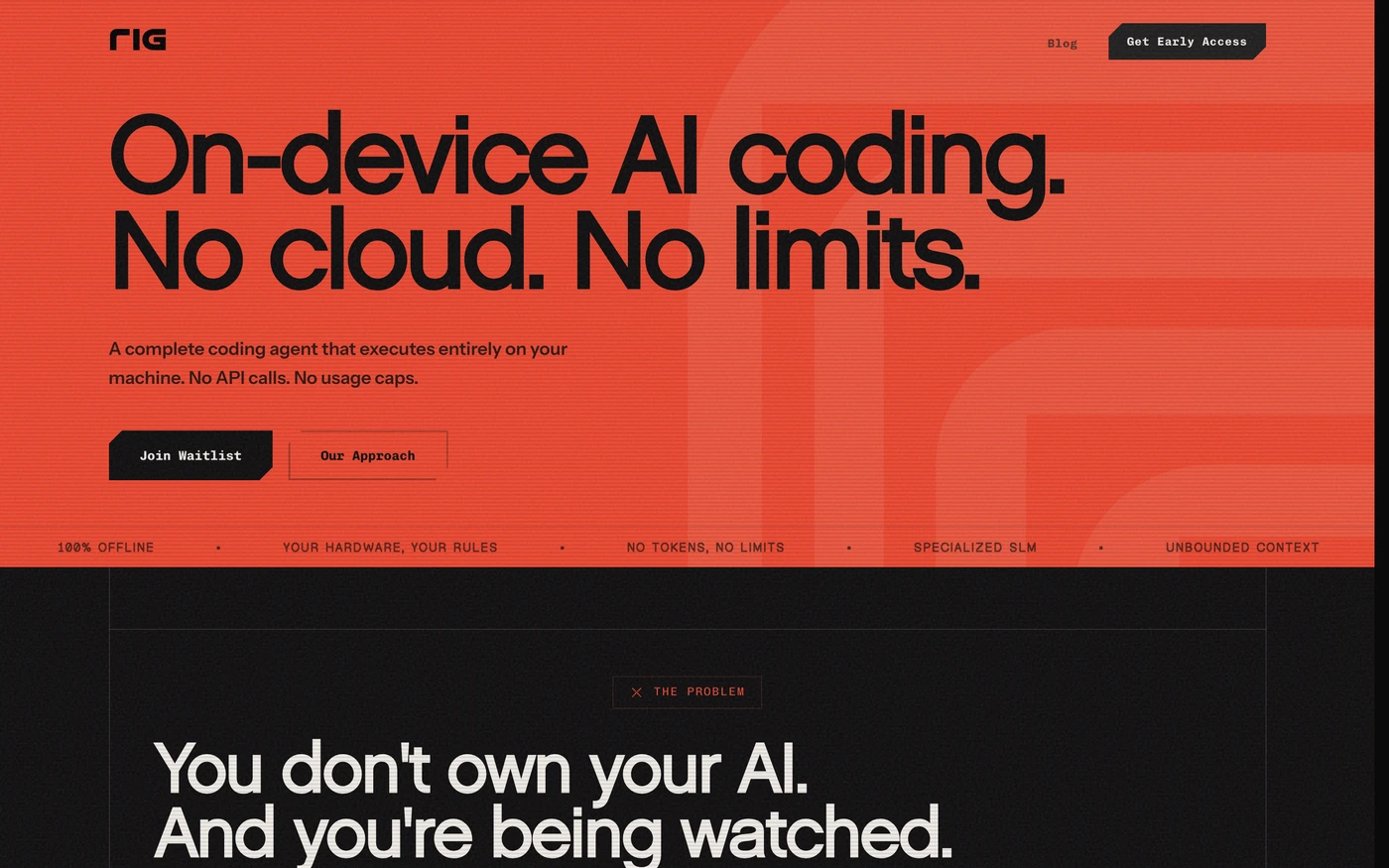

About Developer Tools website references
Developer Tools has 78 captures in the library, cut into 2,422 sections, and ranks 16 of 18 categories by size.
Features appears on 82% of captures, then hero (73%) and statement (55%).
Section types seldom seen: how it works, team, and integrations, on 12, 13, and 15 captures.
Long-form is the norm: an average of 31 sections, from 0 to 82.
Top by section count: Bubble (82), Vanta (74), Inngest (70), Ghost (62), Gladia (61), and Grafana (60).
Vercel is long (36 sections, mainly content), with Geist Sans headings in a light style. Supabase keeps to 20 sections, led by content, with Manrope headings in a dark style. GitHub is long (49 sections, mainly content), with Mona Sans headings in a dark style. Railway is long (53 sections, mainly content), with IBM Plex Serif headings in a dark style.
Headings draw on many families, among them Inter (6), Geist Sans (2), Manrope (2), and Archivo (2).
Body copy varies more: Inter, Geist Sans, and Suisse.
Light styles lead with 47 captures, against 31 dark ones.
The palettes cluster around neutral, blue, and red.
Almost all of them keep inner pages, and 77 include a phone-size screenshot.
The captures were taken between September 2026 and September 2026.
Across the group there are 66 heading families and 17 section types.
Featured here: Vercel (36 sections) and Supabase (20 sections).
Developer Tools design: what 78 real sites have in common
Use these developer tools design examples as a starting point for a new site, a redesign, or a client pitch. Study how Vercel, Supabase and GitHub structure their homepages, compare section types side by side, and filter by style to match your brand.
Best developer tool website sections: what to include
Every $developer tool website template here is cut into sections, so we can count them. 57 of 78 developer tool websites open with a dedicated hero, and 57 include hero, 43 include statement and 42 include call to action. 25 publish a pricing table on the homepage (32%) — a useful benchmark if you're deciding what to show above the fold on your own developer tool website. Browse each section type on its own: developer tool website features examples, developer tool website hero examples, developer tool website statement examples, developer tool website call to action examples, developer tool website blog examples.
Developer Tool Website fonts and colours
Light developer tool website designs dominate (60% light vs 40% dark), which tells you what visitors in this category expect. The most popular developer tool website fonts for headings are Inter (6), Geist Sans (2) and Manrope (2). The most common developer tool website colour accents are neutral (30), blue (16) and red (9). Every template lists its exact fonts and hex palette. Filter the grid for a dark developer tool website design or a minimal developer tool website design to see only one approach.
Developer Tool Website layout and page length
The average developer tool website layout here runs 31.1 sections and about 8,602px tall at desktop width — roughly 10 screens of scrolling. GitHub is the longest developer tool website at 11,000px, while Corentinbernadou makes its case in 3,057px. Open any developer tool website template to scroll the full-page capture and see exactly where each section falls, then plan your own page length against the category norm.
Developer Tool Website testimonials, trust signals and calls to action
34 developer tool websites show testimonials and 35 show a customer logo cloud, and 27 answer objections with an FAQ. 42 of 78 (54%) close with a dedicated call-to-action section that repeats the hero's offer — a good signal for how hard a developer tool website sells on the homepage. Compare developer tool website testimonial examples and developer tool website call-to-action examples to see how each product phrases its close.
How to use a developer tool website template from this page
Pick the developer tool website example whose structure fits your offer, then open it to see every section in order. Copy the build prompt for the hero and features into your editor or AI tool, swap in your palette from the extracted hex values, and keep the section order — it's the part that took the original team the longest to get right. Use Compare to weigh two developer tool website designs side by side, or start from a brief and let the library rank developer tool website inspiration for you. Looking for a different vertical? See all website templates by industry.
More website templates by industry
Festival graphics
Featured developer tool website sites with their fonts
- Vercel
Fonts: Geist Sans / Geist Sans
- Supabase
Fonts: Manrope / Inter
- Mercury
Fonts: Arcadia Display / Arcadia
- Ramp
Fonts: Lausanne / Lausanne
Developer Tool Website templates — FAQ
What is a developer tool website template on UI Discovery?
A developer tool website template here is a real, live developer tools site — Vercel, Supabase and GitHub among them — captured in full at retina size and cut into its individual sections. Alongside the screenshots you get the site's colour palette as hex values, its heading and body fonts, the extracted copy, and an original build prompt written for that layout. Rather than downloading a theme, you use it as a reference to rebuild the structure for your own brand in Figma, Framer, Webflow or code, which keeps you out of licensing trouble and produces something that is actually yours.
What makes a good developer tool website design?
Developer tools lead with code: terminal snippets, install commands and docs one click from the hero. In the 78 developer tool websites here, 57 open with a dedicated hero and 57 include hero and 43 include statement, so those are the sections worth studying first. The strongest examples share a clear value proposition above the fold, real product imagery rather than stock illustration, and a single primary action repeated at the end of the page.
Which sections do developer tool websites use most?
Across the 78 developer tool websites in the library, features (64 of 78 sites), hero (57 of 78 sites), statement (43 of 78 sites) and call to action (42 of 78 sites) appear most often. 25 sites (32%) publish a pricing table directly on the homepage, which is a useful benchmark when you are deciding whether to show prices early. Every section is captured on its own page, so you can compare the same section — say, the hero — across every developer tool product side by side.
Which fonts and colours are popular on developer tool websites?
60% of these developer tool websites use a light theme and 40% a dark one, which tells you what visitors in this category are used to. For headings, Inter (6), Geist Sans (2) and Manrope (2) come up most often; geometric and grotesque sans-serifs dominate, with serifs used for a more editorial feel. The most common accent hues are neutral (30), blue (16) and red (9). Every reference lists its exact fonts and full hex palette, so you can match the category norm or deliberately break from it.
How do I use these developer tool website design examples?
Open any site to see the full page at actual size, then click a section to copy its palette, fonts and build prompt. Paste the prompt into Cursor, Claude, v0 or your editor of choice and swap in your own copy and colours. You can save sections to a board to build a moodboard, use Compare to weigh two developer tool websites side by side, or connect the UI Discovery MCP server so your coding agent can pull a real developer tool pricing table or hero while it builds, without leaving the terminal.
Are the templates free to use?
Browsing the library is free, and every capture, palette and font list is visible without an account. The captured designs belong to their respective owners and are provided as reference and inspiration only — you should not copy a site's copy, logo or imagery. The palettes, extracted fonts, build prompts and downloadable templates that UI Discovery produces are original work and yours to use in commercial projects. See the pricing page for what Pro adds, such as full-resolution exports and unlimited boards.
How often are new sites added?
New developer tool websites are captured and added weekly, and existing sites are re-captured when they ship a redesign, so the library reflects what these products look like now rather than a year ago. Each site shows its capture date, and older versions are kept so you can see how a homepage evolved. This page was last updated September 25, 2026.
Library updated