

UPPAbaby
WebsitesMakes innovative, high-quality strollers and car seats…
22 sections
Opening…
About this design
Written from the capture data for UPPAbaby.
UPPAbaby (uppababy.com) is a website in the Shopping category. Its homepage is captured as 7 sections, top to bottom: features, content, features, content and footer. We also captured its product, about, sign up, blog, careers and contact pages, plus 2 more.
The capture records a palette of #0f0c0a, #f7f7f7, #000000, #2b333f, #26221f and #666666. The largest share of captured homepage sections uses #f7f7f7 as its CSS background. Suggested token roles are #f7f7f7 for background and #000000 for text; check them against the screenshot. Headings are set in Agenda, which it also uses for body copy.
Compared with the 159 other Shopping sites in the library, UPPAbaby sits with the 96% that stay light, and the group's most common heading face is Circular, where UPPAbaby uses Agenda. The average Shopping homepage here has 7 sections; this one has 7.
Worth studying here: the features block, for how benefits are grouped and paced, the footer, for link grouping and legal line and the team section, for portrait style and bios. Open any section for its palette, fonts and a build prompt you can hand to Claude, Cursor or v0.
More references: browse all websites.
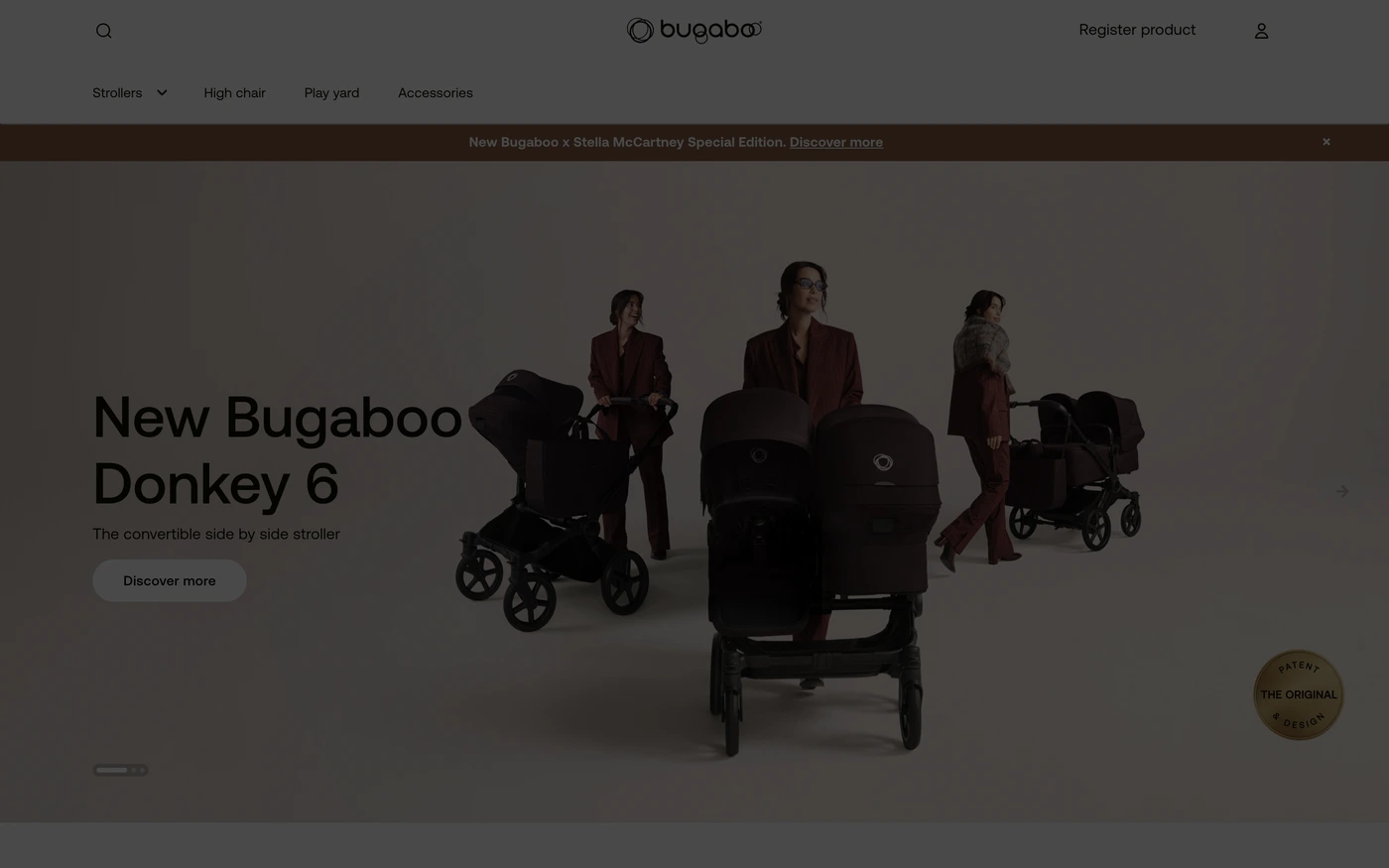
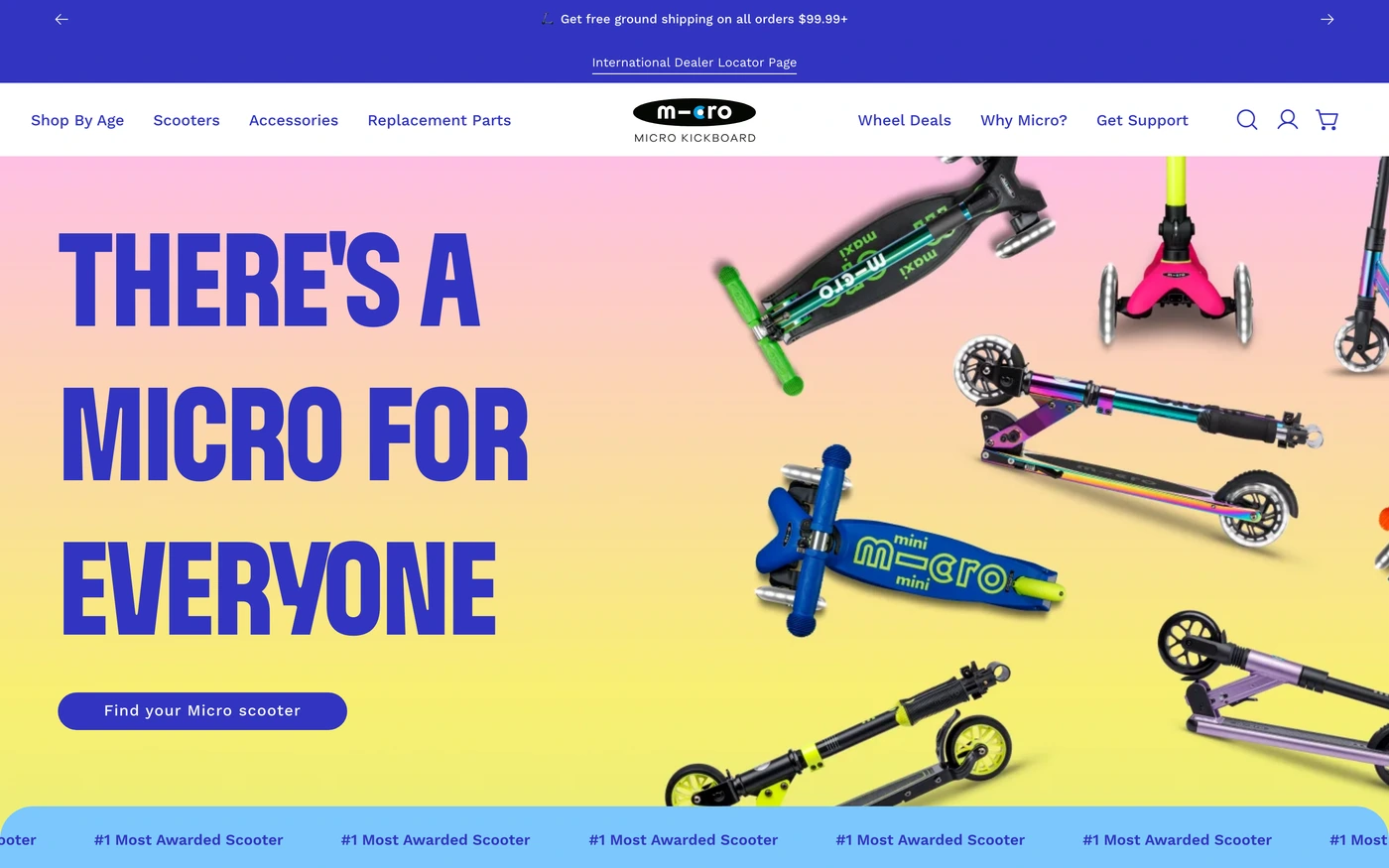
More shopping sites


Related searches
Sections captured: Features, Features, Features, Content, Features, Content, Footer, Content, Content, Team, Team, Team, Content, Content, Content, Content, Features, Features, Features, Features, Content, Content