

Linear Changelog
Web appsNew updates and improvements to Linear
26 sections
Opening…
About this design
Written from the capture data for Linear Changelog.
Linear Changelog (linear.app) is a web app in the Technology category, captured live in the browser as 29 screens. These are real product UI, not marketing pages — useful when you're designing navigation, dense tables, charts and settings rather than a landing page.
The capture records a palette of #d0d6e0, #08090a, #f7f8f8, #5e6ad2, #e5e5e6 and #141516. Background and text roles have not been verified. Suggested token roles are #d0d6e0 for background and #08090a for text; check them against the screenshot. Headings are set in Inter, which it also uses for body copy.
Compared with the 5 other Technology web apps in the library, Linear Changelog is one of the 33% that go dark, and shares the group's most common heading face, Inter.
Worth studying here: the pricing section, for plan structure and which tier is highlighted, the stats band, for how numbers are sized against their labels and the showcase, for image scale, grouping and visual emphasis. Open any section for its palette, fonts and a build prompt you can hand to Claude, Cursor or v0.
More references: browse all web apps.
More technology web apps
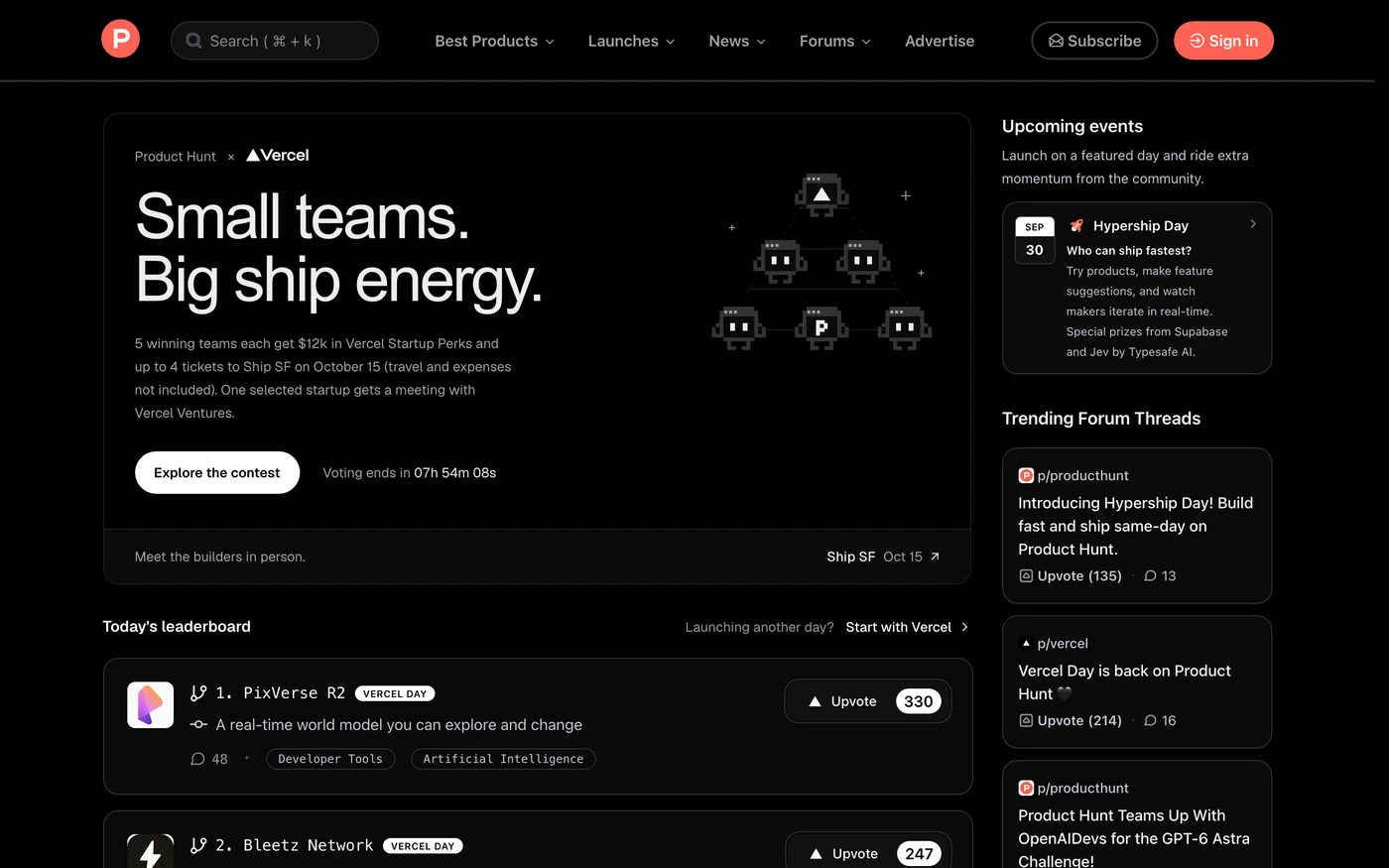

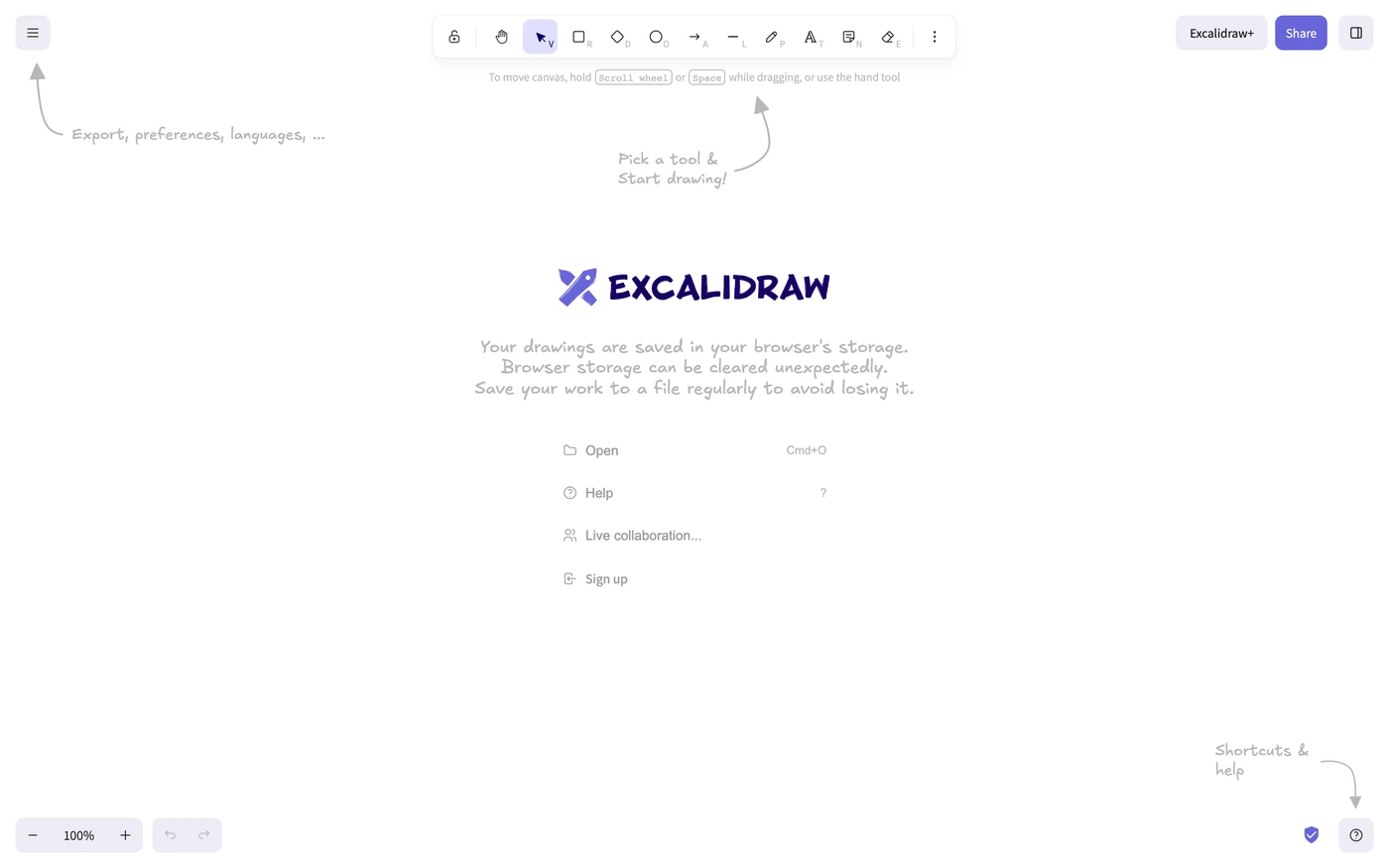

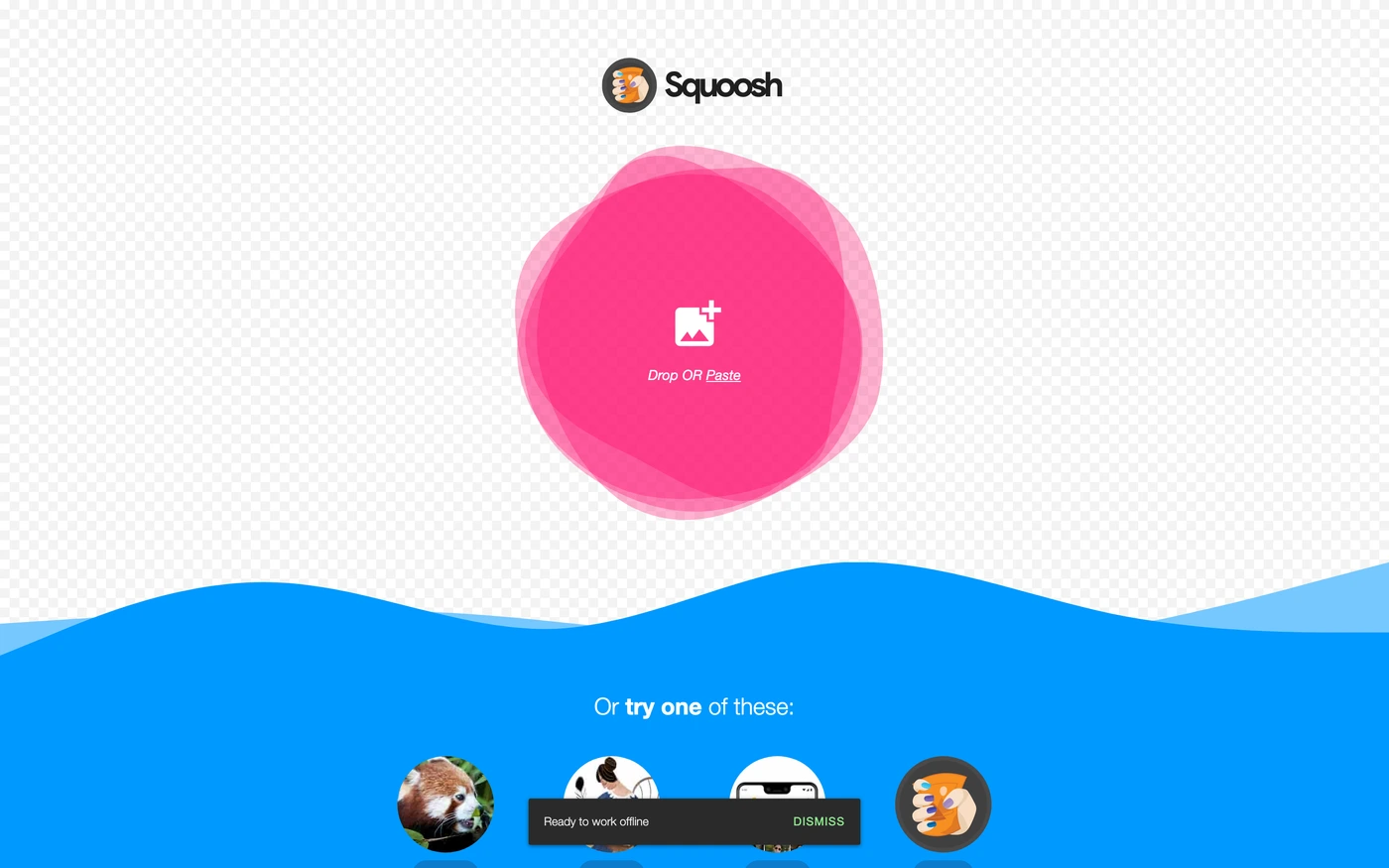

Sections captured: Screen, Screen, Screen, Pricing, Content, Content, Content, Content, Stats, Content, Content, Content, Content, Content, Content, Content, Content, Content, Content, Content, Content, Content, Content, Content, Showcase, Content