

52 sections
Opening…
About this design
Written from the capture data for GitHub Repository.
GitHub Repository (github.com) is a web app in the Developer Tools category, captured live in the browser as 53 screens. These are real product UI, not marketing pages — useful when you're designing navigation, dense tables, charts and settings rather than a landing page.
The capture records a palette of #ffffff, #1f2328, #f6f8fa, #1f883d and #59636e. Background and text roles have not been verified. Suggested token roles are #ffffff for background and #1f2328 for text; check them against the screenshot. Headings are set in Mona Sans, which it also uses for body copy.
Compared with the 7 other Developer Tools web apps in the library, GitHub Repository sits with the 75% that stay light, and the group's most common heading face is Geist, where GitHub Repository uses Mona Sans.
Worth studying here: the features block, for how benefits are grouped and paced, the statement block, for large-type rhythm and the testimonials, for how quotes, names and roles are laid out. Open any section for its palette, fonts and a build prompt you can hand to Claude, Cursor or v0.
More references: browse all web apps.
More developer tools web apps
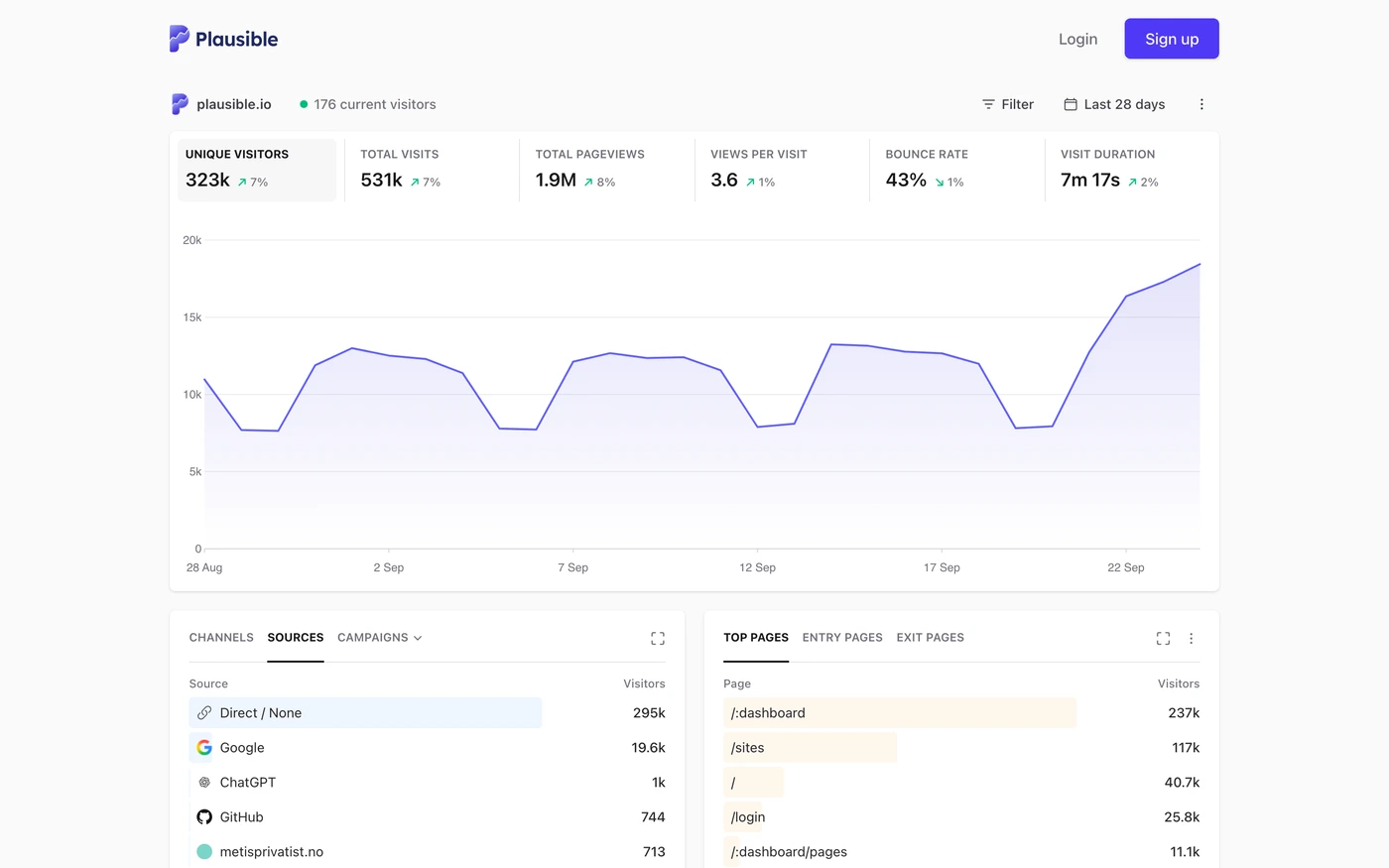

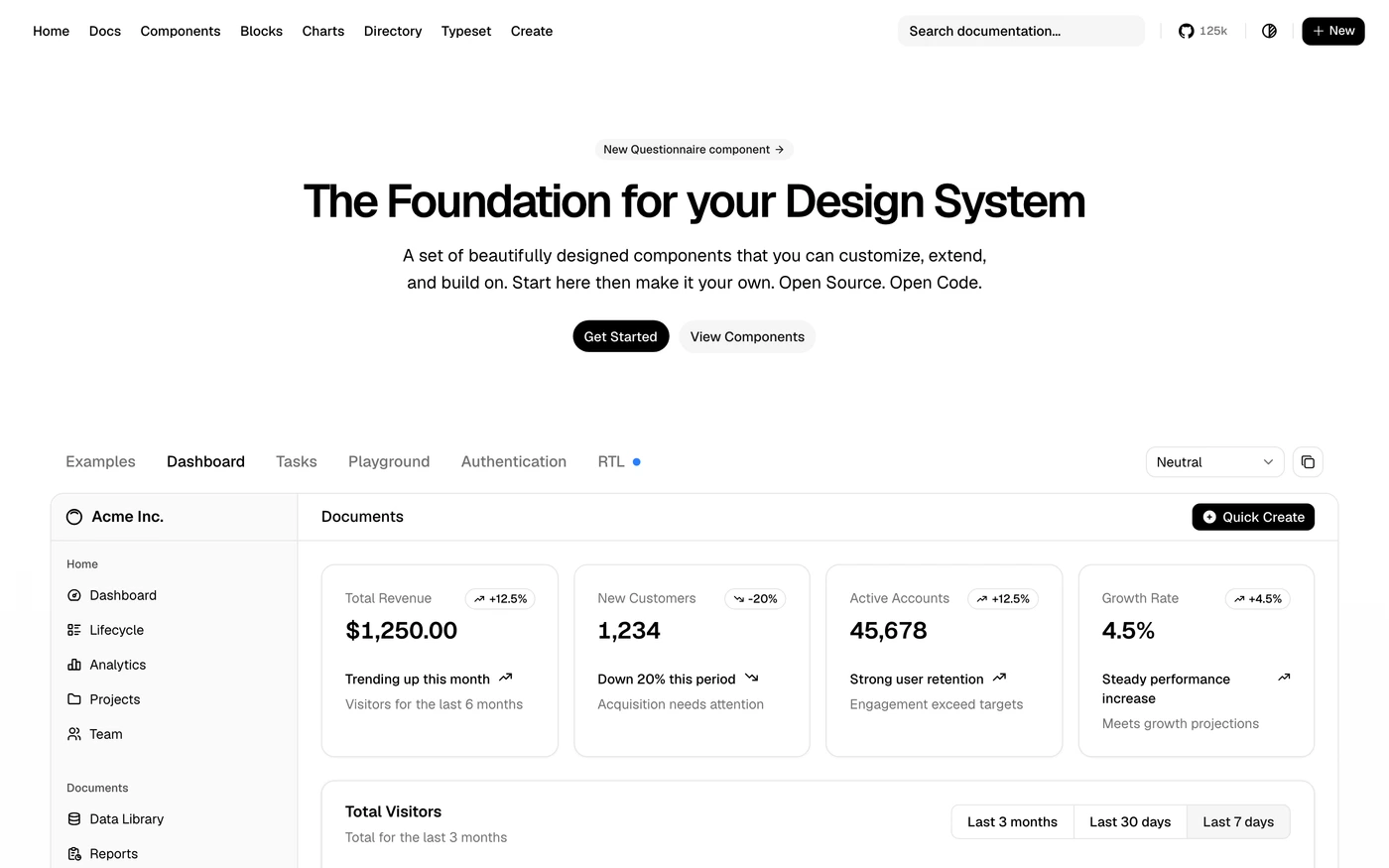

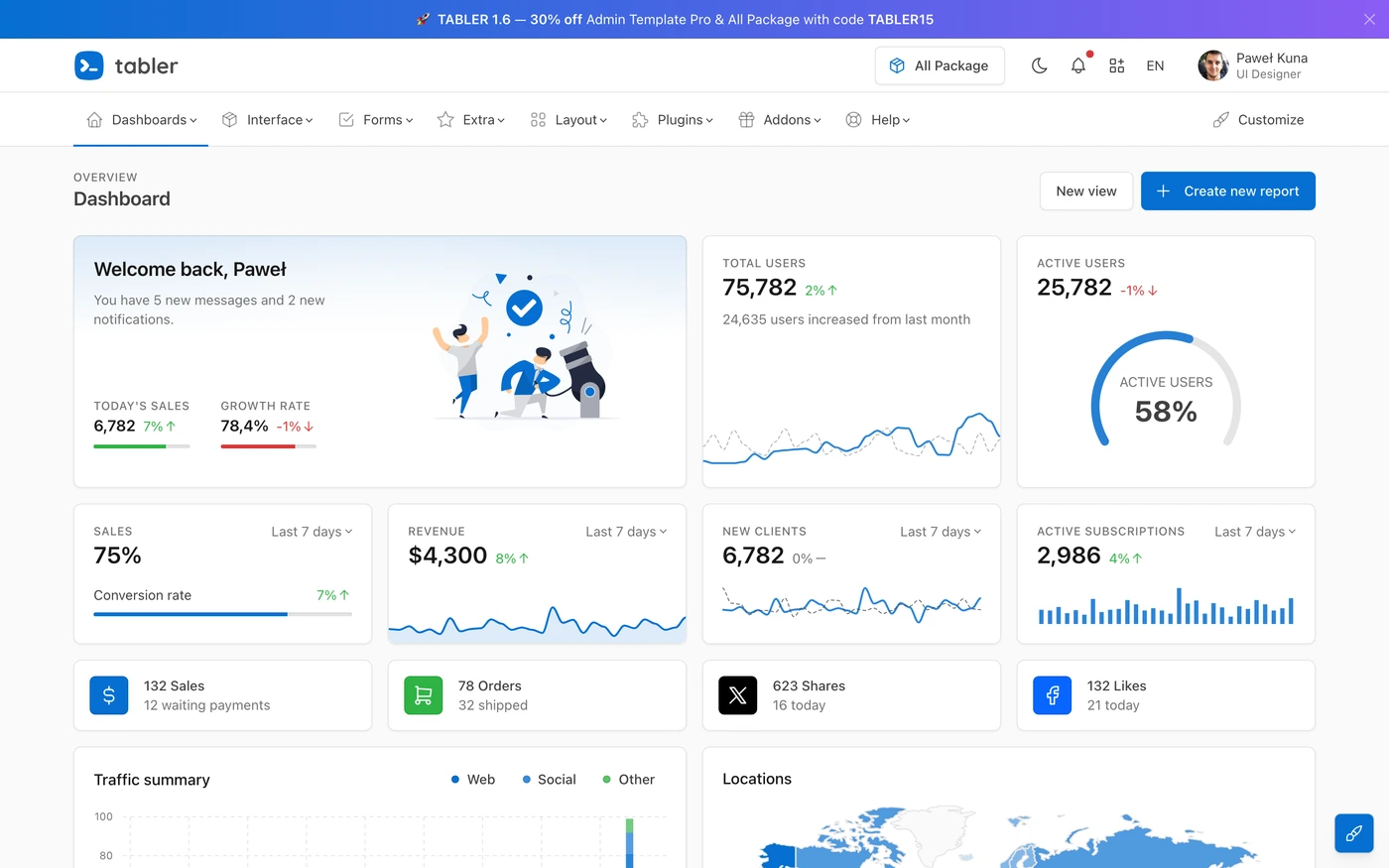

Sections captured: Screen, Screen, Screen, Content, Features, Features, Content, Features, Statement, Features, Features, Features, Testimonials, Statement, Content, Content, Content, Content, Content, Statement, Content, Features, Content, Features, Features, Content, Content, Features, Content, Statement, Logo cloud, Call to action, Content, Content, Blog, Content, Content, Statement, Features, Features, Content, Features, Stats, Content, Content, Features, Call to action, Features, Content, Statement, Content, Blog