
SaaS Dashboard Examples and Workspace UI Design
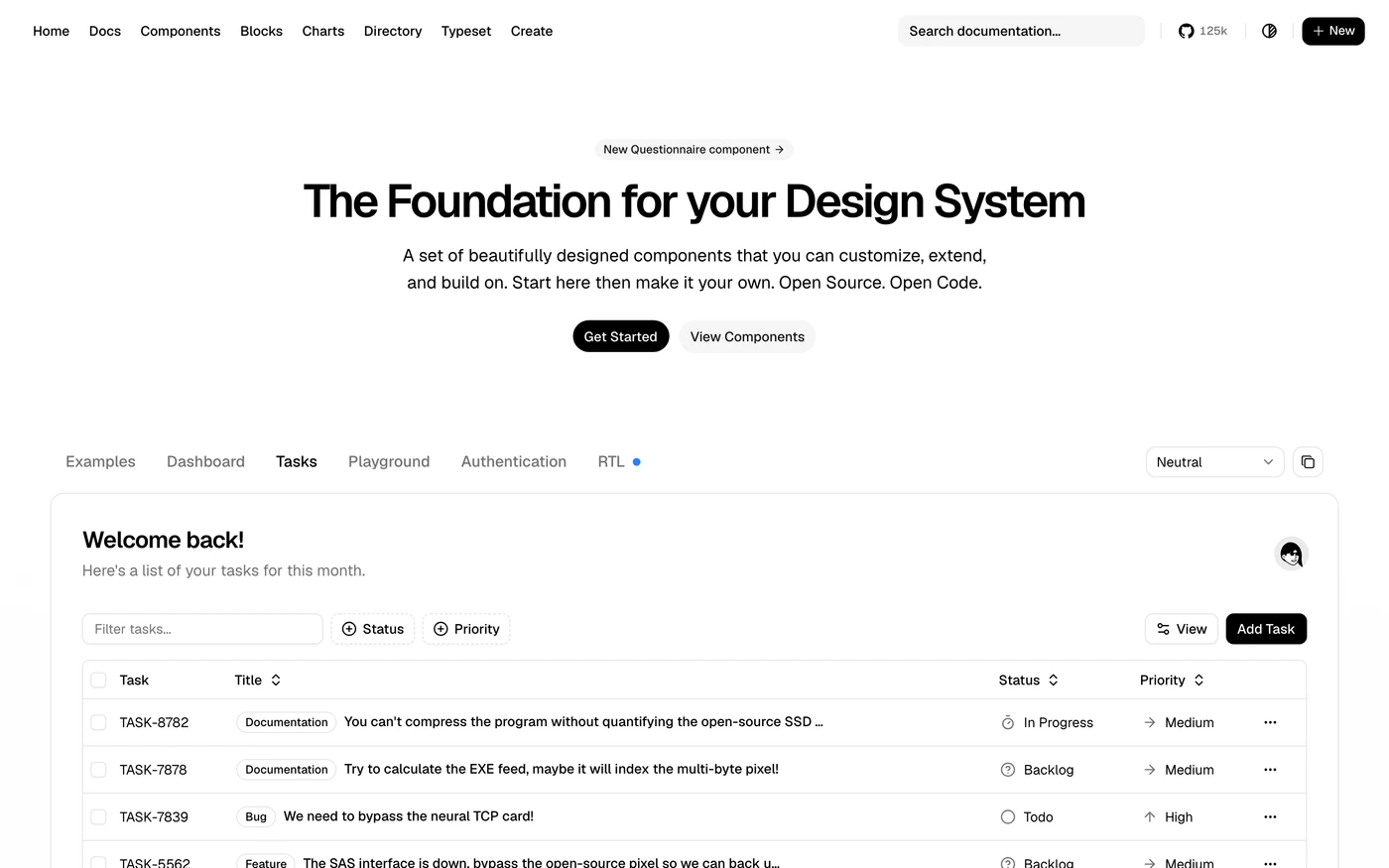
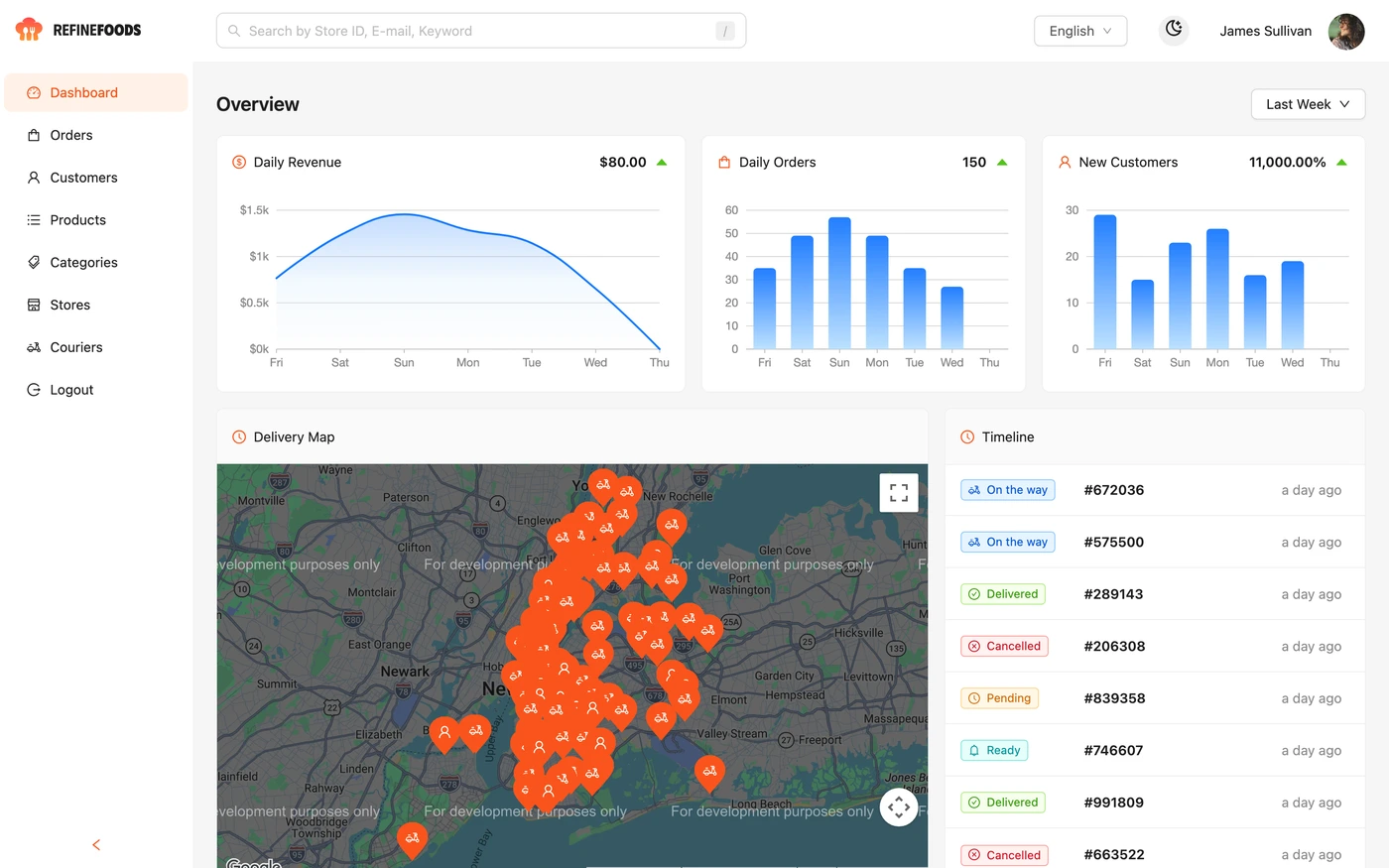
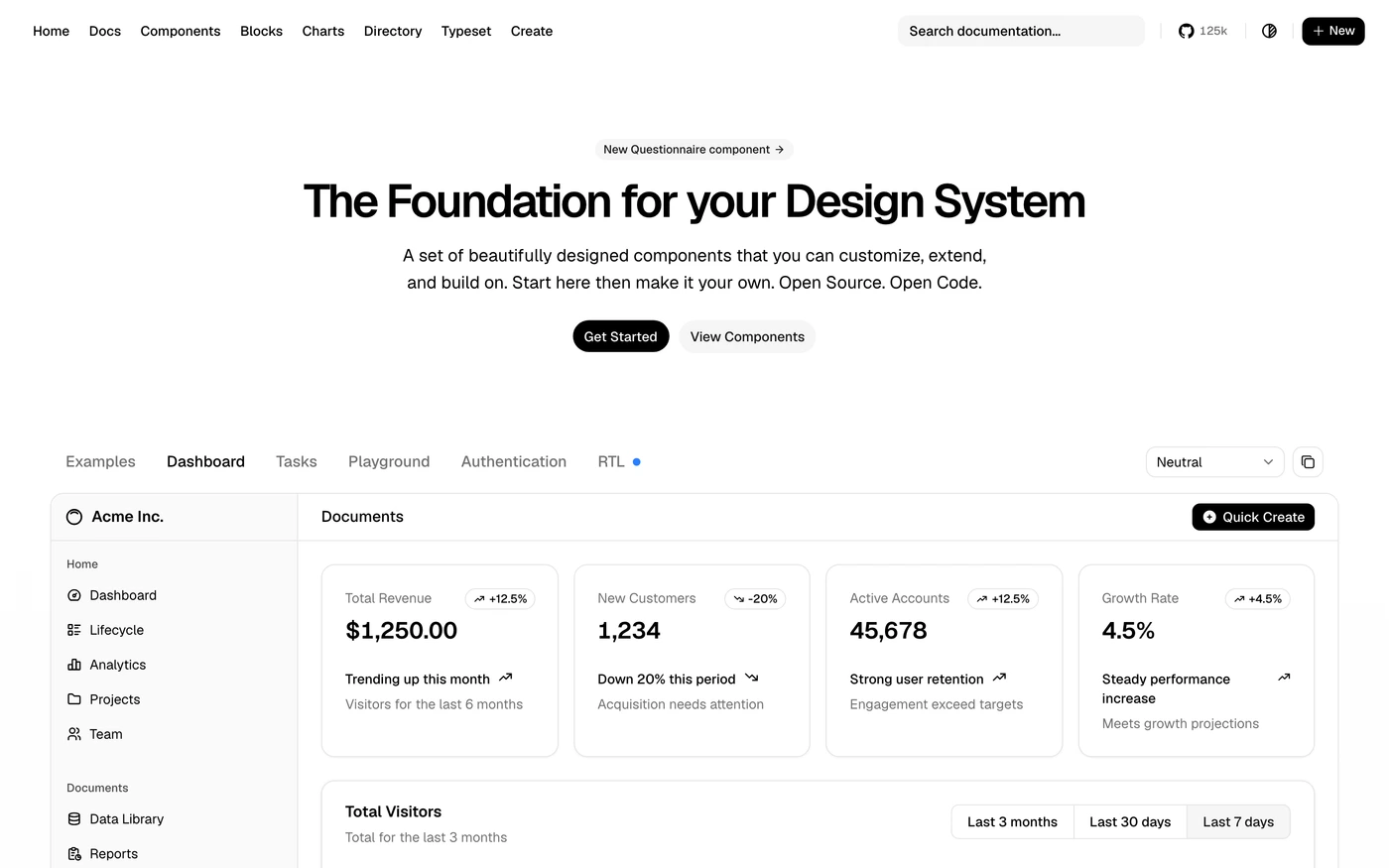
SaaS dashboards connect a workspace to everyday actions. Compare the captured references below for navigation and information density, then decide what the user should accomplish before choosing charts or decorative metric cards.
UI Discovery editorial · Updated
Captured dashboard references
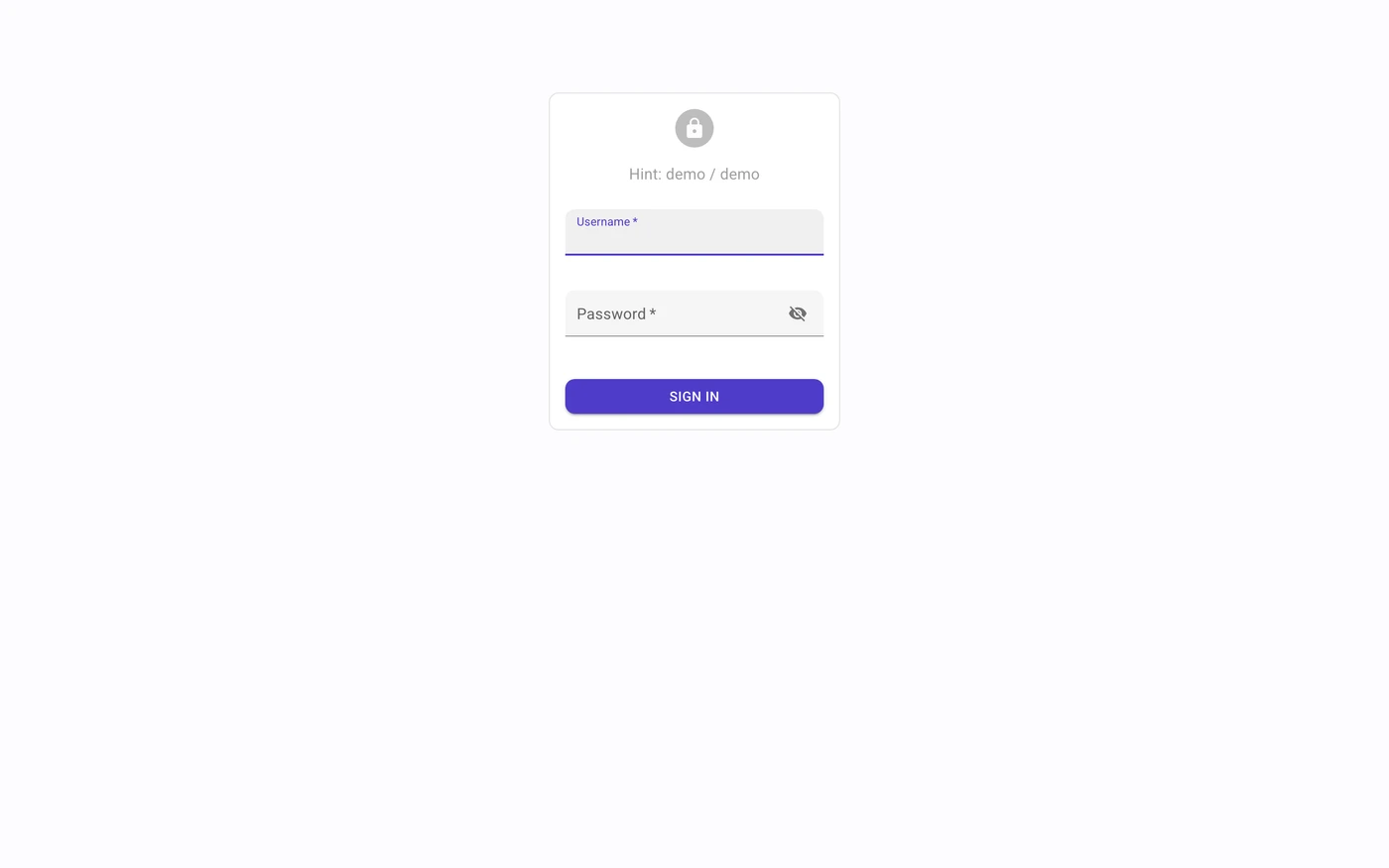
Open each collection for source context and captured screens. Product dashboards and public demo kits are references, not tested implementations of this guide.
How to use this guide
Choose navigation around repeat tasks
Separate stable product areas from temporary filters. A workspace switcher changes the context of the whole product; a status filter usually changes one list. Give both clear labels and preserve the selected context when the user drills into an item and returns.
Make operational data actionable
A useful admin table explains what each row represents and which action is available. Place status and ownership near the item name, use explicit dates and show sorting behavior. Differentiate a demo dashboard kit from a captured production product; neither screenshot alone proves performance or usability.
Build the first-use experience alongside the populated screen
An empty workspace needs an explanation and a first action. A filtered-empty list needs a way to clear the filter. A failed load needs retry and must not tell a returning customer that their work was deleted. These states should share the same navigation and page structure.
Review checklist
- Workspace context remains visible while navigating.
- Table actions have labels and do not depend on hover alone.
- First-use, no matches and failed loading are separate states.
Continue with real references
- SaaS metrics starter →
Inspect an original starting point for implementation.
- Dashboard build brief →
Turn the chosen hierarchy into an acceptance-tested task.
Common questions
Do these examples prove a design will convert better?
No. References and original demos explain design decisions; they do not establish conversion, performance or accessibility outcomes for your product. Test the implementation with your own users and data.
What should I check before publishing?
Workspace context remains visible while navigating. Table actions have labels and do not depend on hover alone. First-use, no matches and failed loading are separate states.